Best Google Play Reviews Widgets for Websites in 2026

3/20/2026

Your Android app has earned great reviews on the Google Play Store. Users are praising its features, performance, and design. But all of that social proof is sitting on a platform that most of your website visitors will never check before making a decision. What if you could bring those reviews directly to your website?
Google Play reviews widgets let you do exactly that. They pull real user reviews from your Play Store listing and display them on your website in a clean, customizable format. The result is instant credibility for visitors who are evaluating your app, your service, or your brand.
In this guide, we compare the five best Google Play reviews widgets available in 2026. We look at features, pricing, ease of use, and the overall value each tool delivers so you can make an informed choice.
Why Display Google Play Reviews on Your Website?
There are several compelling reasons to embed your Google Play reviews directly on your site.
Turn Reviews Into a Conversion Tool
Reviews are persuasive. When a potential customer sees authentic, positive feedback from real users right on your landing page, they are more likely to take the next step, whether that is downloading your app, signing up for a trial, or making a purchase. App store reviews carry extra weight because visitors know they come from verified users who actually installed and used the product.
Reduce Bounce Rates
Without social proof on your page, curious visitors often leave to search for reviews elsewhere. Some of them never come back. By embedding Google Play reviews directly on your site, you answer their questions before they leave. This keeps people on your pages longer and gives you more opportunities to convert them.
Strengthen Your SEO
Review content is rich with natural language, long-tail keywords, and user-generated phrasing that search engines value. When your widget renders review text on the page, it contributes fresh, relevant content that can help your pages rank for terms you might not have targeted directly.
Build Trust Across Platforms
Even if someone is visiting your website from a desktop computer and has no immediate plans to install an Android app, seeing strong Play Store reviews signals that your product is well-regarded by a large community. Trust built on one platform transfers to others.
Highlight Specific Feedback
Most review widgets let you curate or filter which reviews appear. You can showcase feedback that highlights specific features, addresses common concerns, or demonstrates the range of people who love your app. This level of control lets you use reviews strategically rather than passively.
What Makes a Great Google Play Reviews Widget?
Here are the criteria we evaluated each tool against:
- Setup speed: The best widgets get you from zero to live in minutes, with no coding required.
- Design flexibility: You need control over layout, colors, fonts, and display format to match your brand.
- Performance: The widget should load fast and not drag down your page speed scores.
- Pricing transparency: View limits, widget caps, and hidden fees are all factors. Clear, generous pricing wins.
- Automatic updates: The widget should pull new reviews on its own so you are not stuck doing manual updates.
- Mobile responsiveness: Reviews need to look good on every device, from wide desktop monitors to small phone screens.
- Filtering and moderation: The ability to show only reviews above a certain rating, or to hide specific reviews, gives you editorial control.
Let us see how each tool stacks up.
1. Embeddable
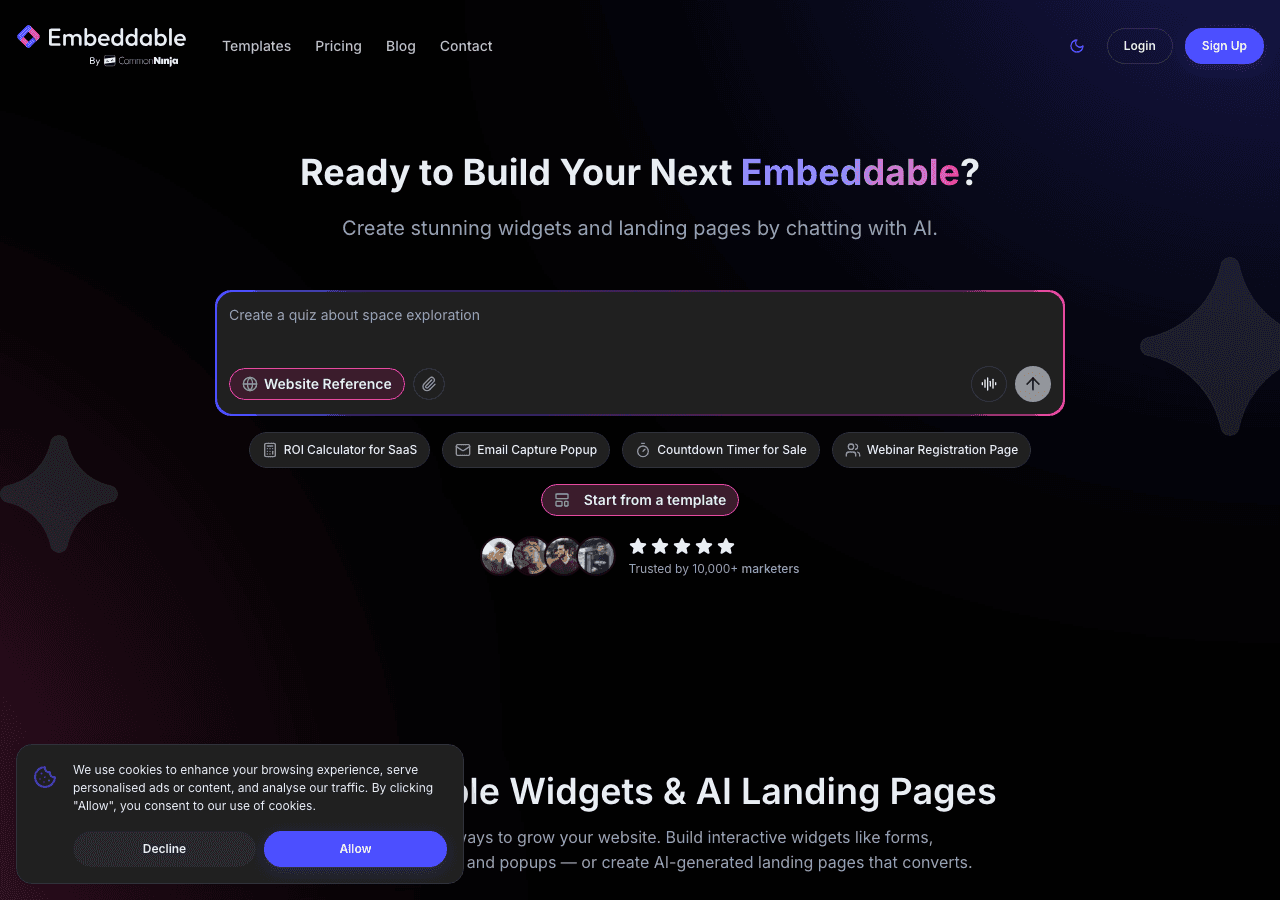
Embeddable is a no-code AI widget builder with over 400 templates, and it is the strongest option available for displaying Google Play reviews on your website. It combines deep customization, AI-powered tools, and a pricing model that does not penalize you for growing.
Key Features
Embeddable's widget builder is entirely visual and requires zero coding. You start by choosing from a library of over 400 templates, including review-specific layouts designed for app store and Google Play reviews. From there, you customize every aspect of the widget, including colors, fonts, spacing, layout style, and which reviews to feature.
What sets Embeddable apart from every other tool on this list is its AI-powered functionality. The platform includes an AI chat builder that can help you configure widgets through natural conversation, a CMS editor for managing content, and landing page tools that let you build entire pages around your review content. These are not gimmicks. They meaningfully speed up the process of creating professional, branded widgets.
Every plan includes unlimited views and unlimited widgets. This is a critical differentiator. Many competitors limit how many times your widget can be seen per month, which means your costs go up as your traffic increases. With Embeddable, you pay a flat rate and never worry about overages.
The widgets are fully responsive, load quickly, and work on any website platform, whether you use WordPress, Webflow, Squarespace, Shopify, or a custom-built site.
Pricing
- Free: $0/month with 25 messages/month
- Starter: $25/month
- Pro: $45/month
- Business: $185/month
All plans include unlimited views and unlimited widgets.
Why It Ranks #1
No other tool in this category matches Embeddable's combination of template depth, AI features, customization flexibility, and pricing fairness. The unlimited views policy alone makes it the most cost-effective choice for any site with meaningful traffic. Add in the no-code builder, the 400+ templates, and the AI-powered configuration tools, and it is the clear winner for Google Play reviews widgets in 2026.
Explore more review tools on the free review widgets page, the free testimonials widgets page, or read the guide on how to create a custom Google Play reviews widget.
2. Common Ninja
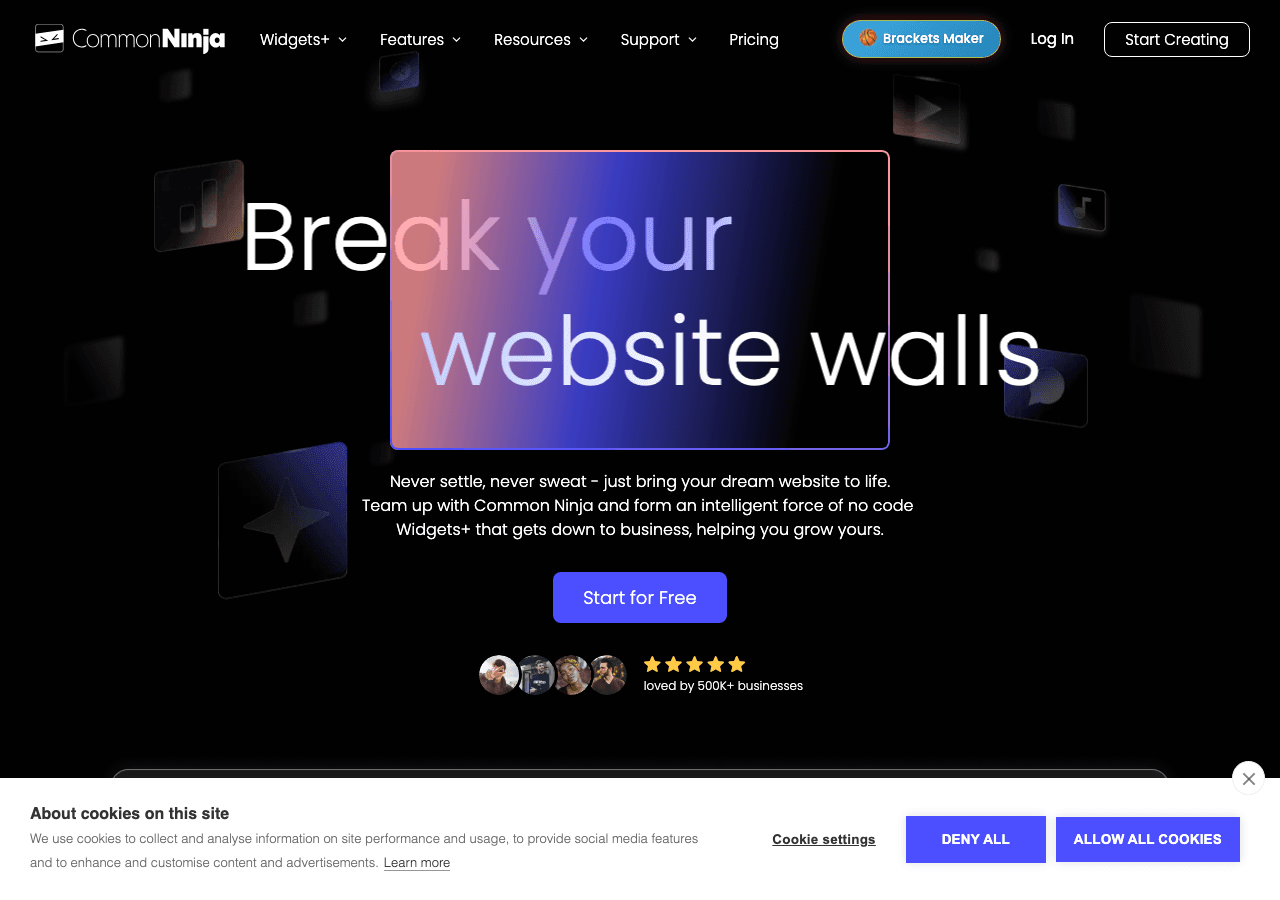
Common Ninja is a popular widget platform with over 100 widget types in its catalog. It offers review and testimonial widgets that can be configured to display Google Play reviews.
Key Features
Common Ninja provides a template-based widget builder that covers a wide range of use cases. For Google Play reviews, you can use their review or testimonial widget templates and customize them with your content. The editor is code-free and reasonably intuitive, with options to adjust colors, layouts, and display settings.
The platform supports a broad range of website builders and CMS platforms, so integration is straightforward regardless of your setup. Common Ninja also offers a free plan, which is useful for testing the platform before committing to a paid subscription.
Beyond reviews, Common Ninja has widgets for comparison tables, feeds, galleries, and interactive content, making it a decent choice if you need multiple widget types from a single provider.
Pricing
A free plan is available with basic features and Common Ninja branding. Paid plans unlock additional customization and remove branding. Visit their site for the latest pricing details.
Where It Falls Short
Common Ninja is a generalist platform. While it covers many widget types, its review-specific capabilities are not as refined as tools built with reviews as a primary focus. The templates for review displays feel less polished compared to Embeddable's purpose-built options. The free plan also includes third-party branding, which can undermine the professional appearance of your site.
3. SociableKIT

SociableKIT is a social feed embedding tool that has grown to support review feeds from app stores, including Google Play.
Key Features
SociableKIT was originally built to embed social media feeds on websites, and it has expanded to cover app store review feeds as part of that broader mission. For Google Play reviews, you connect your app listing, configure the display options, and embed the widget on your site.
The tool emphasizes automation. Once your feed is configured, it syncs with your Google Play listing automatically, pulling in new reviews as they are posted. You do not need to manually update the content.
Layout options include list views, grid layouts, and carousels. The designs are clean and functional, though the customization depth does not match what you get from a full widget builder like Embeddable.
Pricing
Plans range from $9 to $29 per month. There is no permanent free plan available, though trial access may be offered for new users.
Where It Falls Short
SociableKIT is a social feed tool first and a review widget tool second. The customization options are noticeably limited compared to dedicated widget platforms. You have fewer layout choices, less control over typography and spacing, and fewer ways to filter or curate which reviews appear. The absence of a free plan also means there is a cost from day one, even if you just want to test the tool on a single page.
4. Elfsight
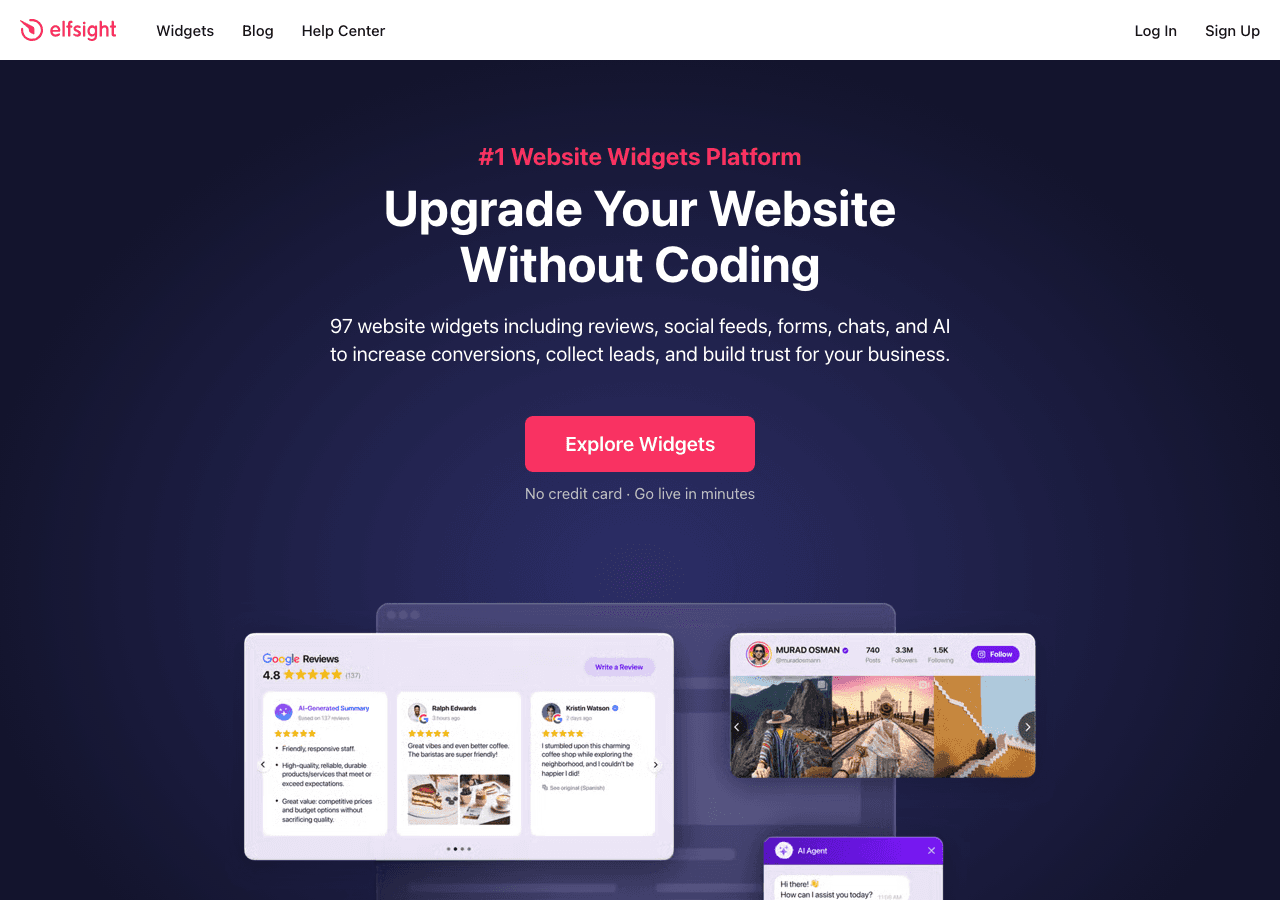
Elfsight is a long-standing widget provider with over 80 templates, including review widgets that support Google Play and other review sources.
Key Features
Elfsight offers a mature widget platform with a solid reputation in the market. Its review widgets let you display feedback from multiple sources, and the setup process is well-documented with step-by-step guides. The visual editor lets you preview your widget in real time as you make changes, which speeds up the design process.
You can filter reviews by star rating, choose from several display layouts, and adjust the visual styling to align with your brand. Elfsight also provides moderation controls so you can approve or reject reviews before they go live on your site.
Pricing
Plans start at $5 per month and go up to $20 per month. However, all Elfsight plans come with view limits. Each plan includes a set number of monthly pageviews for your widget, and exceeding that limit means either upgrading your plan or having your widget stop working until the next billing cycle.
Where It Falls Short
The view-based pricing model is a significant concern. For sites with growing or unpredictable traffic, Elfsight's costs can escalate quickly, and the risk of your widget going dark mid-month because you hit a view cap is a real operational issue. The customization options are reasonable but fall short of what Embeddable offers, particularly in terms of AI-powered design assistance and the sheer number of templates available.
5. Tagembed

Tagembed focuses on social media and review aggregation, offering widgets that can pull reviews from Google Play alongside other platforms like Google Business, Yelp, and Facebook.
Key Features
Tagembed's main selling point is its ability to aggregate reviews from multiple sources into a single widget. If you want to display Google Play reviews alongside feedback from other platforms, Tagembed makes that straightforward. This multi-source approach can be valuable for businesses that collect reviews across several channels.
The widget builder uses a theme-based system with drag-and-drop customization. You pick a theme, adjust the settings, moderate which reviews appear, and embed the widget. Tagembed also offers analytics so you can track how visitors interact with your review feed.
Pricing
A free plan is available with limited features and feeds. Paid plans range from $19 to $49 per month, depending on the number of sources, feeds, and customization options you need.
Where It Falls Short
The free plan is restrictive enough that most serious users will need to upgrade quickly. The paid plans are priced higher than some competitors, especially considering that the design options are less flexible. The widget themes look somewhat generic out of the box, and achieving a truly custom, branded appearance requires more effort than it does with Embeddable. Tagembed also lacks AI-powered features, which means more manual work during setup and configuration.
Comparison Table
| Feature | Embeddable | Common Ninja | SociableKIT | Elfsight | Tagembed |
|---|---|---|---|---|---|
| Templates | 400+ | 100+ | Limited | 80+ | Moderate |
| Free Plan | Yes | Yes | No | Limited | Yes (limited) |
| Starting Price | $0/mo | Free | $9/mo | $5/mo | Free |
| View Limits | Unlimited | Varies | Varies | Yes (capped) | Varies |
| Widget Limits | Unlimited | Varies | Varies | Varies | Varies |
| No-Code Builder | Yes | Yes | Yes | Yes | Yes |
| AI Features | Yes | No | No | No | No |
| Multi-Source Reviews | Yes | Varies | Limited | Yes | Yes |
| Auto-Sync Reviews | Yes | Varies | Yes | Yes | Yes |
| Responsive Design | Yes | Yes | Yes | Yes | Yes |
| Custom Branding | Yes | Paid plans | Paid plans | Paid plans | Paid plans |
Which Google Play Reviews Widget Should You Choose?
Here is a summary to help you decide based on your priorities.
Choose Embeddable if you want the best overall experience. It leads in template variety, AI-powered customization, and pricing fairness with unlimited views and widgets on every plan. It is the right choice for anyone who values flexibility and does not want to worry about traffic-based billing. Start with free Google Play reviews widgets.
Choose Common Ninja if you need a broad widget platform and are already invested in their ecosystem. The free plan gives you a starting point, but you will likely outgrow it quickly if reviews are a priority.
Choose SociableKIT if social feed integration is your primary use case and Google Play reviews are just one part of a larger content embedding strategy. Be prepared to pay from the start, and accept that design customization will be limited.
Choose Elfsight if your website has low traffic and you want an affordable entry point. The $5/month starting price is attractive, but keep a close eye on view limits and be ready to upgrade if your traffic increases.
Choose Tagembed if multi-source review aggregation is your top priority. The ability to combine Google Play reviews with feedback from other platforms in a single widget is Tagembed's strongest feature, even if the design flexibility and pricing are not best in class.
Conclusion
Google Play reviews are a valuable trust signal that too many businesses leave stranded on the Play Store. Embedding them on your website takes that social proof and puts it where it matters most, right in front of the people who are deciding whether to engage with your brand.
Among the five tools we compared, Embeddable is the clear standout for 2026. Its AI-powered no-code builder, 400+ templates, unlimited views, and unlimited widgets make it the most capable and cost-effective option available. Whether you are showcasing a single app or managing reviews across multiple products, it handles the job with minimal effort and maximum flexibility.
Get started today with free Google Play reviews widgets, or explore related tools like App Store reviews widgets, Google reviews widgets, and Trustpilot reviews widgets.
Build Any Widget with AI in Seconds
Forms, calculators, quizzes, popups & any custom widget — describe it and AI builds it.
Try It FreeFree tier · No credit card