Best Instagram Carousel Widgets for Websites in 2026


An Instagram carousel widget turns your latest posts into a scrollable, interactive element on your website. Unlike a static grid, a carousel lets visitors swipe or click through your content in a compact space, making it ideal for headers, sidebars, product showcases, and landing pages where screen real estate is limited.
Carousels are especially effective for businesses that post frequently. Instead of showing a fixed set of images, a carousel keeps cycling through your most recent content, giving every post a chance to be seen. They also add a sense of motion to your page, drawing the eye and encouraging interaction.
But not every Instagram carousel widget is built the same. Some offer rich animation options and deep customization, while others give you a basic horizontal scroll with minimal control. Pricing models vary widely too, from unlimited views to strict impression caps that can catch you off guard.
In this comparison, we evaluate the five best Instagram carousel widgets for websites in 2026. We look at design options, ease of setup, performance, and pricing to help you make the right choice. If you want to try a carousel widget right now, head over to our free Instagram carousel widgets page.
What Makes a Great Instagram Carousel Widget?
A carousel is more than just a row of images that scrolls. Here is what separates the best Instagram carousel widgets from the rest.
Smooth, Responsive Scrolling
The carousel needs to feel natural on every device. That means smooth touch-based swiping on mobile, clean arrow navigation on desktop, and responsive breakpoints that adjust the number of visible items based on screen width. Janky scrolling or unresponsive touch targets will frustrate visitors and hurt your credibility.
Customizable Slide Behavior
You should be able to control how many posts are visible at once, how fast the carousel auto-scrolls (if at all), whether it loops infinitely, and what transition effects are used between slides. Some users want a slow, elegant fade between posts. Others want a quick snap scroll. The best tools give you both options and everything in between.
Visual Design Control
Beyond the sliding mechanics, you need control over image sizing, aspect ratios, spacing between slides, border radius, shadow effects, and overlay text. A carousel that looks generic will not do your brand any favors. The widget should adapt to your site's visual identity, not the other way around.
Reliable Content Syncing
Your carousel should update automatically when you post new content to Instagram. Token management, API refresh handling, and graceful fallbacks when Instagram's servers are slow are all things that happen behind the scenes but make the difference between a widget that works reliably and one that breaks every few weeks.
Transparent, Scalable Pricing
View-capped pricing is particularly problematic for carousels because they tend to be placed on high-traffic pages like homepages and landing pages. A pricing model that charges per impression can get expensive fast. Look for tools that offer unlimited views so you can place your carousel wherever you want without watching your bill.
1. Embeddable
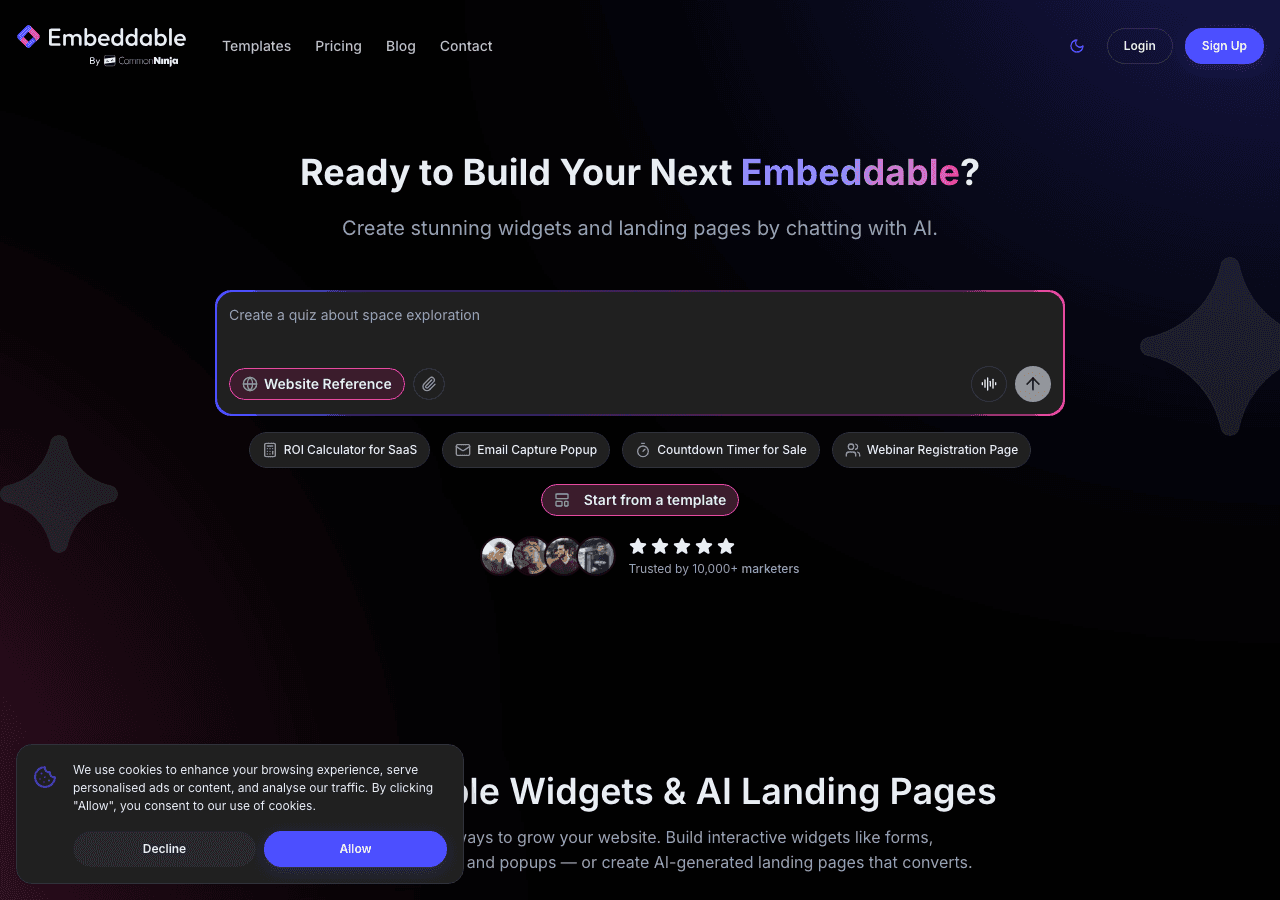
Embeddable is the best Instagram carousel widget available in 2026, and it is not close. As a no-code AI widget builder with over 400 templates, Embeddable gives you the tools to build a carousel that looks and behaves exactly the way you want.
The visual editor lets you design your carousel from scratch or start with a template and customize from there. You have full control over slide count, transition speed, animation style, autoplay behavior, navigation arrows, dot indicators, and loop settings. On the design side, you can adjust image dimensions, aspect ratios, spacing, border radius, shadows, overlay text, and color schemes. Every element is configurable without writing code.
What really separates Embeddable from the competition is the broader platform. Your carousel widget does not have to exist in isolation. With Embeddable's CMS editor, you can pair it with text content, calls to action, or other widgets to create complete sections of your page. The AI chat builder and landing page tools mean you can build entire experiences around your Instagram content, not just embed it.
Performance is another area where Embeddable excels. Images are optimized and lazy-loaded, so your carousel does not slow down your page even when displaying high-resolution photos. The platform handles Instagram API token refreshes automatically, so your feed stays connected without manual intervention.
Pricing:
- Free: $0/month, 25 messages/month
- Starter: $25/month, unlimited pageviews
- Pro: $45/month
- Business: $185/month
Every paid plan includes unlimited views and unlimited widgets. This is critical for carousels, which are often placed on the highest-traffic pages of a website.
Get started with our free Instagram carousel widgets. You can also explore our free Instagram feed widgets and free Instagram slider widgets for other layout options.
2. Common Ninja
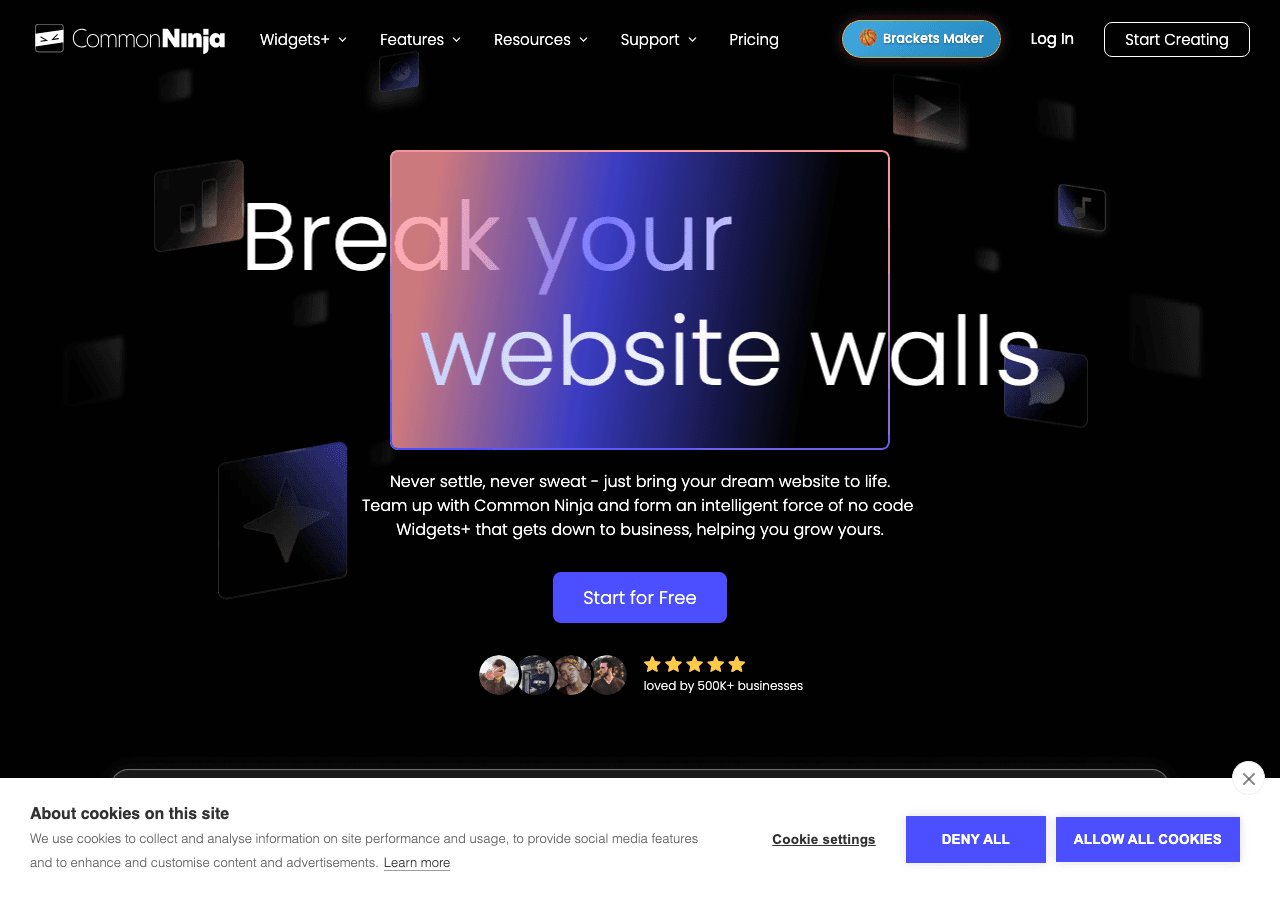
Common Ninja offers a carousel widget as part of its library of over 100 widget types. The platform uses a template-based approach, so you start with a pre-designed carousel and then adjust it to match your needs.
The carousel options are solid. You can control the number of visible slides, enable or disable autoplay, adjust transition speed, and choose between slide and fade animations. The editor is intuitive, and most customizations can be made with a few clicks. Common Ninja works across all major website builders, including WordPress, Wix, Squarespace, and Shopify.
One of Common Ninja's strengths is the ecosystem. If you need other widgets alongside your Instagram carousel, like a pricing table, an FAQ accordion, or a testimonial slider, you can build them all from the same dashboard. This is convenient for teams that manage multiple types of embedded content.
The free plan provides a good starting point, with access to core templates and basic customization. Paid plans unlock advanced features and remove branding. However, Common Ninja does not match Embeddable's depth of design control or its AI-powered features. The visual editor covers the essentials, but if you want pixel-level precision or unique animation behaviors, you may find the options limiting.
Common Ninja is a strong second choice, especially for users who value having many widget types available in a single platform.
3. Elfsight
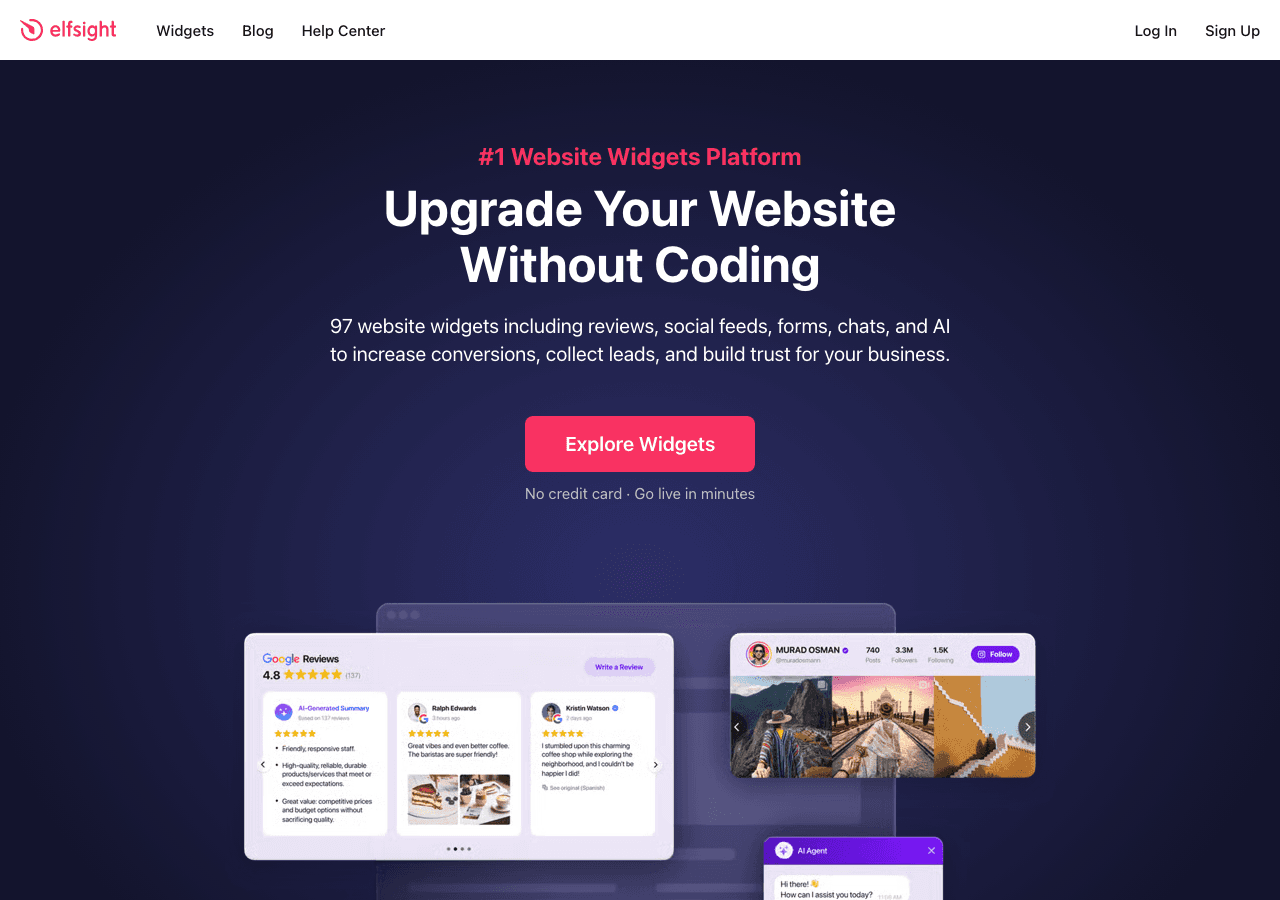
Elfsight provides a polished Instagram widget that includes a carousel display mode. With over 80 templates in their library, the platform is well-known for making widget setup fast and painless.
The carousel mode in Elfsight's Instagram widget lets you display posts in a horizontal scrolling format with configurable slide counts, autoplay, and navigation controls. The default designs look professional, and you can adjust colors, fonts, and basic layout parameters through the editor.
Setup takes only a few minutes. You connect your Instagram account, pick the carousel layout, make your customizations, and copy the embed code to your site. For users who want to get something live quickly without spending time on design decisions, Elfsight is efficient.
The major caveat with Elfsight is view-based pricing. Plans range from $5 to $20 per month, but each tier comes with a cap on how many times the widget can be displayed. For a carousel that sits on your homepage, those views can add up fast. Exceeding your limit means the widget stops rendering for additional visitors until your billing cycle resets.
The free plan includes Elfsight branding and even stricter view limits, which makes it more of a trial than a usable long-term option. Customization depth is moderate. You get enough options to make the widget look decent, but you do not have the full control that Embeddable's visual editor provides.
Elfsight is a reasonable choice for low-traffic sites that need a carousel set up quickly. For sites with meaningful traffic, the view caps make it hard to justify over Embeddable's unlimited views model.
4. SociableKIT
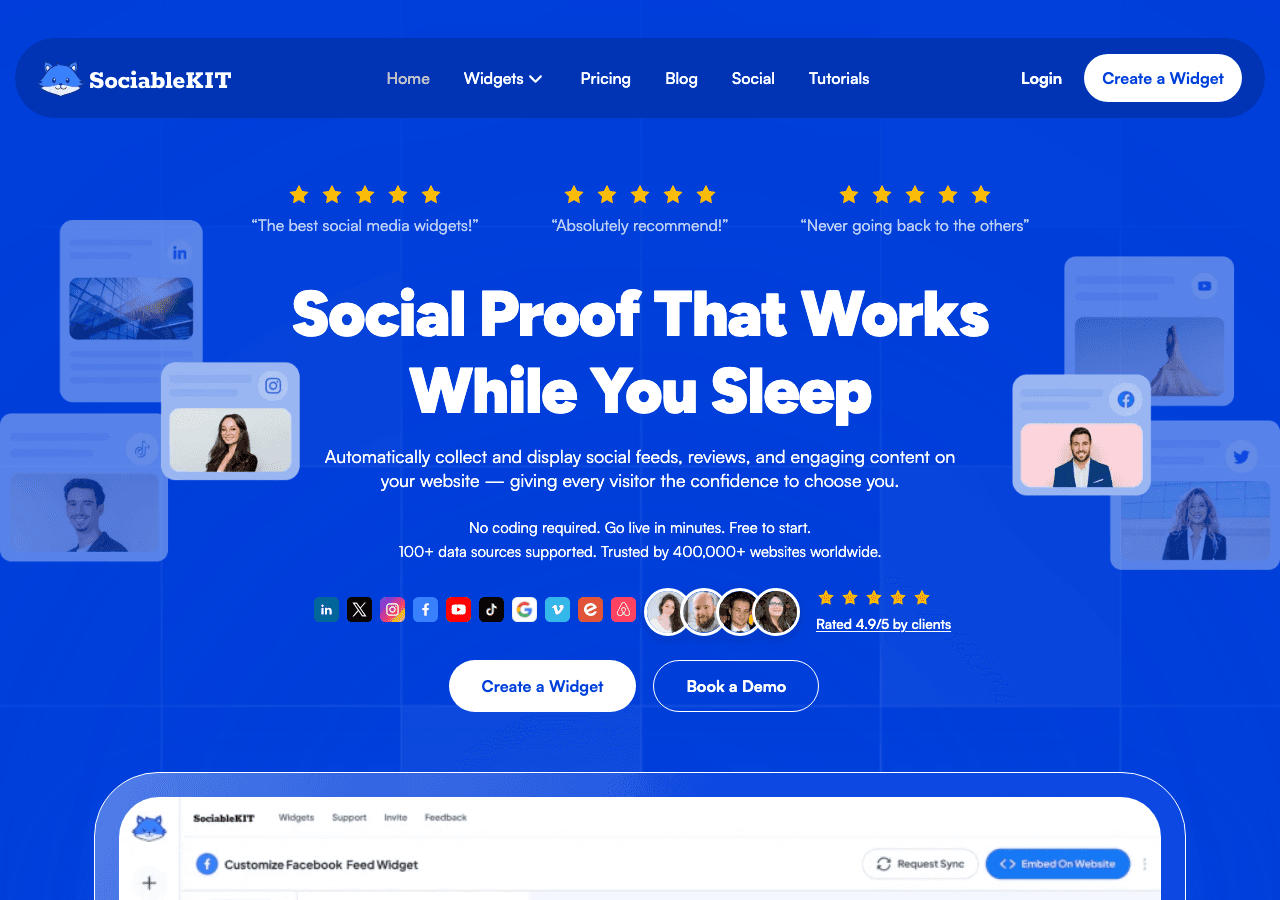
SociableKIT is a social media feed specialist, and while it is primarily known for grid-style feeds, it does offer carousel and slider display options for Instagram content. If you already use SociableKIT for other social feeds, adding a carousel is straightforward.
The carousel configuration covers the basics. You can set the number of visible posts, enable autoplay, and adjust timing. Display options include showing or hiding captions, usernames, and like counts. The widget is responsive and works across standard website builders.
Where SociableKIT shows its strength is in social media expertise. The platform handles Instagram's API well, supports both personal and business accounts, and can pull content from hashtags and mentions in addition to your own posts. If your carousel needs to display user-generated content or branded hashtag campaigns, SociableKIT handles that natively.
Pricing runs from $9 to $29 per month with no free plan. For what amounts to a social media feed tool with a carousel layout option, this can feel steep compared to a platform like Embeddable that offers far more functionality at a similar price point.
The limitation is customization. You can adjust basic parameters, but you do not get the visual design depth that Embeddable or even Common Ninja provides. The carousel looks clean but generic. If matching your brand's visual identity is important, you will find the options restrictive.
SociableKIT is best for users who are already invested in its ecosystem for social feeds and want to add a carousel without switching platforms.
5. Tagembed

Tagembed is a social media widget platform that focuses on aggregating and displaying social content on websites. Their Instagram widget includes a carousel display mode that works well for basic use cases.
Setting up a carousel with Tagembed involves connecting your Instagram account, selecting the carousel layout, and customizing a few display options. The widget supports autoplay, navigation arrows, and configurable slide counts. You can also moderate content before it appears on your site, which is useful if you are pulling from hashtags.
Tagembed offers a free plan with limited features and branding. Paid plans range from $19 to $49 per month and unlock more feeds, remove branding, and add customization options. The platform supports multiple social networks, so you can combine Instagram with other sources if needed.
The design options in Tagembed are functional but not extensive. You can adjust basic colors and layout parameters, but you will not find the level of visual control that Embeddable offers. The carousel animations are smooth enough for most purposes, though they lack the refined transitions and timing controls available in more advanced tools.
Performance is generally good, though the widget's JavaScript payload is slightly heavier than some competitors. On high-performance sites where every kilobyte matters, this is worth considering.
Tagembed is a reasonable option if you need a multi-network social aggregator with carousel support. For a dedicated Instagram carousel widget with full design control, Embeddable remains the better choice.
Comparison Table
| Feature | Embeddable | Common Ninja | Elfsight | SociableKIT | Tagembed |
|---|---|---|---|---|---|
| Free Plan | Yes (25 messages/mo) | Yes | Yes (view-limited) | No | Yes (limited) |
| Starting Price | $25/mo | Free | $5/mo | $9/mo | $19/mo |
| Unlimited Views | Yes (all paid plans) | Varies | No (view-capped) | Yes | Varies |
| Carousel Customization | Full (speed, animation, loop, navigation) | Good (template-based) | Moderate | Basic | Basic |
| Visual Design Control | Full visual editor | Template-based | Moderate | Basic | Basic |
| AI Features | Yes (chat builder, AI tools) | No | No | No | No |
| Templates | 400+ | 100+ | 80+ | Social-focused | Social-focused |
| Content Moderation | Yes | Yes | Limited | Yes | Yes |
| Best For | Full customization + scale | Multi-widget platform | Quick setup, low traffic | Social feed specialist | Social aggregation |
Which Instagram Carousel Widget Should You Choose?
Your decision comes down to how much control you want and how much traffic your site receives.
Choose Embeddable if you want the most powerful carousel builder available. Full control over animations, design, and behavior combined with unlimited views and a growing set of AI tools makes it the clear leader. Start with our free Instagram carousel widgets to experience the difference.
Choose Common Ninja if you want a dependable widget platform with good carousel templates and the convenience of having many other widget types in the same ecosystem.
Choose Elfsight if you have a small site with low traffic and need to get a carousel live in minutes. Just be aware of the view caps that come with every plan.
Choose SociableKIT if you are already using the platform for social feeds and want to add carousel functionality without adopting a new tool.
Choose Tagembed if your primary need is aggregating content from multiple social networks into a carousel format on your website.
Conclusion
Instagram carousel widgets give your website a dynamic, engaging way to showcase your latest content without taking up too much space. All five tools reviewed here can create a functional carousel, but the differences in customization, pricing, and scalability are significant.
Embeddable is the best Instagram carousel widget for websites in 2026. Its visual editor gives you complete control over every aspect of the carousel, from slide transitions to overlay text. Unlimited views on every paid plan means you can place your carousel on your homepage, landing pages, and anywhere else without worrying about caps. And with AI-powered tools, a CMS editor, and landing page capabilities, Embeddable is not just a widget builder. It is a platform for creating complete web experiences.
Try our free Instagram carousel widgets to see what Embeddable can do. And if you are exploring other display styles, check out our free Instagram feed widgets and free Instagram slider widgets as well.
Build Any Widget with AI in Seconds
Forms, calculators, quizzes, popups & any custom widget — describe it and AI builds it.
Try It FreeFree tier · No credit card