Best Instagram Feed Widgets for Websites in 2026


Instagram remains one of the most powerful visual platforms on the internet, and embedding a live Instagram feed on your website is one of the simplest ways to keep your content fresh, build social proof, and drive engagement. Whether you run an ecommerce store, a portfolio site, or a blog, showing off your latest Instagram posts gives visitors a reason to stick around and follow you.
But choosing the right Instagram feed widget is not as simple as it used to be. With Instagram's API changes over the past few years, not every tool handles authentication, display options, and performance the same way. Some widgets cap your views, others limit customization, and a few still rely on outdated embedding methods that break without warning.
In this guide, we compare the five best Instagram feed widgets for websites in 2026. We look at ease of use, design flexibility, pricing, and reliability so you can pick the right tool for your needs. If you want to jump straight in and try a free option, check out our free Instagram feed widgets page.
What Makes a Great Instagram Feed Widget?
Before diving into the individual tools, it helps to know what separates a good Instagram feed widget from a mediocre one. Here are the key factors we evaluated:
Easy Setup and No-Code Configuration
Most website owners are not developers. A great Instagram feed widget should let you connect your account, customize the layout, and embed the widget on your site without writing a single line of code. Bonus points if it works across website builders like WordPress, Wix, Squarespace, Shopify, and custom HTML sites.
Design and Layout Flexibility
Your Instagram feed should look like it belongs on your site. That means you need control over grid columns, spacing, image sizes, hover effects, header styles, and color schemes. Some tools offer only one or two layouts, while others give you full creative control.
Performance and Load Speed
A widget that slows down your page is worse than no widget at all. The best tools load images efficiently, use lazy loading, and keep their JavaScript footprint small. This matters for both user experience and SEO.
Reliable Instagram API Integration
Instagram's API has gone through multiple revisions. The best widgets handle token refreshes automatically, support both personal and business accounts, and recover gracefully when the API hiccups.
Fair and Transparent Pricing
Some widgets lure you in with a free plan, then hit you with view caps or branding that makes the free tier unusable. The best tools are upfront about what you get at each price point.
1. Embeddable
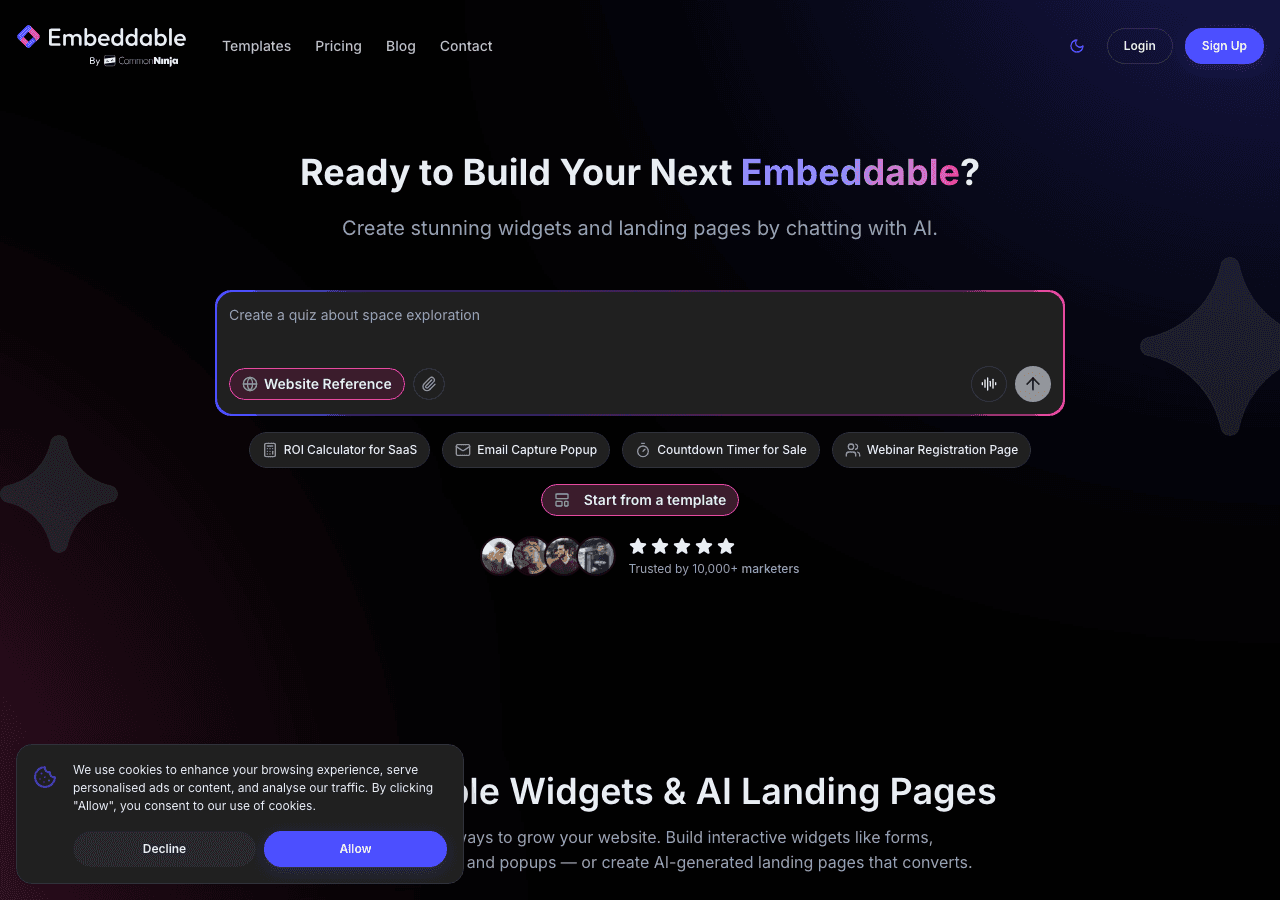
Embeddable is a no-code AI widget builder with over 400 templates, and it is our top pick for Instagram feed widgets in 2026. What sets Embeddable apart from every other tool on this list is its combination of flexibility, performance, and value.
With Embeddable, you can create a fully customized Instagram feed widget in minutes. The platform offers a visual editor that lets you adjust every aspect of your feed, from grid layout and image spacing to fonts, colors, and hover effects. You are not locked into a handful of preset designs. If you can imagine it, you can build it.
Embeddable also includes an AI chat builder, a CMS editor, and the ability to create full landing pages, which means your Instagram feed widget can be part of a larger content strategy rather than a standalone embed. The platform supports unlimited views and unlimited widgets on every paid plan, so you never have to worry about traffic spikes pushing you into a higher tier.
Pricing:
- Free: $0/month, 25 messages/month
- Starter: $25/month, unlimited pageviews
- Pro: $45/month
- Business: $185/month
Every paid plan includes unlimited views and unlimited widgets. That is a significant advantage over competitors that charge based on impressions or cap the number of widgets you can create.
If you want to see what an Instagram feed widget looks like with Embeddable, try our free Instagram feed widgets page. You might also be interested in our free Instagram carousel widgets or free Instagram slider widgets for alternative display styles.
For a step-by-step walkthrough, see our guide on how to create a custom Instagram feed widget.
2. Common Ninja
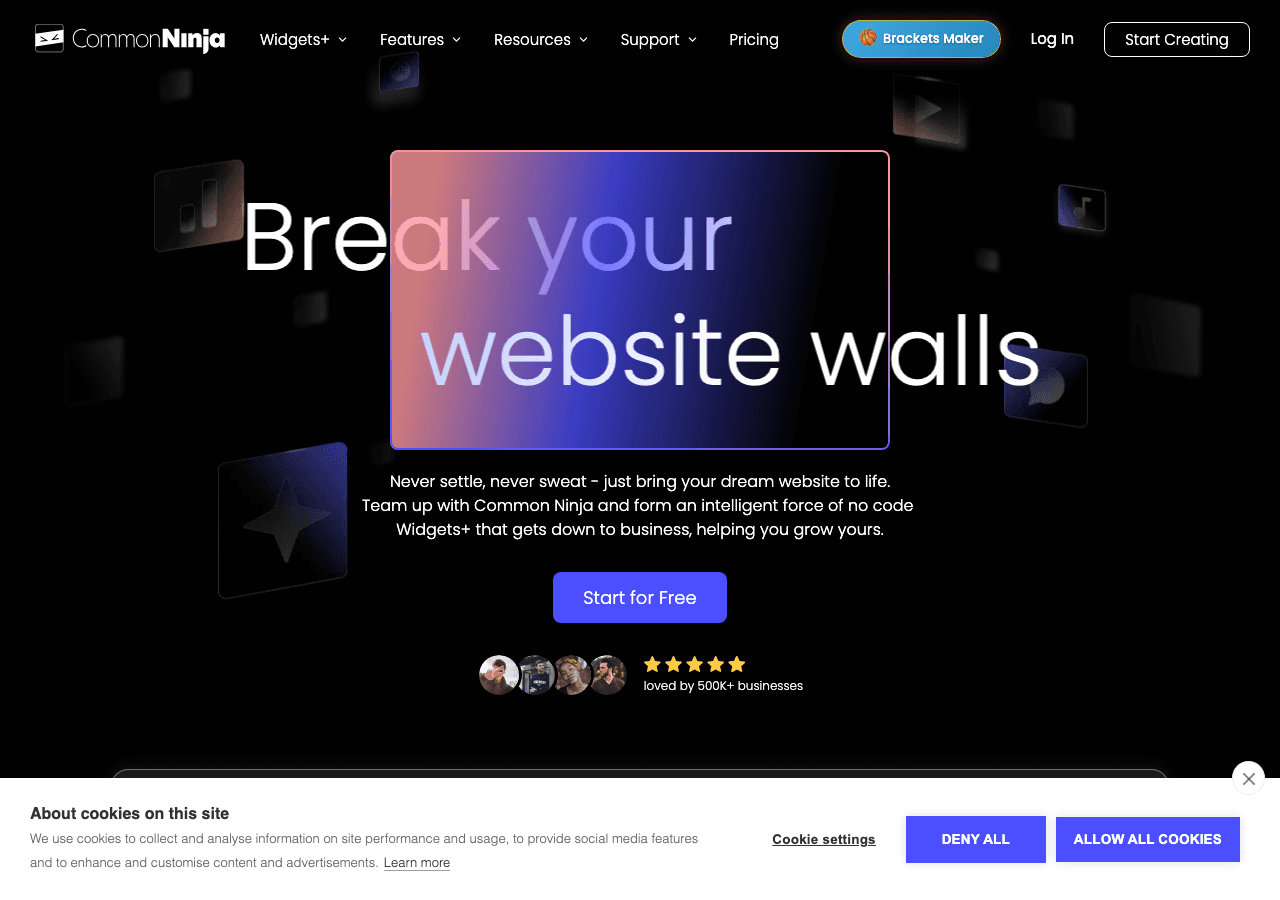
Common Ninja is a solid all-around widget platform that offers over 100 widget types, including Instagram feed widgets. The platform takes a template-based approach, which means you pick a starting design and then customize it using a visual editor.
Common Ninja's Instagram feed widget supports multiple layout options, including grid, masonry, and slider views. The editor is straightforward, and the platform works well with most major website builders. One area where Common Ninja shines is its breadth: if you need other types of widgets beyond Instagram, you can find them all under one roof.
The free plan is genuinely useful for small sites, giving you access to a range of templates without an upfront cost. As your needs grow, the paid tiers unlock more customization and remove branding.
Where Common Ninja falls slightly short compared to Embeddable is in the depth of customization and the AI-powered features. You get a good set of options, but you may find yourself wanting more granular control over specific design elements. The platform also does not offer the same unlimited views and widgets approach across all paid plans, which can matter as your traffic scales.
Overall, Common Ninja is a reliable choice and a strong runner-up, especially if you want a single platform for multiple widget types.
3. SociableKIT

SociableKIT specializes in social media feed widgets, and Instagram is one of its primary focuses. If all you need is a tool that pulls in your latest Instagram posts and displays them on your website, SociableKIT delivers a focused, no-frills experience.
The setup process is simple. You connect your Instagram account, choose a layout, adjust the basic styling options, and grab your embed code. SociableKIT supports grid and list layouts, and you can control how many posts appear, whether to show captions, and how the feed updates.
Where SociableKIT stands out is its social media expertise. The platform handles Instagram API changes well and supports other social networks if you want to aggregate feeds from multiple platforms. Pricing ranges from $9 to $29 per month, which is reasonable for what you get.
The downside is that SociableKIT is narrowly focused on social feeds. You will not find the broader widget ecosystem, AI tools, or landing page features that Embeddable offers. Customization options are also more limited. You can adjust colors and basic layout parameters, but you do not get the pixel-level control that a visual builder provides.
For users who only need a social media feed and want a specialist tool, SociableKIT is a dependable option. But if you anticipate needing other types of widgets or more design flexibility down the road, you may outgrow it quickly.
4. Elfsight
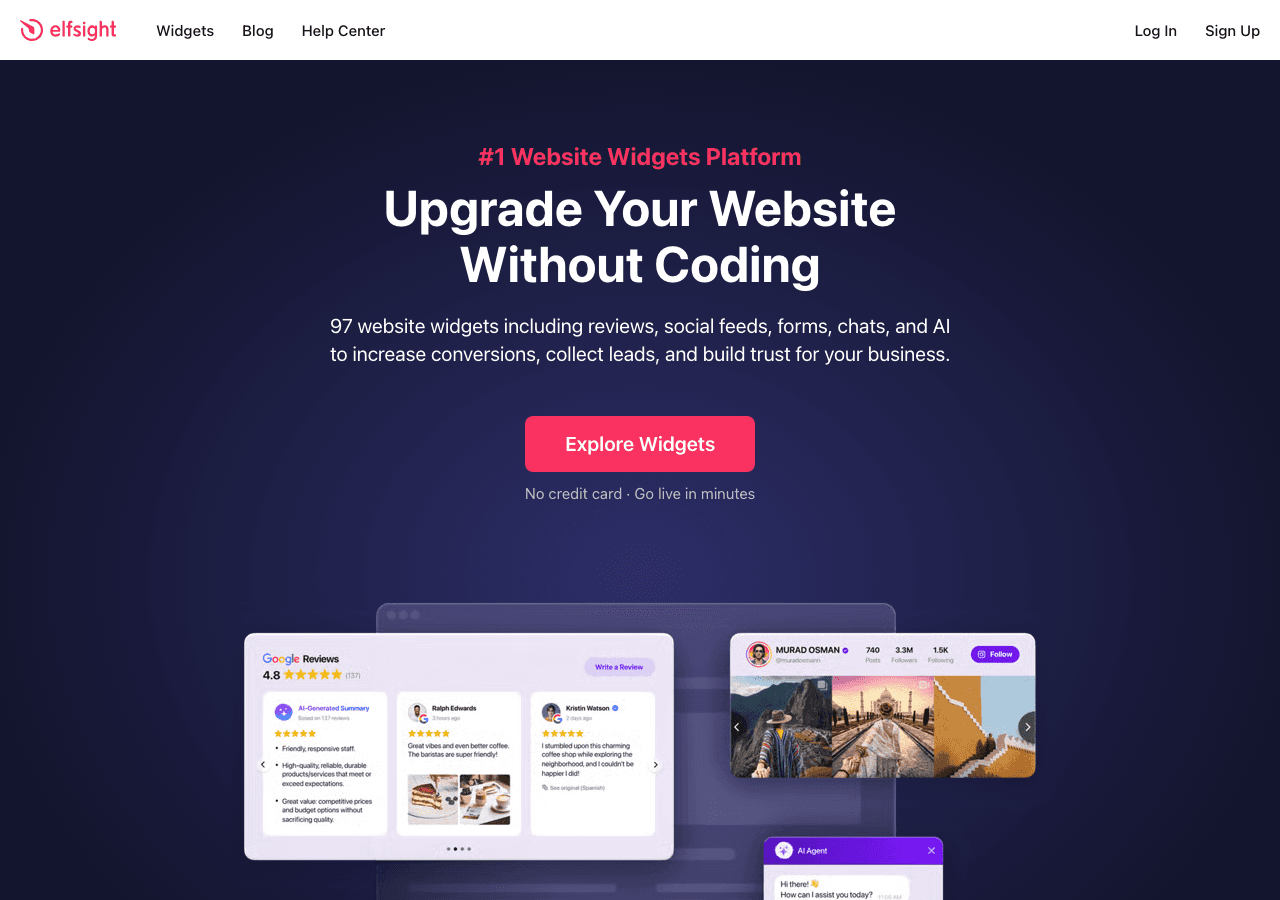
Elfsight is one of the more recognizable names in the widget space, offering over 80 templates across various categories. Their Instagram feed widget is one of their most popular products, and for good reason: it looks polished out of the box and is easy to set up.
The Elfsight editor gives you a decent range of customization options. You can choose between grid, slider, and collage layouts, adjust image sizes, and toggle elements like headers and follow buttons. The widget loads reasonably fast and works across all major platforms.
However, Elfsight uses a view-based pricing model, which is the biggest drawback. Their plans range from $5 to $20 per month, which sounds affordable until you realize that views are capped. If your website gets a traffic spike or you embed the widget on a high-traffic page, you can quickly exceed your plan's limits. This forces you either to upgrade or to accept that your widget will stop displaying for some visitors.
The free plan has the same view limitations, plus Elfsight branding that you cannot remove without upgrading. For small personal sites with low traffic, this might be acceptable. For business sites, the view caps make it hard to recommend over tools like Embeddable that offer unlimited views on every paid plan.
Elfsight also does not offer the breadth of AI tools, CMS features, or landing page capabilities that Embeddable provides. It is a widget-only platform, and within that scope, it does a good job. But the view-based pricing is a real limitation that you should factor into your decision.
5. Juicer

Juicer is a social media aggregator that pulls content from multiple platforms into a single, unified feed. If you want to display your Instagram posts alongside content from Twitter, Facebook, YouTube, and other networks, Juicer is purpose-built for that use case.
The free plan gives you access to two social feeds, which is enough to get started if you only need Instagram and one other platform. Paid plans range from $19 to $99 per month and unlock more feeds, faster update intervals, and additional customization.
Juicer's strength is aggregation. The feed looks good by default, with a clean masonry layout that mixes content from different sources seamlessly. Moderation tools let you approve or reject posts before they appear on your site, which is valuable if you are pulling in user-generated content or hashtag feeds.
The limitation with Juicer is that it is designed primarily as an aggregator, not a standalone Instagram feed widget. If you only need Instagram, the tool is overkill and the pricing reflects features you may not use. Customization is also more limited than what you get with Embeddable or Common Ninja. You can adjust basic styling, but you do not have full control over the widget's appearance.
For brands that actively post across multiple social platforms and want a unified social wall on their website, Juicer is a solid choice. For everyone else, a more flexible and affordable tool like Embeddable will serve you better.
Comparison Table
| Feature | Embeddable | Common Ninja | SociableKIT | Elfsight | Juicer |
|---|---|---|---|---|---|
| Free Plan | Yes (25 messages/mo) | Yes | No | Yes (view-limited) | Yes (2 feeds) |
| Starting Price | $25/mo | Free | $9/mo | $5/mo | $19/mo |
| Unlimited Views | Yes (all paid plans) | Varies | Yes | No (view-capped) | Yes |
| Templates | 400+ | 100+ | Social-focused | 80+ | Aggregator layouts |
| Custom Design Control | Full visual editor | Template-based | Basic | Moderate | Basic |
| AI Features | Yes (chat builder, AI tools) | No | No | No | No |
| CMS / Landing Pages | Yes | No | No | No | No |
| Multi-Platform Support | All major builders | All major builders | All major builders | All major builders | All major builders |
| Best For | Full customization + scale | Multi-widget needs | Social feed specialists | Quick setup, low traffic | Multi-platform aggregation |
Which Instagram Feed Widget Should You Choose?
The right tool depends on what you need today and where you expect to be in six months.
Choose Embeddable if you want the most flexibility, the best value at scale, and a platform that grows with you. Unlimited views and widgets on every paid plan means you never have to worry about outgrowing your tool. The AI features and visual editor put you in full control of your design without needing a developer. Start with our free Instagram feed widgets to see for yourself.
Choose Common Ninja if you need a reliable widget platform with a wide selection of widget types and you want everything under one roof.
Choose SociableKIT if you are looking for a specialist social media feed tool and you do not need broader widget functionality.
Choose Elfsight if you have a low-traffic site and want a quick, polished setup, but be aware of the view caps that come with every plan.
Choose Juicer if your primary goal is aggregating content from multiple social platforms into one feed on your website.
Conclusion
Embedding an Instagram feed on your website is one of the easiest wins for keeping your content fresh and your visitors engaged. All five tools on this list can get the job done, but they differ significantly in customization, pricing, and long-term value.
Embeddable stands out as the best overall choice in 2026. With over 400 templates, a powerful visual editor, AI-powered features, and unlimited views on every paid plan, it gives you everything you need to create a stunning Instagram feed widget without compromises. Whether you are building a simple grid feed or a fully branded content experience, Embeddable has you covered.
Check out our free Instagram feed widgets to get started today, or explore our free Instagram carousel widgets and free Instagram slider widgets for more ways to showcase your Instagram content on your website.
Build Any Widget with AI in Seconds
Forms, calculators, quizzes, popups & any custom widget — describe it and AI builds it.
Try It FreeFree tier · No credit card