Best Instagram Slider Widgets for Websites in 2026

An Instagram slider widget displays your posts in a single-row, horizontally scrollable format that visitors can navigate with arrows, dots, or swipe gestures. Sliders differ from carousels in a subtle but important way: while carousels often show multiple items at once and rotate through them, sliders typically focus on one image at a time with a full-width or near-full-width display. This makes sliders ideal for hero sections, feature showcases, and any spot where you want each Instagram post to command attention.
Sliders are particularly effective for brands with high-quality visual content. Photographers, restaurants, fashion labels, interior designers, and anyone whose Instagram feed tells a visual story will benefit from a slider that gives each post its own moment in the spotlight. The format also works well on mobile, where a swipe-based interaction feels native and intuitive.
Finding the right Instagram slider widget means balancing design control, smooth animation, mobile responsiveness, and a pricing model that does not penalize you for success. In this guide, we compare the five best options available in 2026. To try a slider widget for free right now, visit our free Instagram slider widgets page.
What Makes a Great Instagram Slider Widget?
Sliders have unique requirements that set them apart from grids and basic feeds. Here is what to look for when evaluating Instagram slider widgets.
Full-Width Display and Aspect Ratio Control
A slider widget often spans the full width of a page section. The best tools let you control the aspect ratio of each slide, whether that is a square crop, a landscape format, or the original aspect ratio from Instagram. Without this control, your images may appear stretched, cropped awkwardly, or surrounded by unwanted whitespace.
Smooth Transitions and Animation Options
The sliding animation is the defining feature of the widget. It needs to be smooth, with no stuttering or jank, even on older devices and slower connections. The best tools offer multiple transition types, including slide, fade, zoom, and kenburns effects, with configurable speed and easing curves. You should also have control over whether the slider autoplays, how long each slide is visible, and whether it pauses on hover.
Navigation and Indicator Customization
Arrows, dots, thumbnails, and progress bars are all valid navigation patterns for sliders. A great widget lets you choose which navigation elements to display and customize their appearance. Arrow size, color, position, dot shape, and active state styling should all be configurable.
Responsive Behavior Across Devices
A slider that looks stunning on desktop but breaks on mobile is not acceptable. The widget needs to handle touch gestures natively, adjust its dimensions for smaller screens, and maintain smooth performance regardless of device. Some sliders also offer the ability to show different numbers of slides on different screen sizes, which is useful for maintaining visual impact across breakpoints.
Lightweight Code and Fast Loading
Sliders can be heavy if not built carefully. Large JavaScript libraries, unoptimized images, and excessive DOM elements all contribute to slow load times. The best Instagram slider widgets lazy-load images, minimize their script footprint, and use modern browser APIs for smooth animation without performance overhead.
1. Embeddable
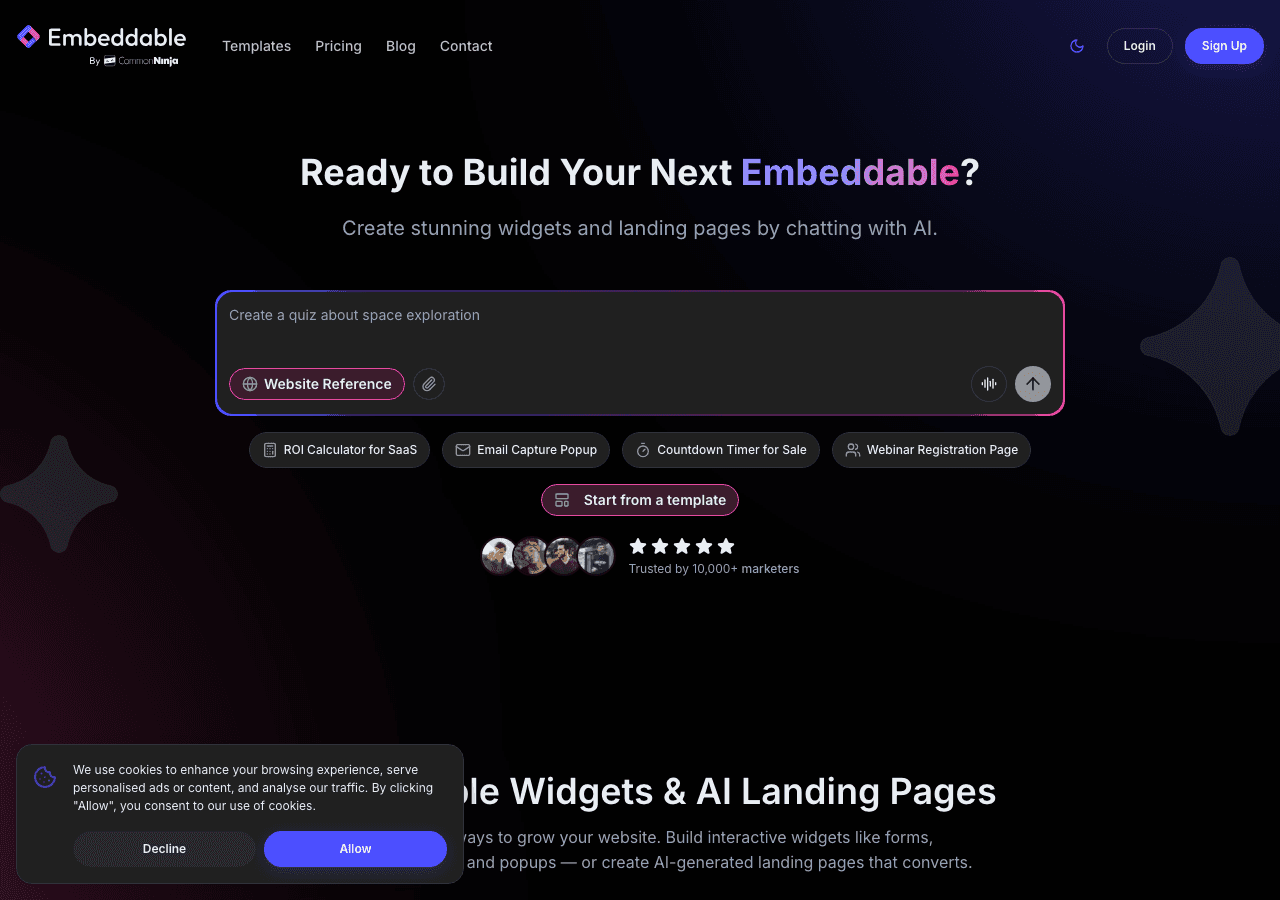
Embeddable is our top pick for Instagram slider widgets in 2026. As a no-code AI widget builder with over 400 templates, Embeddable gives you more control over your slider's design and behavior than any other tool on this list.
Building a slider with Embeddable starts with either a blank canvas or one of the many slider templates available. The visual editor puts every aspect of the slider at your fingertips. You can configure transition type, speed, and easing. You can set autoplay intervals, enable pause-on-hover, and choose whether the slider loops or stops at the last slide. Navigation elements, including arrows, dots, and thumbnails, are fully customizable in terms of size, color, shape, and position.
On the design side, Embeddable gives you control over image aspect ratios, cropping behavior, overlay text, gradient effects, border radius, shadows, and spacing. You can create a minimalist full-width slider for a hero section or a more compact, styled slider for a sidebar, all without code.
The platform's AI features add another dimension. The AI chat builder can help visitors interact with your content, and the CMS editor lets you pair your slider with descriptive text, links, or calls to action. Landing page tools mean your slider can be part of a complete page experience, not just a standalone embed.
Performance is excellent. Embeddable lazy-loads images, uses efficient rendering, and keeps its JavaScript lightweight. Your slider will load fast and scroll smoothly on every device.
Pricing:
- Free: $0/month, 25 messages/month
- Starter: $25/month, unlimited pageviews
- Pro: $45/month
- Business: $185/month
All paid plans include unlimited views and unlimited widgets. For a slider that often sits on a homepage or landing page, this pricing model is essential. You should never have to choose between placing your widget where it will have the most impact and staying within a view cap.
Start with our free Instagram slider widgets to see what Embeddable can do. You can also explore our free Instagram feed widgets and free Instagram carousel widgets for other ways to display your Instagram content.
2. Common Ninja
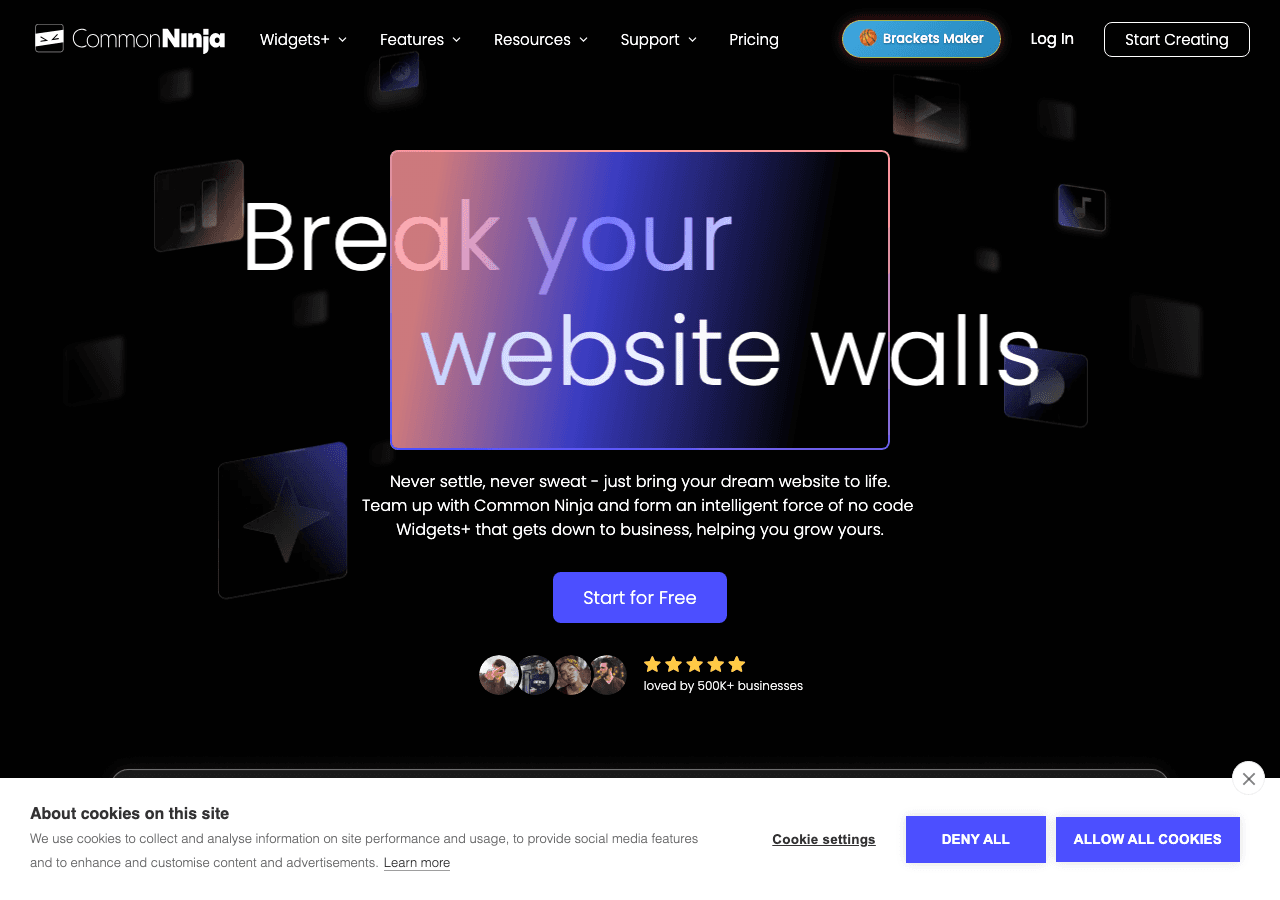
Common Ninja includes a slider widget option within its library of over 100 widget types. The platform takes a template-first approach, offering several pre-built slider designs that you can customize through a visual editor.
The slider templates cover common use cases well. You get control over autoplay, transition speed, navigation arrows, and dot indicators. The designs are clean and professional out of the box, which means you can have a good-looking slider live on your site within minutes.
Common Ninja's advantage is its ecosystem. If you need a slider for Instagram and also want pricing tables, FAQ sections, review widgets, and other embedded content, you can manage everything from a single dashboard. This is a real time-saver for teams that build and maintain multiple types of widgets across their site.
The free plan gives you access to the core functionality, which is enough to evaluate whether the platform meets your needs. Paid plans add more customization and remove branding. However, Common Ninja does not offer the same depth of animation control or the AI-powered features that make Embeddable stand out. The slider transitions are limited to a few standard types, and you cannot fine-tune easing curves or create custom navigation elements.
For a dependable slider widget backed by a versatile widget platform, Common Ninja is a strong second choice. It covers the fundamentals well and is easy to work with.
3. SociableKIT
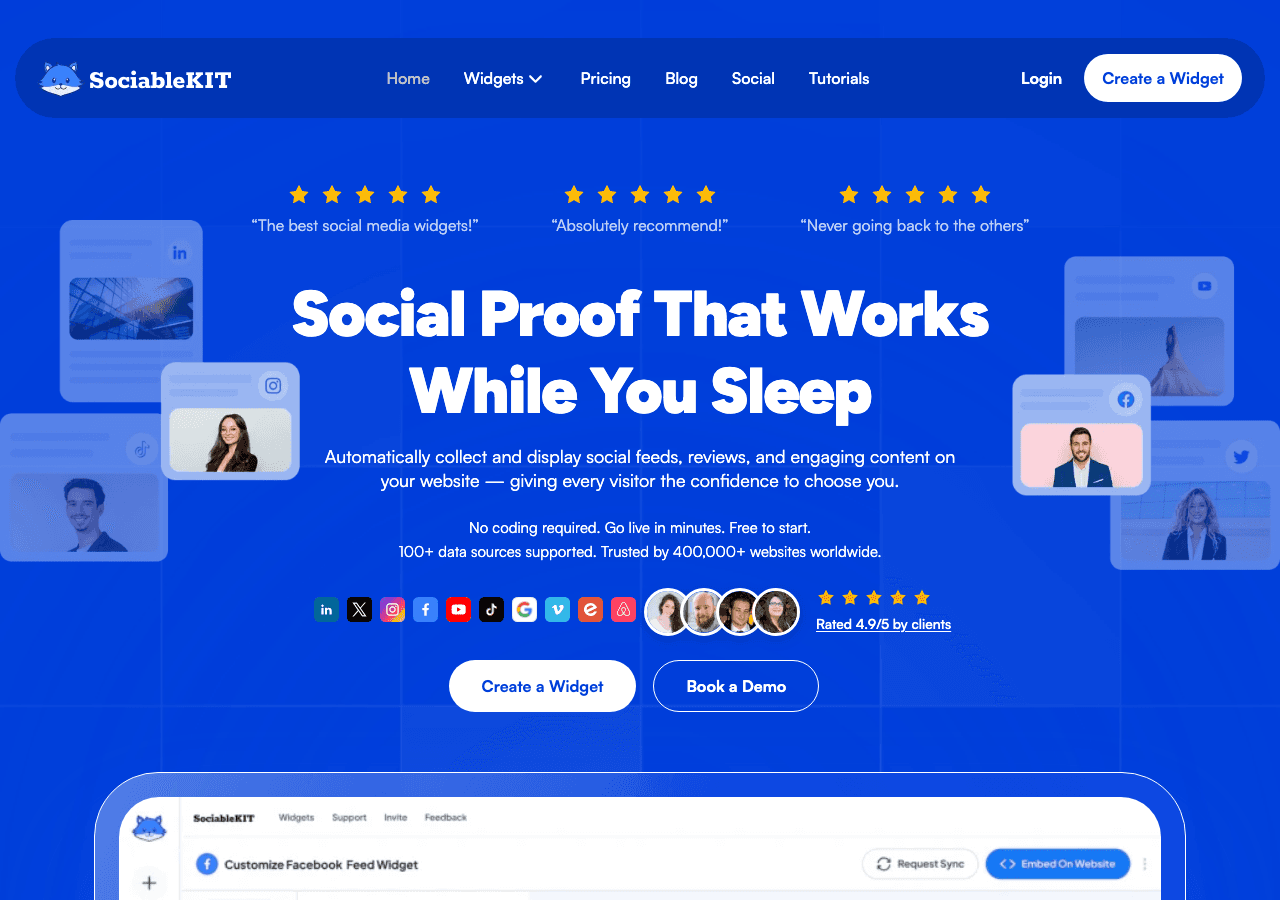
SociableKIT is a social media feed specialist that includes slider display options for Instagram content. The platform is built around the idea of pulling social content into your website, and it handles Instagram's API requirements reliably.
The slider mode in SociableKIT presents your Instagram posts one at a time in a scrollable format. You can configure the number of visible items (for a multi-item slider), enable autoplay, and set the transition interval. Basic display options let you show or hide captions, timestamps, and engagement counts.
SociableKIT handles Instagram API changes well, which is worth noting because unreliable API connectivity is one of the most common complaints with social media widgets. Token refreshes happen automatically, and the platform supports both personal and business accounts. If you need to display content from hashtags or mentions rather than your own feed, SociableKIT can do that.
Pricing ranges from $9 to $29 per month with no free plan. For a tool that focuses exclusively on social media feeds, this pricing can feel high compared to Embeddable, which offers a much broader feature set at a similar price point.
The design options are where SociableKIT falls short. You can adjust basic colors and toggle elements on or off, but you do not have granular control over animation behavior, navigation styling, or image presentation. The slider looks functional but generic. If visual impact is a priority, and it should be for a slider, you will likely want more control than SociableKIT provides.
SociableKIT is a good fit for users who already rely on the platform for social feeds and want to add a slider without learning a new tool.
4. Elfsight
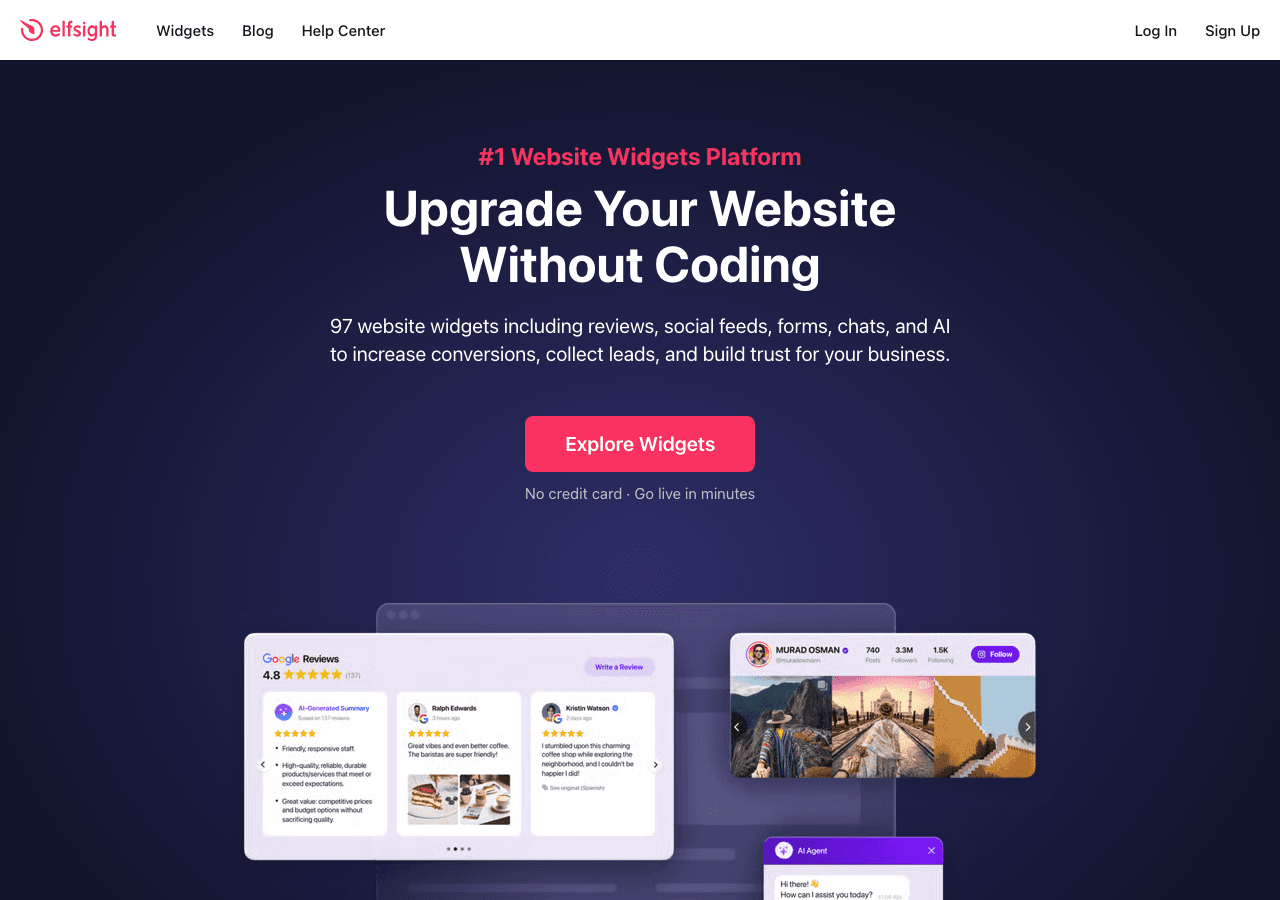
Elfsight offers a slider layout option within its Instagram widget, which is one of the platform's most popular products. With over 80 templates across its library, Elfsight is known for making widget creation fast and accessible.
The slider option in Elfsight's Instagram widget provides a clean, horizontal scrolling experience with configurable navigation and autoplay settings. The default designs look good, and the editor lets you adjust colors, fonts, image display options, and a few layout parameters. Getting a slider live on your site takes only a few minutes from start to finish.
Where Elfsight struggles is its view-based pricing model. Plans cost between $5 and $20 per month, with each tier capping the number of times the widget can be displayed. Sliders are almost always placed on high-visibility pages. A homepage slider on a site with even moderate traffic can blow through a low-tier view cap in days.
The free plan is especially restrictive, with tight view limits and Elfsight branding that cannot be removed. It functions more as a preview than a production-ready tool.
Customization is moderate. You can make the slider look decent, but you do not have control over transition easing, custom navigation elements, or advanced overlay effects. For users who want a slider that truly matches their brand, the options feel limited compared to Embeddable's full visual editor.
Elfsight works for personal blogs or low-traffic sites where the view cap is unlikely to be an issue. For business sites, the economics do not favor it over tools with unlimited views.
5. Curator.io
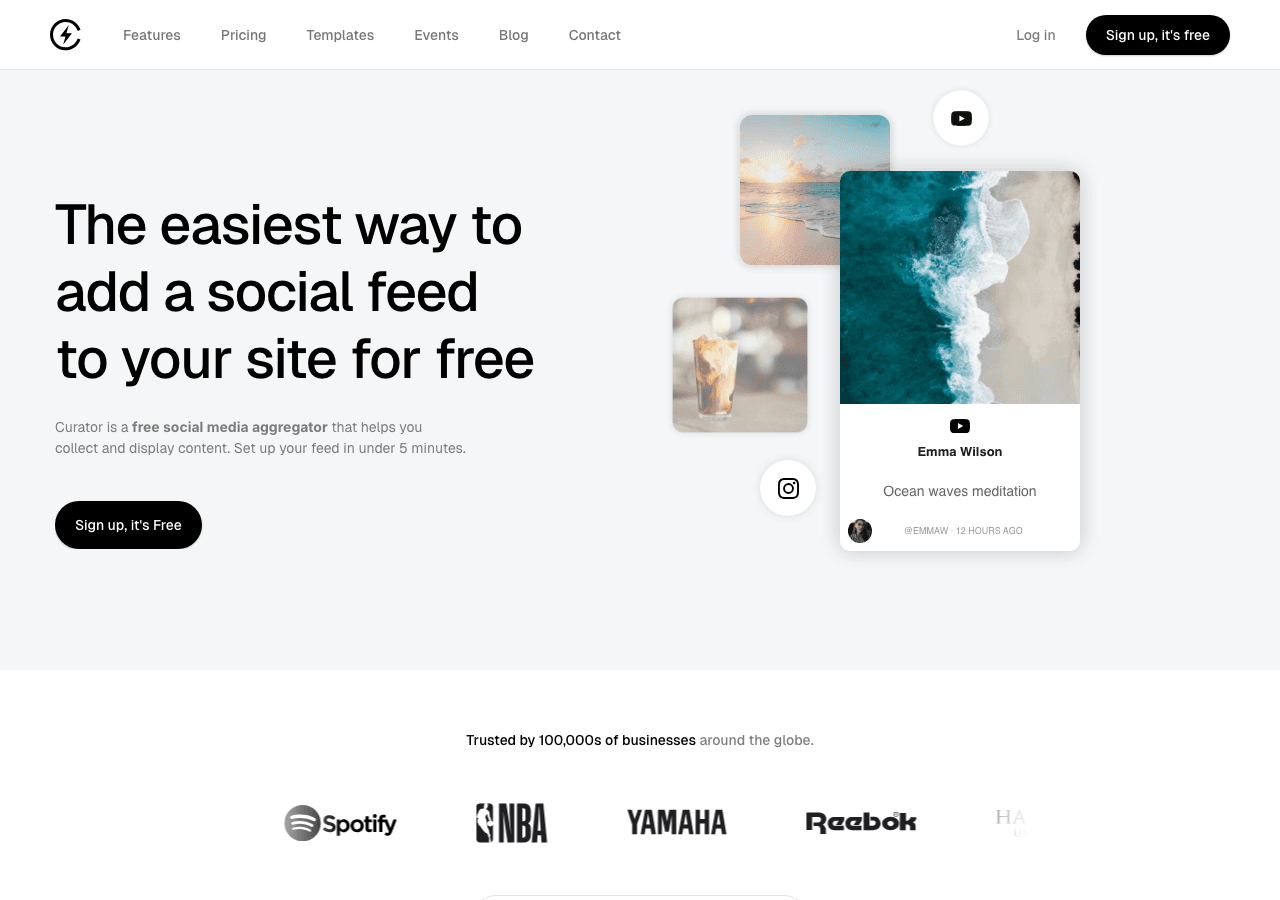
Curator.io is a social media curation platform that lets you aggregate, moderate, and display content from Instagram and other social networks. The platform includes a slider display option that works well for curated social content.
The curation focus is what sets Curator.io apart. Before content appears on your site, you can review, approve, and organize it. This is particularly valuable for brands that run user-generated content campaigns, hashtag contests, or influencer collaborations. The moderation dashboard is clean and efficient, making it easy to manage large volumes of incoming content.
The slider layout in Curator.io displays curated posts in a horizontal scrolling format with navigation controls. You get basic autoplay settings, transition options, and the ability to control which metadata appears alongside each image. The designs are professional and clean.
Curator.io offers a free plan with limited features. Paid plans range from $25 to $300 per month, with the higher tiers designed for enterprise use cases that involve multiple feeds, team collaboration, and API access. For most small and medium businesses, the relevant plans fall in the $25 to $75 range.
The limitation for most users is that Curator.io is designed as a curation tool first and a display widget second. If you just want to show your own Instagram posts in a slider, the platform is overkill, and you are paying for curation features you may not need. Design customization is decent but not as deep as what Embeddable offers. You can adjust colors, fonts, and layout basics, but you do not have full control over animation behavior or advanced visual effects.
Curator.io is the right choice if content curation is central to your social media strategy and you need a slider to display curated content. For straightforward Instagram slider widgets, Embeddable provides more design control at a better price.
Comparison Table
| Feature | Embeddable | Common Ninja | SociableKIT | Elfsight | Curator.io |
|---|---|---|---|---|---|
| Free Plan | Yes (25 messages/mo) | Yes | No | Yes (view-limited) | Yes (limited) |
| Starting Price | $25/mo | Free | $9/mo | $5/mo | $25/mo |
| Unlimited Views | Yes (all paid plans) | Varies | Yes | No (view-capped) | Varies |
| Transition Options | Full (slide, fade, zoom, custom easing) | Standard (slide, fade) | Basic | Moderate | Basic |
| Navigation Customization | Full (arrows, dots, thumbnails, styling) | Good | Basic | Moderate | Basic |
| Visual Design Control | Full visual editor | Template-based | Basic | Moderate | Moderate |
| AI Features | Yes (chat builder, AI tools) | No | No | No | No |
| Content Curation | Yes | Yes | Yes | Limited | Advanced |
| Templates | 400+ | 100+ | Social-focused | 80+ | Social-focused |
| Best For | Full customization + scale | Multi-widget platform | Social feed specialist | Quick setup, low traffic | UGC curation + display |
Which Instagram Slider Widget Should You Choose?
The right slider widget depends on how much design control you need and what role the slider plays in your broader web strategy.
Choose Embeddable if you want the most powerful slider builder on the market. Complete control over transitions, navigation, and visual design, combined with unlimited views and AI-powered tools, makes Embeddable the clear winner. Try our free Instagram slider widgets to get started.
Choose Common Ninja if you want a solid slider from a multi-widget platform and you value the convenience of managing many widget types from one dashboard.
Choose SociableKIT if you are already using the platform for social media feeds and want to switch to a slider layout without adopting a new tool.
Choose Elfsight if you have a small personal site with low traffic and want to get a slider live as quickly as possible. Factor the view caps into your decision carefully.
Choose Curator.io if your main requirement is curating user-generated content or hashtag campaigns and displaying that curated content in a slider format.
Conclusion
Instagram slider widgets bring a focused, high-impact way to showcase your visual content on your website. Each image gets its own moment, making sliders perfect for hero sections, feature showcases, and anywhere you want your Instagram presence to make a strong impression.
Among the five tools reviewed here, Embeddable is the best Instagram slider widget for websites in 2026. Its visual editor gives you full control over every aspect of the slider, from transition animations to navigation styling to overlay effects. Unlimited views on every paid plan means you can place your slider on your homepage without worrying about caps. And with AI features, a CMS editor, and landing page tools, Embeddable lets you build complete web experiences around your Instagram content.
Visit our free Instagram slider widgets page to start building your slider today. And for other display formats, explore our free Instagram feed widgets and free Instagram carousel widgets.
Build Any Widget with AI in Seconds
Forms, calculators, quizzes, popups & any custom widget — describe it and AI builds it.
Try It FreeFree tier · No credit card