Best Map Widgets for Your Website in 2026

Looking to add interactive maps to your website? Whether you need a store locator, office locations, service area coverage, or an interactive travel guide, the right map widget can transform how visitors discover and engage with your locations.
Want to skip ahead? Browse our free map widget templates and customize one instantly - no need to start from scratch.
In this guide, we'll compare the best map widgets available in 2026, helping you choose the perfect solution for your needs.
What to Look for in a Map Widget
Before diving into our top picks, here's what matters most:
- Customization: Control over markers, colors, and styling
- Rich Information: Tooltips, popovers, and detailed location info
- Interactivity: Click actions, filtering, and search capabilities
- Mobile Experience: Touch-friendly navigation and responsive design
- Performance: Fast loading without slowing your site
- Ease of Use: Quick setup without coding knowledge
1. Embeddable: Fully Customizable Map Widgets
Best for: Custom map experiences built exactly to your specifications.
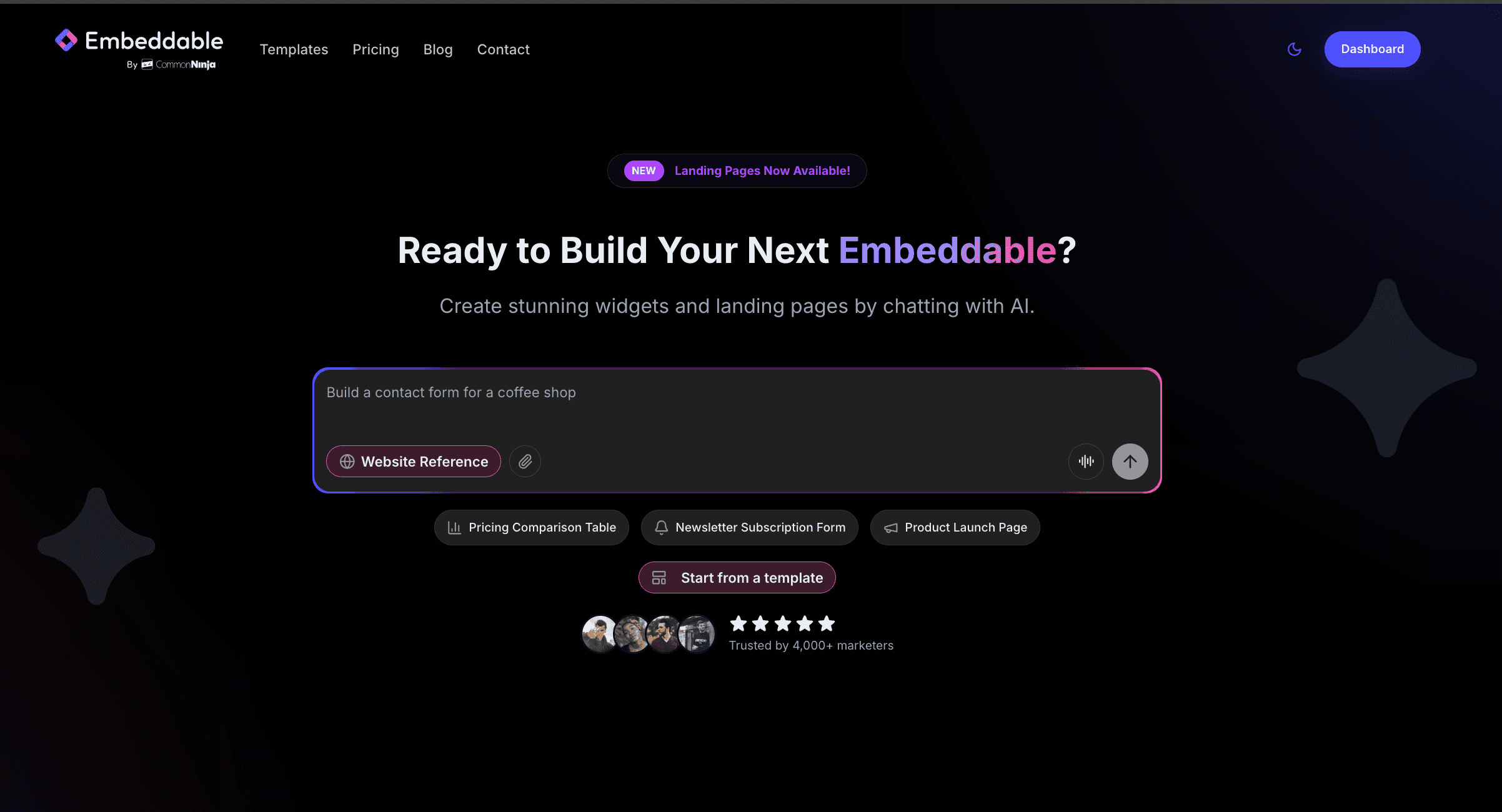
Embeddable uses AI to build map widgets that match your exact requirements. Describe what you want - a store locator with sidebar navigation, a travel guide with rich popovers, or an office map with custom markers - and get a fully functional widget in seconds.
Why Embeddable for Map Widgets
100% Customizable Need a store locator with a filterable sidebar? A real estate map with property cards? A travel guide with custom imagery? Embeddable's AI builds exactly what you describe, with no template limitations.
Rich Information Display Add tooltips, popovers, images, contact details, hours, and any custom information to your location markers. Create truly informative map experiences.
Interactive Features
- Sidebar navigation that pans to locations on click
- Custom marker icons and colors
- Search and filter functionality
- Click-to-call and directions integration
- Multiple map styles (street, satellite, terrain)
Works Everywhere Add your map to any website - WordPress, Shopify, Wix, Squarespace, or custom HTML sites. One simple embed code works everywhere.
Embeddable Pricing
- Free Plan: 25 tokens/month to customize and publish widgets
- Pro Plans: Starting at $19/month for more tokens and features
- One-Time Credits: Available for occasional use
2. Common Ninja: Feature-Rich Map Widgets
Best for: Businesses wanting pre-built map templates with extensive customization options.
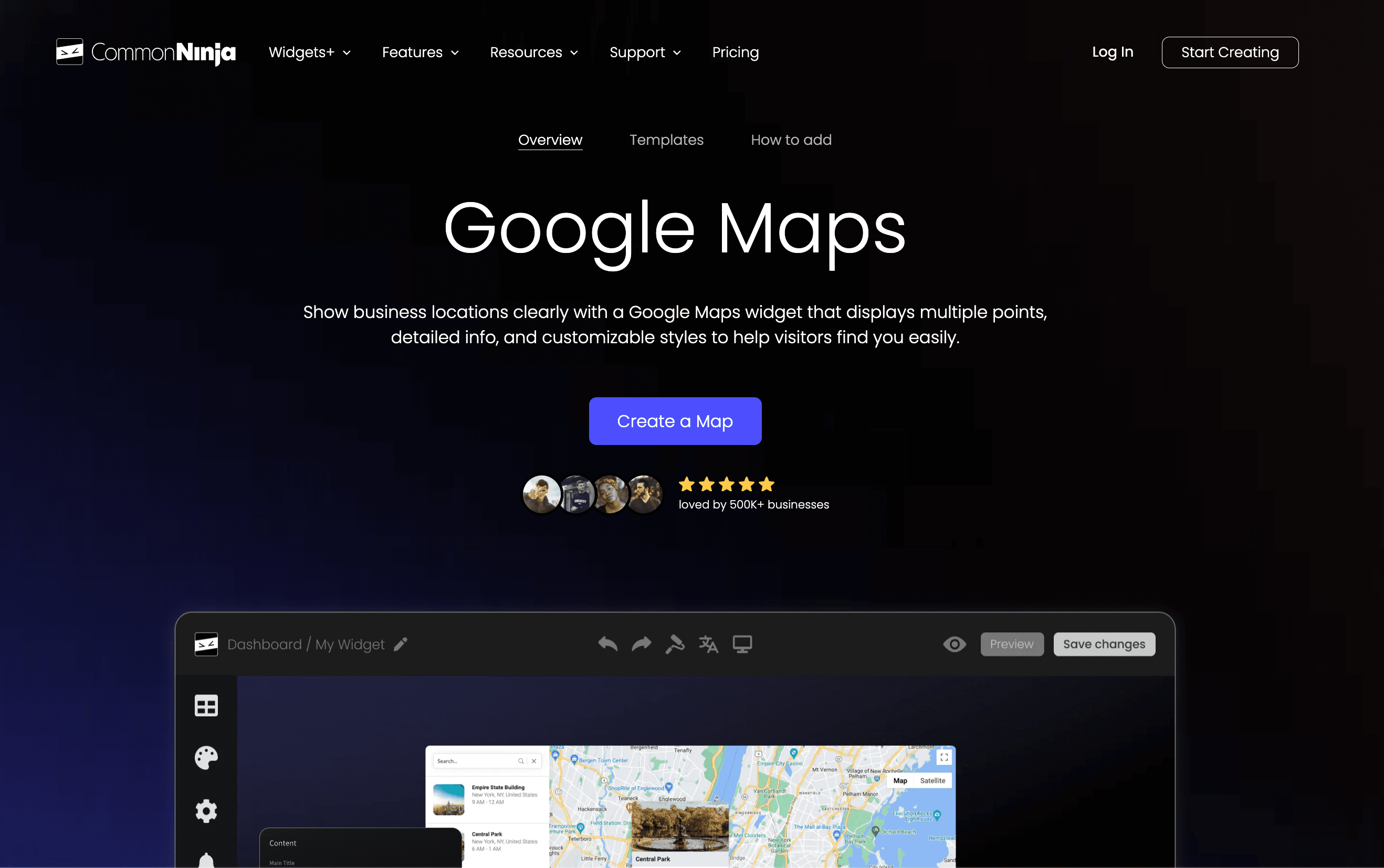
Common Ninja offers a comprehensive map widget with multiple display styles, custom markers, and rich location information.
Key Features
- Multiple map styles and layouts
- Custom marker icons and colors
- Info windows with rich content
- Clustering for multiple locations
- Search and filter functionality
- Responsive design
- Easy visual editor
Common Ninja Pricing
- Free Plan: Basic features with Common Ninja branding
- Pro Plans: Starting at $3.50/month
- Unlimited views
- Remove branding
- Advanced features and customization
3. Google Maps Embed
Best for: Simple, single-location embeds with Google's familiar interface.
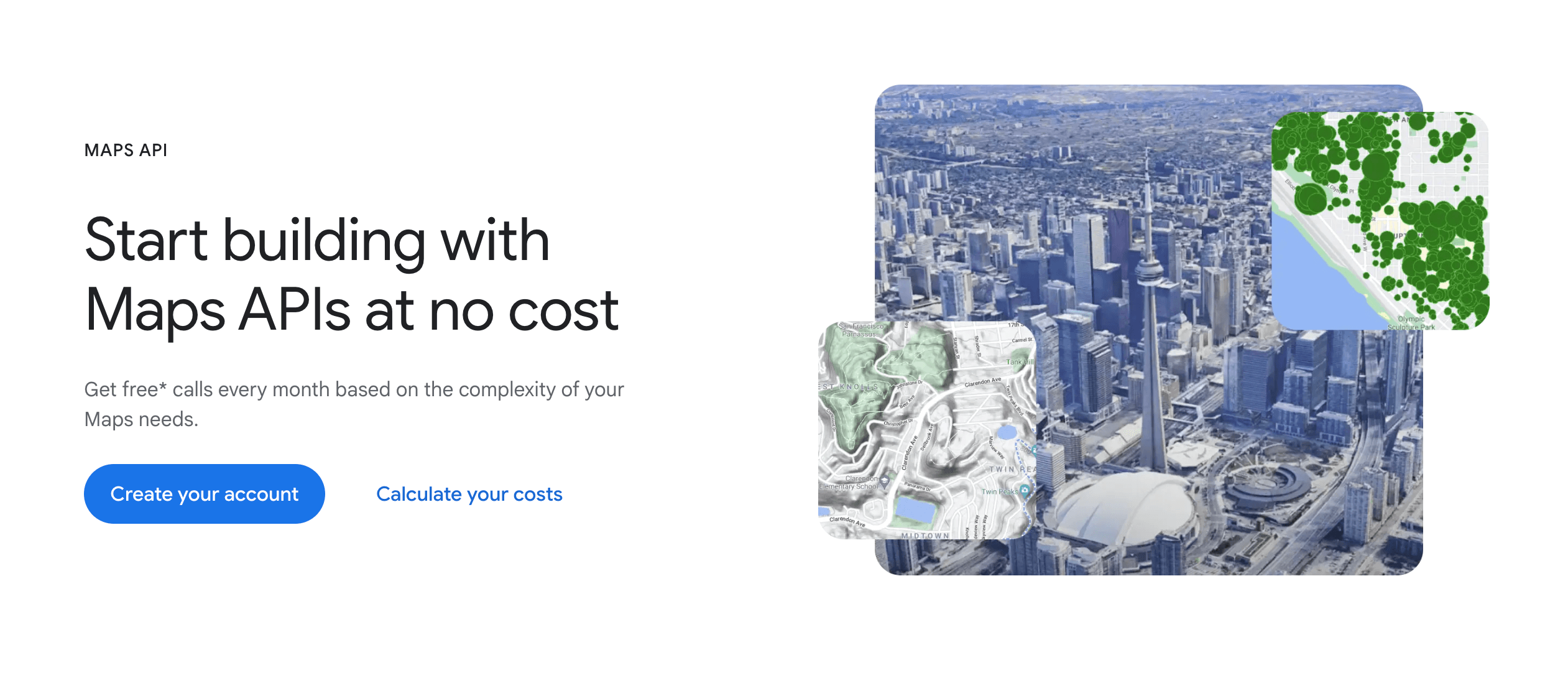
Google Maps offers a free embed option directly from their platform. It's simple but limited in customization.
Key Features
- Familiar Google Maps interface
- Basic marker placement
- Street View integration
- Directions link
- Free for basic usage
Limitations
- Limited customization options
- No custom markers or styling (without API)
- API required for advanced features
- Pricing based on API calls for advanced usage
Google Maps Pricing
- Basic Embed: Free (limited features)
- Maps API: $7 per 1,000 requests (after free tier)
- Styling/Custom Markers: Requires API and development work
4. Mapbox
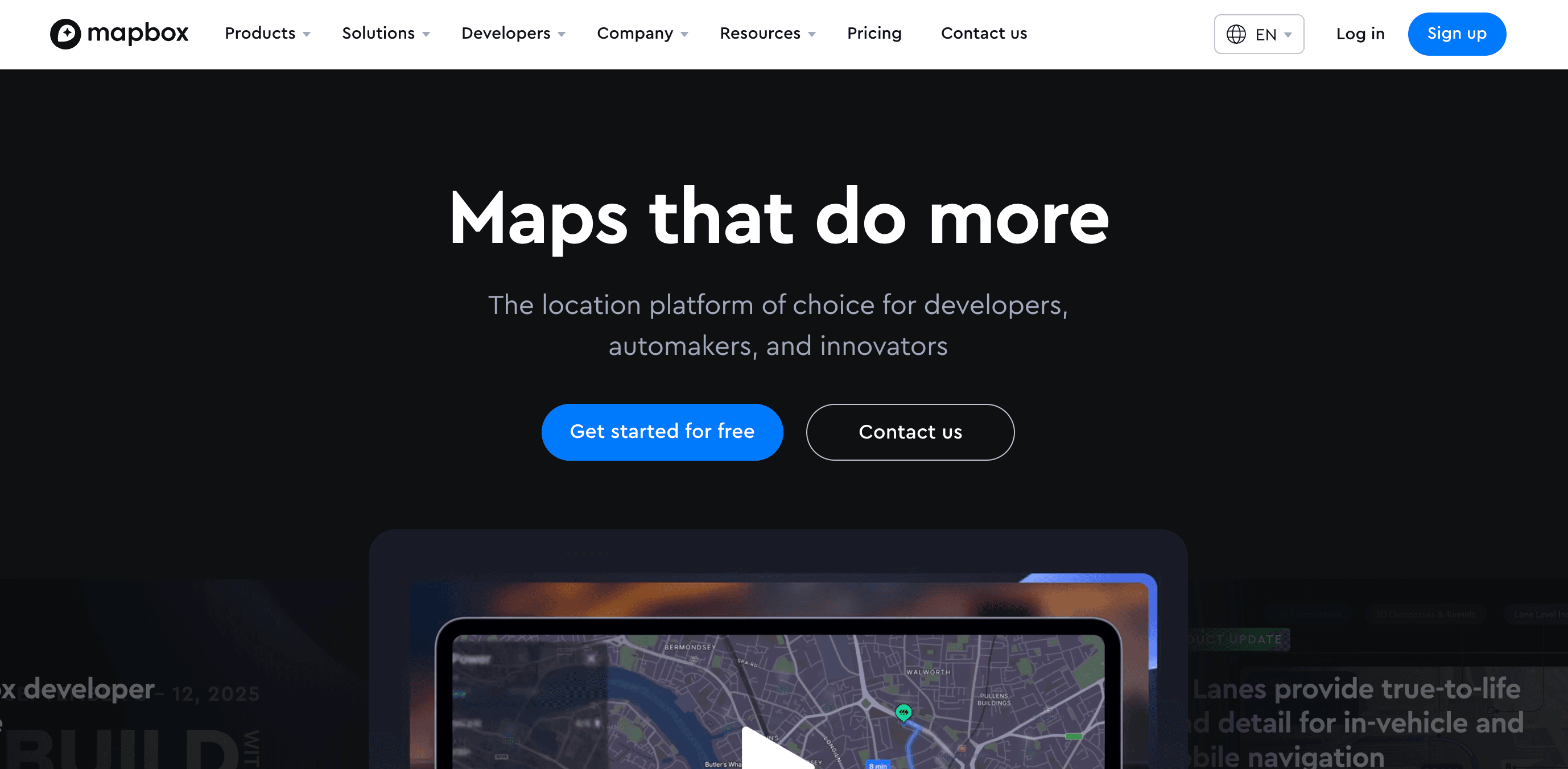
Best for: Developers who want beautiful, customizable maps with code.
Mapbox offers stunning map designs and powerful customization - but requires development skills to implement.
Mapbox Features
- Beautiful map styles
- Highly customizable
- 3D terrain support
- Custom marker support
- Extensive documentation
Mapbox Pricing
- Free Tier: 50,000 map loads/month
- Pay as You Go: $5 per 1,000 loads after free tier
- Requires development resources for implementation
Note: Mapbox requires coding knowledge for implementation and customization.
5. Elfsight: Pre-Built Map Templates
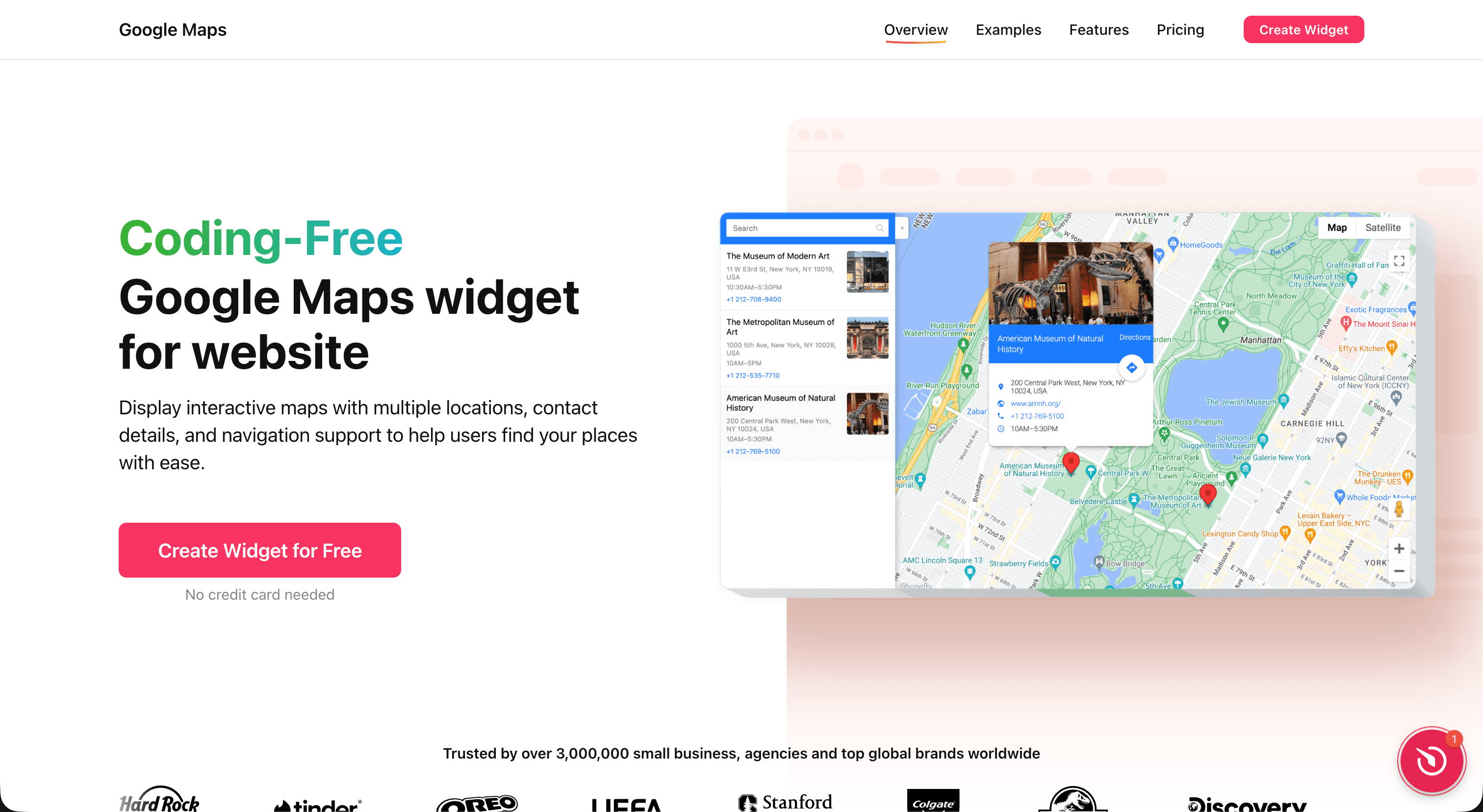
Best for: Businesses wanting ready-made map templates without coding.
Elfsight offers pre-designed map widgets with various templates for store locators and location displays.
Elfsight Features
- Pre-designed templates
- Visual editor
- Multiple marker support
- Basic customization options
- Installation assistance
Elfsight Pricing
Starts at $60/year (yearly billing only)
- Free Plan: 200 views, 1 widget, Elfsight branding
- Basic Plan: $5/month ($60/year) - 5,000 views, 3 widgets
- Pro Plan: $10/month ($120/year) - 50,000 views, 9 widgets
- Premium Plan: $20/month ($240/year) - 150,000 views, 21 widgets
Note: Only yearly billing available.
Pricing Comparison at a Glance
| Platform | Starting Price | Free Plan | Best For |
|---|---|---|---|
| Embeddable | $19/mo | 25 tokens/month | Fully custom maps with rich features |
| Common Ninja | $3.50/mo | Yes (with branding) | Feature-rich templates with unlimited views |
| Google Maps | Free / API pricing | Basic embed | Simple single locations |
| Mapbox | $5/1K loads | 50K loads/month | Developer-built custom maps |
| Elfsight | $60/year | 200 views | Pre-built templates |
Popular Map Widget Use Cases
Store Locator
Help customers find your nearest location with an interactive store finder. Include search by zip code, filtering by services, and driving directions.
Office Locations
Display your headquarters, branches, or satellite offices with detailed contact information, hours, and team photos.
Service Area Coverage
Show the regions you serve with custom boundary styling and coverage zone visualization.
Real Estate Listings
Create property maps with rich listing cards showing photos, prices, and key details on click.
Travel & Tourism
Build interactive travel guides with points of interest, hotels, restaurants, and attractions with photos and descriptions.
Event Venues
Display event locations with venue details, parking information, and nearby accommodations.
Restaurant Finder
Create a map of restaurant locations with menus, reviews, and reservation links.
How to Choose the Right Map Widget
Choose Embeddable if you want:
- Complete control over design and functionality
- Rich popovers, tooltips, and information display
- Sidebar navigation with click-to-pan
- Custom markers and styling
- No coding required
- AI-powered customization
Choose Common Ninja if you want:
- Pre-built map templates with customization
- Unlimited views (no view restrictions)
- Visual editor for easy setup
- Very affordable pricing ($3.50/month)
- Multiple marker and clustering support
Choose Google Maps if you want:
- Simple, single-location embed
- Familiar Google interface
- Basic functionality for free
- Don't need customization
Choose Mapbox if you want:
- Beautiful map aesthetics
- Have development resources
- Need 3D terrain or advanced features
- High-volume usage with API access
Choose Elfsight if you want:
- Pre-built templates
- Quick setup
- Don't need extensive customization
- Yearly billing is acceptable
Tips for Using Map Widgets Effectively
- Keep It Focused: Don't overcrowd your map with too many markers
- Provide Context: Include useful information in tooltips and popovers
- Enable Search: Help users find locations quickly with search/filter
- Add Directions: Link to navigation apps for easy wayfinding
- Mobile First: Ensure touch gestures work smoothly on phones
- Match Your Brand: Customize colors and styles to fit your design
- Include Contact Info: Add phone numbers, emails, and hours
- Use Quality Images: Photos in popovers increase engagement
Building a Custom Map Widget with Embeddable
Here's how easy it is to create a custom map widget:
Step 1: Describe Your Map
Tell the AI exactly what you need:
Create a store locator map with a sidebar showing all locations.
Each location should have a custom marker, and clicking shows
a popover with the store name, address, hours, and phone number.
The sidebar should pan to the location when clicked.
Step 2: Customize the Design
The AI matches your website's design automatically. Then refine:
- "Make the markers blue to match my brand"
- "Add photos to each location popover"
- "Include a search bar to filter by city"
- "Add a 'Get Directions' button in each popover"
Step 3: Add Your Locations
Either paste your location data or describe it:
Add these locations:
- New York: 123 Main St, (212) 555-0100, Mon-Sat 9-6
- Los Angeles: 456 Oak Ave, (310) 555-0200, Mon-Sun 10-8
- Chicago: 789 Lake Dr, (312) 555-0300, Mon-Fri 8-5
Step 4: Embed Anywhere
Get a simple embed code that works on any website platform.
Conclusion
The best map widget for your website depends on your specific needs:
- For maximum flexibility and rich features, Embeddable offers AI-powered map creation with custom markers, popovers, and sidebar navigation
- For feature-rich templates, Common Ninja provides extensive options with unlimited views
- For simple single locations, Google Maps basic embed works fine
- For developers, Mapbox provides beautiful maps with full API access
- For quick templates, Elfsight offers pre-built solutions
Start with free options to test what works best, then upgrade as your needs grow.
Ready to add interactive maps to your website? Create a custom map widget with Embeddable in minutes - describe what you want and let AI build it for you. No coding required!
Build Any Widget with AI in Seconds
Forms, calculators, quizzes, popups & any custom widget — describe it and AI builds it.
Try It FreeFree tier · No credit card