Best Popup Builders in 2026 (Ranked and Reviewed)


Popups get a bad reputation, but the numbers tell a different story. The average popup conversion rate sits around 3 to 5 percent, and well-targeted exit intent popups can recover anywhere from 10 to 15 percent of abandoning visitors. For ecommerce brands, lead capture popups are one of the fastest ways to build an email list without increasing ad spend. For SaaS companies, a well-placed popup widget can turn anonymous traffic into qualified leads overnight.
The challenge is that most popup builders fall somewhere on a spectrum between "too simple to be useful" and "too complex to justify the price." In 2026, the market has expanded significantly, and there are real differences between the tools available. Some are built for marketers who want drag-and-drop simplicity. Others cater to developers who need full customization. And a few do both surprisingly well.
This guide covers the best popup builders available right now, with honest assessments of features, pricing, and which type of user each tool actually suits. Whether you need an ecommerce popup to recover abandoned carts, a lead capture popup to grow your newsletter, or a sophisticated exit intent popup sequence, there is a tool on this list for you.
What Makes a Great Popup Builder?
Before diving into the rankings, here is the criteria used to evaluate each tool.
Ease of use. A popup builder should not require a developer to get a basic popup live. No-code editors, drag-and-drop interfaces, and intuitive template libraries all matter here.
Targeting and trigger options. Exit intent detection, time delays, scroll depth triggers, page-level targeting, and device targeting separate powerful popup builders from basic ones. The more control you have over when and where a popup appears, the better your conversion rates will be.
Design flexibility. The popup needs to match your brand. Look for custom fonts, color controls, layout options, and the ability to remove tool branding on paid plans.
Integration support. A lead capture popup is only as useful as what happens with the lead afterward. CRM connections, email marketing integrations, and webhook support are essential.
Performance and loading speed. Popups should load fast and not slow down your site. Poorly optimized popup widgets can hurt Core Web Vitals scores, which affects SEO.
Pricing fairness. Many popup builders for marketers charge per impression or per view, which can get expensive fast. Transparent, predictable pricing matters.
With those criteria in mind, here are the best popup builders in 2026.
1. Embeddable — Best Overall Popup Builder in 2026
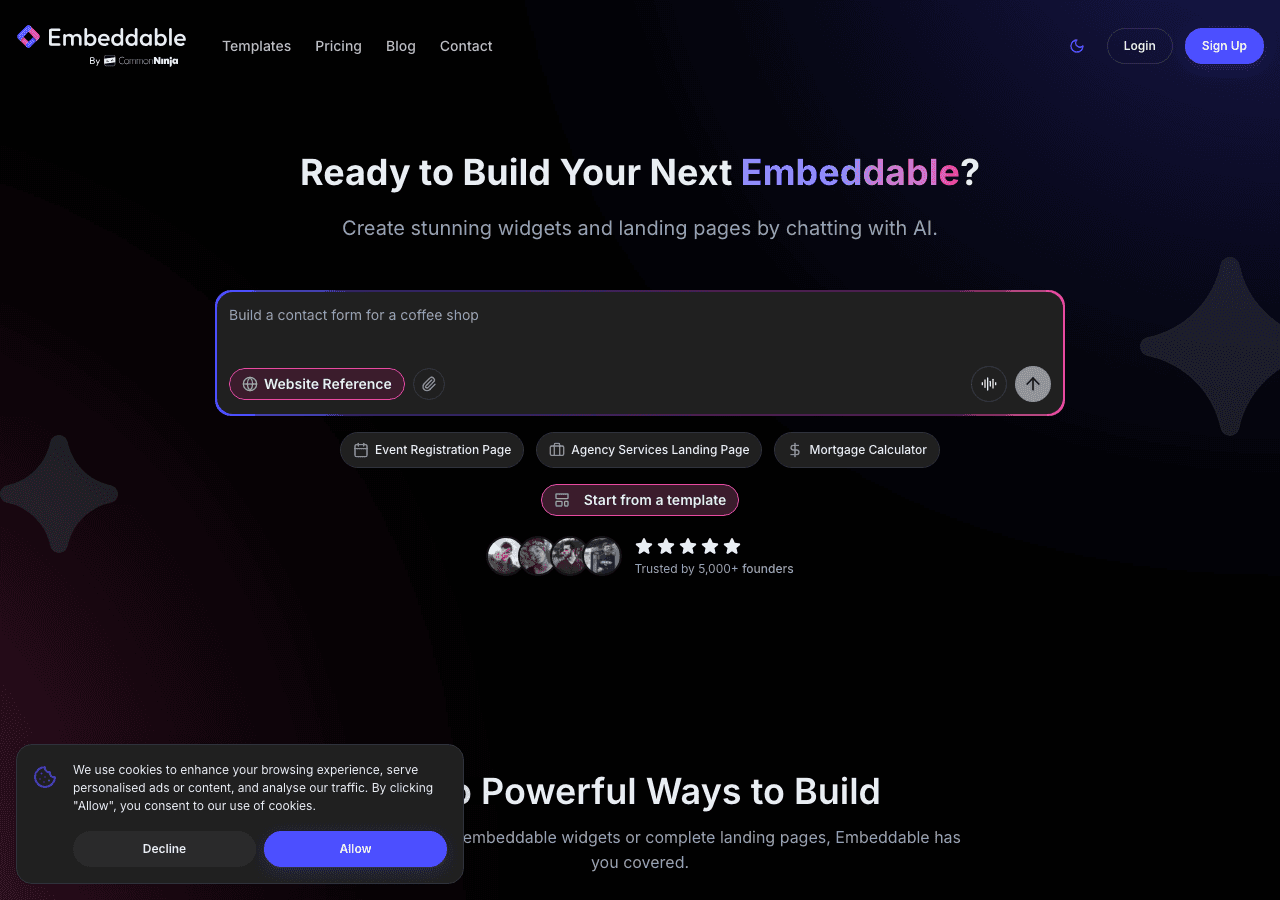
Embeddable is the most flexible popup builder available in 2026 for teams that want to go beyond a basic opt-in form. It is a no-code widget builder that covers popups, calculators, quizzes, forms, booking widgets, and more, all from a single platform. If you have ever wanted a popup widget that does more than collect an email address, Embeddable is where to start.
What sets it apart from every other popup builder on this list is the depth of what you can embed inside a popup. With Embeddable, you can build a popup that contains a full interactive quiz, a custom calculator, a product recommendation flow, or a multi-step lead form. This makes it exceptionally powerful for ecommerce popups and lead generation campaigns where you want to qualify visitors before capturing their contact information.
The editor is genuinely no-code. You can choose from templates, customize layout and styling, set trigger conditions, and publish with a single embed code. The popup builder supports exit intent detection, scroll triggers, time delays, and page-level targeting. You can target specific URLs, set display frequency rules, and control behavior on mobile versus desktop separately.
On the integration side, Embeddable connects with Mailchimp, HubSpot, Google Sheets, Airtable, Klaviyo, Segment, Stripe, and a long list of other tools. This means leads captured through your popup widget flow directly into your CRM or email marketing platform without any manual work.
The AI-assisted builder is another standout feature. You can describe what you want, and the system generates a starting point, which you then customize in the visual editor. For popup builders for marketers who need to move quickly, this dramatically cuts down on setup time.
Embeddable also handles custom popups for use cases that go beyond lead capture, including age verification gates, cookie consent popups, announcement bars, and promotional overlays.
Key Features:
- No-code visual editor with AI assistance
- Exit intent, scroll, time delay, and page-level triggers
- Multi-step and interactive popup content (quizzes, calculators, forms)
- Wide integration library including HubSpot, Klaviyo, Mailchimp, Stripe
- Mobile and desktop targeting controls
- Custom branding with full white-label options
- Works on WordPress, Webflow, Shopify, Squarespace, Framer, and more
Pricing: Embeddable offers a generous free plan. Paid plans start at affordable monthly rates and scale based on usage, with no per-impression fees. See current pricing at embeddable.co/pricing.
Verdict: Embeddable is the best popup builder in 2026 for teams that want versatility, interactivity, and professional design without writing code. It is the top choice for ecommerce popups, lead capture popups, and any scenario where you want the popup itself to do real work rather than just collect an email.
2. Common Ninja — Best for Multi-Widget Sites
Common Ninja is a widget platform that includes a capable popup builder alongside dozens of other widget types. If you are already using Common Ninja for other site elements, adding popup functionality is straightforward, and the platform maintains a consistent no-code editor across all its tools.
The popup builder supports standard trigger options including time delays and scroll depth. Templates cover common use cases like newsletter signups, promotional announcements, and discount offers. The design controls are solid, with options for background overlays, animation styles, and button customization.
Where Common Ninja shines is as part of a broader website enhancement strategy. If you need popup widgets alongside review widgets, image carousels, or social feeds, having everything under one subscription is convenient. The platform includes built-in analytics, CRM integrations, and an API for teams that need programmatic control.
The free plan is available with limitations, and paid plans unlock premium features. Importantly, if you downgrade from a paid plan, your widgets revert to free-tier behavior rather than disappearing entirely, which is a user-friendly policy.
Key Features:
- Popup builder as part of a larger widget ecosystem
- Time delay and scroll depth triggers
- Built-in analytics and CRM integrations
- No-code editor consistent across all widget types
- Free plan available
Pricing: Free plan available. Paid plans with premium features at tiered monthly rates.
Verdict: Common Ninja is a smart choice if you are building out multiple interactive elements for a website and want a single platform to manage them. As a dedicated pop up builder, it is competent rather than exceptional, but the value increases significantly when used alongside other Common Ninja widgets.
3. Maestra — An All-in-One Personalization Platform for DTC Brands
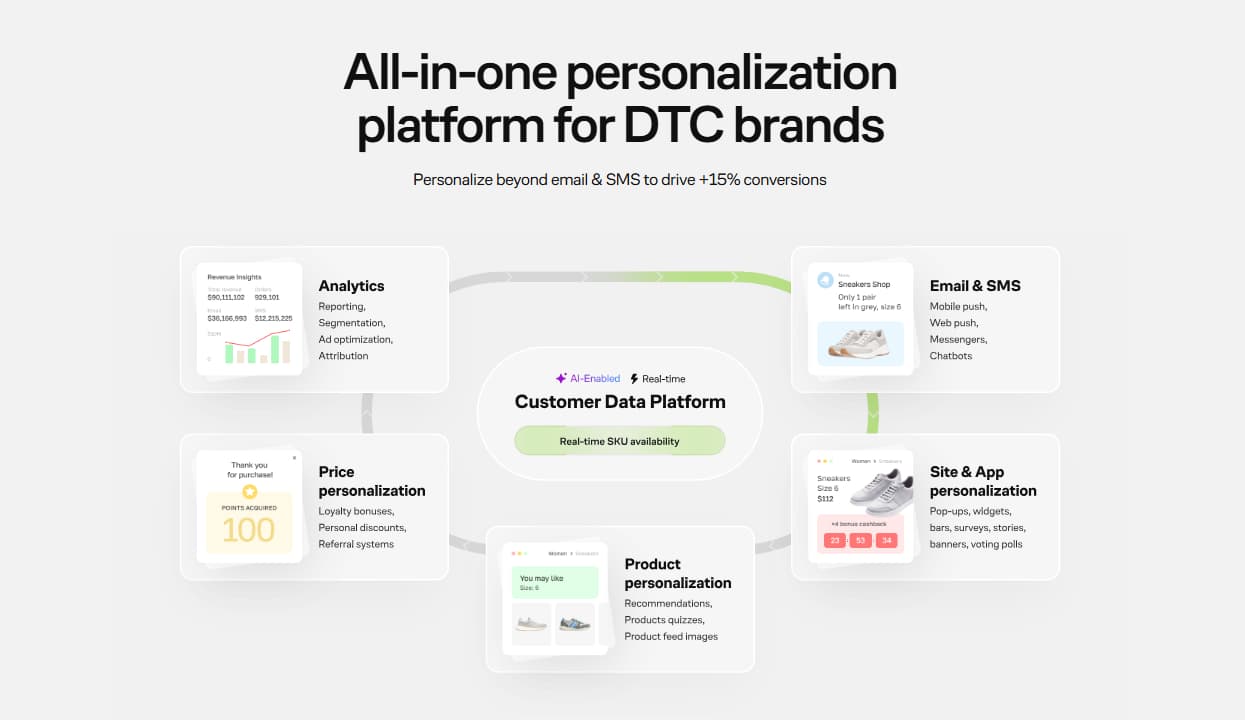
Maestra helps marketers build any kind of pop-up — from simple or gamified lead forms to product-picking quizzes, surveys, and polls. Pop-ups and embedded blocks can be tailored to any goal, from contact capture to increasing AOV. Maestra's real-time CDP drives advanced personalization, ensuring on-site elements adjust instantly to each customer's actions. Marketers can easily set the frequency and prioritize the most impactful pop-ups, hitting the sweet spot between engagement and annoyance. Built-in loyalty and flexible rewards are seamlessly integrated with on-site elements to incentivize purchases. Beyond the site, the CDP enables personalized customer journeys across all channels. Maestra CSMs provide hands-on support — from integration and migration to strategy, design, and A/B testing.
Key Features:
- Drag-and-drop pop-up editor — no code needed
- 100+ pre-designed customizable templates: countdowns, exit intent, spin-the-wheel, stories, etc.
- Other on-site content: widgets, banners, bundles, games, upsell bars, etc.
- In-session segmentation with granular city-level targeting
- Flexible targeting — time, frequency, and page-level rules
- Loyalty, promotions, and rewards built into on-site personalization
- Pop-ups woven into personalized cross-channel journeys: site, app, email, SMS/MMS/RCS, etc.
- Advanced A/B testing and detailed reporting
- Dedicated CSM to handle all setup and optimization via shared Slack channels and weekly Zoom calls
Pricing: All-in subscription. Starts at $2,990/month for up to 150,000 active customer profiles. Dedicated CSM for each client at no extra cost. No add-ons, charge setup, or onboarding fees.
Best For: DTC brands with an established customer list that want to personalize beyond email & SMS.
The Downside: No free plan. Doesn't fit businesses that only need a simple pop-up tool.
4. Elfsight — Best for Quick Deployment
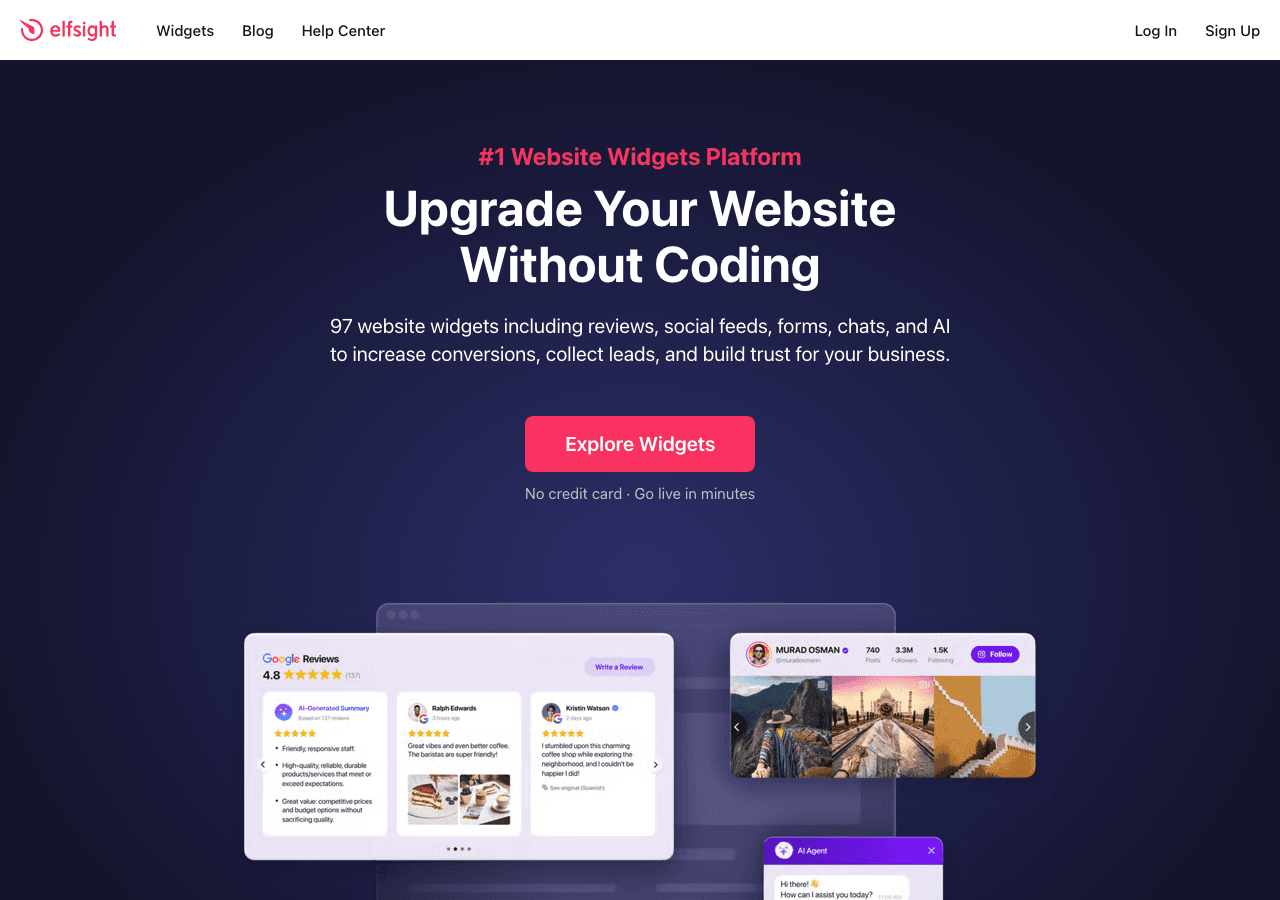
Elfsight is one of the most widely used widget platforms for websites, and its popup builder reflects the platform's emphasis on simplicity and speed. You can have an ecommerce popup or a lead capture popup live in under ten minutes, which makes it a favorite among small business owners and marketers who prioritize fast deployment over deep customization.
The template library is extensive. Elfsight offers templates for discount popups, email subscription overlays, countdown timer popups, and social proof notifications. Most templates look professional out of the box, requiring only basic text and color changes to fit your brand.
Trigger options include time delay, scroll percentage, exit intent, and click-based triggers. Display rules let you control which pages a popup appears on and how often a returning visitor sees it. These are the core features most popup builders for marketers need, and Elfsight covers them reliably.
Where Elfsight has limitations is in the depth of what you can put inside a popup. You are largely working with static content, text, images, buttons, and form fields. If you need an interactive quiz or a multi-step calculator inside a popup, you will need to look elsewhere.
Pricing is straightforward. There is a free plan with no time limit, though it comes with Elfsight branding and view limitations. Paid plans are affordable and scale by monthly views.
Key Features:
- Large template library for common popup use cases
- Exit intent, time delay, scroll, and click triggers
- Page-level display rules and frequency controls
- Simple no-code editor
- Free forever plan available
Pricing: Free plan with Elfsight branding. Paid plans starting at low monthly rates, billed annually.
Verdict: Elfsight is an excellent choice for getting a clean, functional popup widget live quickly. It lacks the interactivity and customization depth of Embeddable, but for standard lead capture popups and promotional overlays, it performs reliably.
5. Involve.me — Best for Funnel-Driven Popups
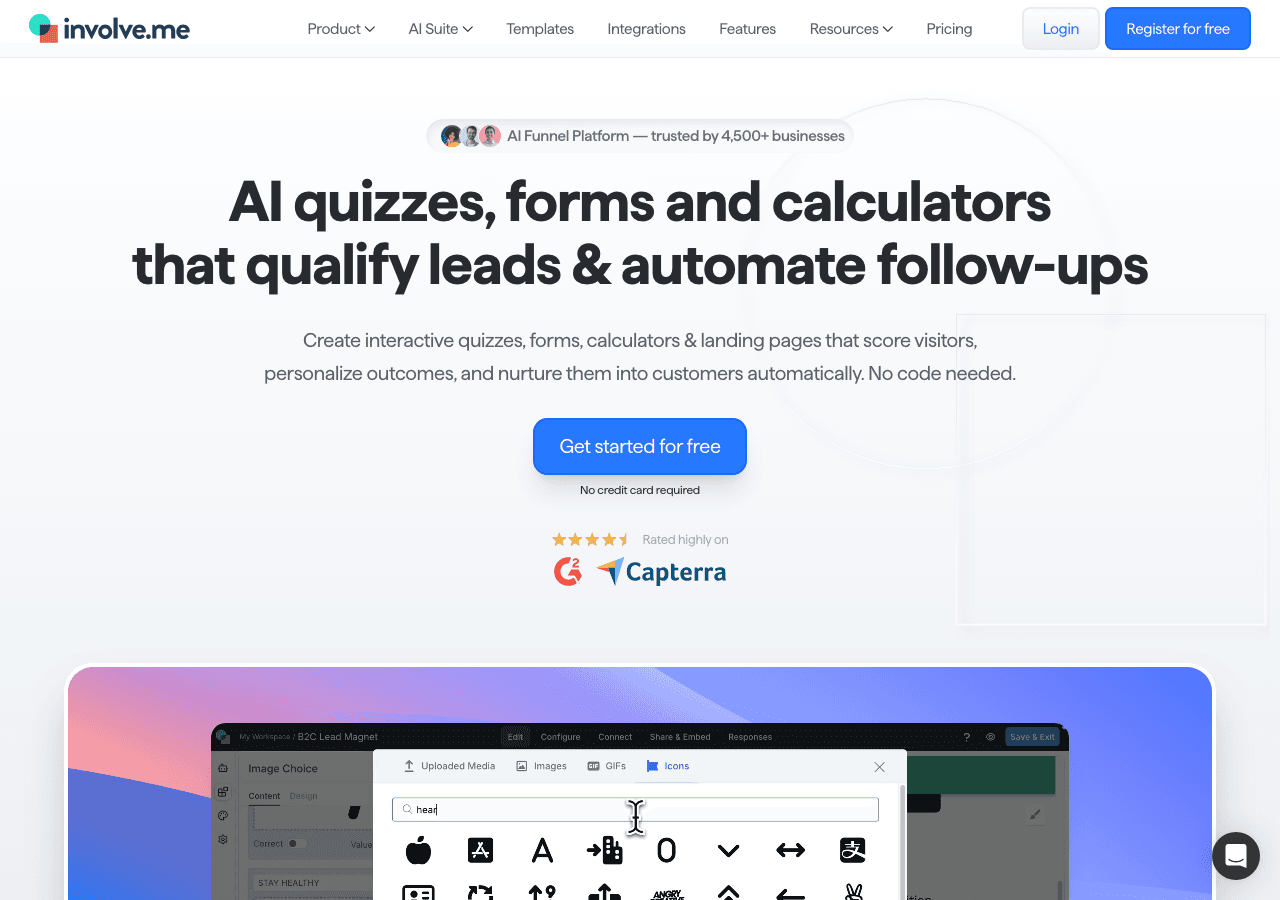
Involve.me positions itself as an interactive funnel builder rather than a pure popup builder, and that distinction matters. If your goal is to build a popup that feeds into a multi-step lead qualification flow or a personalized product recommendation sequence, Involve.me has the architecture to support it.
The platform includes AI-powered funnel generation, an AI quiz generator, and an AI form generator. You describe the type of experience you want to create, and the system builds a starting template that you customize in the visual editor. This works well for popup builders for marketers who want to create sophisticated lead scoring workflows without developer involvement.
Involve.me supports A/B testing on your popups, which is a meaningful differentiator. You can test different headlines, offers, or form lengths against each other and let data determine which version to scale. The platform also handles lead scoring and segmentation automatically based on how users interact with your popup content.
The ecommerce popup use case is well-served here, particularly for brands that want to recommend products based on quiz responses before offering a discount code. The multi-step popup flow is one of Involve.me's strongest features.
On pricing, the free plan is available, with paid plans starting at $29 per month for the basic tier and scaling up to $129 per month for advanced features. Custom domains cost extra at $10 per month each.
Key Features:
- AI funnel and quiz generators
- A/B testing on popup content
- Lead scoring and automatic segmentation
- Multi-step popup flows with branching logic
- Email trigger automation and CRM integrations
Pricing: Free plan available. Paid plans from $29 per month to $129 per month. Enterprise from $399 per month.
Verdict: Involve.me is the right choice when your popup is the beginning of a longer conversation with a visitor rather than a one-time ask. The A/B testing and lead scoring capabilities are genuinely useful for growth-focused teams.
6. Jotform — Best for Form-Heavy Popups
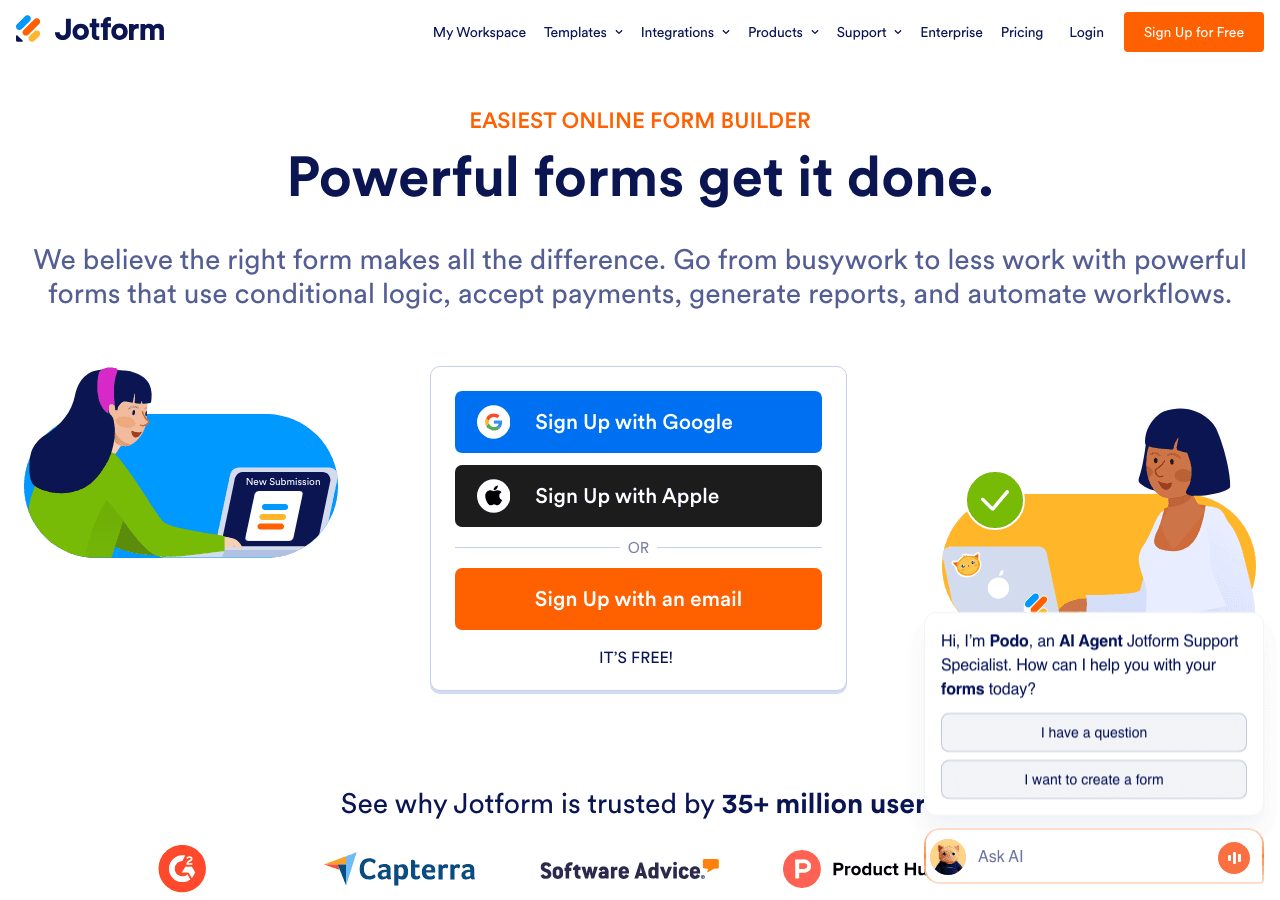
Jotform is best known as a form builder, but its popup functionality has matured significantly. If your primary need is a lead capture popup with a detailed form, file upload capability, or complex field logic, Jotform handles it better than most dedicated popup builders.
The form-building capabilities are deep. You get conditional logic, file upload fields, payment collection through Stripe and PayPal, e-signature fields, and autoresponder emails. All of these can be wrapped in a popup overlay and embedded on any website. For use cases like job application forms, consent forms, or patient intake forms that need to appear as popups, Jotform is a strong fit.
Templates are available in large numbers, covering everything from simple email signup popups to multi-section application forms. The drag-and-drop editor is one of the most polished in the form builder category.
The limitation is that Jotform approaches popups from the form direction rather than the marketing direction. Trigger options and behavioral targeting are more limited compared to tools built specifically as popup builders for marketers. Exit intent detection and scroll triggers are not as refined as what you get from Embeddable or Elfsight.
Pricing varies by plan, with a free plan available that covers basic use cases.
Key Features:
- Industry-leading form builder inside popup overlays
- Conditional logic, file upload, and payment collection
- E-signature and autoresponder email support
- Large template library
- Integrations with hundreds of third-party tools
Pricing: Free plan available. Paid plans at monthly rates based on submission volume and features.
Verdict: Jotform is the best popup builder when the form itself is the most complex part of the experience. It is not the most sophisticated tool for behavioral targeting, but for data-heavy lead capture popups and application overlays, it is hard to beat.
7. Outgrow — Best for Interactive Content Popups
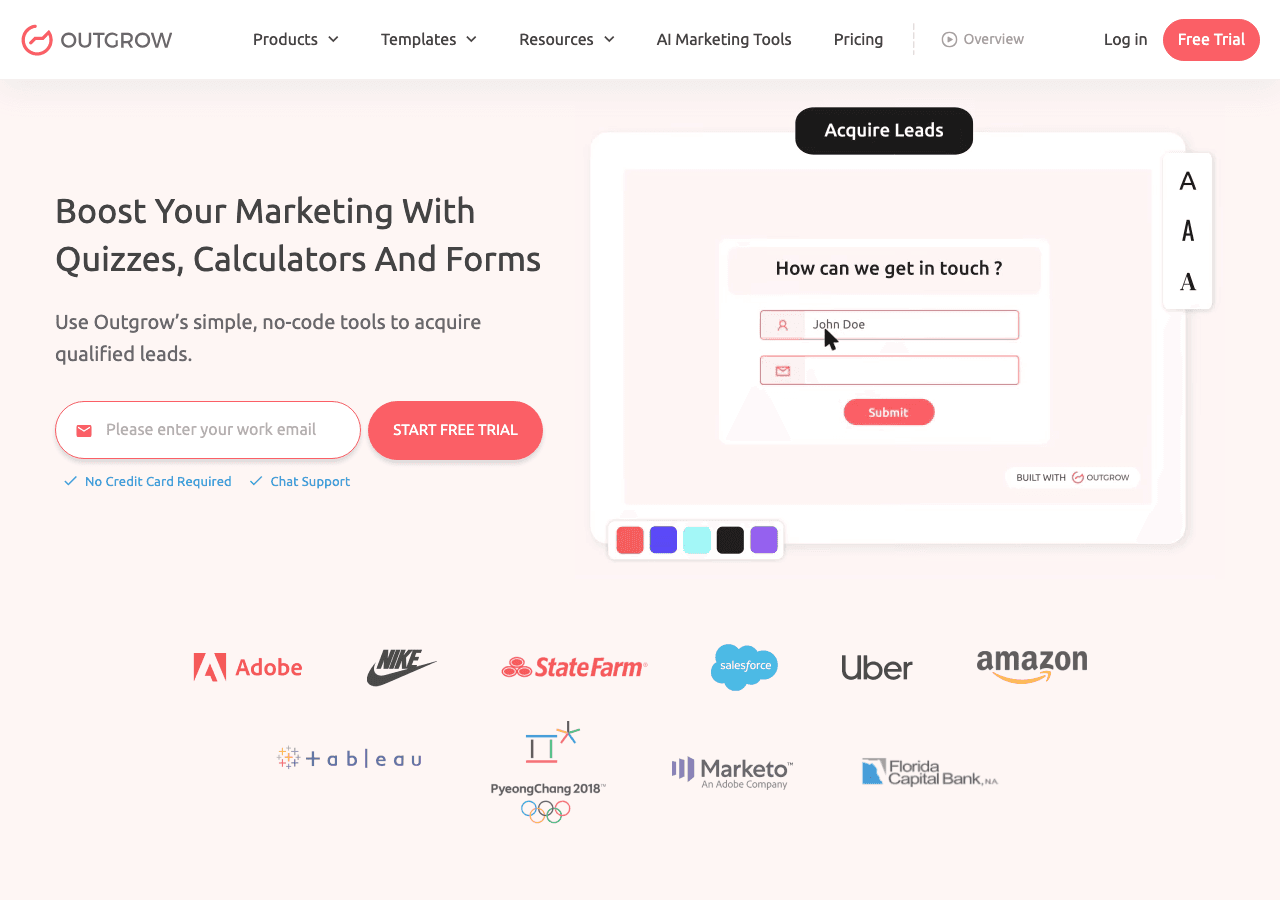
Outgrow is built around interactive content, including calculators, quizzes, polls, and assessments. Its popup functionality lets you surface this interactive content as an overlay rather than requiring users to navigate to a separate page.
For ecommerce popups and B2B lead generation, this model is effective. A visitor lands on your pricing page and a popup appears offering a custom ROI calculator. They engage with the calculator, see a personalized result, and opt in to get a more detailed report. This is the kind of high-intent lead capture popup that converts significantly better than a generic "subscribe to our newsletter" overlay.
Outgrow includes real-time analytics, A/B testing, and a library of outcome-based content types. The platform has received recognition for its interactive content capabilities, and user case studies document meaningful conversion rate improvements for lead generation campaigns.
Pricing starts at $22 per month for the Freelancer tier (billed monthly), with higher tiers at $45 and $115 per month. There is a free trial available, and annual billing offers notable discounts.
Key Features:
- Interactive calculators, quizzes, and assessments inside popups
- Real-time analytics and A/B testing
- Outcome-based personalization
- Integration with major CRMs and marketing platforms
- Free trial available
Pricing: Plans starting at $22 per month (monthly billing), with a free trial. Annual plans available at lower effective monthly rates.
Verdict: Outgrow is a specialized tool that excels at making interactive content the centerpiece of a popup experience. It is a strong option for B2B marketers and ecommerce brands running content-led lead generation campaigns.
Quick Comparison Table
| Tool | Best For | Free Plan | Exit Intent | Interactive Content | Starting Price |
|---|---|---|---|---|---|
| Embeddable | Overall best, versatile | Yes | Yes | Yes (quizzes, calculators) | Free, paid plans available |
| Common Ninja | Multi-widget sites | Yes | Limited | Limited | Free, paid tiers |
| Maestra | Hyper-personalization | No | Yes | Yes (quizzes, surveys, polls) | $2,990/month |
| Elfsight | Fast deployment | Yes | Yes | No | Free, paid from low monthly rate |
| Involve.me | Funnel-driven popups | Yes | Yes | Yes (quizzes, forms) | $29/month |
| Jotform | Form-heavy popups | Yes | Limited | No | Free, paid tiers |
| Outgrow | Interactive content | Trial only | Yes | Yes (calculators, quizzes) | $22/month |
Which Popup Builder Should You Choose?
Choose Embeddable if you want the most flexible popup builder available without writing code. It handles everything from simple lead capture popups to multi-step interactive experiences, and it works on virtually every major website platform. If you want one tool that covers popups alongside other widget types, quizzes, forms, calculators, and booking flows, Embeddable is the clear choice. The free popup widgets available on Embeddable let you get started immediately.
Choose Common Ninja if you are already building multiple widgets for your site and want popup functionality bundled into the same subscription. It is a sensible choice for agencies and site owners who want a unified widget management platform.
Choose Maestra if you are a DTC brand looking for an all-in-one personalization platform that goes beyond basic pop-ups. With a real-time CDP, built-in loyalty, and dedicated CSM support, Maestra is ideal for brands that want to personalize across every channel — not just on-site.
Choose Elfsight if your priority is speed and simplicity. You need a clean, professional popup live today, the content is straightforward, and you do not need interactive elements inside the overlay. Elfsight's free plan makes it easy to test before committing.
Choose Involve.me if you want your popup to be the entry point of a longer lead qualification funnel. The A/B testing, lead scoring, and AI-assisted funnel building make it a strong choice for marketing teams with sophisticated conversion goals.
Choose Jotform if the form inside your popup is complex. File uploads, payment collection, e-signatures, and conditional logic are Jotform's strengths, and wrapping that capability in a popup overlay is a natural extension of what the platform does well.
Choose Outgrow if you are running interactive content marketing campaigns and want calculators or quizzes to appear as ecommerce popups or lead generation overlays. The ROI and engagement metrics for interactive content consistently outperform static alternatives, and Outgrow is built specifically for this.
Conclusion
The best popup builders in 2026 are not just overlay tools. The most effective ones let you put meaningful, interactive experiences inside the popup itself, turning a momentary interruption into a genuine value exchange with your visitor.
Embeddable leads this list because it combines the widest range of popup content types with a no-code editor that any marketer or website owner can use. Whether you need a simple exit intent popup to capture emails or a sophisticated ecommerce popup that qualifies leads before offering a discount, Embeddable handles it without requiring custom development.
Ready to build your first popup? Start for free at embeddable.co/free-popup-widgets and have a professional, fully customized popup live on your site today.
If you found this guide useful, you may also want to explore related resources. Learn how to build a custom popup for your website with a step-by-step walkthrough. If you are using popups as part of a broader lead generation strategy, the guide to lead generation widgets covers complementary tools worth considering. For teams combining popups with quiz-based lead qualification, the best quiz makers in 2025 post covers the landscape in depth. And if you are building out a full conversion optimization stack, the overview of ecommerce conversion tools is a practical next read.
Build Any Widget with AI in Seconds
Forms, calculators, quizzes, popups & any custom widget — describe it and AI builds it.
Try It FreeFree tier · No credit card