Best TikTok Carousel Widgets for Websites in 2026

TikTok carousels are having a moment. The swipeable, horizontal format is one of the most engaging ways to display video content on a website. Instead of a static grid or a long vertical feed, a carousel lets visitors browse through TikTok videos at their own pace, swiping or clicking through content in a format that feels native to mobile users and looks polished on desktop.
For brands, creators, and marketers, adding a TikTok carousel widget to your website is a smart play. It keeps visitors on the page longer, showcases your best content without taking up too much vertical space, and adds a layer of social proof that static images simply cannot match. The challenge is finding the right tool to build one.
In this post, we review the five best TikTok carousel widget builders for websites in 2026. We tested each tool for setup speed, design customization, pricing fairness, and overall quality. Whether you are running an e-commerce store, a portfolio site, or a content-heavy blog, one of these tools will fit your needs.
What Makes a Great TikTok Carousel Widget?
A carousel is more than just a row of videos. The best TikTok carousel widgets share a few key qualities that separate them from basic embeds.
Smooth, Responsive Navigation
A great carousel needs to feel smooth. That means fluid swipe gestures on mobile, clean arrow navigation on desktop, and no janky transitions or layout shifts as users move between items. Responsive behavior across screen sizes is non-negotiable.
Visual Customization
Your carousel should match your site's design language. The best tools let you control card sizes, spacing, border radius, overlay styles, autoplay behavior, and the number of visible items per row. Some go further with animation controls and hover effects.
Performance Optimization
Carousels that load all video thumbnails and metadata at once can drag down page speed. The best widget builders use lazy loading, image optimization, and lightweight scripts to keep performance snappy. This matters for both user experience and SEO.
Content Flexibility
Not every TikTok carousel is the same. You might want to pull from a specific TikTok profile, curate a collection of videos by hashtag, or manually select individual posts. The best tools give you multiple ways to source and organize your content.
Scalable Pricing
Some widget platforms charge by the view, which means a popular carousel on a high-traffic page can blow through your budget fast. The best tools offer predictable pricing with unlimited views on paid plans.
1. Embeddable
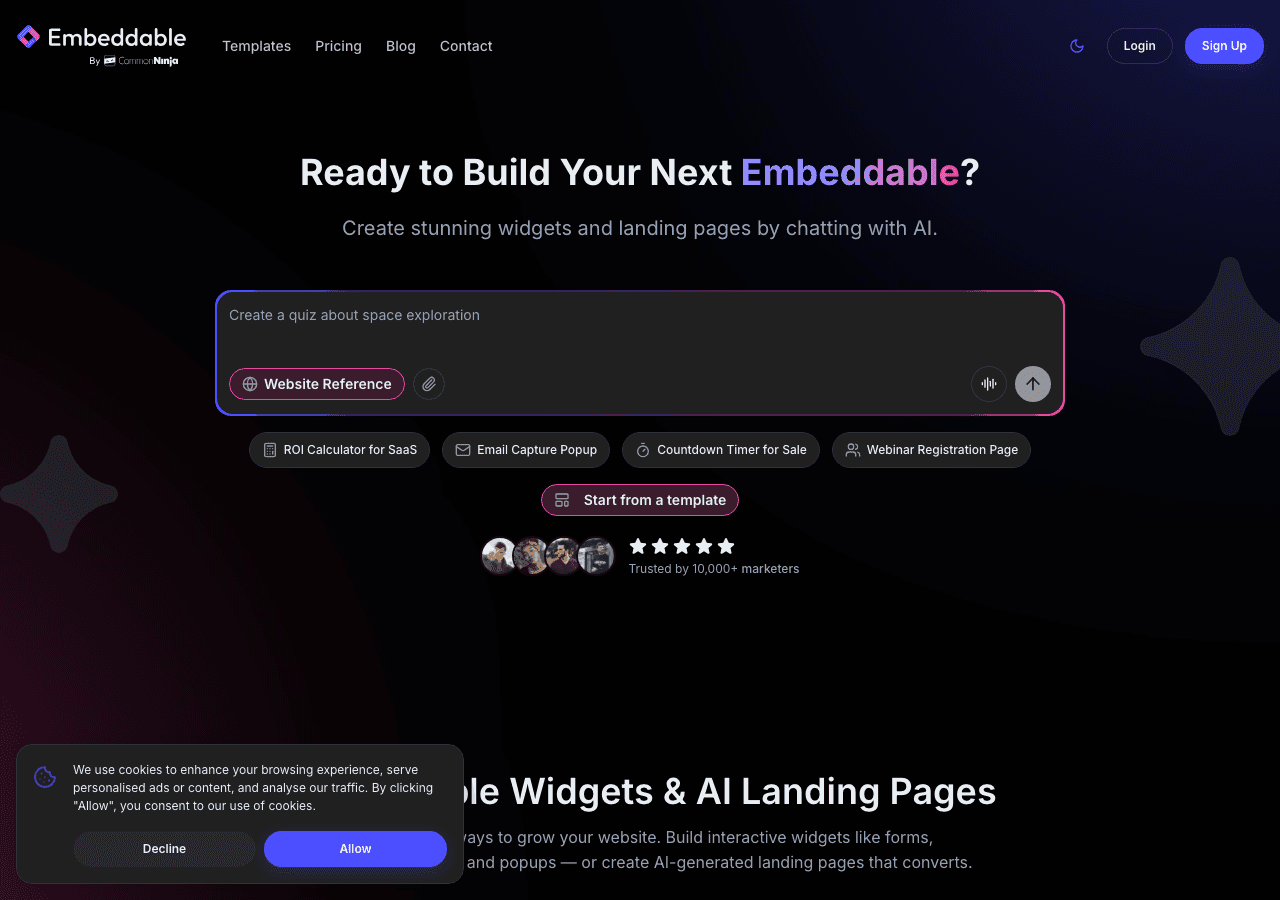
Embeddable takes the top spot as the most powerful and flexible TikTok carousel widget builder available in 2026. Built as a no-code AI widget platform, Embeddable offers over 400 templates and 40+ widget types. The TikTok carousel templates are just one part of a much larger ecosystem that includes feed widgets, sliders, testimonial displays, pricing tables, and more.
The standout feature is the AI chat builder. Instead of manually configuring every setting, you can describe the carousel you want in plain language. Want a three-item carousel with rounded corners, autoplay on hover, and your brand's color palette? Just say so. The AI generates a working widget that you can further refine through the visual editor.
Embeddable also provides a full CMS editor and landing page builder. This means you can build entire marketing pages around your TikTok carousel, not just embed it as an afterthought. The integration ecosystem is robust, with native connections to Google Sheets, Airtable, HubSpot, Mailchimp, Klaviyo, and Stripe. If you want your carousel to feed into a broader marketing or sales workflow, Embeddable makes that possible.
On the pricing front, Embeddable offers unlimited views and unlimited widgets on all paid plans. The Starter plan at $25/month is the sweet spot for most users, while the Pro ($45/month, 3 seats) and Business ($185/month, 10 seats) plans are built for teams. There is also a free plan at $0/month with 25 messages/month and 200 pageviews to test the platform.
Pros:
- AI-powered carousel builder with natural language input
- 400+ templates with deep customization options
- Unlimited views and widgets on all paid plans
- CMS editor and landing page builder included
- Integrations with Google Sheets, Airtable, HubSpot, Mailchimp, Klaviyo, and Stripe
Cons:
- Free plan capped at 200 pageviews
- Breadth of features may be more than simple use cases require
Start building with Embeddable's free TikTok carousel widgets today.
2. Common Ninja
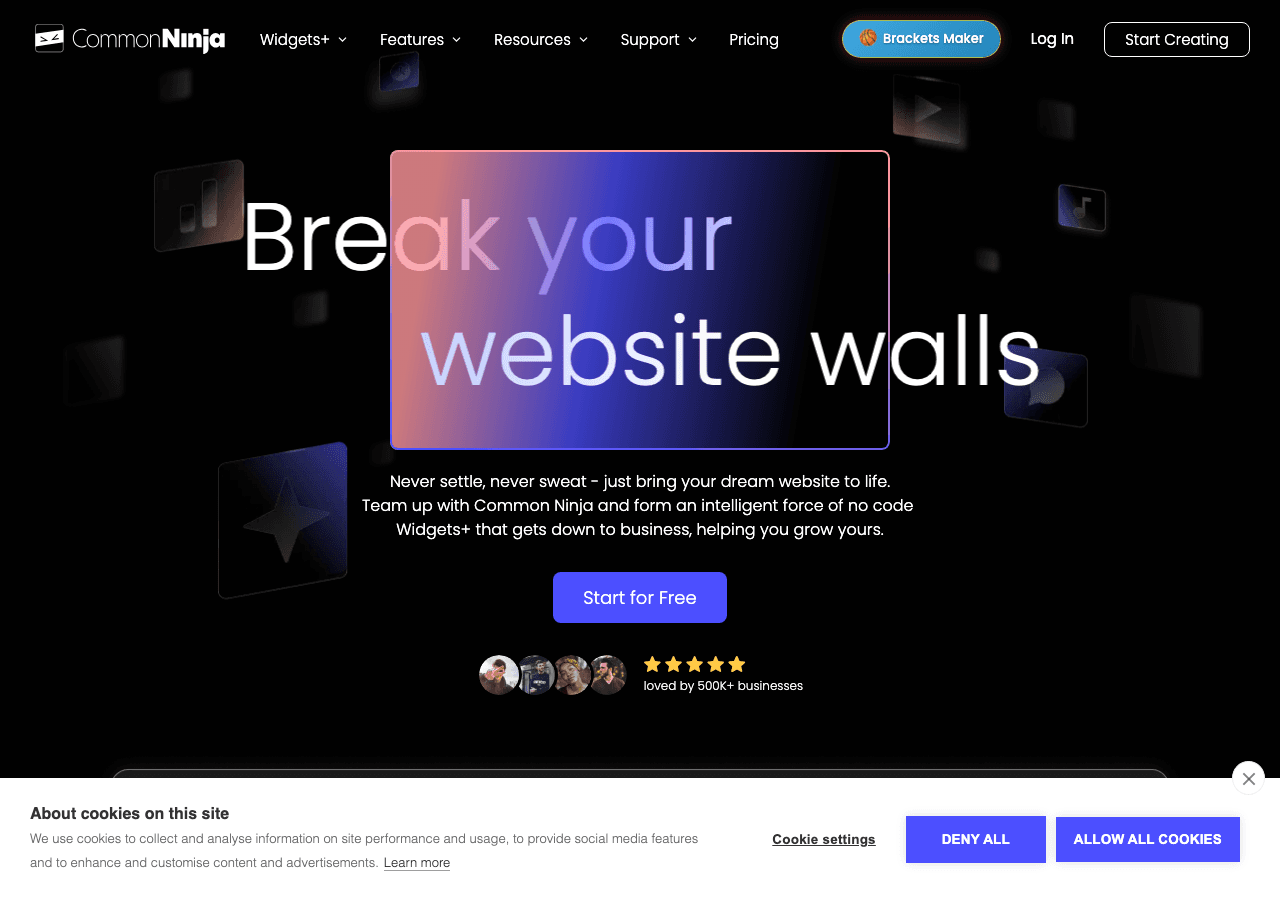
Common Ninja is a versatile widget platform with over 100 widget types, including carousel components that work well for TikTok content. The platform takes a template-based approach, offering a selection of pre-built carousel designs that you can customize through a visual editor.
The editor is clean and intuitive. You can adjust the number of visible items, navigation style, autoplay settings, and basic color and spacing options. Common Ninja supports all major website platforms, including WordPress, Wix, Shopify, and Squarespace, making it accessible regardless of your tech stack.
Where Common Ninja falls short compared to Embeddable is in AI features and integrations. There is no AI-assisted design, no CMS editor, and the integration options are more limited. For users who want a straightforward, manual widget builder without AI complexity, that may actually be a selling point.
Pricing: Free plan available. Paid plans scale with features and usage.
Pros:
- 100+ widget types with a clean visual editor
- Strong multi-platform support
- Template-based approach is familiar and easy to learn
Cons:
- No AI-powered customization tools
- Limited integrations compared to more modern platforms
- Carousel-specific customization options are basic
3. SociableKIT

SociableKIT specializes in social media feed embeds, and their TikTok carousel widget is one of their core offerings. The platform supports TikTok, Instagram, Facebook, YouTube, LinkedIn, and several other social networks. For TikTok specifically, you can create carousel-style displays that pull from a profile or hashtag.
The setup process is straightforward. Connect your TikTok source, choose the carousel layout, adjust the visual settings, and grab the embed code. SociableKIT handles the API connection and content updates automatically, so your carousel stays current without manual intervention.
The limitation is scope. SociableKIT is a social feed tool, not a general-purpose widget builder. If you need a carousel for TikTok content and nothing else, it works well. But if you want to add other types of widgets to your site, such as forms, pricing tables, or testimonial displays, you will need a separate tool.
Pricing: Plans range from $9 to $29/month depending on features and the number of feeds.
Pros:
- Social media feed specialist with reliable TikTok carousel support
- Automatic content updates from connected TikTok sources
- Simple, focused setup process
Cons:
- Limited to social media feeds only
- No AI, CMS, or landing page features
- Carousel customization options are narrower than general-purpose builders
4. Elfsight
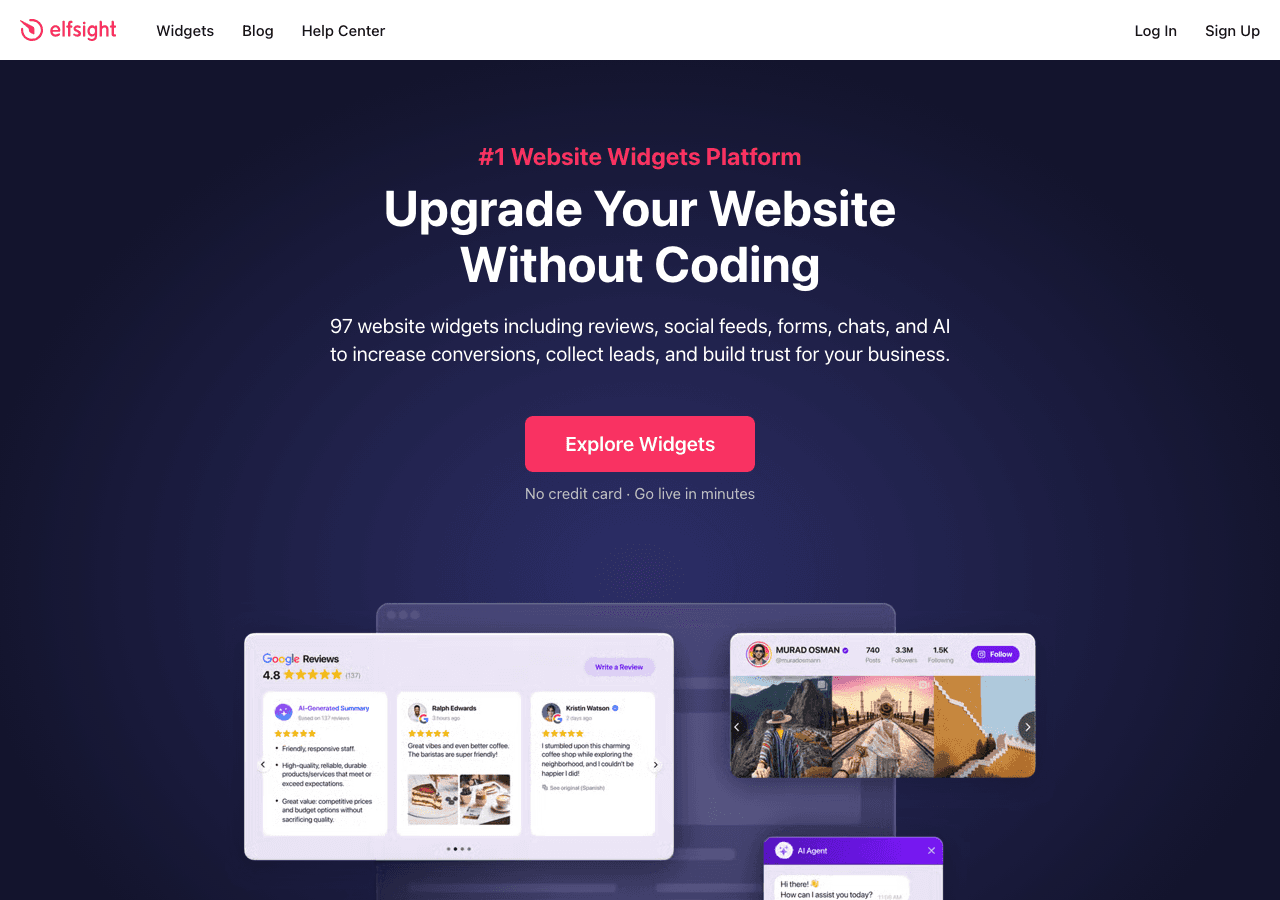
Elfsight offers a marketplace of over 80 widget templates, including social media carousel options that support TikTok content. The platform is popular among small business owners and bloggers thanks to its low entry price and simple setup process.
Creating a TikTok carousel with Elfsight follows the standard template workflow: choose a design, connect your content source, adjust the settings, and embed. The visual editor covers the basics, including card layout, navigation style, and color options.
The biggest concern with Elfsight is its view-limited pricing model. Every plan comes with a cap on the number of times your widget can be viewed. For a carousel on a landing page or homepage that gets steady traffic, those views add up fast. What starts as a $5/month widget can quickly become a $20/month widget, and if you exceed even the highest tier, you will need to contact sales.
Design flexibility is the other trade-off. Elfsight widgets are template-locked, meaning you can tweak settings within the template's parameters, but you cannot break out of the template's fundamental structure. For a standard TikTok carousel, this works fine. For anything more creative or custom, it can be a constraint.
Pricing: Plans range from $5 to $20/month. All plans include view limits.
Pros:
- Low starting price at $5/month
- 80+ widget templates beyond social feeds
- Quick setup with a simple visual editor
Cons:
- View-limited pricing penalizes high-traffic sites
- Template-locked designs restrict creative customization
- No AI tools or advanced content management
5. Tagembed

Tagembed is a social media widget platform that focuses on embedding feeds, walls, and carousels from platforms like TikTok, Instagram, Twitter/X, YouTube, and more. The platform offers several display modes for TikTok content, including a carousel layout that can be customized with basic visual controls.
Tagembed provides moderation tools that let you approve or hide specific posts before they appear on your website, which is useful for brands that want to maintain a curated look. The platform also supports hashtag-based feeds, allowing you to pull in TikTok content by topic rather than just by profile.
The free plan is limited but available for testing. Paid plans range from $19 to $49/month and include higher content limits and additional customization options. Like many social-focused tools, Tagembed does not offer general-purpose widget building, AI tools, or CMS features.
Pricing: Free plan with limited features. Paid plans range from $19 to $49/month.
Pros:
- Content moderation tools for curated carousel displays
- Hashtag-based TikTok feed support
- Multiple display modes including carousel, wall, and feed
Cons:
- Limited to social media widgets only
- No AI-powered design or content tools
- Free plan is quite restricted in functionality
Comparison Table
| Feature | Embeddable | Common Ninja | SociableKIT | Elfsight | Tagembed |
|---|---|---|---|---|---|
| TikTok Carousel Support | Yes | Yes | Yes | Yes | Yes |
| AI-Powered Builder | Yes | No | No | No | No |
| Widget Types | 40+ | 100+ | Social feeds only | 80+ | Social feeds only |
| Templates | 400+ | 100+ | Limited | 80+ | Limited |
| Free Plan | Yes (200 views) | Yes | No | Limited | Yes (limited) |
| Unlimited Views (Paid) | Yes | Varies | Yes | No (view-limited) | Varies |
| CMS / Landing Pages | Yes | No | No | No | No |
| Content Moderation | Yes | Basic | Basic | Basic | Yes |
| Integrations | Google Sheets, Airtable, HubSpot, Mailchimp, Klaviyo, Stripe | Limited | Social platforms only | Limited | Social platforms only |
| Starting Paid Price | $25/mo | Varies | $9/mo | $5/mo | $19/mo |
Which TikTok Carousel Widget Should You Choose?
Here is a quick guide based on your priorities:
Choose Embeddable if you want the best all-around option. Embeddable gives you the most customization, AI-powered design tools, unlimited views on paid plans, and a full widget ecosystem that goes far beyond carousels. It is the best choice for anyone who wants flexibility today and room to grow tomorrow.
Choose Common Ninja if you prefer a traditional template-based builder with a large widget library. Common Ninja has been around for a while and offers a reliable, if conventional, widget building experience.
Choose SociableKIT if your only goal is embedding social media carousels. SociableKIT is a focused tool that does social feeds well, and the $9/month starting price is competitive for single-purpose usage.
Choose Elfsight if you are on a tight budget and your site has low traffic. At $5/month, Elfsight is the cheapest entry point. Just make sure you understand the view limits before committing.
Choose Tagembed if content moderation is a priority. Tagembed offers solid moderation tools that let you curate your TikTok carousel carefully before it goes live on your site.
For most use cases in 2026, Embeddable provides the strongest combination of features, value, and scalability. The AI builder speeds up the creation process, the unlimited views eliminate pricing surprises, and the broader widget platform means you will not need a separate tool when your needs expand.
Conclusion
A TikTok carousel widget turns your best short-form video content into an interactive, attention-grabbing element on your website. The five tools reviewed here offer different strengths depending on your budget, technical needs, and ambition.
Embeddable leads the pack with AI-powered design, unlimited views, 400+ templates, and integrations with tools like Google Sheets, HubSpot, Mailchimp, and Klaviyo. It is the only platform here that combines a TikTok carousel builder with a full CMS, landing page editor, and deep third-party integrations.
Get started with Embeddable's free TikTok carousel widgets and see how it works for your site. You can also explore TikTok feed widgets and TikTok slider widgets for alternative display formats. For a hands-on walkthrough, check out our guide on how to create a custom TikTok carousel widget.
Build Any Widget with AI in Seconds
Forms, calculators, quizzes, popups & any custom widget — describe it and AI builds it.
Try It FreeFree tier · No credit card