Best TikTok Feed Widgets for Websites in 2026


TikTok has become one of the most influential content platforms on the internet. With over a billion active users and an algorithm that rewards creative, authentic short-form video, brands and creators alike are investing heavily in their TikTok presence. But here is the problem: most of that content lives and dies on the TikTok app itself. Your website visitors may never see it unless you bring it to them.
That is where TikTok feed widgets come in. A TikTok feed widget lets you embed a live or curated feed of TikTok videos directly on your website. Whether you want to showcase user-generated content, highlight your brand's latest videos, or add social proof to a landing page, a well-built TikTok feed widget can do the job without requiring any coding skills.
In this guide, we break down the five best TikTok feed widget tools for websites in 2026. We evaluated each on ease of use, customization, pricing, performance, and overall value. If you are looking to get TikTok content onto your site quickly and beautifully, read on.
What Makes a Great TikTok Feed Widget?
Before diving into the tools themselves, it helps to understand what separates a good TikTok feed widget from a great one. Here are the criteria we used to evaluate each platform:
Easy Setup and No-Code Functionality
Most website owners are not developers. A great TikTok feed widget should be easy to set up, configure, and embed without writing a single line of code. Drag-and-drop editors, visual customization panels, and copy-paste embed codes are table stakes in 2026.
Customization and Design Flexibility
Your TikTok feed should look like it belongs on your website. That means the widget builder needs to offer layout options (grid, list, masonry, and more), color and font controls, spacing adjustments, and responsive design out of the box. Bonus points for AI-assisted design tools that help you get a polished result faster.
Performance and Loading Speed
Embedding video content can slow down a page if the widget is not optimized. The best tools use lazy loading, efficient caching, and lightweight embed scripts to keep your Core Web Vitals healthy. A widget that tanks your page speed is not worth the engagement it might generate.
Pricing and Value
Pricing models vary widely across widget platforms. Some charge by pageviews, others by features or number of widgets. We looked for tools that offer generous free plans for testing, transparent pricing at scale, and no hidden view caps that punish success.
Integration Ecosystem
A TikTok feed widget does not exist in a vacuum. The best tools integrate with your existing tech stack, whether that means pulling data from Google Sheets, syncing with your CRM, or connecting to email marketing platforms like Mailchimp or Klaviyo.
1. Embeddable
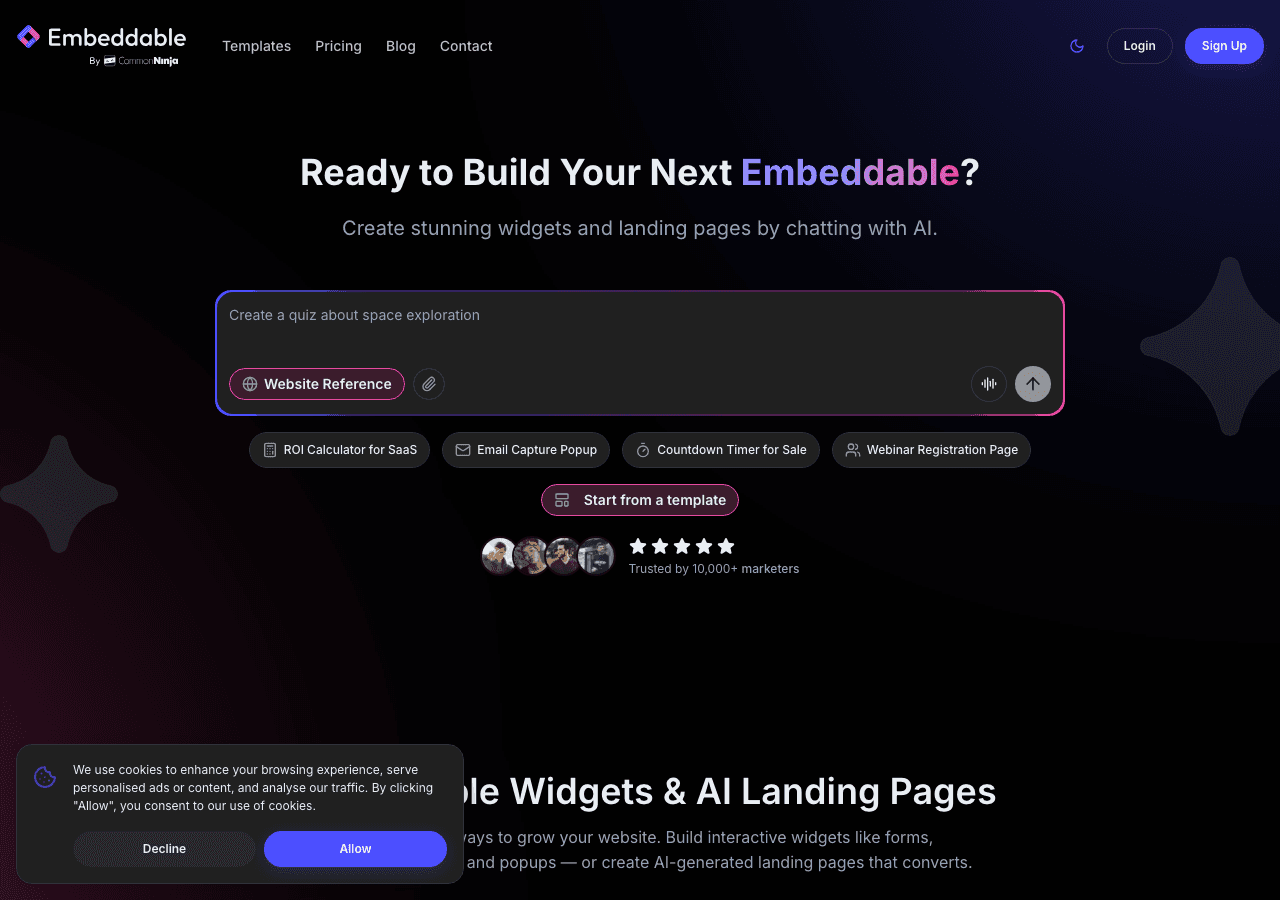
Embeddable is a no-code AI widget builder that stands out as the most versatile option for adding TikTok feeds to your website. Rather than being limited to a single widget type, Embeddable gives you access to over 400 templates and 40+ widget types, including dedicated TikTok feed layouts. The platform's AI tools help you customize your widget's design, content, and behavior in minutes.
What sets Embeddable apart is its flexibility. You can build a simple TikTok video feed, or you can combine it with other widget types on the same page, such as testimonial sliders, pricing tables, or interactive charts. The AI chat builder lets you describe the widget you want in plain language, and it generates a working version for you to refine.
Embeddable also includes a full CMS editor and landing page builder, so you can create entire content experiences around your TikTok feed rather than just dropping a widget onto an existing page. Integrations with Google Sheets, Airtable, HubSpot, Mailchimp, Klaviyo, and Stripe mean your TikTok feed can connect to the rest of your marketing and sales workflow.
Pricing: Free plan at $0/month with 25 messages/month and 200 pageviews. Starter plan at $25/month with unlimited pageviews and widgets. Pro plan at $45/month with 3 seats. Business plan at $185/month with 10 seats.
Pros:
- AI-powered widget builder with plain-language customization
- 400+ templates and 40+ widget types beyond just social feeds
- Unlimited widgets and views on all paid plans
- Deep integrations with Google Sheets, Airtable, HubSpot, Mailchimp, Klaviyo, and Stripe
- CMS editor and landing page builder included
Cons:
- Free plan is limited to 200 pageviews
- AI features may take a short learning curve for non-technical users
Try Embeddable's free TikTok feed widgets to get started without a credit card.
2. Common Ninja
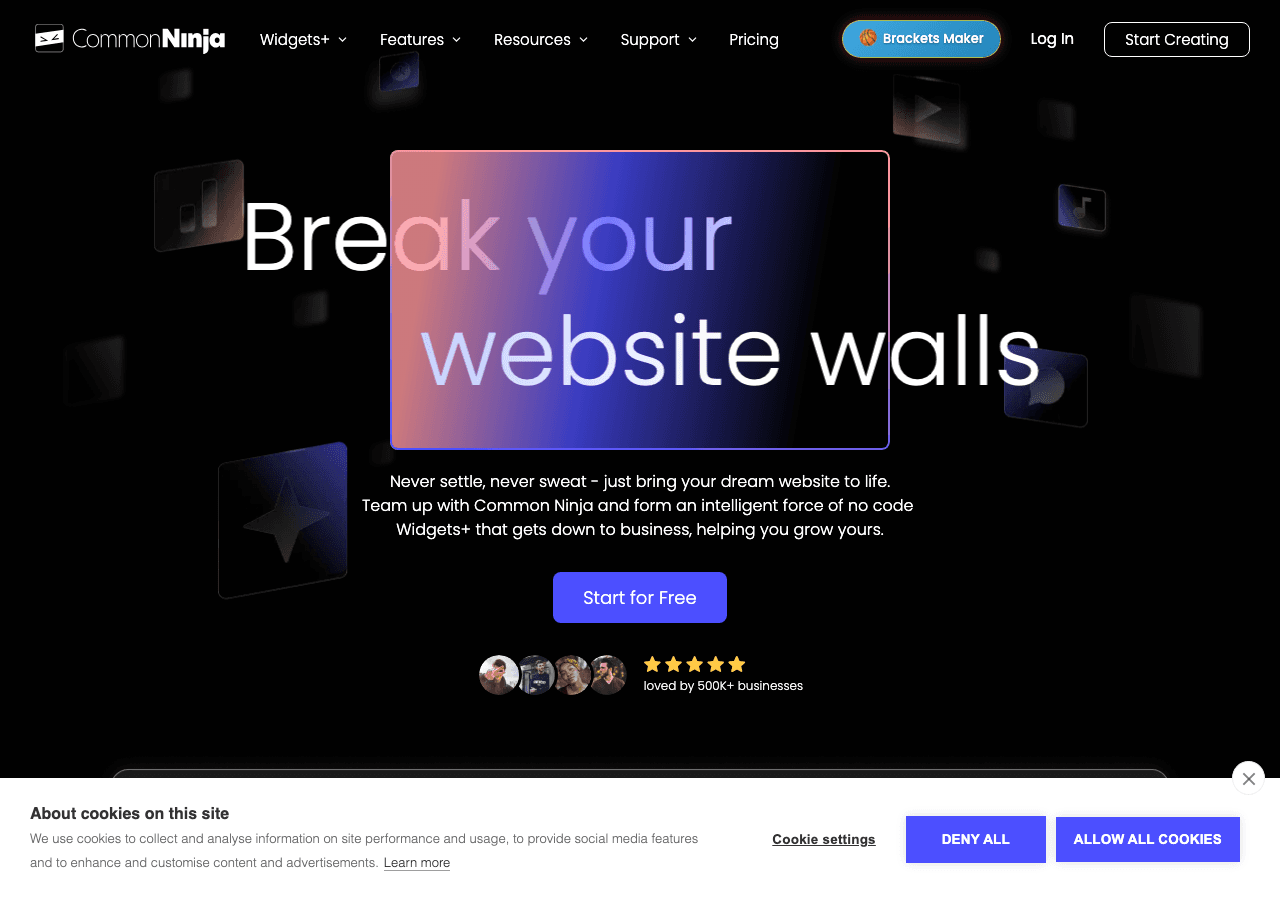
Common Ninja is a well-known widget platform that offers over 100 widget types, including social media feed embeds suitable for TikTok content. The platform uses a template-based approach where you pick a starting design and customize it through a visual editor. There is no AI assistance, but the editor is straightforward enough for most users.
Common Ninja supports a wide range of website platforms, including WordPress, Wix, Shopify, and Squarespace. The free plan is a reasonable starting point for small sites, though you will likely need a paid plan for anything beyond basic usage.
Pricing: Free plan available. Paid plans scale with features and usage.
Pros:
- 100+ widget types with broad platform support
- Clean visual editor with template-based design
- Works with most major website builders
Cons:
- No AI-powered design or content tools
- Customization options can feel limited compared to more flexible platforms
- Advanced features locked behind higher-tier plans
3. SociableKIT

SociableKIT is a social media feed specialist that focuses on embedding feeds from platforms like TikTok, Instagram, Facebook, YouTube, and others. If all you need is a social feed and nothing else, SociableKIT gets the job done with minimal fuss. The platform offers several layout options for TikTok feeds, including grid, carousel, and list views.
Setup is simple: connect your TikTok account or provide a profile URL, choose a layout, customize the appearance, and paste the embed code onto your site. SociableKIT handles the API connections and keeps your feed updated automatically.
The trade-off is that SociableKIT is locked to social feeds. You will not find general-purpose widget types, landing page builders, or CMS tools here. If your needs grow beyond social media embeds, you will need a second tool.
Pricing: Plans range from $9 to $29/month depending on features and feed count.
Pros:
- Dedicated social feed tool with reliable TikTok support
- Simple setup process with automatic feed updates
- Multiple layout options for TikTok content
Cons:
- Platform-locked to social media feeds only
- No AI tools, CMS, or landing page features
- Limited value if you need widgets beyond social content
4. Elfsight
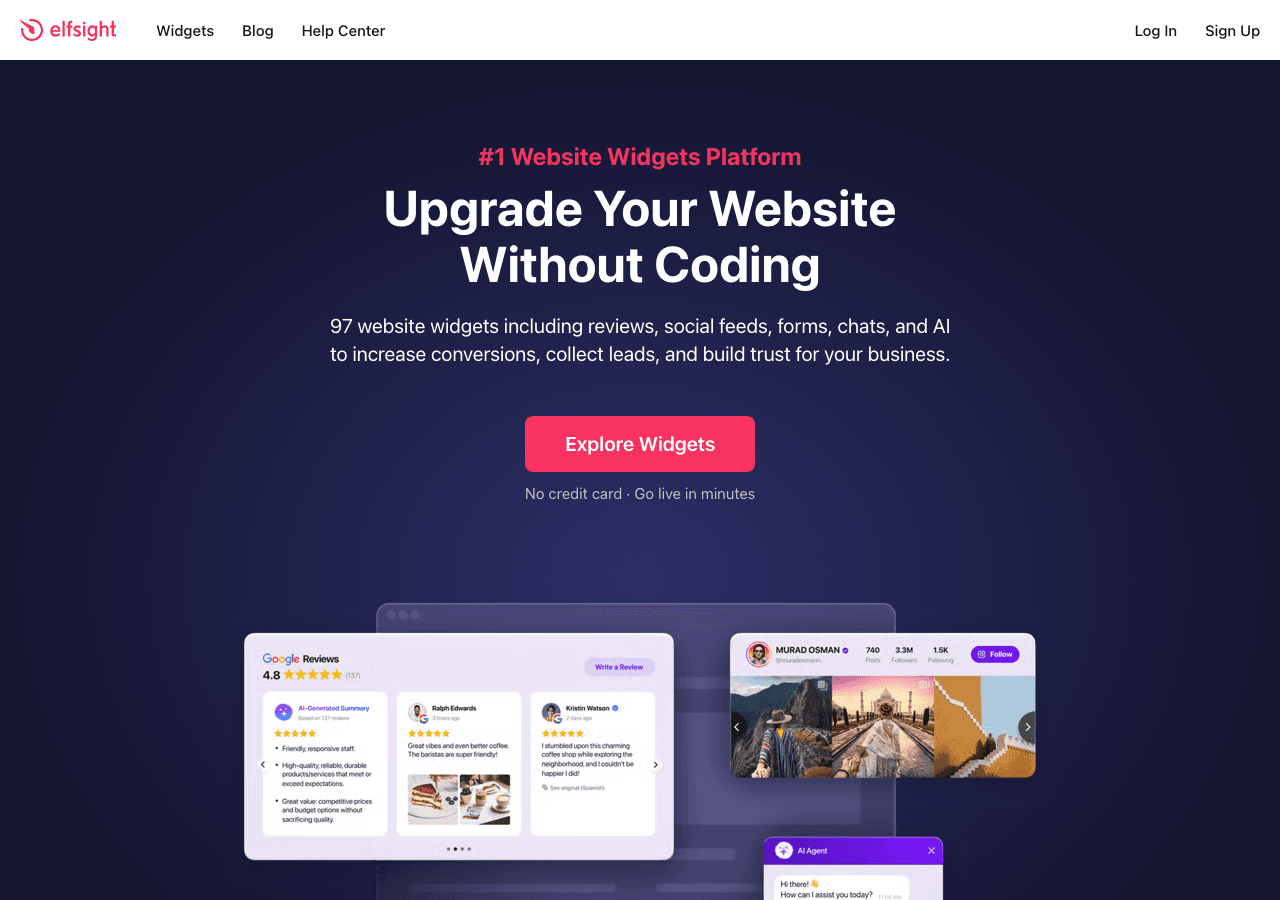
Elfsight is a popular widget marketplace with over 80 templates covering social feeds, reviews, forms, chat tools, and more. Their TikTok feed widget offers basic customization options and works across most website platforms. The setup process is template-driven: pick a design, adjust the settings, and embed the code.
Elfsight is affordable at the entry level, with plans starting at $5/month. However, the pricing model is view-limited, which means your costs can escalate quickly if your site gets significant traffic. Each plan comes with a cap on widget views, and exceeding that cap requires upgrading to a more expensive tier.
The other limitation is design flexibility. Elfsight widgets are template-locked, meaning you can adjust colors and basic layout settings, but you cannot fundamentally change the structure or behavior of a widget. For a basic TikTok feed, this may be fine. For more complex use cases, it can be frustrating.
Pricing: Plans range from $5 to $20/month. All plans are view-limited.
Pros:
- Large template library with 80+ widget types
- Low entry price at $5/month
- Broad website platform compatibility
Cons:
- View-limited pricing can get expensive at scale
- Template-locked designs with limited customization
- No AI tools or advanced content management features
5. Juicer

Juicer is a social media aggregator designed to pull content from multiple social platforms into a single unified feed. If you are active on TikTok, Instagram, Twitter/X, YouTube, and Facebook, Juicer can combine all of that content into one embeddable feed on your website.
The free plan includes up to 2 social feeds, which is enough to test the platform. Paid plans range from $19 to $99/month and unlock additional feeds, moderation tools, and customization options. Juicer is well-suited for brands that want a social media hub on their website rather than platform-specific feeds.
The downside is that Juicer is an aggregation tool at its core. It is not designed for building custom widgets, creating landing pages, or integrating with CRMs and email platforms. If you want a dedicated TikTok feed with advanced design controls, you may find Juicer too limited.
Pricing: Free plan with 2 feeds. Paid plans range from $19 to $99/month.
Pros:
- Aggregates content from multiple social platforms into one feed
- Free plan available for small-scale testing
- Good moderation and content curation tools
Cons:
- Aggregation-only focus with limited widget customization
- No AI tools, CMS, or landing page builder
- Higher-tier plans required for serious usage
Comparison Table
| Feature | Embeddable | Common Ninja | SociableKIT | Elfsight | Juicer |
|---|---|---|---|---|---|
| TikTok Feed Support | Yes | Yes | Yes | Yes | Yes |
| AI-Powered Builder | Yes | No | No | No | No |
| Widget Types | 40+ | 100+ | Social feeds only | 80+ | Social aggregation only |
| Templates | 400+ | 100+ | Limited | 80+ | Limited |
| Free Plan | Yes (200 views) | Yes | No | Limited | Yes (2 feeds) |
| Unlimited Views (Paid) | Yes | Varies | Yes | No (view-limited) | Varies |
| CMS / Landing Pages | Yes | No | No | No | No |
| Integrations | Google Sheets, Airtable, HubSpot, Mailchimp, Klaviyo, Stripe | Limited | Social platforms only | Limited | Social platforms only |
| Starting Paid Price | $25/mo | Varies | $9/mo | $5/mo | $19/mo |
Which TikTok Feed Widget Should You Choose?
The right tool depends on your specific needs, but here is a quick framework for deciding:
Choose Embeddable if you want the most flexible, future-proof option. Embeddable is not just a TikTok feed widget. It is a complete no-code widget platform with AI tools, a CMS editor, landing page builder, and deep integrations. If you plan to add other types of widgets to your site beyond social feeds, Embeddable will save you from needing multiple tools. The unlimited views on paid plans also make it the best value for high-traffic sites.
Choose Common Ninja if you want a broad widget library without AI features. Common Ninja has a solid selection of 100+ widget types and works across most website platforms. It is a reliable choice if you prefer a traditional template-based approach.
Choose SociableKIT if you only need social media feeds and want a specialist tool. SociableKIT does one thing well: embedding social feeds. If TikTok and Instagram feeds are the only widgets you will ever need, it is a focused and affordable option.
Choose Elfsight if you want the lowest entry price and your site has low to moderate traffic. Elfsight starts at just $5/month, but keep an eye on the view limits. If your traffic grows, costs can add up quickly.
Choose Juicer if you want to aggregate content from multiple social platforms into a single feed. Juicer is purpose-built for social media aggregation and does that job well.
For most website owners looking to embed TikTok content in 2026, Embeddable offers the best combination of power, flexibility, and value. The AI-powered builder alone saves significant time compared to manually configuring templates, and the platform's breadth means you will not outgrow it as your needs evolve.
Conclusion
Adding a TikTok feed to your website is one of the simplest ways to increase engagement, showcase social proof, and keep your site content fresh. The five tools reviewed here each take a different approach, from AI-powered no-code builders to focused social feed specialists.
Embeddable earns the top spot for its combination of AI tools, unlimited views on paid plans, 400+ templates, and deep integrations with tools like Google Sheets, HubSpot, and Mailchimp. Whether you are building a simple TikTok feed or an entire content experience, it gives you the flexibility to grow.
Ready to get started? Try Embeddable's free TikTok feed widgets today. You might also want to explore TikTok carousel widgets and TikTok slider widgets for different display styles. And if you want a step-by-step walkthrough, check out our guide on how to create a custom TikTok feed widget.
Build Any Widget with AI in Seconds
Forms, calculators, quizzes, popups & any custom widget — describe it and AI builds it.
Try It FreeFree tier · No credit card