Best TikTok Slider Widgets for Websites in 2026

Sliders remain one of the most effective ways to showcase content on a website. Unlike carousels that display multiple items at once, a slider typically highlights one piece of content at a time with smooth transitions between items. For TikTok content, a slider widget creates a focused, full-width or featured-content experience that draws the visitor's eye to each video individually.
TikTok slider widgets are particularly effective on homepages, product pages, and portfolio sites where you want each piece of video content to get its moment. They work well for featuring your top-performing TikTok videos, showcasing user-generated content one video at a time, or building a visual narrative that visitors scroll through at their own pace.
But not all slider widgets are created equal. In 2026, the gap between the best tools and the mediocre ones is wider than ever. AI-powered builders are raising the bar for what is possible without code, while legacy tools with outdated pricing models and rigid templates are falling behind.
In this post, we compare the five best TikTok slider widget builders for websites in 2026. We evaluated each tool on design quality, customization depth, pricing structure, performance, and integrations to help you make the right choice.
What Makes a Great TikTok Slider Widget?
Sliders have a specific set of requirements that differ slightly from feeds and carousels. Here is what we looked for in our evaluation.
Transition Quality and Animation
The core experience of a slider is the transition between items. The best TikTok slider widgets offer smooth, fluid animations, whether that is a fade, a slide, a zoom, or something more creative. Choppy or laggy transitions ruin the experience and make your site feel unpolished.
Single-Item Focus with Context
A great slider highlights one item at a time while giving visitors a sense of what comes next. Peek effects (showing a sliver of the next or previous item), progress indicators, and thumbnail navigation all contribute to a slider that feels intentional rather than basic.
Autoplay and User Control
Many TikTok sliders benefit from autoplay, cycling through videos on a timer to catch the visitor's attention. But autoplay without user control is frustrating. The best tools offer autoplay with pause-on-hover, manual navigation, and configurable timing.
Full-Width and Responsive Layouts
Sliders often work best when they span the full width of a page, especially for hero sections or featured content areas. Responsive behavior is critical: a slider that looks great on desktop but breaks on mobile is a liability.
Lightweight Code and Fast Loading
Like any embedded content, a TikTok slider needs to load fast. Lazy loading for off-screen items, optimized thumbnails, and minimal JavaScript overhead are the hallmarks of a well-built slider widget.
1. Embeddable
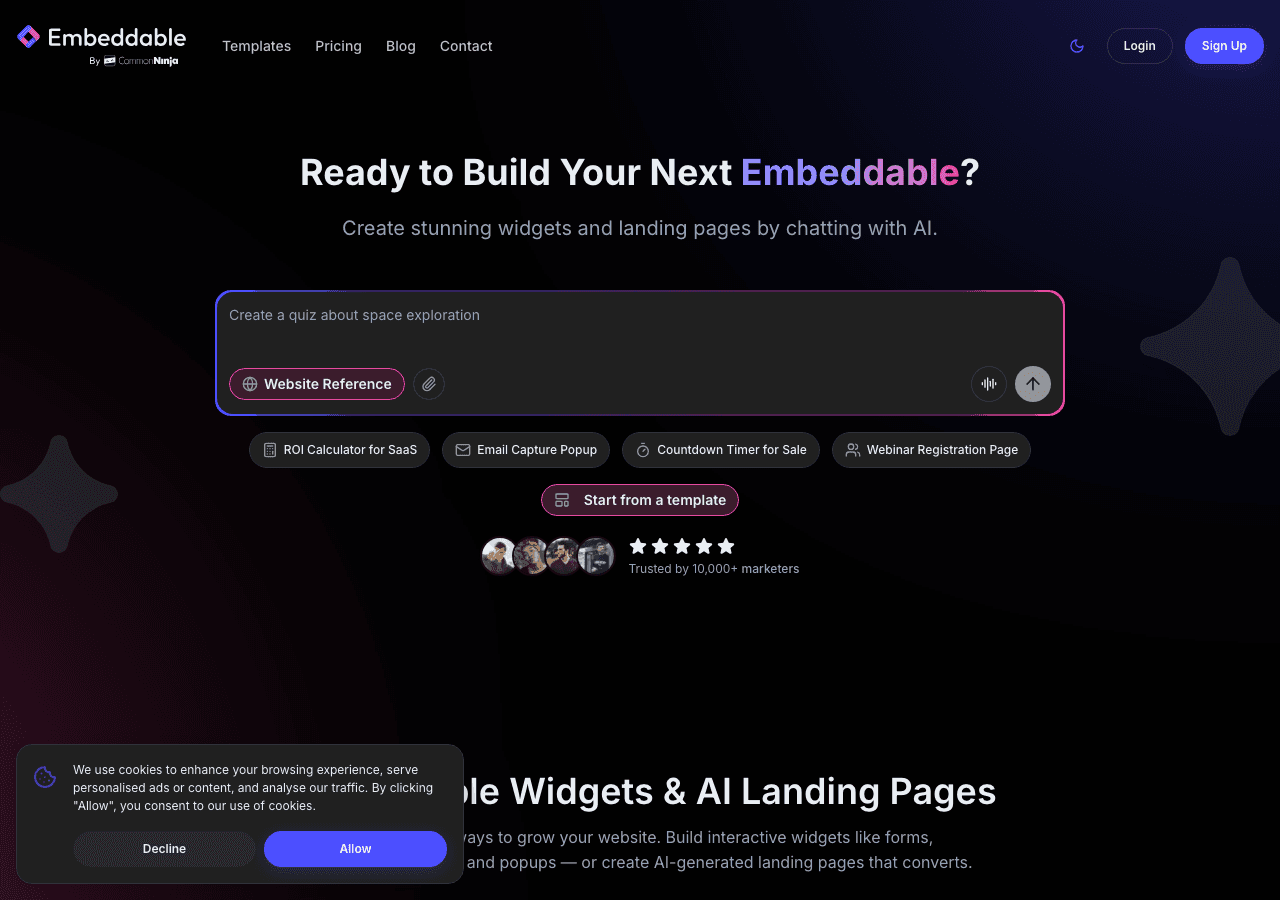
Embeddable is the most capable TikTok slider widget builder on the market in 2026. As a no-code AI widget platform with over 400 templates and 40+ widget types, Embeddable does not just offer slider widgets. It offers an entire ecosystem for building interactive, data-connected website components. But its slider capabilities alone are enough to earn the top spot.
The AI chat builder is the killer feature for slider creation. Describe the slider you want: full-width, autoplay with a 5-second interval, pause on hover, rounded video thumbnails with a dark overlay, and your brand's hex colors. Embeddable's AI generates a working slider that matches your description. From there, you can fine-tune every detail through the visual editor or continue refining with natural language prompts.
Beyond the slider itself, Embeddable lets you build complete page sections around your TikTok content. The CMS editor means you can add headlines, descriptions, and calls to action alongside your slider without switching tools. The landing page builder lets you create dedicated TikTok content pages from scratch. And the integration layer connects your slider to Google Sheets, Airtable, HubSpot, Mailchimp, Klaviyo, and Stripe, so your TikTok content can feed into lead generation and sales workflows.
Pricing is straightforward and generous. The free plan ($0/month) includes 25 messages/month and 200 pageviews for testing. The Starter plan at $25/month unlocks unlimited pageviews and unlimited widgets. The Pro plan ($45/month) adds 3 team seats, and the Business plan ($185/month) supports 10 seats. Crucially, all paid plans include unlimited views, so you never have to worry about a popular slider eating into your budget.
Pros:
- AI-powered slider builder with natural language customization
- 400+ templates and 40+ widget types in one platform
- Unlimited views and unlimited widgets on all paid plans
- Full CMS editor and landing page builder
- Native integrations with Google Sheets, Airtable, HubSpot, Mailchimp, Klaviyo, and Stripe
Cons:
- Free plan limited to 200 pageviews
- Full feature set may be more than solo users need for a single slider
Explore Embeddable's free TikTok slider widgets to start building right away.
2. Common Ninja
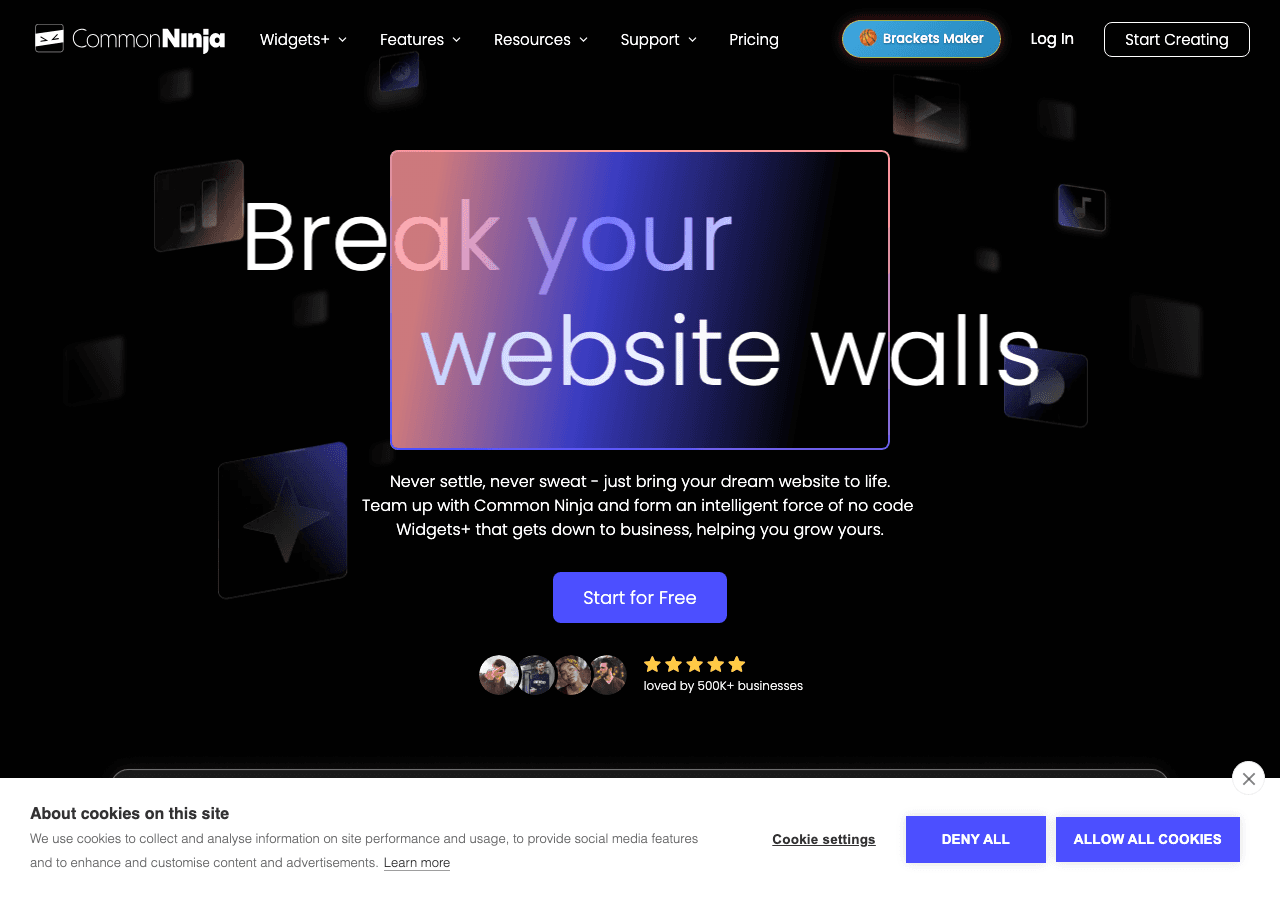
Common Ninja offers a solid slider widget among its library of 100+ widget types. The platform has been around for several years and has built a reputation for reliable, template-based widget building. For TikTok sliders, Common Ninja provides several starting templates that you can customize through a visual editor.
The editor lets you control slide transitions, navigation arrows, autoplay settings, and basic styling options like colors and fonts. Common Ninja works with WordPress, Wix, Shopify, Squarespace, and most other popular website platforms, so compatibility is rarely an issue.
The main gap compared to Embeddable is the absence of AI tools. All customization is manual, which means more clicking and configuring to get the result you want. The integration options are also more limited, and there is no CMS or landing page builder. For users who want a dependable, no-frills slider builder, Common Ninja is a reasonable choice.
Pricing: Free plan available. Paid plans scale based on features and usage.
Pros:
- 100+ widget types with broad platform compatibility
- Reliable slider templates with manual customization
- Established platform with a track record of stability
Cons:
- No AI-powered design or customization
- Limited integration ecosystem
- Slider customization depth is moderate compared to AI-powered tools
3. SociableKIT
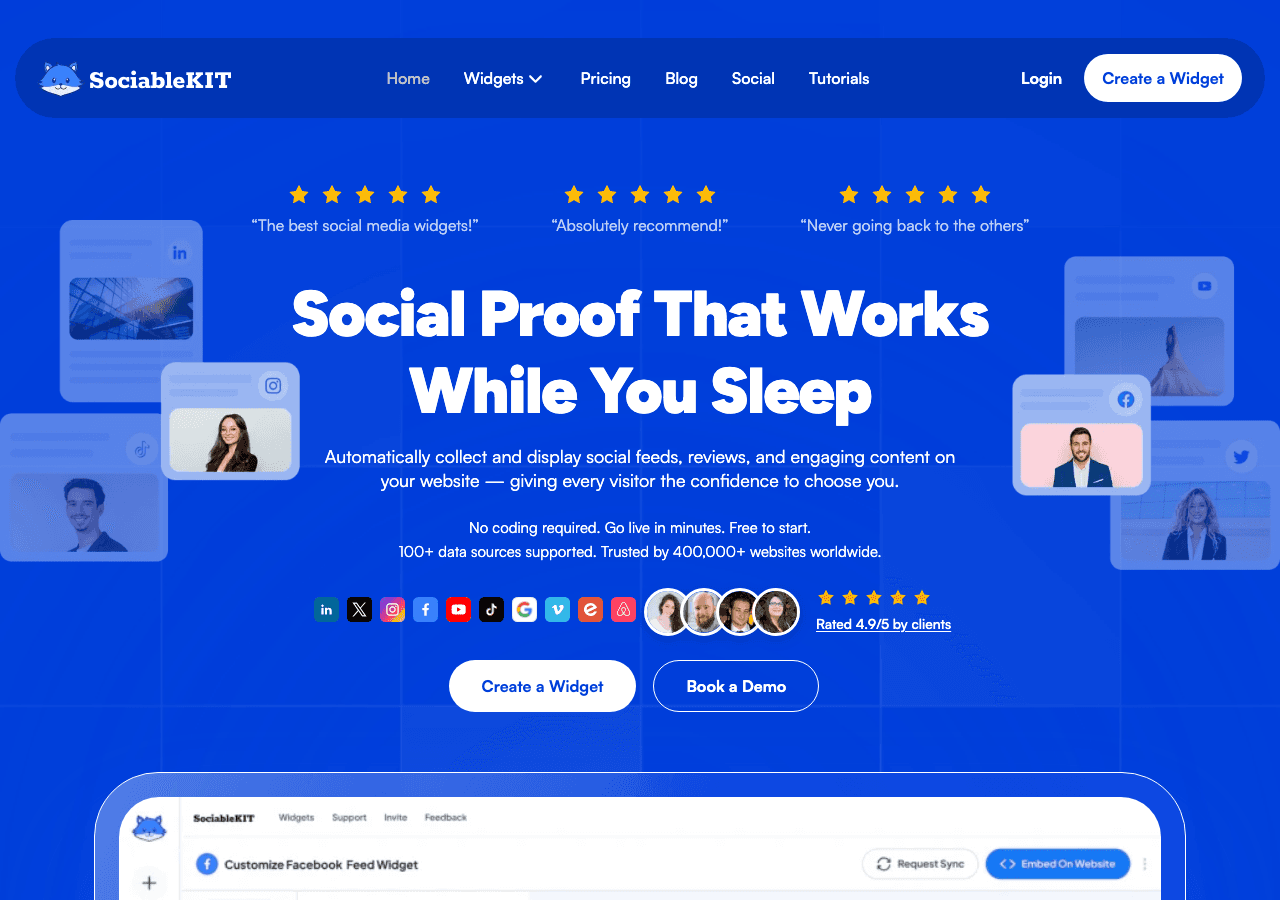
SociableKIT is a social media feed specialist, and while the platform's core strength is grid and list feeds, it also offers slider-style display options for TikTok content. The idea is simple: connect a TikTok source, choose the slider layout, tweak the appearance, and embed the code on your site.
The slider functionality in SociableKIT is more basic than what you will find in a dedicated widget builder. The transition options are limited, and the design customization focuses on social-feed-specific settings rather than slider-specific controls like animation curves, peek effects, or thumbnail navigation. That said, if you are already using SociableKIT for other social feeds and want to add a TikTok slider, it is convenient to keep everything in one tool.
The platform is locked to social media content. There are no general-purpose widget types, AI tools, or content management features. For a simple TikTok slider and nothing more, SociableKIT works. For anything beyond that, you will need additional tools.
Pricing: Plans range from $9 to $29/month.
Pros:
- Focused social media feed tool with TikTok support
- Simple setup with automatic content updates
- Consistent experience across TikTok, Instagram, and other platforms
Cons:
- Slider functionality is basic compared to dedicated widget builders
- Platform-locked to social media feeds only
- No AI, CMS, or landing page capabilities
4. Elfsight
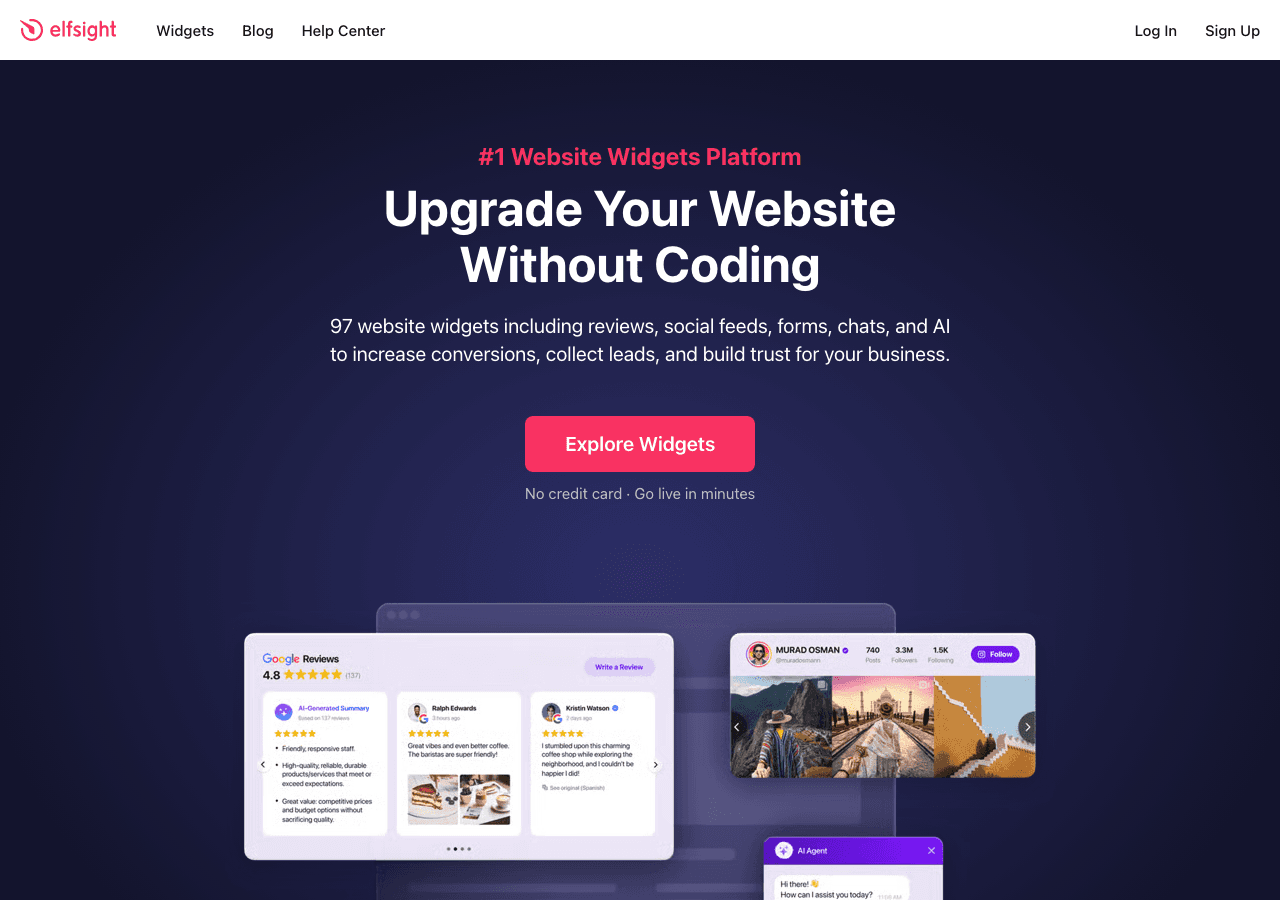
Elfsight provides a TikTok widget among its library of 80+ templates, and the widget can be configured in a slider-like format. The platform is known for its affordability and simplicity, making it a popular choice among small businesses and bloggers who want to add social content to their sites quickly.
The setup process is familiar: pick a template, connect your TikTok source, adjust the visual settings, and copy the embed code. Elfsight offers basic controls for slide behavior, navigation, and color schemes. The templates are clean and functional, if not particularly distinctive.
The pricing concern remains the same as with other Elfsight widgets: view limits. Every plan comes with a cap on the number of times your widget can be viewed, starting from the $5/month tier. A slider on a high-traffic homepage can burn through views quickly, pushing you to a higher-priced plan. For low-traffic sites, this is manageable. For growing sites, it is a cost that can sneak up on you.
The template-locked design system also limits what you can do creatively. You can change colors and basic layout options within a template, but you cannot fundamentally redesign the slider's structure or behavior. This makes Elfsight a good fit for standard use cases but a poor fit for custom or creative implementations.
Pricing: Plans range from $5 to $20/month. All plans are view-limited.
Pros:
- Affordable entry point at $5/month
- 80+ widget templates for various use cases
- Simple setup process that works across platforms
Cons:
- View-limited pricing becomes expensive on high-traffic pages
- Template-locked designs restrict creative freedom
- No AI tools or advanced content management
5. Curator.io
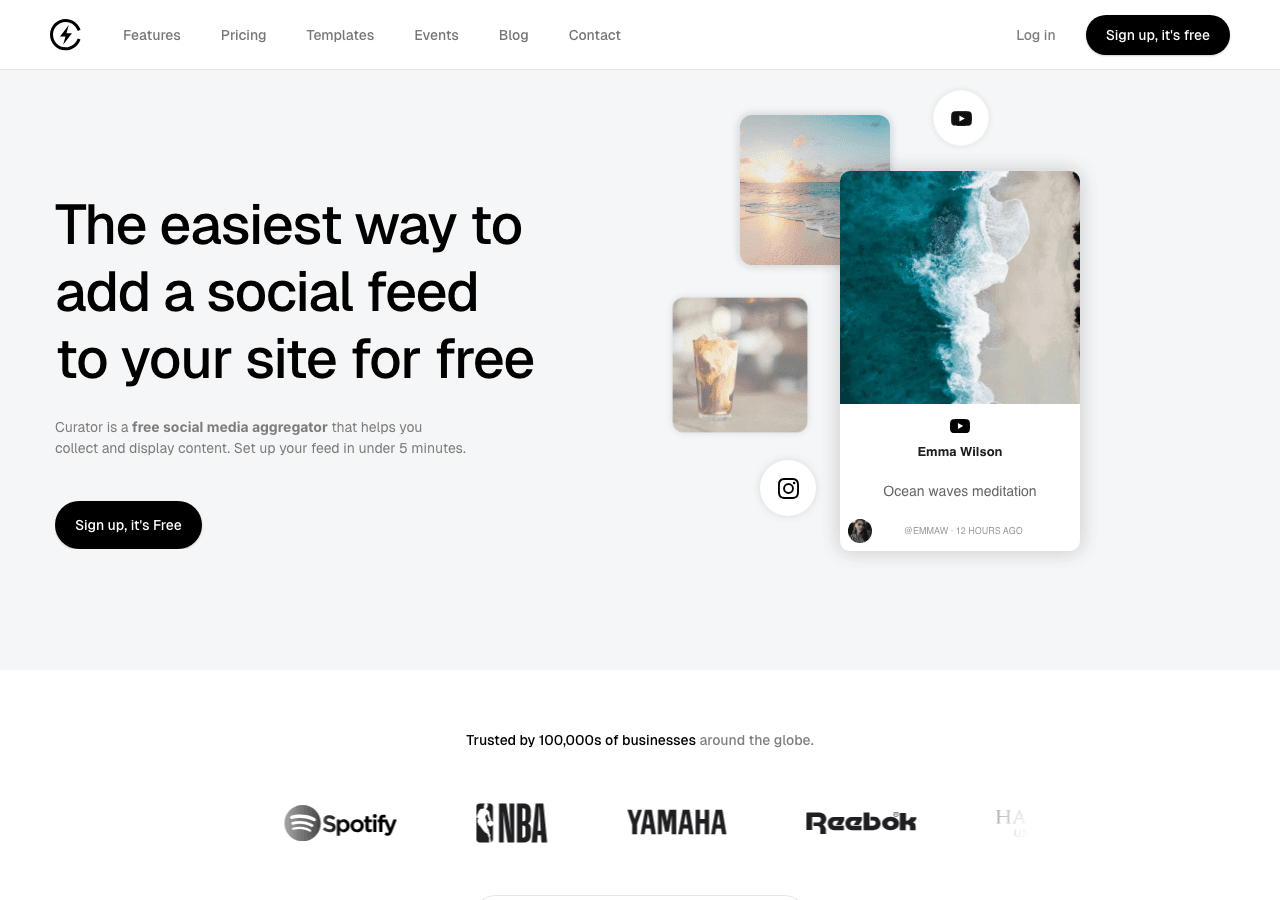
Curator.io is a social media curation platform designed to help brands collect, curate, and display social content on their websites. The platform supports TikTok along with Instagram, Twitter/X, Facebook, YouTube, and several other networks. While Curator.io is primarily known for its grid and wall layouts, it does offer slider-style displays as part of its layout options.
The curation tools are where Curator.io differentiates itself. The platform provides robust content moderation, allowing you to approve, reject, or prioritize specific posts before they go live. You can set up automated rules to filter content by keywords, hashtags, or engagement metrics. For brands that receive a high volume of user-generated TikTok content and need to curate it carefully, these tools are valuable.
The free plan is available but limited. Paid plans range from $25 to $300/month, making Curator.io one of the more expensive options on this list, especially at the higher tiers. The platform is curation-focused, which means it excels at collecting and moderating social content but does not offer general-purpose widget building, AI tools, or CMS features.
Pricing: Free plan with limited features. Paid plans range from $25 to $300/month.
Pros:
- Strong content curation and moderation tools
- Supports multiple social platforms in one dashboard
- Automated filtering rules for high-volume content management
Cons:
- Curation-focused platform with limited widget variety
- Higher pricing compared to most competitors, especially at upper tiers
- No AI-powered design tools or CMS features
- Slider functionality is secondary to curation features
Comparison Table
| Feature | Embeddable | Common Ninja | SociableKIT | Elfsight | Curator.io |
|---|---|---|---|---|---|
| TikTok Slider Support | Yes | Yes | Basic | Yes | Basic |
| AI-Powered Builder | Yes | No | No | No | No |
| Widget Types | 40+ | 100+ | Social feeds only | 80+ | Social curation only |
| Templates | 400+ | 100+ | Limited | 80+ | Limited |
| Free Plan | Yes (200 views) | Yes | No | Limited | Yes (limited) |
| Unlimited Views (Paid) | Yes | Varies | Yes | No (view-limited) | Varies |
| CMS / Landing Pages | Yes | No | No | No | No |
| Content Curation Tools | Basic | Basic | Basic | Basic | Advanced |
| Integrations | Google Sheets, Airtable, HubSpot, Mailchimp, Klaviyo, Stripe | Limited | Social platforms only | Limited | Social platforms only |
| Starting Paid Price | $25/mo | Varies | $9/mo | $5/mo | $25/mo |
Which TikTok Slider Widget Should You Choose?
The right choice depends on what you need from your TikTok slider and what else you plan to build on your website.
Choose Embeddable if you want the most powerful, customizable, and scalable option. Embeddable's AI-powered builder makes it fast to create a polished TikTok slider, and the platform's depth means you can build an entire page around it with the CMS and landing page tools. Unlimited views on all paid plans eliminate pricing anxiety, and the integration ecosystem connects your slider to your broader marketing stack.
Choose Common Ninja if you want a traditional, template-based slider builder with a large widget library. Common Ninja is a proven platform that gets the job done without AI or advanced integrations.
Choose SociableKIT if you need a quick, simple TikTok slider and are already using the platform for other social feeds. SociableKIT keeps things focused and affordable, though the slider functionality is more basic than dedicated widget builders.
Choose Elfsight if you are on a tight budget and your site sees moderate traffic. At $5/month, Elfsight is the cheapest starting point, but the view limits can catch you off guard as your site grows.
Choose Curator.io if content curation and moderation are your primary concern. Curator.io excels at collecting, filtering, and managing high volumes of social content, though its slider capabilities are secondary to its curation features.
For the majority of website owners in 2026, Embeddable delivers the best balance of design quality, AI-powered creation speed, pricing fairness, and long-term scalability. It is the only tool on this list that combines a top-tier slider widget builder with a CMS, landing pages, and integrations with tools like Google Sheets, HubSpot, and Klaviyo.
Conclusion
A TikTok slider widget gives your website a dynamic, focused way to showcase short-form video content. Whether you are highlighting your brand's top videos, featuring user-generated content, or building a visual story on a landing page, the right slider tool makes all the difference.
Embeddable stands out as the best option in 2026 thanks to its AI-powered builder, unlimited views on paid plans, 400+ templates, and deep integrations. It is built for website owners who want both power and simplicity, and its broader platform means you will never outgrow it.
Try Embeddable's free TikTok slider widgets to see the platform in action. For other display formats, explore TikTok feed widgets and TikTok carousel widgets. And for a detailed setup guide, read our tutorial on how to create a custom TikTok slider widget.
Build Any Widget with AI in Seconds
Forms, calculators, quizzes, popups & any custom widget — describe it and AI builds it.
Try It FreeFree tier · No credit card