Best Video Carousel Widgets for Websites in 2026


Video has become the backbone of online engagement. Pages featuring video content see dramatically higher time-on-site and lower bounce rates than text-only pages, and when you organize that video content into a polished video carousel or video gallery widget, the experience becomes even more compelling for visitors.
The challenge is that not every website builder comes with a native, customizable video slider widget. Most teams are stuck either hiring a developer to build something from scratch or embedding basic YouTube playlists that look nothing like their brand. In 2026, there is a better path: dedicated widget tools that let you build, customize, and embed a video carousel in minutes without writing a line of code.
This guide covers the six best video carousel widgets available today, with honest assessments of their strengths, limitations, and pricing. Whether you are running a course platform, an ecommerce store, a portfolio site, or a media company, you will find the right tool here.
What Makes a Great Video Carousel Widget?
Before diving into specific tools, it helps to define what separates a solid video carousel solution from a mediocre one. When evaluating tools for this list, the following criteria were weighted heavily.
Customization depth. Can you match the widget to your brand? Font choices, button colors, card layouts, and autoplay behavior all matter for a polished result.
Video source flexibility. A strong video gallery widget should accept YouTube, Vimeo, self-hosted video files, and ideally TikTok or Instagram videos as sources, not just one platform.
Responsiveness. The widget must look and perform well on mobile devices. A video slider widget that breaks on smaller screens is not worth deploying.
Ease of use. No-code editors with visual previews reduce friction enormously. Drag-and-drop or point-and-click configuration should be the norm.
Integration and embed options. The widget should generate a simple embed code that works across platforms, from WordPress and Webflow to Squarespace and Shopify.
Performance. Heavy, unoptimized video carousels kill page speed. The best tools lazy-load content, use thumbnails before playback, and do not inject unnecessary JavaScript.
Pricing transparency. Free tiers for testing and reasonably priced paid plans for production use are important, especially for small teams.
With those criteria in mind, here are the six best video carousel widgets for 2026.
1. Embeddable (Best Overall Video Carousel Widget)

Embeddable is a no-code widget builder that lets you create any interactive component for your website, and its video carousel builder is one of the most flexible on the market. Unlike tools that are rigidly focused on one widget type, Embeddable gives you a full visual editor where you can configure layout, behavior, styling, and content sources in one place. You end up with a video slider widget that looks like it was built specifically for your site.
The editor works on a drag-and-drop canvas. You can pull in videos from YouTube or Vimeo by pasting URLs, set thumbnail images, add titles and descriptions for each card, and control transitions. Carousel navigation options include arrows, dot indicators, swipe gestures on mobile, and autoplay with configurable delays. You can set the number of visible items per row, which is useful for building a true video gallery widget rather than a single-item slider.
One area where Embeddable stands out is its integration layer. Built-in connections to Google Sheets, Airtable, HubSpot, Mailchimp, Stripe, and more mean you can link video carousels to other data flows, useful if you are building a course portal where video content updates automatically or if you want to gate certain videos behind a lead capture form.
Embeddable also handles responsiveness well. The editor shows a live mobile preview, and you can set breakpoint-specific layouts so the desktop experience shows three cards across while mobile shows one at a time. That level of responsive control is rare in no-code widget tools.
Performance is thoughtfully handled too. Embeddable loads video thumbnails by default and only requests the actual video player embed when a user clicks to play, which means your page speed is not degraded by a heavy carousel.
Key Features:
- Visual no-code editor with live preview
- YouTube and Vimeo video sources
- Configurable arrows, dots, autoplay, and swipe navigation
- Responsive breakpoint controls
- Native integrations with Google Sheets, Airtable, HubSpot, Mailchimp, Stripe, and more
- Lazy-loading thumbnails for performance
- Simple embed code for all major platforms
- Free plan available
Pricing: Embeddable offers a free plan that lets you build and test widgets. Paid plans unlock higher usage limits, advanced integrations, and removed branding.
Verdict: Embeddable is the best all-around video carousel widget for websites in 2026. The combination of flexible design control, strong integrations, and clean performance optimization makes it the right choice for businesses that want a professional result without hiring a developer. If you want to build a free video carousel widget that actually fits your site, start here.
2. Common Ninja (Strong Multi-Platform Option)
Common Ninja is a widget platform that covers a wide range of widget types, including a dedicated video gallery widget and video slider widget. It is particularly well suited for teams who need widgets across multiple website platforms, since Common Ninja has published integrations for Wix, Squarespace, WordPress, Shopify, Webflow, and others.
The video carousel widget lets you pull in videos from YouTube and Vimeo, set display modes (grid, slider, or masonry), and configure basic styling like background color, font, and card border radius. The editor is straightforward, and most users can get a working widget embedded in under fifteen minutes.
Common Ninja includes built-in analytics at the widget level, which is useful for understanding how visitors interact with your video carousel. It also offers CRM-style features for collecting data from interactive widgets.
The free plan is functional but widgets revert to free tier behavior, including Common Ninja branding, if you cancel a paid subscription. Paid plans remove branding and unlock higher embed counts.
Key Features:
- Video gallery widget with grid, slider, and masonry layouts
- YouTube and Vimeo source support
- Multi-platform integrations
- Built-in analytics
- Free plan available
Pricing: Free plan available. Paid plans start at reasonable monthly rates; if you cancel, widgets revert to the free tier.
Verdict: Common Ninja is a reliable choice for teams who need video carousels across multiple platforms and want built-in analytics without complex setup.
3. Elfsight (Large Template Library)

Elfsight is one of the most widely used widget platforms, and its video gallery widget is popular largely because of its template library. Elfsight offers dozens of pre-styled video carousel layouts covering everything from minimal thumbnail grids to bold full-bleed sliders.
The setup process is template-first. You pick a design, then customize colors, fonts, and behavior through a panel editor on the right side of the screen. Video sources supported include YouTube, Vimeo, and direct MP4 URLs. You can filter videos by tags, set autoplay rules, and configure the number of columns for grid layouts.
Elfsight has a free plan with no credit card required and unlimited time, which makes it accessible for testing. The paid tiers start at a few dollars per month and scale up based on the number of page views your widgets receive. The view-based pricing model can become expensive if you have high traffic, so it is worth factoring that in.
One limitation of Elfsight is that deeper customization often requires going into CSS overrides rather than using the visual editor, which adds friction for non-technical users. For straightforward deployments using existing templates, though, it is fast and effective.
Key Features:
- Large template library for video carousel layouts
- YouTube, Vimeo, and direct video URL support
- Tag filtering and autoplay configuration
- Free plan, no credit card required
- View-based paid tiers starting at a few dollars per month
Pricing: Free forever plan available. Paid plans start around a few dollars per month, with pricing based on page view volume.
Verdict: Elfsight is a good choice if you want to get a video slider widget live quickly using a pre-built template, but advanced customization requires more effort than comparable tools.
4. Jotform (Form-Integrated Video Carousels)

Jotform is primarily known as a form builder, but its widget ecosystem includes a video carousel component that integrates directly with form flows. This makes it particularly useful in scenarios where you want to show a video gallery widget and then immediately capture viewer information or responses.
The Jotform video widget supports YouTube embeds and can be added as a component within a form or as a standalone embeddable element. You can configure multiple videos, set them to play in sequence, and pair them with conditional logic so different videos appear based on prior form answers.
The drag-and-drop editor is easy to use, and Jotform's extensive template library means you can start from a form that already includes a video section. Autoresponder emails, file upload fields, and QR code form access are also part of the platform, making it versatile beyond just the video component.
The trade-off is that Jotform was not built specifically for video carousel display. If you want a pure, visually polished video slider widget for a website homepage or landing page, the results can feel form-like rather than content-display-focused. It works best when video and form interaction are genuinely combined.
Pricing: Free plan available. Paid plans start at monthly rates that scale based on submission volume and feature access.
Verdict: Jotform is the right tool when you need video embedded inside interactive forms, not the best fit for standalone video carousels.
5. Involve.me (AI-Powered Funnel Carousels)

Involve.me takes a funnel-first approach to interactive content, and video carousels fit naturally into that model. The platform lets you build multi-step flows where video content is embedded within guided experiences, quizzes, calculators, or lead capture sequences.
The video gallery widget in Involve.me can be embedded at any step of a funnel. You add video cards with YouTube or Vimeo URLs, configure carousel navigation, and then attach branching logic so the next step of the funnel changes based on which video a user watched or what they answered afterward. The AI funnel generator can scaffold an entire flow including video sections from a text prompt, which speeds up initial setup.
Involve.me also offers A/B testing, lead scoring, and segmentation at the funnel level, which means your video carousel becomes part of a larger conversion optimization system rather than an isolated display element.
Pricing starts at $29 per month for the entry plan, rising to $59 and $129 for higher tiers. There is a free plan to get started, and additional seats cost $10 per user per month.
For teams that want a standalone video slider widget on a static page, Involve.me may be more than they need. But for marketing teams building lead generation funnels where video plays a central role, the platform offers capabilities that simpler widget tools cannot match.
Key Features:
- Video carousel embedded within multi-step funnels
- YouTube and Vimeo sources
- AI funnel generator for quick setup
- A/B testing and lead scoring
- Branching logic based on video interaction
Pricing: Free plan available. Paid plans start at $29/month, with higher tiers at $59 and $129/month.
Verdict: Involve.me is best for marketers building interactive video funnels with lead generation goals, rather than for simple video gallery display.
6. Calconic (Calculator-Paired Video Carousels)
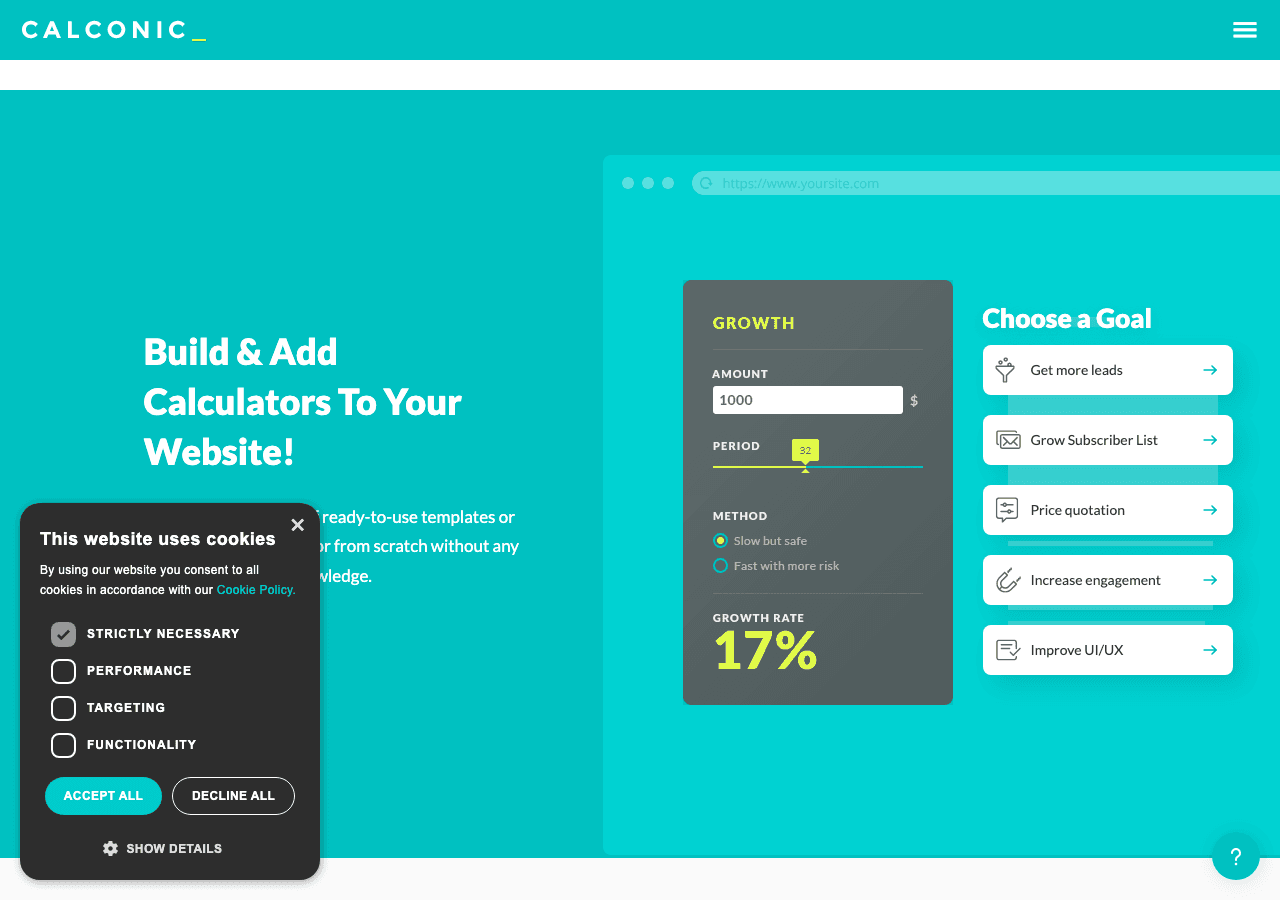
Calconic is a calculator builder that also supports multimedia elements including video embeds within its widget flows. While it is not a dedicated video carousel tool, Calconic allows you to include video content as part of multi-step calculators, which is useful for product comparison experiences or educational tools where video demonstrations accompany pricing or recommendation outputs.
The formula editor and conditional element visibility features are Calconic's strongest suit. You can show or hide video elements based on calculator inputs, creating dynamic experiences where a user selects product specifications and a relevant video carousel appears showing that product in use.
Calconic offers a free plan for building your first calculator, with paid plans unlocking more calculators and advanced features. A 14-day free trial is available for paid tier features.
As a standalone video gallery widget, Calconic is not the right fit. Its value is in combining calculation logic with video content for product or educational contexts.
Key Features:
- Video embeds within multi-step calculator flows
- Conditional element visibility based on inputs
- Order forms with payment collection
- Friendly formula editor
- Free plan and 14-day paid trial
Pricing: Free plan available. Paid plans unlock additional calculators and advanced features.
Verdict: Calconic is a niche choice for teams that want video carousels embedded inside interactive calculators or product configurators.
Quick Comparison Table
| Tool | Best For | Video Sources | Free Plan | Starting Price | Standalone Video Carousel |
|---|---|---|---|---|---|
| Embeddable | All-around use, full customization | YouTube, Vimeo | Yes | Free, paid plans available | Yes, fully featured |
| Common Ninja | Multi-platform deployments | YouTube, Vimeo | Yes | Low monthly cost | Yes |
| Elfsight | Fast template-based setup | YouTube, Vimeo, MP4 | Yes | A few dollars/month | Yes |
| Jotform | Form-integrated video | YouTube | Yes | Monthly, scales by volume | Limited |
| Involve.me | Lead gen funnels with video | YouTube, Vimeo | Yes | $29/month | Within funnels |
| Calconic | Calculator-paired video | YouTube, Vimeo | Yes | Free, paid tiers | Within calculators |
Which Should You Choose?
The right video carousel widget depends on what you are trying to accomplish on your site.
Choose Embeddable if you want the most flexible, customizable video carousel widget that works as a standalone component on any type of website. It covers every use case from a simple homepage video slider widget to a multi-row video gallery widget with lazy loading and integrations to your CRM or spreadsheet data. The free plan means you can build and test before committing to anything, and the embed code works on every major platform. For most teams, this is the answer.
Choose Common Ninja if you are managing widgets across several different website platforms and want a central dashboard with built-in analytics. It is particularly strong if you already use Common Ninja for other widget types and want to add a video carousel to the same account.
Choose Elfsight if you want to move fast with a template and your customization needs are modest. The large template library and perpetual free plan make it easy to test, and for simple video carousel deployments it delivers a clean result without configuration overhead.
Choose Jotform if your video content lives inside a form flow. If you are building a video testimonial collection form, a course application where applicants watch a video before submitting, or any scenario where video and form fields coexist, Jotform's integration of the two is natural and well-executed.
Choose Involve.me if you are running marketing funnels where video is part of a multi-step lead generation or nurture sequence. The A/B testing, branching logic, and lead scoring features justify the higher price point for conversion-focused teams.
Choose Calconic if you are building an interactive product configurator or educational tool where video demonstrations are triggered by calculator inputs. It is a highly specific use case but one that Calconic handles better than more general tools.
Conclusion
A well-implemented video carousel can meaningfully improve how visitors engage with your site, whether you are showcasing products, sharing testimonials, displaying course content, or building a media library. The tools covered here offer paths ranging from simple template-based deployment to sophisticated AI-powered funnel integration.
For the large majority of teams, Embeddable is the strongest starting point. The visual editor, responsive controls, performance optimization, and broad integration support mean you can build a production-ready video slider widget or video gallery widget without developer help and without compromising on quality. The free plan makes it easy to start, and the pricing scales sensibly as your usage grows.
Ready to build your video carousel? Start with Embeddable's free video carousel widgets and have something embedded on your site today.
If you are exploring related interactive content options, Embeddable also covers image carousel widgets, video player widgets, and image gallery widgets. For teams thinking about interactive content more broadly, the guide to best interactive content tools for websites is worth reading alongside this one. You can also explore the full Embeddable widget library for dozens of additional embeddable components.
Build Any Widget with AI in Seconds
Forms, calculators, quizzes, popups & any custom widget — describe it and AI builds it.
Try It FreeFree tier · No credit card