Top 5 Fillout Alternatives in 2026

3/10/2026
Fillout has done a lot of things right. It entered the form builder market with a clean interface, a generous free tier of 1,000 responses per month, and pricing that undercuts most competitors. For teams that were tired of overpaying for Typeform or navigating Jotform's cluttered interface, Fillout felt like a breath of fresh air.
But even good tools have limits, and Fillout's are becoming more apparent as teams grow and their needs evolve.
The core issue is that Fillout is a form builder, and only a form builder. If you need a contact form, a survey, or a feedback form, it handles those capably. But the moment you need a pricing calculator, a quiz with scoring logic, an interactive comparison tool, or any kind of embeddable widget that is not a traditional form, Fillout cannot help. You are back to searching for additional tools, managing multiple subscriptions, and juggling different embed codes.
Response limits also persist on every plan. The free tier's 1,000 responses are generous, but paid plans still cap your submissions. As traffic grows, so does the bill:
- Free: 1,000 responses/month
- Starter: $19/month
- Pro: $49/month
- Business: $89/month
Customization is another friction point. Fillout's forms look clean by default, but pushing beyond the standard layouts requires workarounds. For teams with specific branding requirements or complex form logic, the platform can feel restrictive compared to more mature tools.
If you have been hitting these walls, here are five alternatives that expand what is possible.
What Fillout Offers (and Where It Falls Short)
Fillout deserves credit for getting the basics right. The form builder is intuitive, the design output is modern, and the integration support for tools like Airtable, Notion, and Google Sheets is well-implemented. Multi-step forms and conditional logic work smoothly, and the overall experience is polished for a relatively young product.
But the limitations are real:
- Form-only functionality. No calculators, no quizzes with scoring, no interactive widgets, no landing pages. If it is not a form, Fillout does not build it.
- Response limits on all plans. Even paid plans cap your submissions. The free tier is generous, but growth still triggers billing.
- Limited customization depth. The design options are clean but somewhat rigid. Advanced styling or highly custom layouts are difficult to achieve without workarounds.
- No AI-powered builder. Creation is template-based with manual configuration. There is no AI assistant to speed up form creation or handle complex logic.
- Smaller template library. Compared to established players like Jotform, the template selection is more limited.
These are not fatal flaws for simple use cases. But for teams with growing needs, they represent a ceiling that becomes harder to ignore over time.
1. Embeddable (Best Overall Alternative)
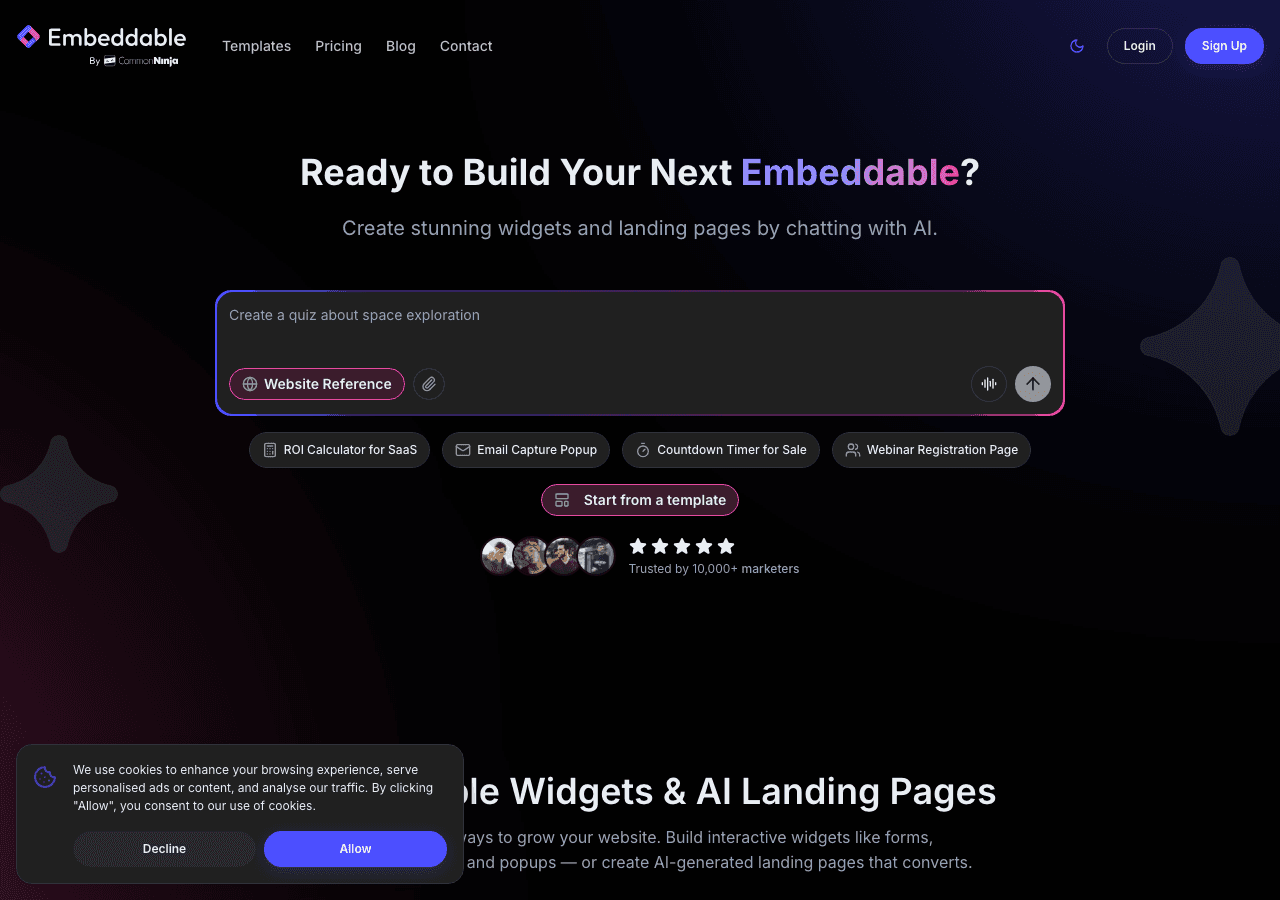
If your frustration with Fillout centers on its form-only limitations, Embeddable is the most natural next step. It does everything Fillout does with forms, and then it keeps going with 40+ widget types, AI-powered creation, and landing pages. For teams that started with Fillout because they wanted simplicity and affordability, Embeddable offers a way to scale without sacrificing either.
Why Embeddable Goes Beyond Fillout
Embeddable is not a form builder that added a few extra features. It is a full no-code widget platform built from the ground up to handle any type of interactive content you might need on your website. The 400+ templates span forms, quizzes, calculators, polls, comparison tables, pricing widgets, booking tools, popups, and much more.
This breadth matters in practice. Consider a typical small business website. You might start with a contact form, which Fillout handles fine. But then you want a pricing calculator to help visitors estimate costs. Then a quiz to qualify leads. Then a popup to capture email subscribers. Then a comparison table on your features page. With Fillout, each of these requires a separate tool. With Embeddable, they all live in one platform, styled consistently and managed from one dashboard.
AI-Powered Creation
The feature that separates Embeddable from every other tool on this list is the AI chat builder. Instead of browsing templates and manually configuring each field, you describe what you want. Tell the AI you need a multi-step intake form with conditional branching based on industry type, and it builds it. Ask for a ROI calculator that takes three inputs and outputs a projected savings figure, and it generates the widget. Need a lead qualification quiz that scores responses and shows different results based on the score? Just describe it.
For teams that chose Fillout because they wanted simplicity, Embeddable's AI builder delivers an even simpler creation experience. Natural language replaces drag-and-drop, and complex configurations that would take careful manual setup happen in a conversation.
Embeddable also includes a CMS content editor for updating widget content without rebuilding anything, and the unique ability to create landing pages. You can build a complete campaign from landing page to widget to follow-up without leaving the platform.
Pricing Without Submission Caps
This is the comparison that matters most for Fillout users accustomed to generous response limits:
- Free: $0/month. 25 AI messages, 200 pageviews, watermark.
- Starter: $25/month. 100 AI messages, unlimited pageviews, no watermark.
- Pro: $45/month. 250 AI messages, 3 team seats.
- Business: $185/month. 1,250 AI messages, 10 team seats.
Embeddable's Starter plan at $25/month is $6 more than Fillout's Starter at $19/month. But there are no submission limits, no response caps, and you get unlimited widgets and unlimited views. You also get 40+ widget types instead of just forms. The math works out in Embeddable's favor for any team that needs more than basic form functionality.
Integrations and Platform Support
Embeddable connects to Google Sheets, Airtable, HubSpot, Mailchimp, Klaviyo, Stripe, and more. It works on every major platform: WordPress, Shopify, Webflow, Squarespace, Wix, Framer, and any site that supports embed codes. For Fillout users who rely on Airtable or Notion integrations, the transition is straightforward.
The Bottom Line
Embeddable takes what made Fillout appealing, simplicity and solid form building, and expands it into a comprehensive widget platform with AI creation and no submission limits. If you have been happy with Fillout but find yourself wishing it could do more, Embeddable is the upgrade that does not require you to sacrifice what you liked in the first place. Check out the free widgets and pricing to explore the full platform.
2. Common Ninja
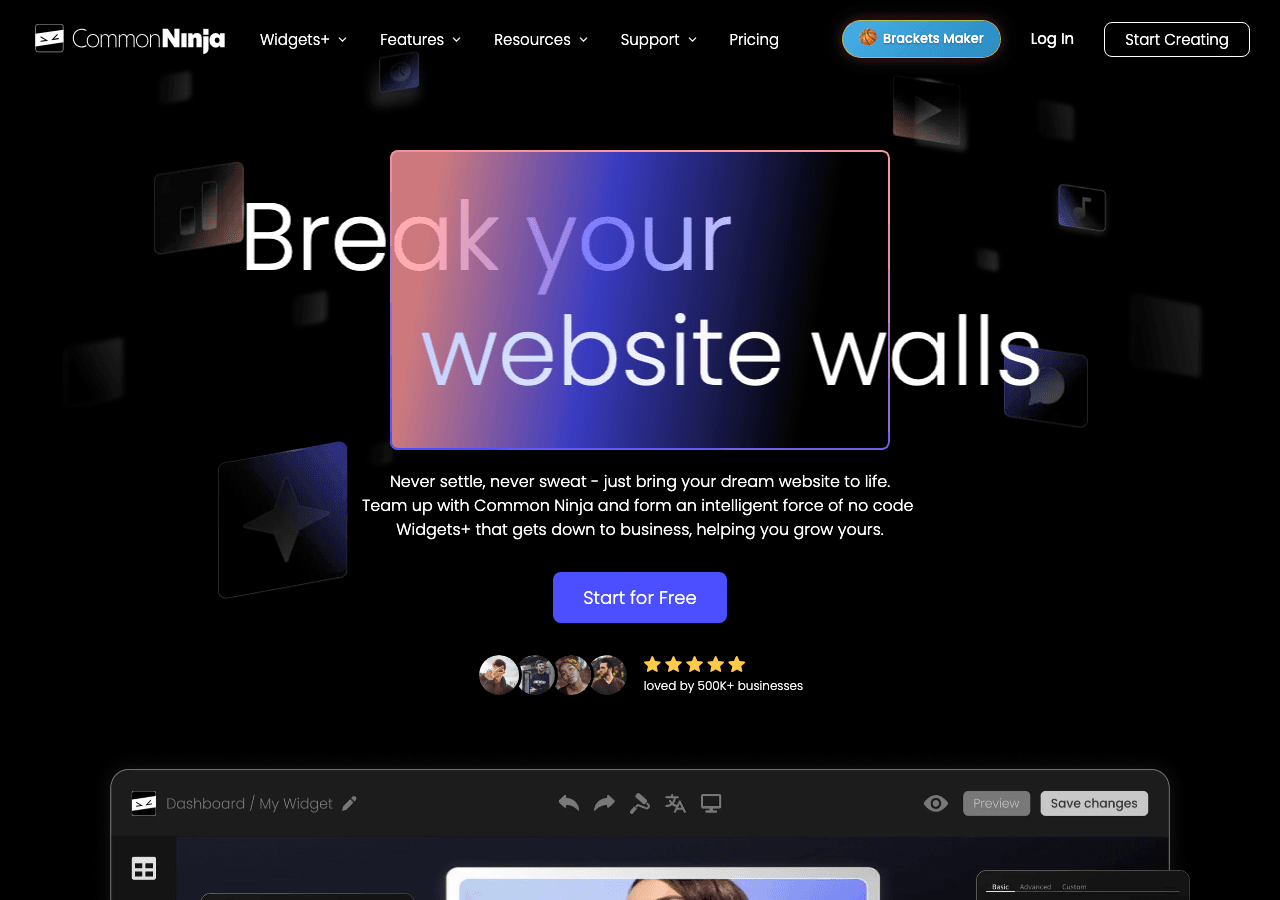
Common Ninja approaches the widget space differently than Fillout by offering a broad library of over 100 widget types rather than focusing on one category. For Fillout users who want to expand beyond forms without committing to a single alternative, Common Ninja provides a wide selection of embeddable tools.
What Common Ninja Does Well
The platform's key advantage is variety. Where Fillout gives you forms and only forms, Common Ninja offers comparison tables, image galleries, social feeds, testimonial sliders, FAQ accordions, and yes, form widgets as well. Each widget type includes a free plan, making it low-risk to experiment with different content types.
For teams that have been using Fillout for forms and are now looking for additional interactive elements, Common Ninja can fill multiple gaps with a single platform. The customization options are template-based with visual editors, and the pricing is generally affordable.
Where Common Ninja Falls Short
Common Ninja's form widgets are functional but not as refined as Fillout's dedicated form builder. The conditional logic, multi-step capabilities, and integration depth may not match what you are used to. The platform prioritizes having many widget types over making each one best-in-class.
There is no AI builder for creating or customizing widgets. No landing page functionality. And while the template selection within each widget type is decent, it does not approach the depth of dedicated tools.
Who Should Consider Common Ninja
Common Ninja works well for teams that need a mix of widgets and want affordable access to many content types. If your primary need is still forms but you want to add other interactive elements to your site, Common Ninja can handle that. For advanced form functionality specifically, you may find it a step down from Fillout.
3. Typeform
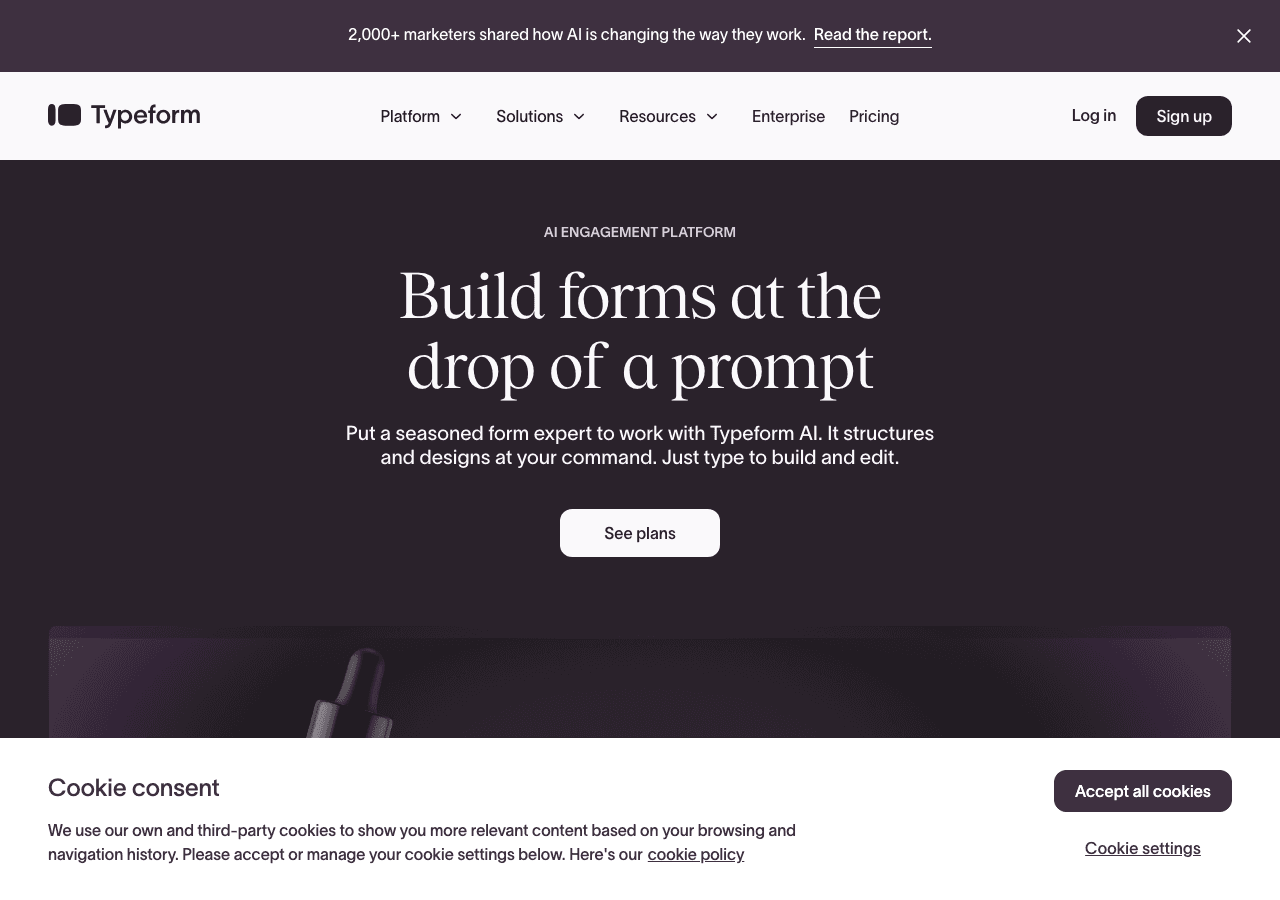
Typeform is often the first name that comes up in form builder conversations, and for good reason. Its conversational form format pioneered a design approach that still stands out in 2026. For Fillout users who want a more polished, design-forward form experience, Typeform offers something genuinely different.
What Typeform Does Well
The one-question-at-a-time format is Typeform's signature, and it works. Forms feel more like conversations than paperwork, which translates to higher completion rates for surveys, feedback forms, and lead qualification flows. The design is consistently beautiful, the transitions are smooth, and the overall user experience is premium.
Typeform's brand recognition also carries weight. If you are sending forms to external audiences, the Typeform experience signals professionalism and attention to detail in a way that more utilitarian form builders do not.
Logic branching is well-implemented, and the integration ecosystem covers most popular marketing and CRM tools.
Where Typeform Falls Short
Here is where the comparison with Fillout becomes painful. Typeform's response limits are dramatically worse:
- Free: 10 responses/month (vs. Fillout's 1,000)
- Basic: $25/month for 100 responses (vs. Fillout's $19 Starter)
- Plus: $50/month for 1,000 responses
- Business: $83/month for 10,000 responses
If you chose Fillout partly because of its generous free tier, Typeform will feel like a massive step backward on pricing. You are paying more for fewer responses at every tier.
Typeform is also a form-only tool with no widget capabilities, no calculators, no quiz scoring beyond basic, and no AI builder. The template library is smaller than some alternatives, and the conversational format, while beautiful, does not suit every use case. Long forms with many fields can feel tedious in the one-at-a-time format.
Who Should Consider Typeform
Typeform is the right move if your top priority is form design and user experience, and you are willing to accept stricter limits to get it. It excels at external-facing forms where brand impression matters: customer surveys, application forms, and polished lead capture. It is not the right choice if pricing or response limits are factors in your decision.
4. Jotform
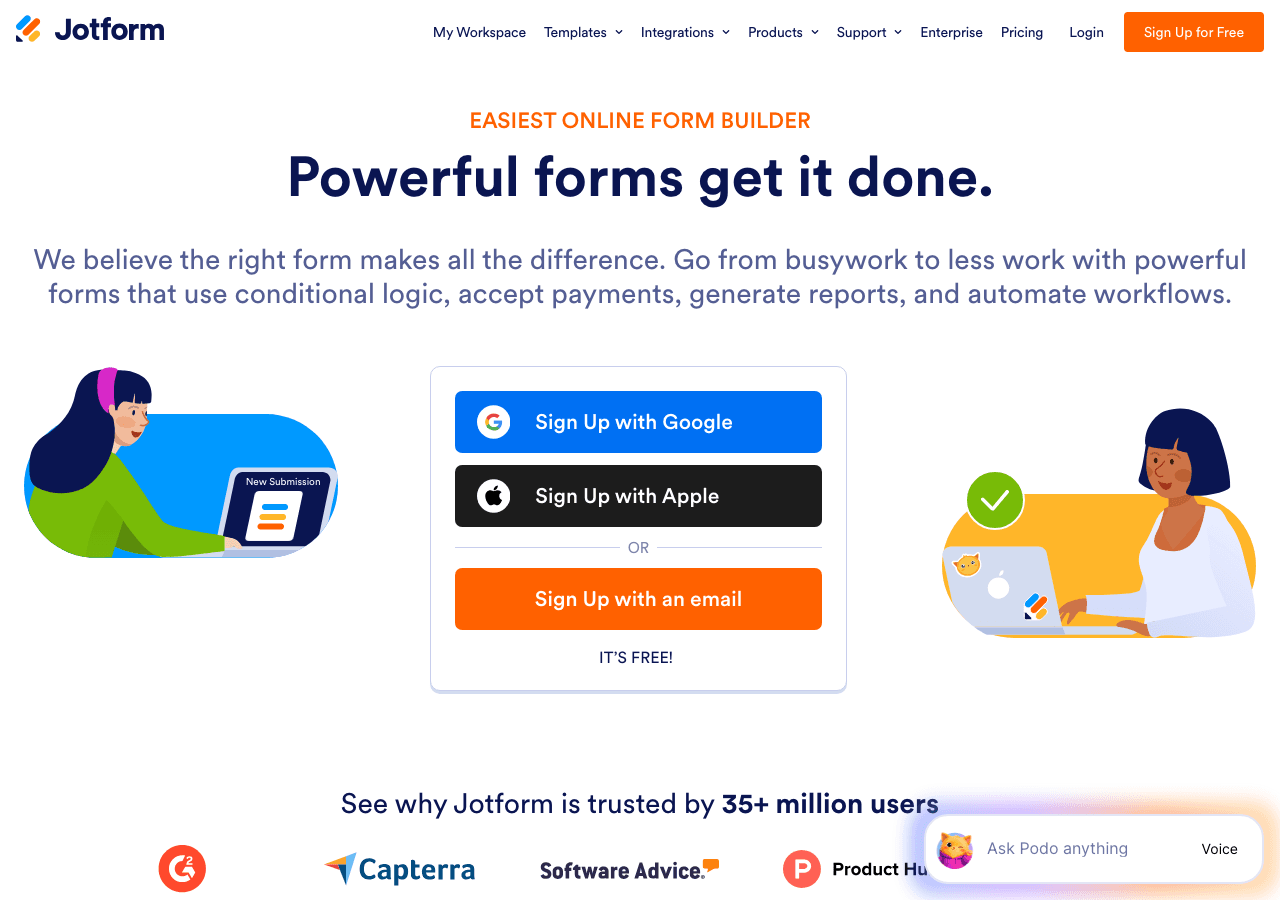
If Fillout's limitation is that it is too simple, Jotform sits at the other extreme. It is one of the most feature-rich form builders available, with a template library of over 10,000 forms and capabilities that extend into payment processing, PDF generation, and e-signatures.
What Jotform Does Well
The template library is Jotform's crown jewel. Whatever form type you need, from medical intake forms to event registrations to order forms with itemized pricing, there is probably a pre-built template ready to customize. The drag-and-drop builder supports advanced features that simpler tools like Fillout leave out, including calculation fields, complex conditional logic, multi-page layouts, and direct payment integrations.
For teams that have outgrown Fillout's feature set and need more powerful form capabilities, Jotform delivers raw functionality that few competitors match. E-signatures, PDF auto-generation, and approval workflows make it particularly strong for business operations and internal processes.
Where Jotform Falls Short
The complexity is real. Jotform's interface packs in a lot of features, which means menus within menus, settings panels with dozens of options, and a general learning curve that is steeper than Fillout's clean, streamlined experience. If you left a previous tool because the interface was overwhelming, Jotform may recreate that frustration.
Submission limits also apply:
- Free: 5 forms, 100 submissions/month
- Bronze: $34/month for 25 forms and 1,000 submissions
- Silver: $39/month for 50 forms and 2,500 submissions
- Gold: $99/month for 100 forms and 10,000 submissions
The free tier is significantly stingier than Fillout's 1,000 responses. And like Fillout, Jotform is fundamentally a form tool. The advanced features are impressive, but they are all in service of forms. No standalone calculators, no interactive quizzes, no embeddable widgets outside the form paradigm.
Who Should Consider Jotform
Jotform makes sense for teams that need advanced form features, particularly payment processing, PDF generation, e-signatures, or complex conditional workflows, and are willing to trade interface simplicity for raw power. If Fillout is too basic for your needs and you want the most feature-rich form builder available, Jotform is the answer. Just be prepared for the learning curve and the submission caps.
5. Involve.me
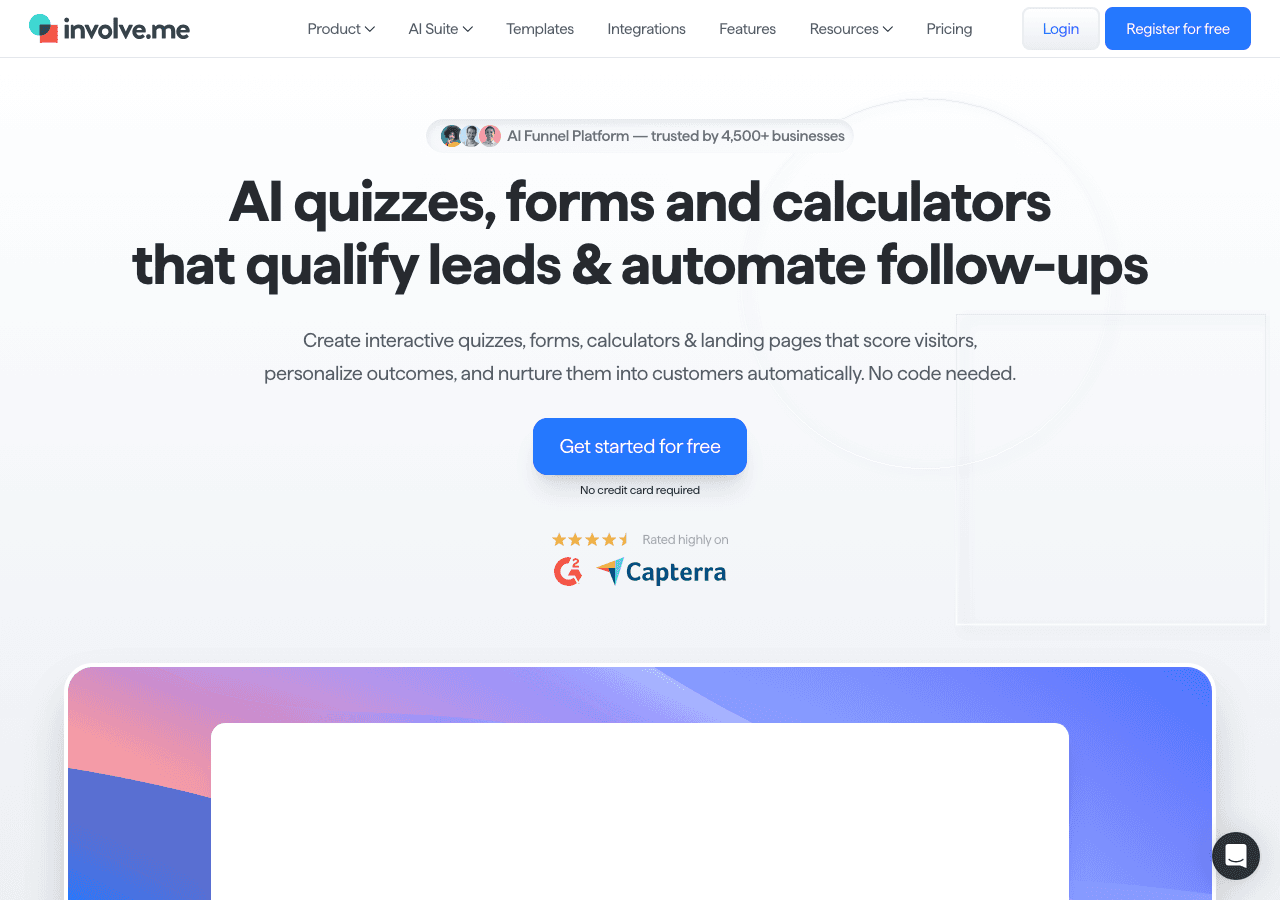
Involve.me is the most different option on this list compared to Fillout. While Fillout focuses on clean, simple forms, Involve.me focuses on interactive content funnels that combine multiple content types into a single user journey. It is built for marketing teams that want to create engaging lead generation experiences.
What Involve.me Does Well
Involve.me's strength is in connecting different interactive elements into cohesive flows. A single Involve.me project might combine a quiz to engage visitors, a calculator to show personalized results, and a form to capture lead information. The funnel-based approach is more sophisticated than what any traditional form builder offers.
The analytics are also a step above typical form tools. Funnel visualization shows exactly where users drop off, which paths generate the most leads, and how different quiz outcomes correlate with conversion rates. For data-driven marketing teams, these insights are valuable.
Involve.me also supports payment pages and basic e-commerce functionality within its funnels, which adds flexibility for teams running paid offerings alongside lead generation.
Where Involve.me Falls Short
The lack of a free plan is the most immediate barrier. While Fillout gives you 1,000 free responses and a capable form builder at no cost, Involve.me starts at $49/month:
- Starter: $49/month
- Professional: $99/month
- Business: $199/month
That is a significant jump from Fillout's pricing, especially for teams that appreciated Fillout's affordability. The $49 entry point means you are paying more per month than any other tool on this list before you have even built your first form.
The platform also has a steeper learning curve than Fillout. The funnel-based approach requires thinking about user journeys in a way that simple form creation does not. If you just need a contact form or a survey, Involve.me is substantially overbuilt for the task.
The template library is smaller, the form builder specifically is less polished than dedicated form tools, and the platform's focus on marketing funnels means that simple, standalone form use cases feel like an afterthought.
Who Should Consider Involve.me
Involve.me is a fit for marketing teams with a specific need for interactive lead generation funnels and the budget to support the investment. If you are building multi-step conversion experiences that combine quizzes, calculators, and forms, and you have outgrown what any single form builder can do, Involve.me offers that integrated experience. For standard form needs at an affordable price, it is not the right tool.
Quick Comparison Table
| Tool | Free Plan | Paid Starting Price | Response/Submission Limits | Beyond Forms? |
|---|---|---|---|---|
| Embeddable | Yes (200 pageviews) | $25/month | No response limits | Yes (40+ widget types, AI builder, landing pages) |
| Common Ninja | Yes (all widgets) | Varies by widget | Varies | Yes (100+ widget types) |
| Typeform | Yes (10 responses) | $25/month | Yes (100-10K by plan) | No (forms only) |
| Jotform | Yes (100 submissions) | $34/month | Yes (1K-10K by plan) | No (forms only) |
| Involve.me | No | $49/month | Varies by plan | Partially (quizzes, calculators, funnels) |
Which Alternative Should You Choose?
The best Fillout alternative depends on which limitation is bothering you most.
If you want more than just forms, Embeddable is the clear answer. It gives you forms plus 40+ other widget types, AI-powered creation, and landing pages. The pricing is close to Fillout's, and you gain an enormous amount of additional capability. It is the most natural upgrade path.
If you want better form design and UX, Typeform delivers the most polished form experience, but at significantly higher prices and with much stricter response limits. It is a trade-off, not an upgrade.
If you need advanced form features, Jotform has the deepest form-specific feature set: payment processing, PDF generation, e-signatures, and 10,000+ templates. Expect a steeper learning curve and submission caps.
If you need a variety of widget types on a budget, Common Ninja offers 100+ widget types with free plans across the board. The form widgets are simpler than Fillout's, but the breadth of other content types adds value.
If you are building marketing funnels, Involve.me specializes in multi-step interactive experiences, but the lack of a free plan and $49/month starting price make it a tough sell for teams that valued Fillout's affordability.
Conclusion
Fillout earned its place in the form builder market by being clean, affordable, and generous with its free tier. Those qualities still hold, and for simple form needs, it remains a strong choice. But the form-only approach and response limits mean that growing teams inevitably start looking for tools that can do more.
Embeddable offers the most compelling alternative for teams in that position. It matches Fillout's ease of use, eliminates response limits, and opens up an entire platform of interactive widgets and AI-powered creation that Fillout simply does not offer. For a modest difference in price, you get a tool that scales with your needs instead of constraining them.
Whether you need forms, quizzes, calculators, or something entirely custom, Embeddable gives you the flexibility to build it. Start with the free plan and see how much more you can create when you are not limited to forms alone.
Build Any Widget with AI in Seconds
Forms, calculators, quizzes, popups & any custom widget — describe it and AI builds it.
Try It FreeFree tier · No credit card