Top 5 Jotform Alternatives in 2026

3/13/2026

Jotform built its reputation on sheer volume. Over 10,000 form templates, a drag-and-drop builder that can handle almost anything, and a feature set that covers everything from simple contact forms to complex applications with payment processing, e-signatures, and PDF generation.
So why are so many people looking for alternatives?
For most users, it comes down to two things: complexity and cost. Jotform's interface, while powerful, can feel overwhelming. Finding the right setting or configuring conditional logic often means clicking through multiple panels and menus. The learning curve is real, especially for non-technical team members who just need to get a form live quickly.
Then there are the submission limits. Jotform's free plan gives you 5 forms and 100 submissions per month. That sounds reasonable until you realize how fast 100 submissions disappear when you have a form on a page with any meaningful traffic. Paid plans help, but they scale steeply:
- Free: 5 forms, 100 submissions/month
- Bronze: $34/month for 25 forms and 1,000 submissions
- Silver: $39/month for 50 forms and 2,500 submissions
- Gold: $99/month for 100 forms and 10,000 submissions
For growing businesses, the jump from free to $34/month happens fast, and from there the costs keep climbing. And at the end of the day, Jotform is still a form tool. A very good form tool, but a form tool nonetheless. If you need calculators, quizzes, interactive widgets, or embeddable content beyond traditional forms, you will need additional software.
Here are five alternatives that address these limitations in different ways.
What Jotform Offers (and Where It Falls Short)
To be fair to Jotform, let's acknowledge what it does well. The template library is genuinely massive. Whatever type of form you need, from job applications to event registrations to order forms with payment, there is almost certainly a template ready to go. The builder supports advanced features like calculation fields, conditional logic, file uploads, and integrations with hundreds of tools.
But the pain points are consistent across user reviews:
- Complex, cluttered interface. The builder packs in a lot of features, which means a lot of menus, panels, and options to navigate. Simple changes can take more clicks than they should.
- Submission limits on every tier. Even at $99/month, you are capped at 10,000 submissions. For high-traffic sites or campaigns, that ceiling comes fast.
- Form-only functionality. Jotform does not offer calculators, quizzes with scoring logic, interactive widgets, or landing pages. It is forms or nothing.
- No AI-powered builder. In a market where AI-assisted design is becoming standard, Jotform still relies entirely on manual template customization and drag-and-drop configuration.
- Design limitations. While forms are functional, achieving a polished, modern look often requires significant custom CSS work.
With these limitations in mind, here are the alternatives worth evaluating.
1. Embeddable (Best Overall Alternative)
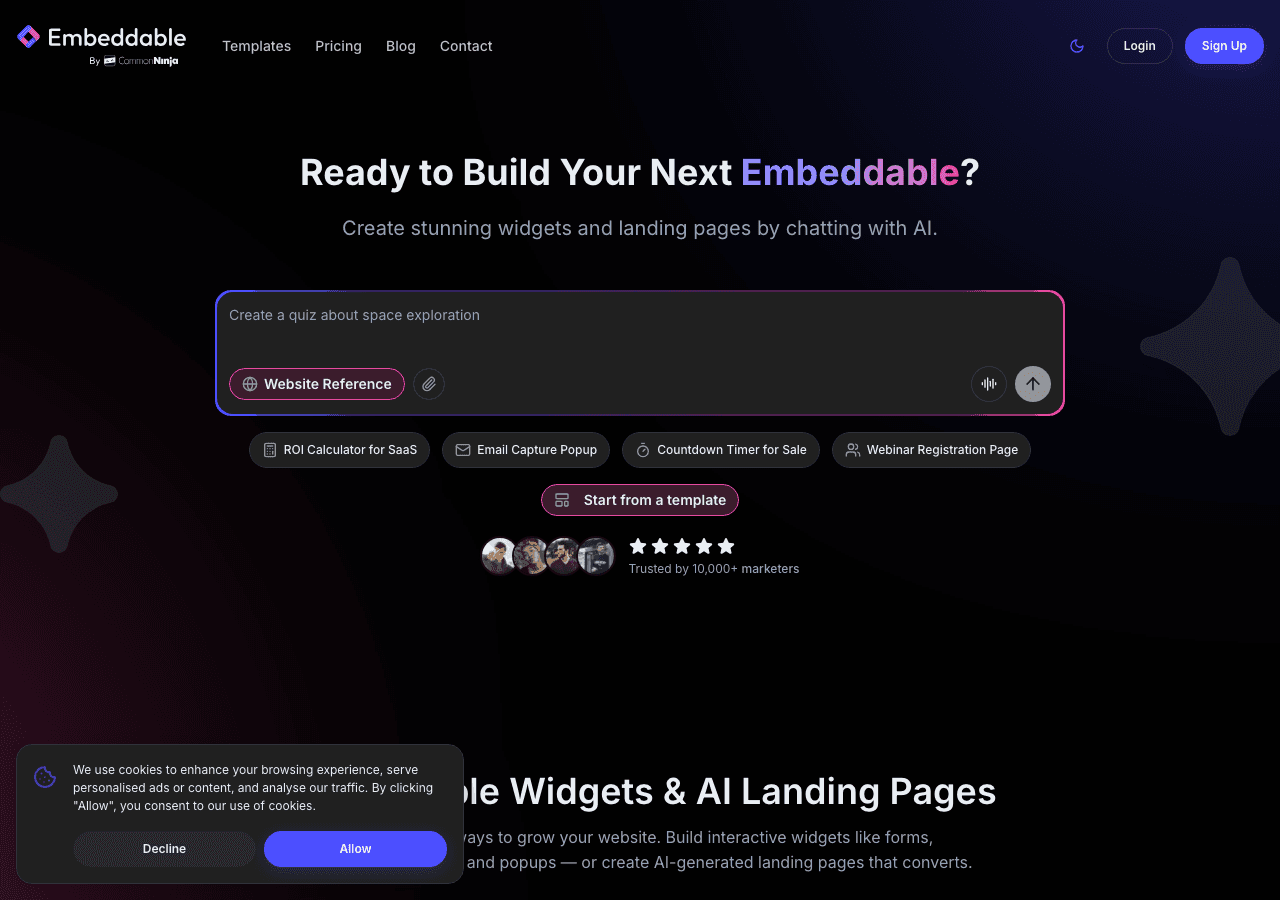
Embeddable stands out from this list because it solves the two biggest Jotform frustrations simultaneously: it eliminates submission limits and goes far beyond form-only functionality. It is a full no-code widget platform with AI-powered creation, and it treats forms as one of many things you can build rather than the only thing.
Beyond the Form Builder Paradigm
Where Jotform gives you 10,000 form templates, Embeddable gives you 400+ templates across 40+ widget types. Forms are absolutely included, and the form widgets are capable and well-designed. But you also get quiz widgets with scoring logic, calculator widgets for pricing estimators and ROI tools, comparison tables, popups, booking widgets, polls, and much more.
This matters because most businesses do not just need forms. They need interactive content. A SaaS company might need a pricing calculator on their homepage, a quiz to qualify leads, a form to capture contact details, and a comparison table on their features page. With Jotform, that is four different tools. With Embeddable, it is one platform.
The AI Builder
Embeddable's AI chat builder is a genuine time-saver and a feature that no traditional form builder matches. Instead of hunting through templates and configuring fields one by one, you describe what you need in natural language. The AI generates the widget, and you refine it from there.
For teams coming from Jotform who found the interface overwhelming, this is a breath of fresh air. Complex multi-step forms with conditional logic, calculations, and custom styling that might take an hour to configure in Jotform can be generated in minutes. The AI handles the structural work, and you focus on the details that matter.
Embeddable also includes a CMS content editor for managing widget content and the ability to create landing pages directly within the platform, something no other tool on this list offers.
Pricing That Does Not Punish Growth
Here is where the comparison with Jotform becomes especially stark:
- Free: $0/month. 25 AI messages, 200 pageviews, watermark.
- Starter: $25/month. 100 AI messages, unlimited pageviews, no watermark.
- Pro: $45/month. 250 AI messages, 3 team seats.
- Business: $185/month. 1,250 AI messages, 10 team seats.
No submission limits. No response caps. Unlimited widgets and unlimited views on paid plans. The pricing is based on AI usage and team seats, not on how many people interact with your content. For teams that left Jotform because of submission caps, this pricing model is a fundamental improvement.
At $25/month for the Starter plan, you are paying less than Jotform's Bronze tier ($34/month) and getting unlimited submissions plus 40+ widget types instead of just forms.
Integrations and Platform Support
Embeddable integrates with Google Sheets, Airtable, HubSpot, Mailchimp, Klaviyo, Stripe, and other popular tools. It works on WordPress, Shopify, Webflow, Squarespace, Wix, Framer, and any platform that supports embed codes. For teams that relied on Jotform's integration ecosystem, the transition is smooth.
The Bottom Line
If Jotform's complexity and submission limits are pushing you to explore alternatives, Embeddable is the strongest option available. You get capable form building, an AI assistant that eliminates the complexity problem, and a widget platform that grows with your needs instead of billing you for each new submission. Explore the free widgets and pricing page to see the full offering.
2. Common Ninja
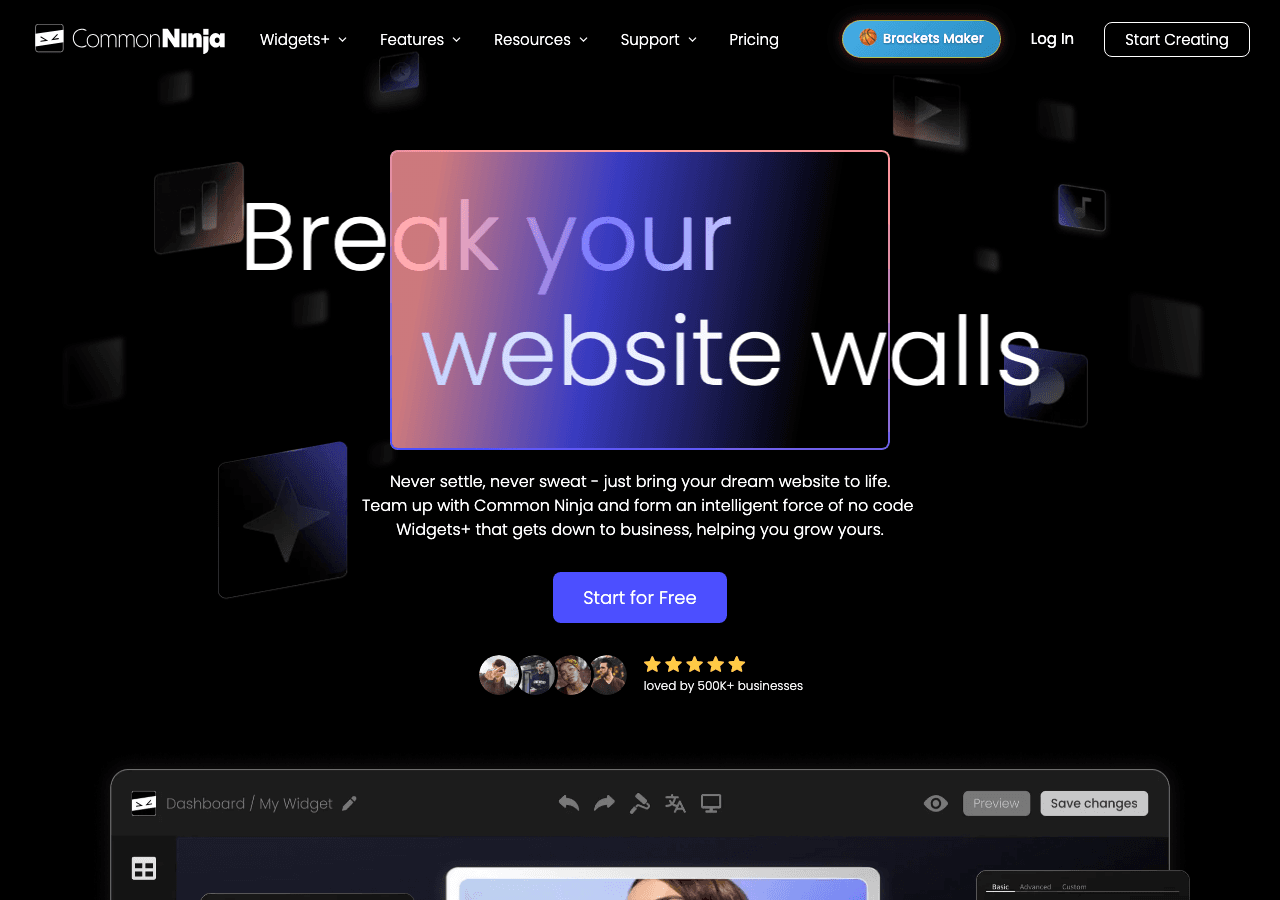
Common Ninja offers a widget-first approach similar to Embeddable, with a library of over 100 widget types. For Jotform users who are looking to consolidate multiple tools into one platform, Common Ninja provides a broad selection of embeddable widgets including forms.
What Common Ninja Does Well
The platform's strength is in its variety. You get access to comparison tables, feeds, galleries, sliders, and yes, form widgets, all from a single account. Each widget comes with a free plan, so you can test different widget types without financial commitment.
For teams leaving Jotform, Common Ninja's form widgets can handle standard form use cases with template-based customization. The platform is generally affordable, and the free tiers across all widgets make it easy to get started.
Where Common Ninja Falls Short
While Common Ninja has breadth, individual widgets may not match the depth of dedicated tools. The form widgets are functional but lack some of the advanced features that Jotform users might expect, like complex conditional logic, payment processing, or PDF generation.
There is no AI builder for widget creation, so you are working with templates and manual customization. Landing page functionality is not available. And while the customization options are decent, they vary in depth from widget to widget.
Who Should Consider Common Ninja
Common Ninja is a good fit for teams that need multiple widget types at an affordable price and do not require advanced form features. If your Jotform usage was relatively basic and you want to add other widget types to your site, Common Ninja covers a lot of ground. For complex form workflows, you may find it limiting.
3. Typeform
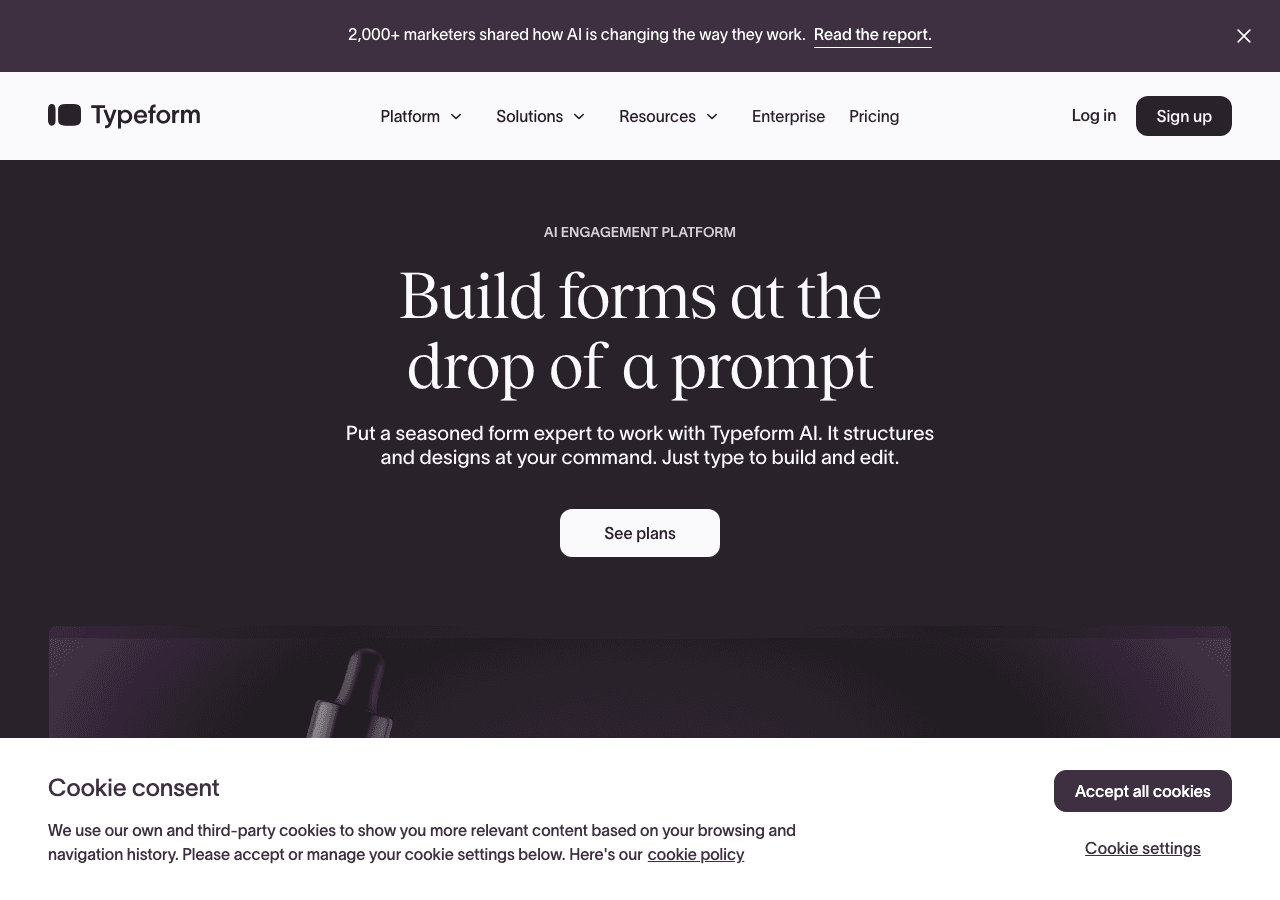
Typeform is often the first alternative people consider when looking to switch from Jotform, largely because it occupies the opposite end of the design spectrum. Where Jotform prioritizes features and templates, Typeform prioritizes experience and aesthetics.
What Typeform Does Well
The conversational, one-question-at-a-time format is genuinely effective for certain use cases. Surveys, feedback forms, and lead qualification flows tend to see higher completion rates with Typeform's approach. The interface is clean and modern, and forms look polished out of the box without any design work.
For teams frustrated with Jotform's cluttered interface, Typeform's simplicity is refreshing. Everything is streamlined, and getting a form live takes minutes rather than the extended configuration sessions that Jotform often requires.
Where Typeform Falls Short
The simplicity comes at a cost, literally. Typeform's response limits are even more restrictive than Jotform's:
- Free: 10 responses/month
- Basic: $25/month for 100 responses
- Plus: $50/month for 1,000 responses
- Business: $83/month for 10,000 responses
If submission limits were a pain point with Jotform, Typeform will feel even worse. The free plan at 10 responses is essentially unusable for anything beyond testing. And at the Business tier, you are paying $83/month for the same 10,000 response cap that Jotform offers at $99/month, but with far fewer features.
Typeform is also a form-only tool with no calculator, quiz, or widget capabilities. The template library is much smaller than Jotform's. And there is no AI builder.
Who Should Consider Typeform
Typeform makes sense if your primary complaint with Jotform was the interface complexity, and you are willing to accept stricter limits in exchange for a more polished user experience. It works best for low-volume, high-design use cases like customer surveys, feedback forms, and brand-focused lead capture.
4. Fillout
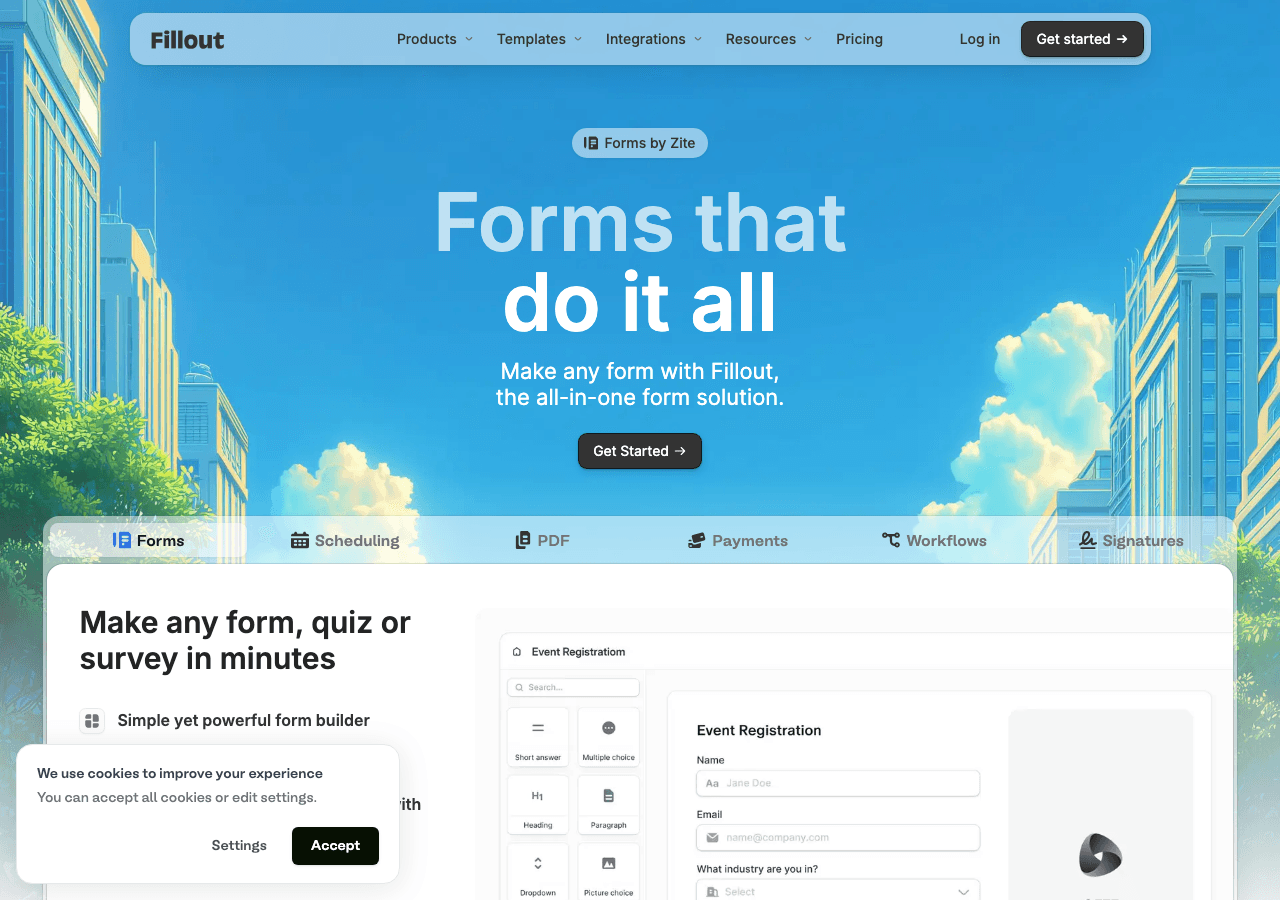
Fillout has earned a reputation as the budget-friendly form builder, and for teams leaving Jotform primarily because of pricing, it is an attractive option. The free tier is genuinely generous, and the paid plans are among the most affordable in the category.
What Fillout Does Well
The headline feature is 1,000 free responses per month. Compare that to Jotform's 100 free submissions and Typeform's 10 free responses, and the value is clear. For small businesses and startups, this free tier can be enough to run real form campaigns without paying anything.
The interface strikes a good balance between capability and simplicity. It is more intuitive than Jotform without being as stripped-down as Typeform. Multi-step forms, conditional logic, and integrations with Airtable, Notion, and Google Sheets work well out of the box.
Fillout also handles form design cleanly. Forms look modern and professional with minimal customization effort, which is a relief for teams used to wrestling with Jotform's design options.
Where Fillout Falls Short
Fillout is a form builder, and only a form builder. If you were using Jotform for its calculation fields, payment processing, or PDF generation, Fillout may not cover all your needs. The feature set is solid for standard forms but thinner for advanced use cases.
Pricing beyond the free tier:
- Free: 1,000 responses/month
- Starter: $19/month
- Pro: $49/month
- Business: $89/month
Response limits still apply on paid plans, though they are more generous than Typeform's. Customization options are clean but somewhat limited compared to Jotform's extensive configuration options.
Who Should Consider Fillout
Fillout is the right choice if your needs are straightforward forms and your main motivation for leaving Jotform is cost. The free tier alone covers many small business use cases, and the paid plans are affordable. If you need advanced features like payment processing, e-signatures, or complex calculations, you will need to look elsewhere.

5. Involve.me
Involve.me breaks from the pure form builder category by positioning itself as an interactive content and lead generation platform. For Jotform users who need more than just forms but have found Jotform limiting, Involve.me offers an interesting middle ground.
What Involve.me Does Well
The platform excels at building multi-step funnels that combine different content types. A typical Involve.me flow might start with a quiz, branch into different paths based on answers, present a calculator result, and end with a form capture. This funnel-based approach is more sophisticated than what Jotform offers.
Involve.me includes outcome-based quizzes, basic calculator functionality, and payment pages. The analytics are strong, with funnel visualization that shows completion rates and drop-off points at each step. For marketing teams focused on lead generation and conversion optimization, these features add genuine value.
Where Involve.me Falls Short
The biggest barrier is the complete absence of a free plan. In a market where every competitor offers some form of free tier, Involve.me's entry point is $49/month:
- Starter: $49/month
- Professional: $99/month
- Business: $199/month
That is more expensive than Jotform's Bronze and Silver plans, and you lose access to Jotform's massive template library and established integration ecosystem. The learning curve is steeper than most alternatives, and the platform is heavily oriented toward marketing funnels. If you just need a simple form, Involve.me is overkill.
The template library is also significantly smaller than Jotform's 10,000+ options, and the calculator and quiz features, while useful, are not as deep as dedicated tools for those purposes.
Who Should Consider Involve.me
Involve.me fits marketing teams with a specific need for interactive lead generation funnels and the budget to support it. If you are building multi-step experiences that combine quizzes, calculators, and forms, and you do not mind paying a premium, Involve.me delivers. For general form building, it is overpriced and overengineered.
Quick Comparison Table
| Tool | Free Plan | Paid Starting Price | Submission Limits | Beyond Forms? |
|---|---|---|---|---|
| Embeddable | Yes (200 pageviews) | $25/month | No submission limits | Yes (40+ widget types, AI builder, landing pages) |
| Common Ninja | Yes (all widgets) | Varies by widget | Varies | Yes (100+ widget types) |
| Typeform | Yes (10 responses) | $25/month | Yes (100-10K by plan) | No (forms only) |
| Fillout | Yes (1K responses) | $19/month | Yes (varies by plan) | No (forms only) |
| Involve.me | No | $49/month | Varies by plan | Partially (quizzes, calculators, funnels) |
Which Alternative Should You Choose?
Your ideal Jotform replacement depends on what is driving the switch.
If the complex interface is your main frustration, Fillout offers the cleanest, most intuitive experience for pure form building. You will sacrifice some of Jotform's advanced features, but you will gain speed and simplicity.
If submission limits are the problem, Embeddable eliminates them entirely. No caps, no per-response billing, no surprises as your traffic grows.
If you need more than forms, Embeddable is the obvious choice with 40+ widget types, AI-powered creation, and landing pages. Common Ninja also covers this need with 100+ widget types at generally affordable pricing.
If you want Jotform's power with better design, Typeform delivers on aesthetics but comes with even stricter response limits. It is a trade-off worth considering only for low-volume, high-design use cases.
If you are building marketing funnels, Involve.me specializes in multi-step interactive sequences, but be prepared for the price tag.
Conclusion
Jotform remains a capable form builder with an unmatched template library, and there is no shame in sticking with it if it works for your needs. But for the many teams that find its complexity, submission limits, and form-only functionality too constraining, the alternatives in 2026 are strong.
Embeddable stands out as the most complete replacement. It solves Jotform's complexity problem with an AI builder that generates widgets from plain-language descriptions. It eliminates submission limits with a pricing model based on usage, not responses. And it goes well beyond forms with 40+ widget types and landing page creation, giving you room to build the interactive experiences your website actually needs.
If you are ready to move past the limitations of traditional form builders, start with Embeddable's free plan and try the form widgets, quiz widgets, and calculator widgets to see how much more is possible.
Build Any Widget with AI in Seconds
Forms, calculators, quizzes, popups & any custom widget — describe it and AI builds it.
Try It FreeFree tier · No credit card