Top 5 Typeform Alternatives in 2026

3/16/2026
Typeform changed the game when it introduced conversational, one-question-at-a-time forms. The experience felt elegant and personal, and for a while, it was the go-to tool for anyone who wanted forms that didn't look like they were built in 2005.
But in 2026, the honeymoon is over for a lot of Typeform users.
The most common complaint? Response limits. Typeform's free plan caps you at just 10 responses per month. Ten. That is not a typo. Their Basic plan at $25/month bumps you up to 100 responses, Plus at $50/month gives you 1,000, and Business at $83/month finally gets you to 10,000. If you are running any kind of lead generation, survey, or feedback form with real traffic, those limits add up fast and the bills follow.
Beyond pricing, Typeform is fundamentally a form tool. It does forms well, but that is all it does. Need a calculator widget? A quiz with scoring logic? A pricing table, a booking widget, or a popup? You are out of luck. You will need to bolt on additional tools, each with their own subscription, learning curve, and embed code.
If you have been feeling the squeeze, whether from response limits, pricing tiers, or the lack of versatility, here are five alternatives worth considering.
What Typeform Offers (and Where It Falls Short)
Before diving into the alternatives, let's be fair about what Typeform does well. The conversational form experience is polished. The interface is clean and intuitive. Branching logic works smoothly, and the forms genuinely look good on any device. For simple use cases with low volume, it can still be a solid choice.
But the limitations are real:
- Response caps on every plan. Even paid plans have hard limits on how many responses you can collect. This is the single biggest frustration for growing teams.
- Form-only functionality. Typeform builds forms. That is it. No calculators, no quizzes with complex scoring, no interactive widgets, no landing pages.
- No AI-powered builder. In 2026, AI-assisted design tools are everywhere. Typeform still relies on manual template customization.
- No real widget ecosystem. If you need to embed interactive content beyond a form, Typeform cannot help you.
- Pricing scales with usage, not value. As your traffic grows, your bill grows, even if the forms themselves stay the same.
With that context, here are five alternatives that address one or more of these pain points.
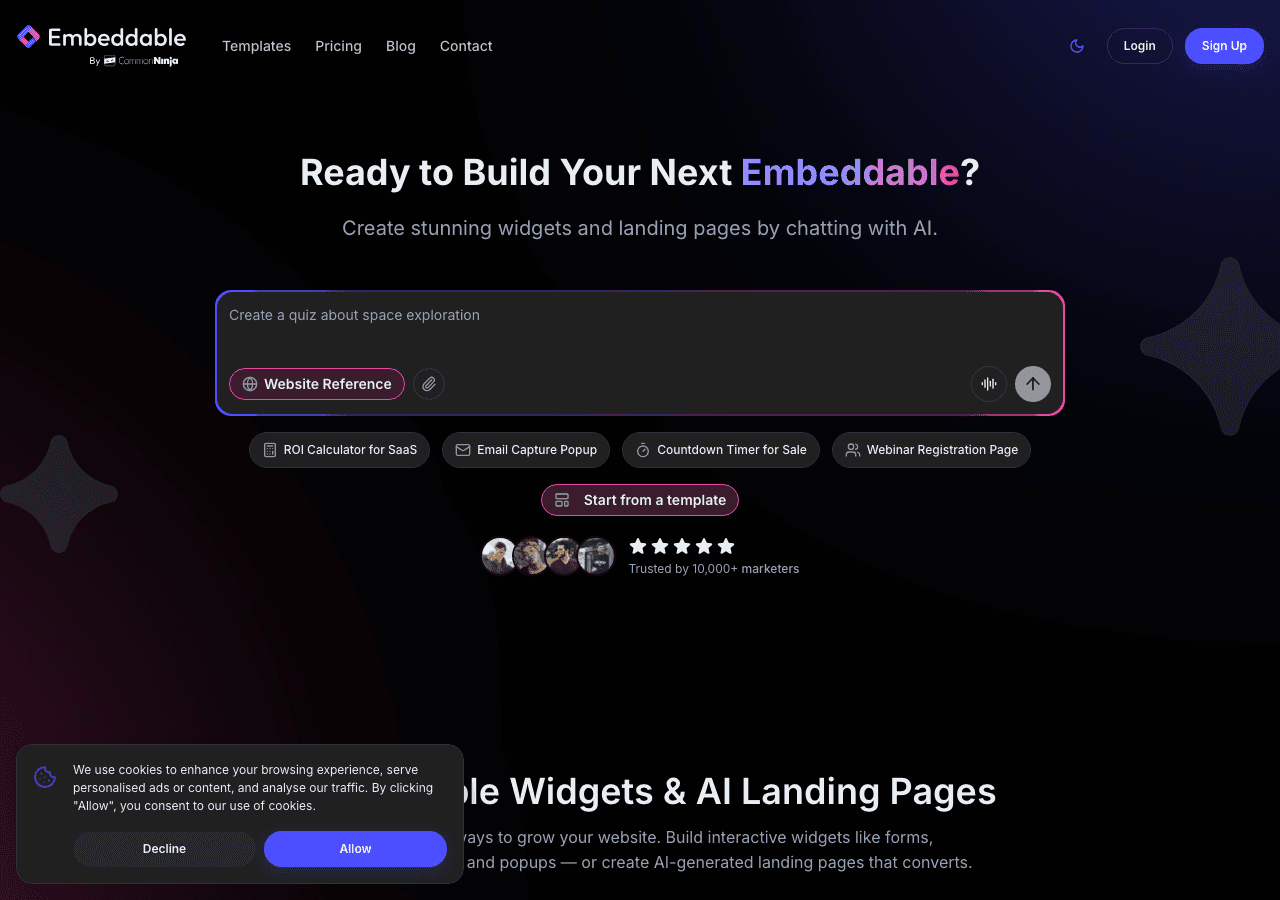
1. Embeddable (Best Overall Alternative)
If you are leaving Typeform because it is too limited, too expensive, or too narrowly focused on forms, Embeddable is the most compelling alternative in 2026. It is not just a form builder. It is a full no-code widget platform powered by AI, and it can do everything Typeform does while going far beyond it.
What Makes Embeddable Different
Embeddable is built around a simple idea: you should be able to create any interactive widget you need for your website without writing code. Forms are part of that, absolutely. But so are calculators, quizzes, polls, pricing tables, booking widgets, popups, comparison tools, and dozens of other widget types. There are over 400 templates across 40+ widget categories, so you rarely need to start from scratch.
The standout feature is Embeddable's AI chat builder. Instead of dragging and dropping elements and tweaking settings, you can describe what you want in plain language and the AI builds it for you. Want a multi-step lead qualification form with conditional logic that scores responses and routes leads to different thank-you pages? Just describe it. Want a cost calculator that pulls pricing from a Google Sheet and emails results to your sales team? Describe it. The AI handles the heavy lifting, and you refine from there.
You can also create landing pages directly within Embeddable, which is unique among widget builders. This means you can build a complete lead generation flow, from landing page to form to follow-up, without stitching together three different tools.
Forms Specifically
For users coming from Typeform, Embeddable's form widgets deserve special attention. You get multi-step forms, conditional logic, file uploads, and all the standard form features you would expect. But you also get things Typeform simply does not offer: built-in quiz functionality with scoring, calculator widgets that can handle complex math, and the ability to style everything with full CSS control when you need pixel-perfect results.
The CMS content editor means you can manage and update your widget content without touching any code or rebuild workflows.
Pricing
This is where the comparison gets interesting:
- Free: $0/month. 25 AI messages, 200 pageviews, watermark. Good for testing and small projects.
- Starter: $25/month. 100 AI messages, unlimited pageviews, no watermark.
- Pro: $45/month. 250 AI messages, 3 team seats.
- Business: $185/month. 1,250 AI messages, 10 team seats.
Notice what is missing from that pricing? Response limits. Embeddable charges based on AI usage and team size, not on how many people fill out your forms. You get unlimited views and unlimited widgets on every paid plan. For teams that have been watching their Typeform bill climb with every new response, this is a fundamental shift in how pricing works.
Integrations and Compatibility
Embeddable connects to Google Sheets, Airtable, HubSpot, Mailchimp, Klaviyo, Stripe, and more. It works on any platform: WordPress, Shopify, Webflow, Squarespace, Wix, Framer, and essentially any site that supports embed codes.
The Bottom Line
Embeddable is not just a Typeform replacement. It is an upgrade. You get better forms, more widget types, AI-powered creation, landing pages, and pricing that does not penalize you for getting more traffic. If your needs have outgrown Typeform's form-only approach, Embeddable is the strongest option on this list. Check out their free widgets and pricing page to see the full picture.
2. Common Ninja
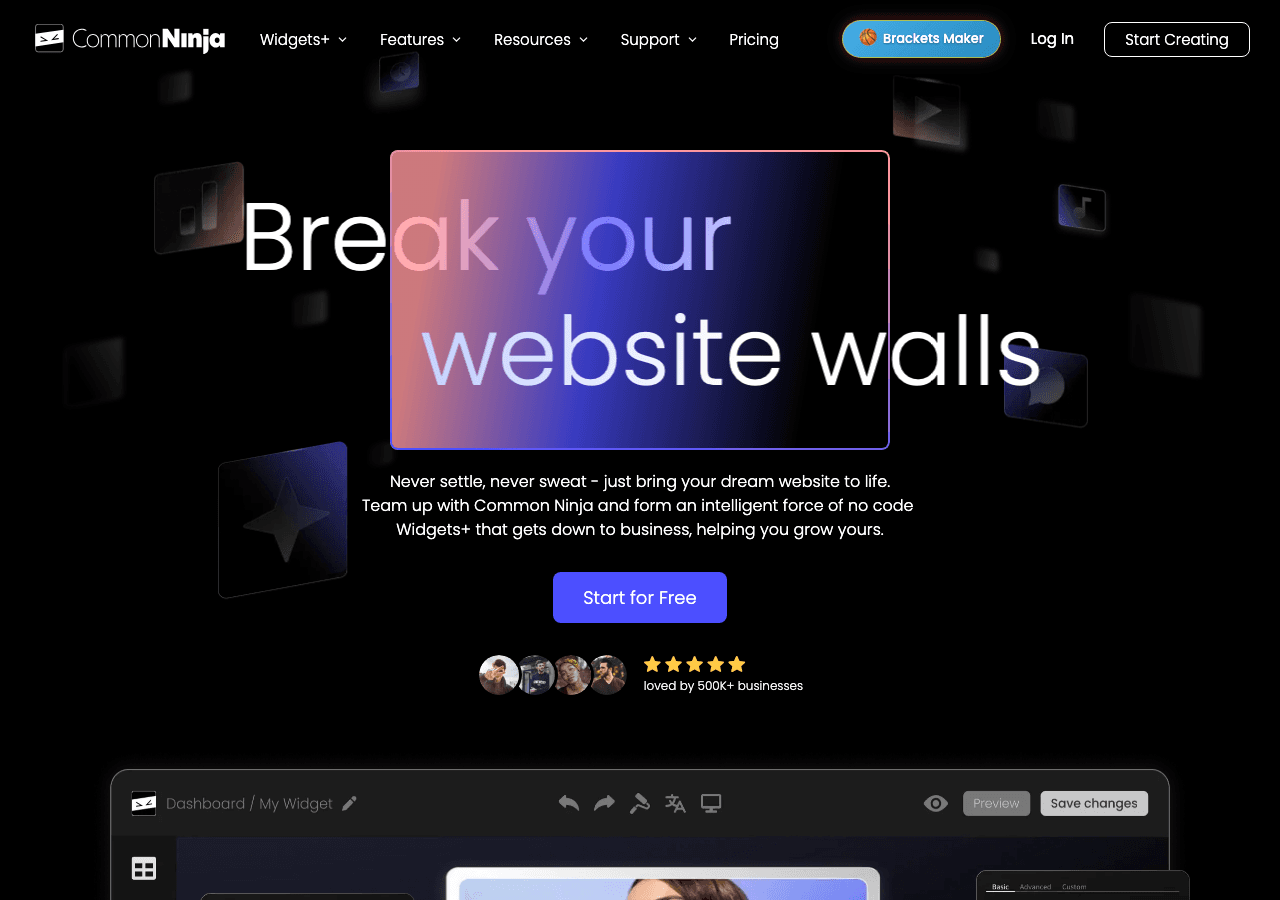
Common Ninja is a widget platform that takes a different approach than most form builders. Instead of specializing in one type of widget, Common Ninja offers over 100 widget types, including form widgets, comparison tables, feeds, galleries, and more.
What Common Ninja Does Well
The breadth of Common Ninja's widget library is impressive. If you need a specific type of widget, there is a good chance Common Ninja has it. Each widget comes with customization options, and the platform offers a free plan on all widgets, which makes it easy to try before you commit.
For Typeform users specifically, Common Ninja has form widgets that can handle basic to intermediate form needs. You get template-based design with visual customization, and the pricing is generally affordable compared to Typeform's response-based billing.
Where Common Ninja Falls Short
The trade-off with Common Ninja is breadth versus depth. While there are many widget types available, individual widgets may not be as feature-rich as dedicated tools. The form widgets, for example, are solid but do not match the conversational UX that made Typeform popular in the first place.
Common Ninja also lacks an AI builder, so you are working with templates and manual customization. There are no landing page features, and the customization depth varies from widget to widget.
Pricing
Pricing varies by widget type, but Common Ninja generally offers affordable plans with a free tier available on every widget. This makes it a reasonable option for teams that need multiple widget types without committing to enterprise pricing.
Who Should Consider Common Ninja
If you need a variety of widgets and want a single platform to manage them, Common Ninja is worth exploring. It is particularly useful if your needs span beyond forms into other interactive content types. However, if you need deep form functionality or AI-assisted creation, you may find it limiting compared to other options on this list.
3. Jotform
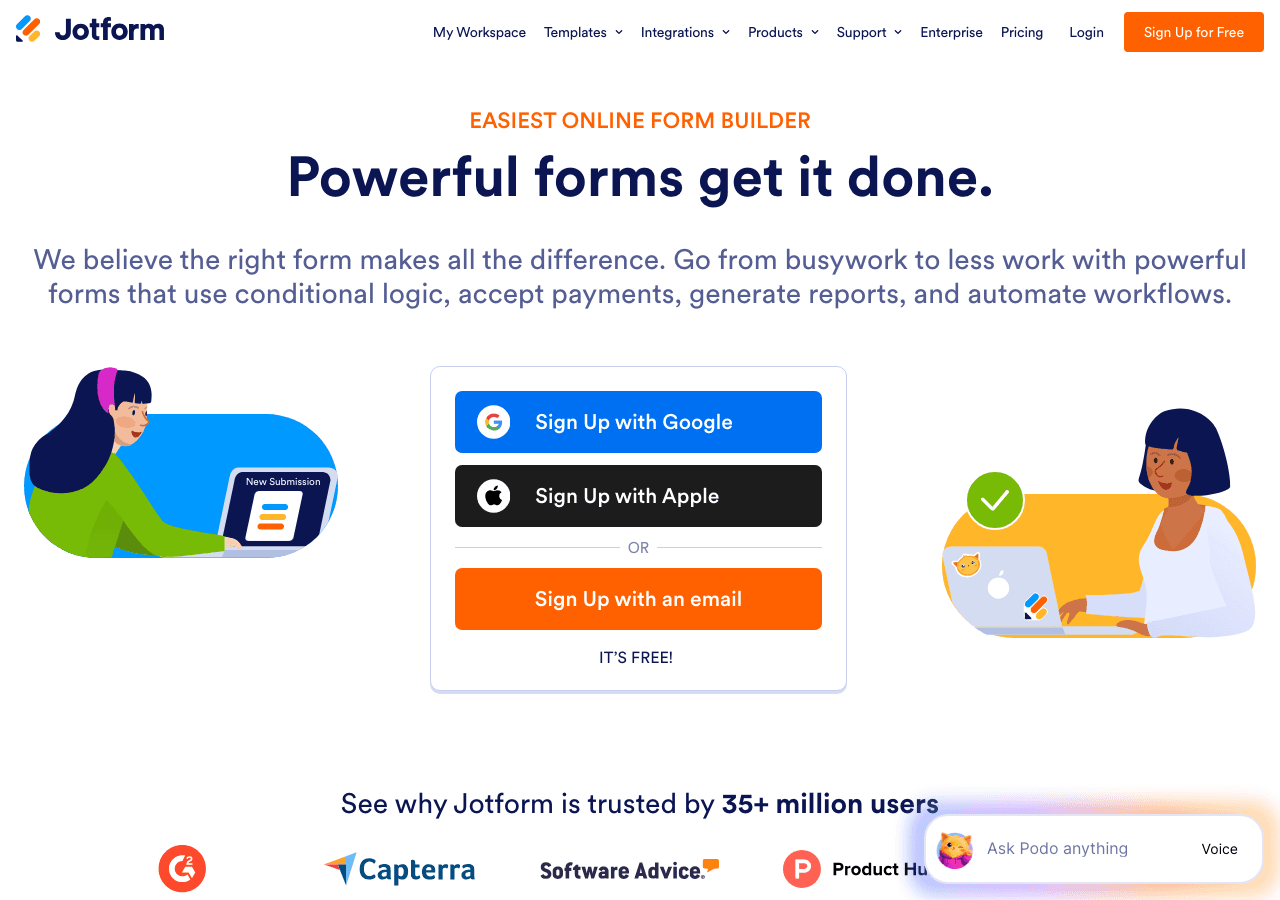
Jotform has been a major player in the form builder space for years, and for good reason. With over 10,000 templates, it has one of the largest template libraries of any form tool. If there is a form type you need, Jotform almost certainly has a template for it.
What Jotform Does Well
The sheer volume of templates is Jotform's biggest strength. From simple contact forms to complex multi-page applications with payment processing, there is likely a pre-built starting point for whatever you need. Jotform also supports a wide range of integrations, PDF generation, e-signatures, and even a mobile app for collecting responses in person.
The drag-and-drop builder is capable, and Jotform's conditional logic and calculation features are more robust than Typeform's. For teams that need forms with complex logic, payment fields, or document generation, Jotform delivers.
Where Jotform Falls Short
Jotform's interface can feel overwhelming, especially for new users. With so many features packed into the builder, it takes longer to find what you need compared to Typeform's streamlined design. The forms themselves, while functional, tend to look more utilitarian than Typeform's polished aesthetic unless you invest significant time in customization.
Like Typeform, Jotform has submission limits:
- Free: 5 forms, 100 submissions/month
- Bronze: $34/month for 25 forms and 1,000 submissions
- Silver: $39/month for 50 forms and 2,500 submissions
- Gold: $99/month for 100 forms and 10,000 submissions
Those limits can sneak up on you. And Jotform is still fundamentally a form tool. It does forms better than most, but if you need calculators, interactive quizzes, or embeddable widgets beyond forms, you will need to look elsewhere.
Who Should Consider Jotform
Jotform is a strong choice if you need a massive library of form templates and do not mind a more complex interface. It is particularly useful for organizations that need features like PDF generation, e-signatures, or payment processing built directly into their forms. Just be aware of the submission caps and plan accordingly.
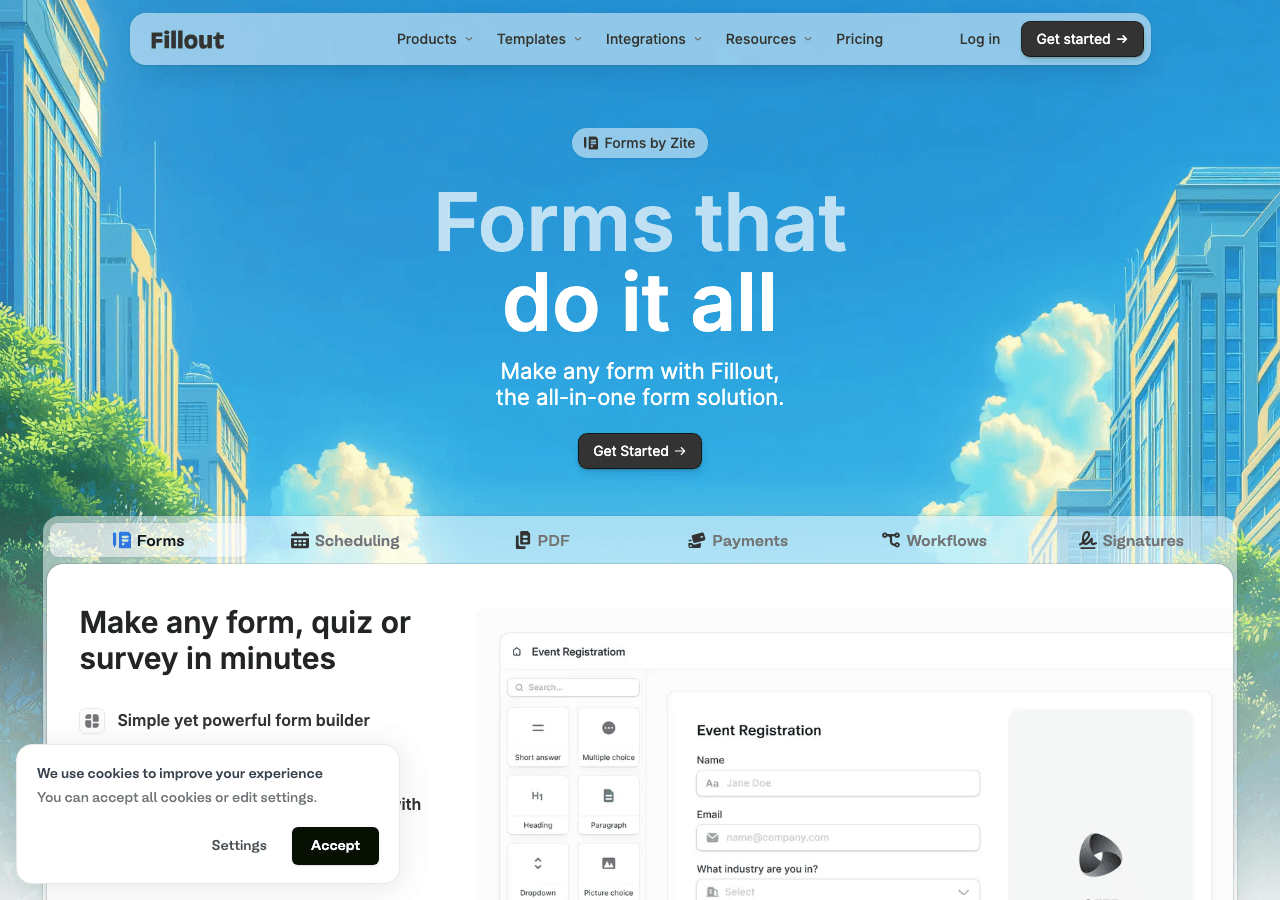
4. Fillout
Fillout is one of the newer entrants in the form builder space, and it has gained traction quickly by offering a clean interface with a genuinely generous free tier. If your primary frustration with Typeform is the response limits, Fillout addresses that pain point directly.
What Fillout Does Well
The free plan includes 1,000 responses per month. That is 100 times what Typeform offers on its free tier. For small businesses, startups, and solo creators, this alone makes Fillout worth trying. The interface is modern and intuitive, with a design philosophy that sits somewhere between Typeform's minimalism and Jotform's feature density.
Fillout also handles integrations well, connecting to Airtable, Notion, Google Sheets, and other popular tools. The form builder supports conditional logic, multi-step flows, and a clean mobile experience.
Where Fillout Falls Short
Fillout is still a form-only tool. It does forms and does them well, but it does not offer calculators, quizzes with scoring, or other interactive widget types. As you scale up, response limits still apply on paid plans:
- Free: 1,000 responses/month
- Starter: $19/month
- Pro: $49/month
- Business: $89/month
The customization options, while clean, are also more limited than some competitors. If you need highly custom form designs or widget types beyond standard forms, Fillout may feel constraining.
Who Should Consider Fillout
Fillout is an excellent choice for teams that want a modern, affordable form builder with a strong free tier. If your needs are straightforward, such as contact forms, surveys, and feedback forms, and you do not need anything beyond traditional form functionality, Fillout delivers solid value. It is the most budget-friendly option on this list for pure form building.

5. Involve.me
Involve.me positions itself as more than a form builder, and to its credit, it delivers on that promise to some extent. The platform focuses on interactive content and lead generation funnels, combining multi-step forms with quizzes, calculators, and payment pages.
What Involve.me Does Well
If your goal is building multi-step lead generation funnels, Involve.me is purpose-built for that. You can create sequences that start with a quiz, transition into a calculator, and end with a form, all within a single flow. The analytics are solid, with funnel visualization that shows you exactly where users drop off.
Involve.me also offers outcome-based quizzes and basic calculator functionality, which puts it a step beyond pure form builders like Typeform, Fillout, and Jotform.
Where Involve.me Falls Short
The biggest issue is pricing. There is no free plan. The entry point is $49/month, and plans scale up to $199/month. For a tool that many people discover while looking for a Typeform alternative (a tool they may already find too expensive), the lack of a free tier is a tough sell.
The platform also leans heavily toward marketing funnels. If you just need a simple form or a standalone widget, Involve.me can feel like overkill. The interface has a steeper learning curve than Typeform or Fillout, and the template library is smaller.
Pricing
- Starter: $49/month
- Professional: $99/month
- Business: $199/month
No free plan. No free trial on all features. This is a significant barrier for teams that want to test before committing.
Who Should Consider Involve.me
Involve.me makes sense for marketing teams that are specifically building lead generation funnels with interactive elements. If you need quizzes that feed into forms that trigger email sequences, and you have the budget for it, Involve.me can consolidate several tools into one. But for most teams, the lack of a free plan and the high starting price make it hard to justify without a very specific use case.
Quick Comparison Table
| Tool | Free Plan | Paid Starting Price | Response/Submission Limits | Beyond Forms? |
|---|---|---|---|---|
| Embeddable | Yes (200 pageviews) | $25/month | No response limits | Yes (40+ widget types, calculators, quizzes, landing pages) |
| Common Ninja | Yes (all widgets) | Varies by widget | Varies | Yes (100+ widget types) |
| Jotform | Yes (100 submissions) | $34/month | Yes (1K-10K by plan) | No (forms only) |
| Fillout | Yes (1K responses) | $19/month | Yes (varies by plan) | No (forms only) |
| Involve.me | No | $49/month | Varies by plan | Partially (quizzes, calculators, funnels) |
Which Alternative Should You Choose?
The right choice depends on what is driving you away from Typeform.
If response limits are your main frustration and you just need a straightforward form builder, Fillout offers the best free tier at 1,000 responses per month. It is the simplest switch if forms are all you need.
If you need more than just forms, Embeddable is the clear winner. It handles forms beautifully, but it also gives you calculators, quizzes, interactive widgets, and even landing pages, all in one platform with no response limits. The AI builder alone saves hours of design and configuration time.
If you need a massive template library and do not mind a more complex interface, Jotform has the widest selection of pre-built forms. Just watch those submission limits.
If you are building marketing funnels with interactive elements and have the budget, Involve.me specializes in exactly that.
If you need a variety of widget types on a budget, Common Ninja gives you access to 100+ widget types with free plans across the board.
Conclusion
Typeform deserves credit for popularizing conversational forms, but the platform's pricing model and narrow feature set have not kept pace with what teams actually need in 2026. Response limits that punish growth, a lack of widget types beyond basic forms, and no AI-powered creation tools leave a lot of room for alternatives to deliver more value.
For most teams evaluating their options, Embeddable offers the most complete package. It matches Typeform's form capabilities, eliminates response-based pricing, and adds an entire ecosystem of widgets, AI-powered creation, and landing pages that Typeform simply does not have. Whether you are building a simple contact form or a complex interactive experience, Embeddable gives you room to grow without hitting arbitrary limits.
Start with Embeddable's free plan and explore their form widget templates to see the difference for yourself.
Build Any Widget with AI in Seconds
Forms, calculators, quizzes, popups & any custom widget — describe it and AI builds it.
Try It FreeFree tier · No credit card