Build a calculator for your website.
Prices, quotes, savings, mortgages: describe the sum and get a calculator your visitors can use.
Free for your first widget · No credit card · 20,000+ widgets made
Calculators that bring leads.
Describe the sumExplain how the number is worked out in plain words. The formula is written for you.
Shows results clearlyResults can come with charts, so the answer is easy to understand.
Turns visitors into leadsAsk for an email to show or send the full result.
One step at a timeBreak long calculators into short steps so people finish them.
Send the resultVisitors can get their result by email or as a PDF.
See how it's usedKnow how many people used the calculator and what they entered.
Start from a template
Pick one that's close to what you need. Then change the words, colours or anything else by just asking.
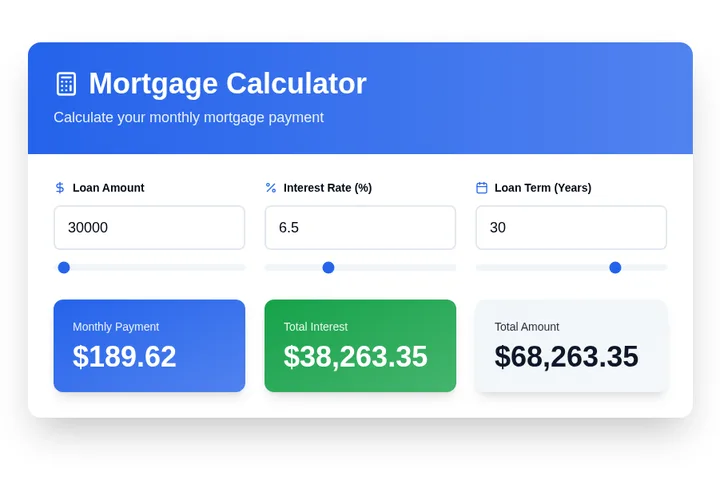
Mortgage Calculator
Calculate monthly mortgage payments with loan amount, interest rate, and term. Shows total interest paid and amortization breakdown.
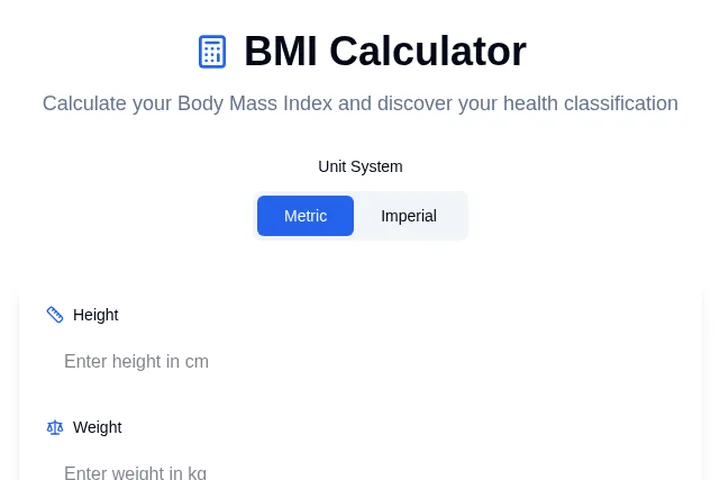
BMI Calculator
Calculate Body Mass Index with height and weight inputs. Provides BMI value and health category classification.
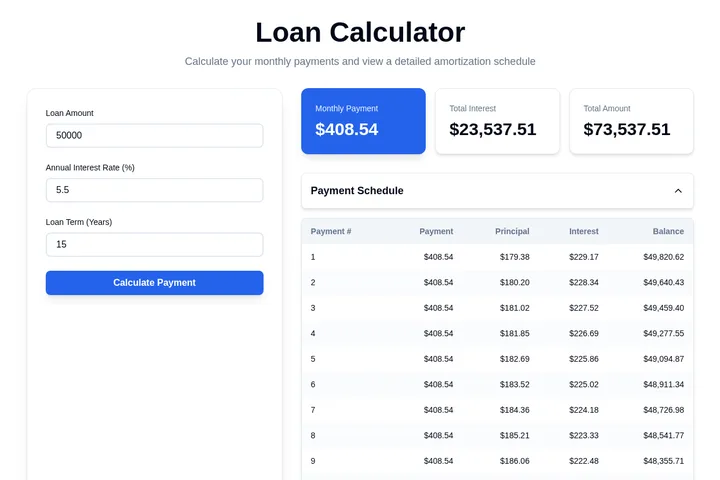
Loan Calculator
Calculate loan payments with principal, interest rate, and term. Shows monthly payment, total interest, and payment schedule.
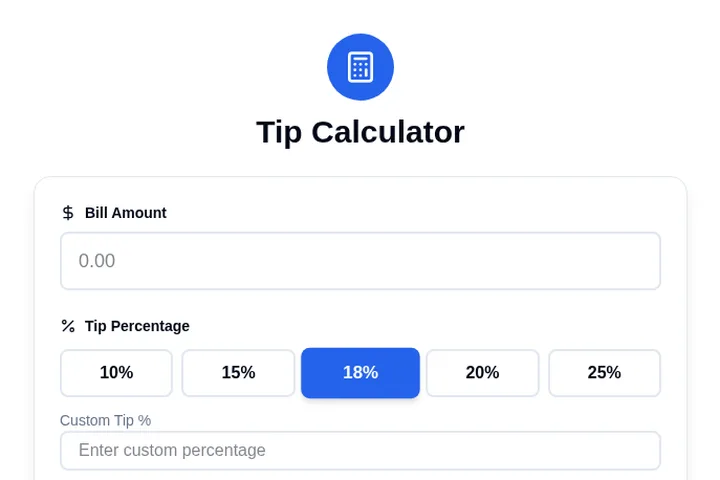
Tip Calculator
Calculate tips and split bills with bill amount, tip percentage, and number of people. Shows tip amount and total per person.
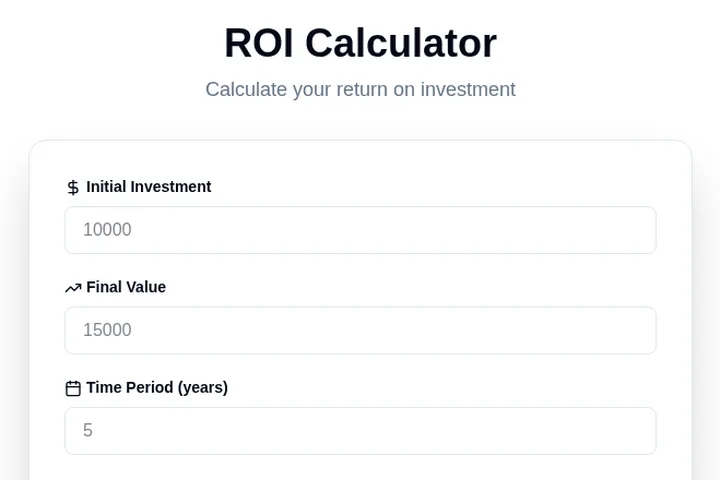
ROI Calculator
Calculate return on investment with initial investment, final value, and time period. Displays ROI percentage and profit/loss.
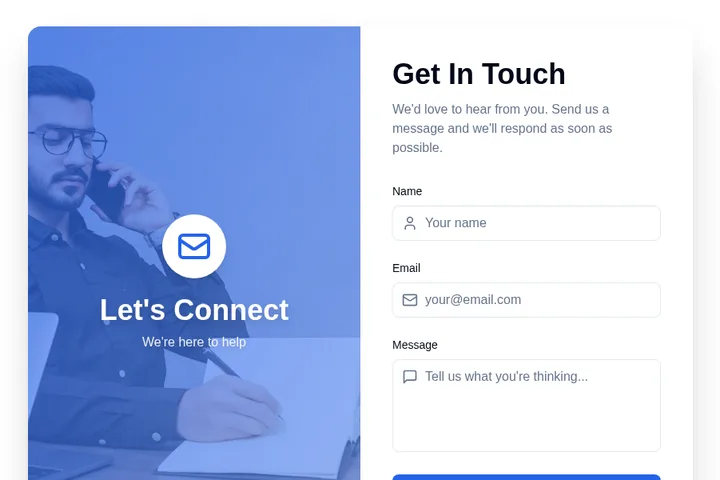
Contact Form
Classic contact form with name, email, and message fields. Simple, clean design that works for any website.

Feedback Popup
Collect feedback from visitors with a popup. Offer discounts or incentives to reduce bounce rate.
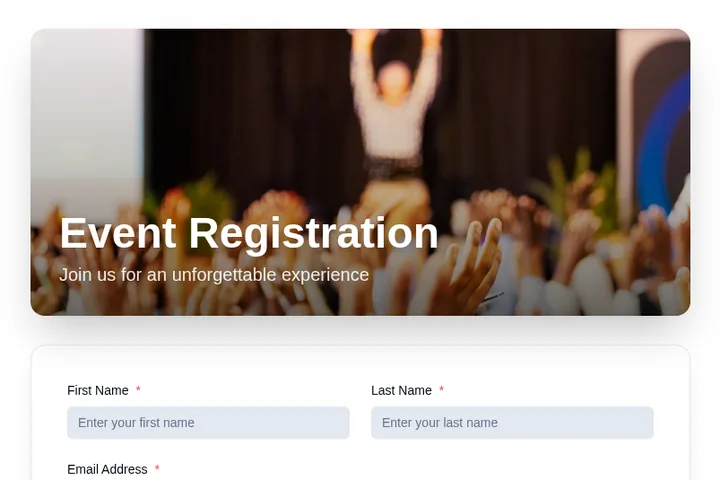
Event Registration Form
Accept event registrations with custom fields for attendee information. Send confirmations automatically via email integration.
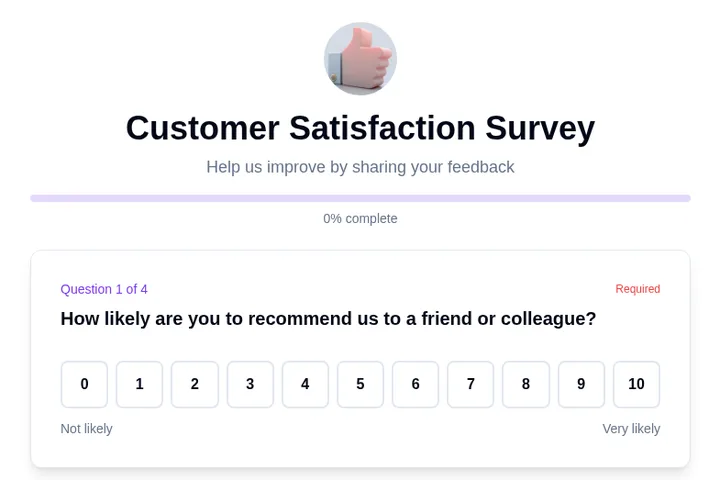
Customer Satisfaction Survey
NPS-style customer satisfaction survey with rating scales and open feedback.
From one sentence to live on your site.
Describe it in your own words. You see it working before anything goes live.
- 1You say what you needA waitlist for swimming lessons. Ask for the child's age and preferred day.
- 2We make it, ready to tryClick around in it. Ask for changes in plain words.
- 3You paste it into your siteOne short piece of code. We show you where, in Squarespace, WordPress, Wix or Shopify.


- 4Responses come to youNew sign-upAge 6–8, Saturdays, from Priya
Add to the site you have, or make a new page.
Most people start with one small job on their own website. When you need a page of its own, for an offer, an event or a launch, Embeddable makes that too.
Make your website do a new job
Bookings, price quotes, reviews, sign-ups, quizzes and order forms that sit inside your Squarespace, WordPress, Wix or Shopify site.
- Paste the code once and it's live
- Fits the look of your site
- Change it any time by asking
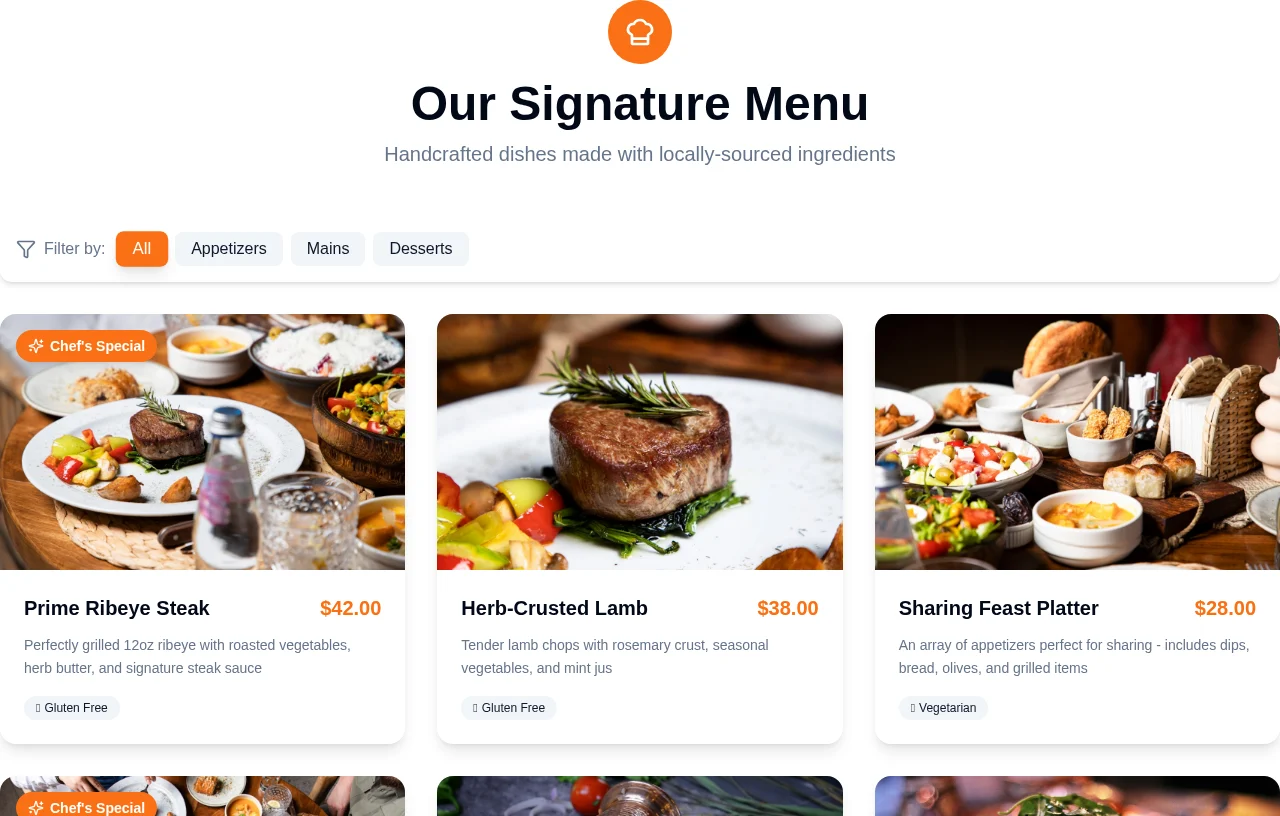
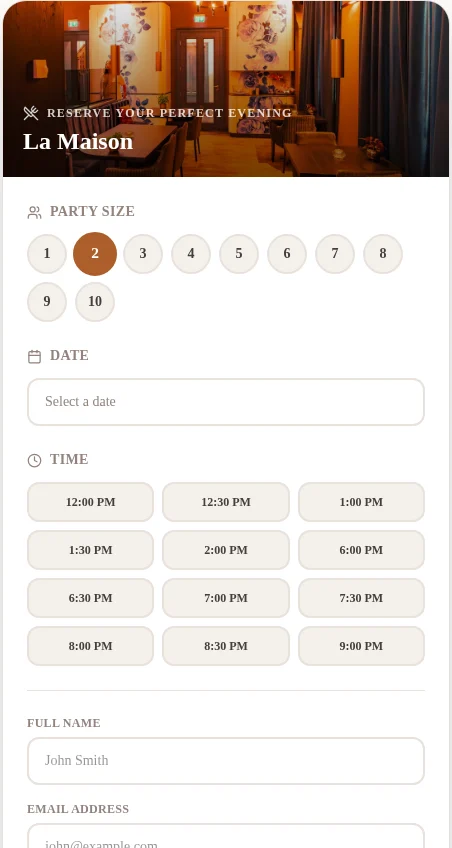
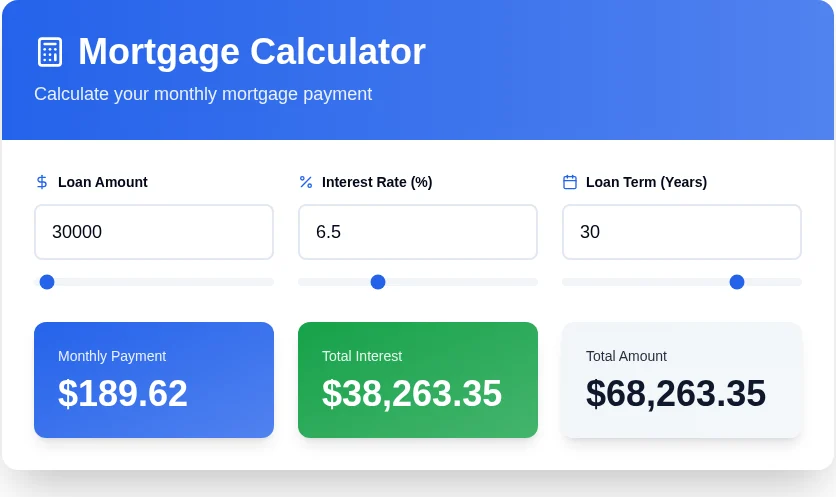
Templates made with Embeddable: a menu, a table booking and a mortgage calculator
Launch a whole page in minutes
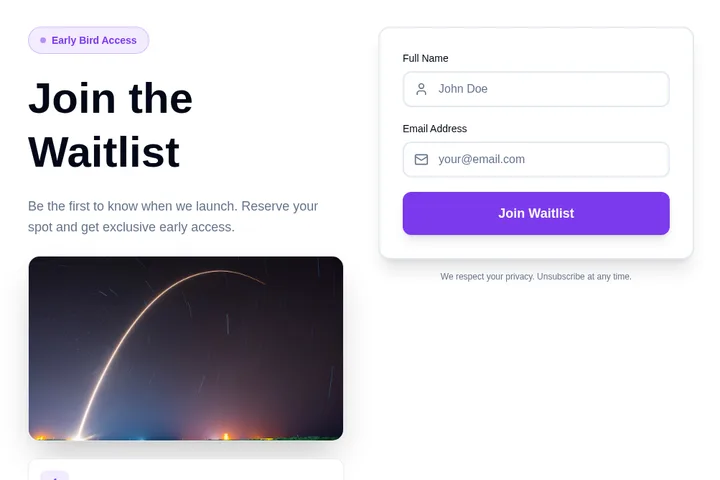
Coming-soon pages, events, offers and service pages, hosted for you and ready for phones.
- Use your own address, like offers.yourbusiness.com
- Choose the title and picture people see when it's shared
- Put any widget on the page
- Try two versions and keep the one that works better


Templates made with Embeddable: a salon and a restaurant
Works with the apps you already use.
Send sign-ups to your mailing list, bookings to your calendar and payments to Stripe. Choose the app, sign in, done. No code.
 Google SheetsShow prices or a menu from a sheet
 Google CalendarShow free times, add bookings
 MailchimpAdd sign-ups to your list
 KlaviyoAdd sign-ups to your list
 HubSpotAdd form answers as contacts
 SlackA message for each response
 StripeTake payments
 ZoomA meeting for each booking
 AirtableShow live data from a base
 NotionShow content from Notion
 Google AnalyticsCount views and clicks
 Facebook PixelTell your ads about sign-ups
Plus email alerts built in, and webhooks for anything else. See every app we connect to
Made for businesses like yours.
Bakeries, cleaners, clinics, schools and shops use Embeddable to take on jobs their website couldn't do before.
Every booking and sign-up comes to you.
See every response in one place, and get an email each time someone fills something in. No new app to check.
Emma W. booked a cake pickup for Sat 22 at 11:30.
Reply to EmmaWhat types of calculators can I build?
Build pricing calculators, ROI calculators, mortgage calculators, savings calculators, loan calculators, BMI calculators, cost estimators, tax calculators, and any custom calculation tool. Just describe your calculator logic to AI.
Can calculators generate leads for my business?
Yes! Add email capture forms to collect leads before or after showing calculation results. Automatically sync leads to HubSpot, Mailchimp, Klaviyo, and other CRM tools.
How do I define calculation formulas and logic?
Simply describe your calculation in plain English to AI, or use the visual formula builder. AI understands complex formulas, conditional logic, multi-step calculations, and more.
Can I customize calculator design and result displays?
Absolutely! Customize colors, fonts, input fields, result formatting, charts, visual displays, and more. Make calculators match your brand perfectly.
Can calculators show results with charts and visuals?
Yes! Display results with charts, graphs, progress bars, visual comparisons, and formatted tables. Make complex calculations easy to understand.
Do I get analytics on calculator usage?
Yes! Track how many people use your calculator, which inputs they choose, average results, completion rates, and more. All analytics are available in your dashboard.
Where can I embed calculators?
Embed on any website: WordPress, Shopify, Wix, Squarespace, Webflow, landing pages, or use as standalone calculator pages. Works everywhere with simple embed code.
Can I create multi-step calculators?
Absolutely! Build multi-step calculators with multiple screens, conditional logic, progress indicators, and step-by-step guidance for better user experience.
What should your website do next?
Describe it in a sentence. It's free for your first widget.