Free Logo Slider Widgets for Your Website
Create professional logo sliders in minutes with AI. Build client showcases, partner galleries, and brand trust displays. Fully customizable with editable logos and links through our CMS editor. Embed anywhere, no coding needed.
Free for your first widget · No credit card · 20,000+ widgets made
Logo Slider Widget Templates
Pick a template and change it with AI. Or start from scratch and build exactly what you need.
Auto-Scroll Logo Slider
Infinitely scrolling logo slider with smooth auto-scroll animation. Pauses on hover. Perfect for client showcases. Edit logos through CMS.
Fade Logo Carousel
Logo carousel with elegant fade transitions. Shows 3-5 logos at once with auto-rotation. Fully editable through CMS editor.
Works on the website you already have
 Squarespace
 WordPress
 Wix
 Shopify
 Webflow
 Elementor
 Framer
 Duda
 Carrd
 Google Sites
Built your site with AI? It works there too
 Lovable
 Base44
 Bolt
 v0
 Replit
 ChatGPT
 Claude
 Grok
- …and any site that lets you paste code
Build Your Custom Logo Slider in Minutes
Describe what you want in your own words. AI builds it for you.
From one sentence to live on your site.
Describe it in your own words. You see it working before anything goes live.
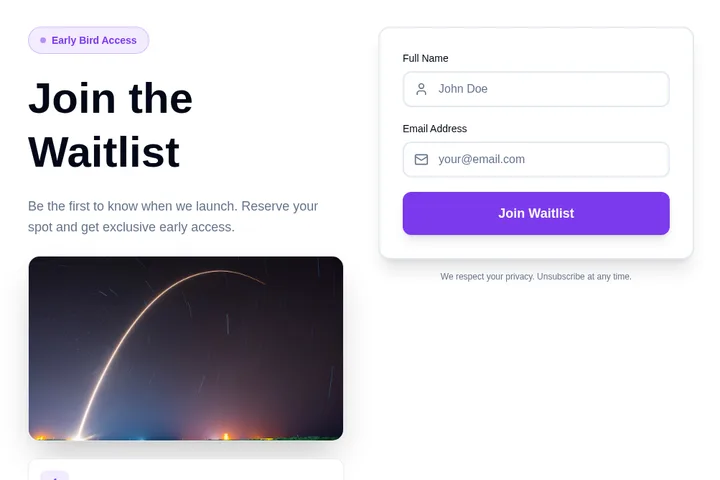
- 1You say what you needA waitlist for swimming lessons. Ask for the child's age and preferred day.
- 2We make it, ready to tryClick around in it. Ask for changes in plain words.
- 3You paste it into your siteOne short piece of code. We show you where, in Squarespace, WordPress, Wix or Shopify.
- 4Responses come to youNew sign-upAge 6–8, Saturdays, from Priya
Popular ways to use it.
Client Portfolio DisplayShowcase your client logos to build trust and credibility. Perfect for agencies, consultancies, and service providers.
Partner & Sponsor ShowcasesDisplay partner brands, event sponsors, or collaboration logos in an elegant auto-scrolling slider.
As Featured In SectionsShow media outlets, publications, or platforms where you've been featured to boost authority and social proof.
Technology Stack DisplayPresent the technologies, tools, or platforms your product integrates with or is built on.
Customer Brand WallsDisplay customer company logos to demonstrate market traction and social proof for SaaS products.
Association & Certification BadgesShow industry associations, certifications, or accreditations your business holds for credibility.
How do I add the widget to my website?
Choose a template and change it with AI. Then copy one line of code and paste it into your website. Works on WordPress, Shopify, Wix, and custom sites.
Is it really free?
Yes! You get 25 free tokens (messages) per month to build and customize your widgets. Paid plans start at $25/month for more tokens and premium features.
Can I customize the widget design?
Absolutely! Our AI automatically matches your website's design, or you can customize colors, fonts, and layout through simple chat commands.
Do I need coding skills?
Not at all! Simply describe what you want in plain English, and our AI builds it for you. Adding it to your site is just copy and paste.
Can I integrate the widget with my tools?
Yes! Embeddable supports integrations with HubSpot, Mailchimp, Klaviyo, Slack, and many more tools.
Ready to add it to your website?
Build your own Logo Slider Widget with AI in minutes. No coding needed, and it works on any website.
Start building your Logo Slider Widget
Describe what you want, and AI builds it for you in seconds.