Free Reading Progress Bar Widget for Your Website
Create reading progress widgets in minutes with AI. Add a slim scroll bar to the top of your posts, a floating corner badge, a chapter tracker, or a percentage gauge. Embed anywhere, no coding needed.
Free for your first widget · No credit card · 20,000+ widgets made
Reading Progress Bar Templates
Pick a template and change it with AI. Or start from scratch and build exactly what you need.
Top Scroll Progress Bar
Fill a slim bar across the top of the page as the visitor scrolls down.
Circular Reading Percentage
Display scroll progress as a circular gauge with a live percentage in the centre.
Sidebar Chapter Tracker
Show reading position through a long article with a sidebar list that highlights the active chapter.
Works on the website you already have
 Squarespace
 WordPress
 Wix
 Shopify
 Webflow
 Elementor
 Framer
 Duda
 Carrd
 Google Sites
Built your site with AI? It works there too
 Lovable
 Base44
 Bolt
 v0
 Replit
 ChatGPT
 Claude
 Grok
- …and any site that lets you paste code
Build Your Custom Reading Progress Bar in Minutes
Describe what you want in your own words. AI builds it for you.
From one sentence to live on your site.
Describe it in your own words. You see it working before anything goes live.
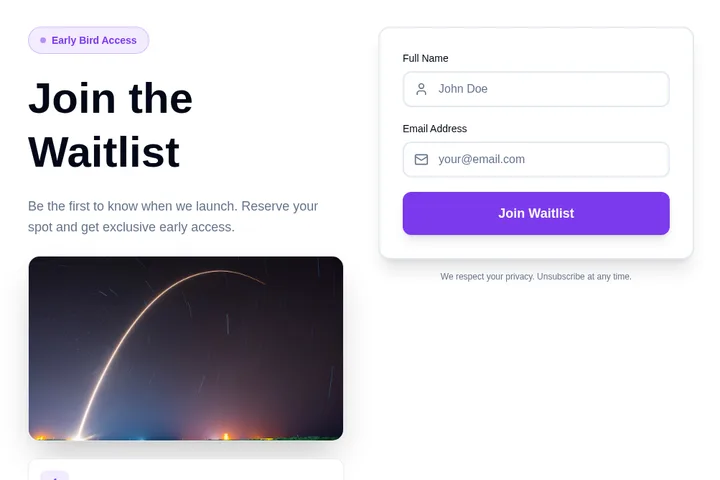
- 1You say what you needA waitlist for swimming lessons. Ask for the child's age and preferred day.
- 2We make it, ready to tryClick around in it. Ask for changes in plain words.
- 3You paste it into your siteOne short piece of code. We show you where, in Squarespace, WordPress, Wix or Shopify.
- 4Responses come to youNew sign-upAge 6–8, Saturdays, from Priya
Popular ways to use it.
Blog Post Progress BarsFill a slim bar across the top of the page as the reader scrolls, the pattern readers already recognise from major publications.
Long-Form Articles and GuidesShow how much is left in a long read so visitors commit to finishing instead of bouncing at the halfway point.
Chapter and Section TrackersList the sections of an article in a sidebar and highlight the active one, doubling as navigation for long guides.
Floating Reading BadgesTuck a small percentage badge into a corner where it stays visible without taking space from the content.
Documentation and Knowledge BasesHelp readers judge the length of a page before they start, and keep their place as they work through it.
Newsletters and Serial ContentGive recurring readers a sense of pace across instalments, encouraging them to read to the end.
How do I add a reading progress bar to my blog?
Choose a template above, customize the colour and position with AI, and paste the embed code into your post template. It works on WordPress, Ghost, Wix, Squarespace, and custom sites — no theme editing or plugin needed.
Does a reading progress bar improve engagement?
It gives readers a sense of how much is left, which is why long-form publishers use it. Showing the end is in sight tends to keep people scrolling instead of abandoning a page that feels endless.
Where can I put the progress indicator?
Anywhere that suits the layout: a slim bar pinned to the top of the page, a floating badge in a corner, a circular percentage gauge, or a sidebar list that highlights the section being read.
Is the reading progress bar widget really free?
Yes. You can build and embed reading progress bars for free — free accounts get 25 tokens per month for building and customizing. Paid plans start at $25/month for more tokens and premium features like custom domains and no watermark. Or unlock a single widget for a one-time $9: no watermark, no view limit.
How do I add the widget to my website?
Choose a template and change it with AI. Then copy one line of code and paste it into your website. Works on WordPress, Shopify, Wix, and custom sites.
Is it really free?
Yes! You get 25 free tokens (messages) per month to build and customize your widgets. Paid plans start at $25/month for more tokens and premium features.
Can I customize the widget design?
Absolutely! Our AI automatically matches your website's design, or you can customize colors, fonts, and layout through simple chat commands.
Do I need coding skills?
Not at all! Simply describe what you want in plain English, and our AI builds it for you. Adding it to your site is just copy and paste.
Can I integrate the widget with my tools?
Yes! Embeddable supports integrations with HubSpot, Mailchimp, Klaviyo, Slack, and many more tools.
Ready to add it to your website?
Build your own Reading Progress Bar Widget with AI in minutes. No coding needed, and it works on any website.
Start building your Reading Progress Bar Widget
Describe what you want, and AI builds it for you in seconds.