Best App Store Reviews Widgets for Websites in 2026


If you have a mobile app listed on the Apple App Store, you already know how powerful those star ratings and user reviews can be. They influence download decisions every single day. But what if you could take that same social proof and put it directly on your website, where potential customers are already browsing?
That is exactly what app store reviews widgets let you do. By embedding real App Store reviews on your landing pages, homepages, or product pages, you give visitors an immediate reason to trust your app without ever leaving your site. It reduces friction, builds credibility, and can meaningfully improve conversion rates.
In this guide, we compare the five best app store reviews widgets available in 2026. We break down features, pricing, customization options, and overall ease of use so you can pick the right tool for your needs.
Why Display App Store Reviews on Your Website?
Before diving into the tools, it is worth understanding why this matters in the first place.
Social Proof Drives Conversions
Studies consistently show that consumers trust peer reviews almost as much as personal recommendations. When someone lands on your website and sees dozens of genuine five-star reviews pulled straight from the App Store, that credibility transfers directly to your brand. It is one of the most effective forms of social proof you can add to a page.
Keep Visitors on Your Site
If a potential customer wants to read reviews about your app, they might leave your website to go check the App Store directly. That is a lost visitor. By embedding those reviews right on your page, you keep people engaged with your content while still giving them the validation they are looking for.
Boost SEO with Fresh Content
Review widgets that render text content on your pages can contribute to your SEO efforts. Search engines see fresh, relevant, keyword-rich content updating regularly, which signals that your page is active and valuable. Some widgets handle this better than others, and we will note those differences below.
Showcase Your Best Feedback
Most app store reviews widgets let you filter or curate which reviews appear. That means you can highlight the most detailed, positive, and representative feedback your app has received, presenting your product in the best possible light while still using authentic user voices.
What Makes a Great App Store Reviews Widget?
Not all review widgets are created equal. Here are the key criteria we used when evaluating the tools in this list:
- Ease of setup: How quickly can you go from zero to a working widget on your site? The best tools require no coding at all.
- Customization: Can you match the widget to your brand? Look for control over colors, fonts, layouts, and which reviews to display.
- Performance: A widget should not slow down your website. Lightweight code and fast loading times are essential.
- Pricing and value: Some tools limit views or charge per widget. Others offer unlimited usage. We factor in how much you actually get for your money.
- Ongoing maintenance: Does the widget auto-update with new reviews, or do you have to manually refresh it? Automation saves time.
- Responsive design: The widget needs to look good on desktop, tablet, and mobile without any extra configuration.
With those criteria in mind, here are the five best app store reviews widgets for websites in 2026.
1. Embeddable
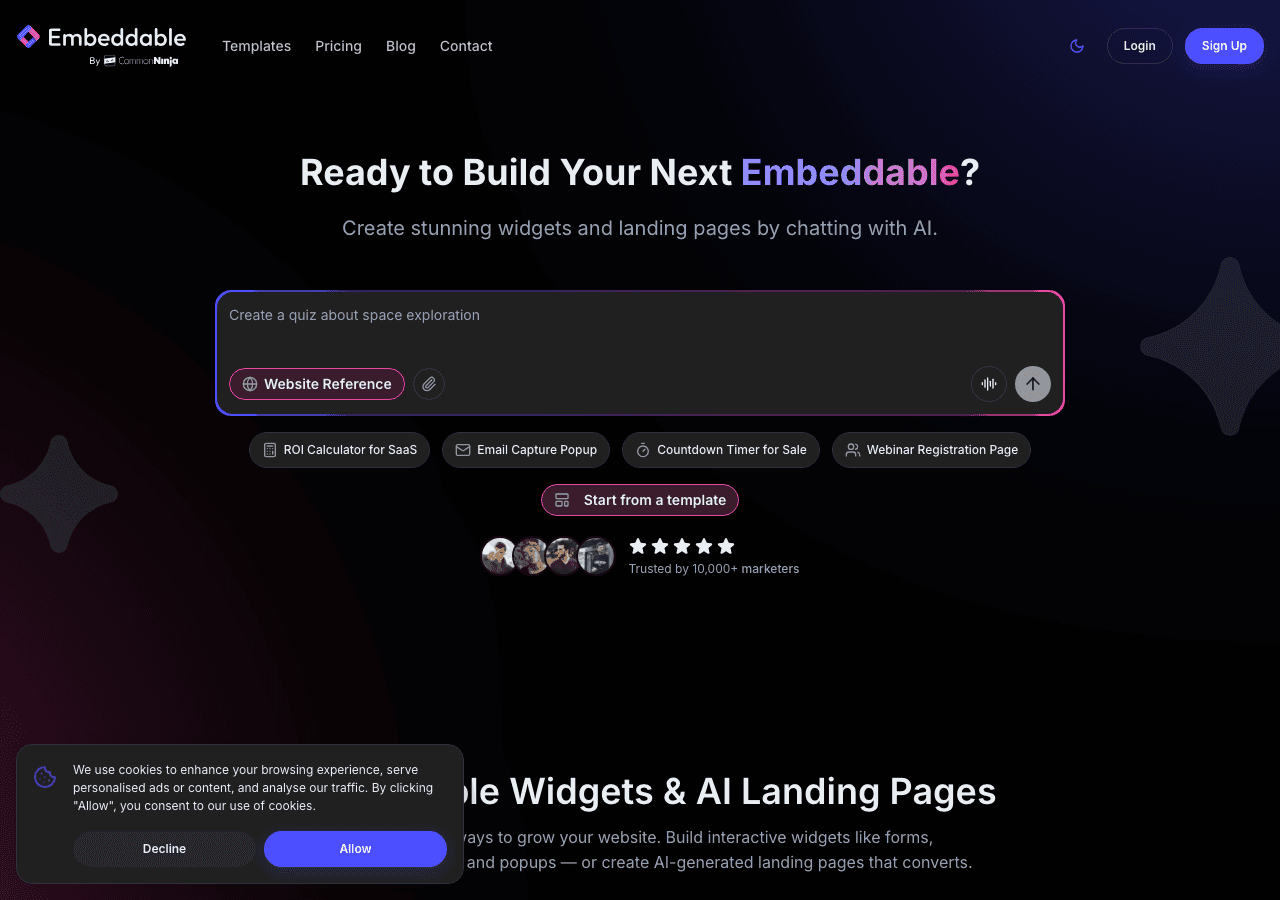
Embeddable is a no-code AI widget builder that stands out as the most versatile and powerful option on this list. With over 400 templates available, including purpose-built app store reviews widgets, it gives you everything you need to display polished, professional review feeds on any website.
Key Features
Embeddable goes well beyond simple review embedding. The platform includes an AI chat builder, a full CMS editor, and even landing page tools, making it a comprehensive solution for teams that want to do more than just display reviews. But if reviews are your primary focus, the dedicated templates make setup incredibly fast.
The widget builder is entirely visual. You pick a template, connect your data source, customize the design to match your brand, and copy an embed code. There is no coding required at any step. The AI-powered tools can even help you configure widgets faster by suggesting layouts and styles based on your site.
Every widget you create is fully responsive out of the box, so your App Store reviews will look great on any screen size. And unlike some competitors, Embeddable offers unlimited views and unlimited widgets on every plan, so you never have to worry about traffic caps or overage charges.
Pricing
- Free: $0/month with 25 messages/month
- Starter: $25/month
- Pro: $45/month
- Business: $185/month
All plans include unlimited views and unlimited widgets, which is a significant advantage over tools that meter based on pageviews.
Why It Ranks #1
Embeddable combines the deepest customization options, the smoothest no-code experience, and the most generous pricing model in this category. Whether you want a simple review carousel or a complex, filtered review showcase, it handles both with equal ease. The AI-powered features are a genuine time-saver, and the unlimited views policy means you will never face surprise costs as your traffic grows.
For more review-related widgets, check out the free review widgets page, the free testimonials widgets page, or the guide on how to create a custom app store reviews widget.
2. Common Ninja
Common Ninja is a well-known widget platform offering over 100 widget types, including review and testimonial displays that can be adapted for app store reviews.
Key Features
Common Ninja takes a template-based approach, giving you a library of pre-built widget designs that you can customize to your needs. The platform covers a wide range of widget types beyond reviews, so if you need other interactive elements for your site, you can find them here too.
The editor is straightforward and does not require coding knowledge. You select a widget type, choose a template, adjust the settings, and embed it. Common Ninja supports multiple CMS platforms and website builders, making integration fairly painless regardless of your tech stack.
The free plan is a reasonable starting point for testing, though it comes with limitations on features and branding. Paid plans unlock more customization options and remove the Common Ninja branding from your widgets.
Pricing
Common Ninja offers a free plan with basic functionality. Paid plans scale up based on the features and customization level you need. Check their website for current pricing details.
Where It Falls Short
While Common Ninja is a solid all-around widget platform, it does not specialize in app store reviews the way some other tools do. You may find that the review-specific templates are not as polished or purpose-built as what you get from Embeddable. The free plan also includes branding, which can look unprofessional on a business website.
3. SociableKIT

SociableKIT is a social feed specialist that has expanded its offering to include app store review feeds alongside its core social media embedding tools.
Key Features
SociableKIT focuses on pulling content from social platforms and review sources, then displaying it on your website. It supports Apple App Store feeds as part of its broader review and social feed capabilities. The tool is designed to automatically sync with your app's listing, pulling in new reviews as they appear.
The setup process is relatively simple. You enter your app's URL or identifier, configure the display settings, and embed the widget. SociableKIT offers several layout options including grids, lists, and carousels.
One of SociableKIT's strengths is its focus on automation. Once configured, your review feed updates on its own, so you do not need to manually add new reviews as they come in.
Pricing
Plans range from $9 to $29 per month, depending on the features and number of feeds you need. There is no permanent free plan, though a trial period may be available.
Where It Falls Short
SociableKIT is primarily a social feed tool, and its review widget capabilities, while functional, are not as deeply customizable as dedicated widget builders. The design options are more limited, and you may find it harder to match the widget perfectly to your brand. The lack of a permanent free tier also means you are paying from the start, even for basic usage.
4. Elfsight
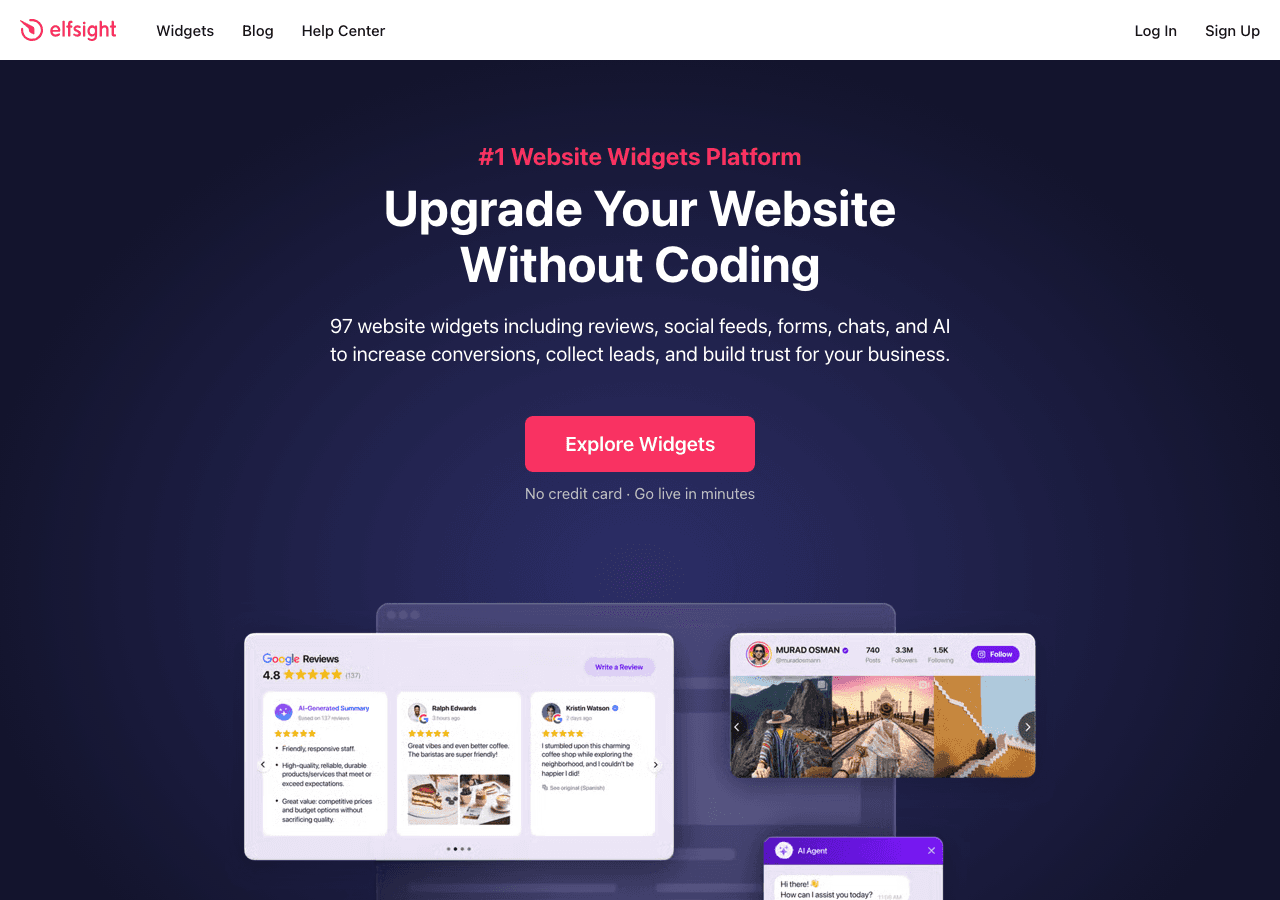
Elfsight offers over 80 widget templates, including review widgets that can display feedback from app stores and other sources.
Key Features
Elfsight has been in the widget space for years and offers a mature, reliable platform. Its review widgets support multiple sources, and the setup process is well-documented. You can choose from several layout options, adjust colors and fonts, and filter reviews by rating.
The platform is template-driven, so getting started is quick. Elfsight also provides a visual editor where you can preview changes in real time before publishing.
Pricing
Elfsight plans start at $5 per month and go up to $20 per month. However, there is an important caveat: Elfsight's plans are view-limited. That means you get a set number of pageviews per month, and if your site exceeds that threshold, you either need to upgrade or your widget stops displaying. For high-traffic sites, this can become a significant cost factor.
Where It Falls Short
The view-based pricing model is the biggest drawback. If your website gets substantial traffic, Elfsight can become expensive quickly, and the uncertainty of view-based billing makes it harder to budget. The customization options, while decent, are not as extensive as what you get with Embeddable's AI-powered builder. You also get fewer layout and styling options overall.
5. Tagembed

Tagembed specializes in social media and review aggregation widgets, offering tools to pull reviews from various sources and display them on your website.
Key Features
Tagembed supports a wide range of review sources and social platforms. Its review widget can aggregate feedback from app stores alongside reviews from Google, Yelp, and other platforms, which is useful if you want to display reviews from multiple sources in a single feed.
The widget builder is straightforward, with drag-and-drop functionality and a selection of pre-built themes. Tagembed also offers moderation tools, letting you approve or hide specific reviews before they appear on your site.
Pricing
Tagembed offers a free plan with limited functionality. Paid plans range from $19 to $49 per month, depending on the number of feeds and the level of customization you need.
Where It Falls Short
The free plan is quite restrictive, and the jump to paid plans is steeper than some competitors. The widget designs, while functional, tend to look more generic out of the box, requiring more manual customization to achieve a polished appearance. Tagembed also does not offer the AI-powered features or the breadth of templates you get with Embeddable.
Comparison Table
| Feature | Embeddable | Common Ninja | SociableKIT | Elfsight | Tagembed |
|---|---|---|---|---|---|
| Templates | 400+ | 100+ | Limited | 80+ | Moderate |
| Free Plan | Yes | Yes | No | Limited | Yes (limited) |
| Starting Price | $0/mo | Free | $9/mo | $5/mo | Free |
| View Limits | Unlimited | Varies | Varies | Yes (capped) | Varies |
| Widget Limits | Unlimited | Varies | Varies | Varies | Varies |
| No-Code Builder | Yes | Yes | Yes | Yes | Yes |
| AI Features | Yes | No | No | No | No |
| Custom Branding | Yes | Paid plans | Paid plans | Paid plans | Paid plans |
| Auto-Sync Reviews | Yes | Varies | Yes | Yes | Yes |
| Responsive Design | Yes | Yes | Yes | Yes | Yes |
Which App Store Reviews Widget Should You Choose?
The right choice depends on your specific needs, but here is a quick breakdown to help you decide.
Choose Embeddable if you want the most flexible, powerful, and cost-effective solution. With unlimited views, unlimited widgets, AI-powered tools, and over 400 templates, it is the clear leader in this category. It is especially well-suited for teams that want a single platform for all their widget needs, not just reviews. Get started with free app store reviews widgets.
Choose Common Ninja if you are already using their platform for other widget types and want to keep everything in one place. The free plan is a reasonable starting point, though you will likely need to upgrade for a professional look.
Choose SociableKIT if your primary need is social feed integration and app store reviews are a secondary feature. The automatic syncing is a nice touch, but the lack of a free plan and limited design options hold it back.
Choose Elfsight if you have a low-traffic site and want an affordable entry point. Just be aware that the view-based pricing can become a problem as your traffic grows.
Choose Tagembed if you want to aggregate reviews from multiple platforms in a single widget. It handles multi-source review feeds well, but the pricing and design limitations are worth considering.
Conclusion
Displaying Apple App Store reviews on your website is one of the simplest and most effective ways to build trust with potential users. The right widget makes it easy to set up, keeps your site looking professional, and runs on autopilot once configured.
After comparing all five options, Embeddable stands out as the best app store reviews widget for 2026. Its combination of AI-powered customization, unlimited views and widgets, and an extensive template library make it the most complete solution available. Whether you are a solo developer or a large team, it scales with your needs without scaling your costs.
Ready to get started? Check out the free app store reviews widgets page, or explore related tools like Google Play reviews widgets, Google reviews widgets, and Trustpilot reviews widgets.
Build Any Widget with AI in Seconds
Forms, calculators, quizzes, popups & any custom widget — describe it and AI builds it.
Try It FreeFree tier · No credit card