Form Builder & Pop-Up Builder Tools Comparison 2026: 6 Best Combined Platforms


If you run a website and care about growing your email list, capturing leads, or reducing bounce rates, you have probably already considered adding a popup form. The combination of a well-timed popup and a high-converting form is one of the most reliable tactics in digital marketing. Studies consistently show that popup forms convert between 3 and 9 percent of visitors on average, with well-optimized examples reaching much higher. Yet most businesses still treat their forms and popups as entirely separate tools, stitching together multiple subscriptions to accomplish what should be a seamless workflow.
In 2026, the best form builders have started to close that gap. The tools on this list let you build a lead generation form and display it inside a popup, modal, or overlay, all from a single platform. Some go further, combining conditional logic, AI assistance, analytics, and integrations into one editor. Whether you need a simple contact form builder with a basic exit-intent popup or a fully branded multi-step modal form for a SaaS product, there is an option here for you.
This guide covers six of the best form builders with popup functionality available right now. We will look at features, pricing, and who each tool is best suited for.
What Makes a Great Form Builder with Popup Features?
Before diving into specific tools, it is worth establishing what separates a strong form builder with popup support from a mediocre one. Here is what we evaluated:
Popup trigger options. The best tools let you trigger popup forms on exit intent, scroll depth, time delay, or click. A limited trigger set forces you to use a second tool.
Form flexibility. Can you build multi-step forms, add conditional logic, collect file uploads, and customize field types? A contact form builder that only handles name and email fields will quickly become a bottleneck.
Design control. Your popup form should match your brand. Look for tools that let you adjust colors, fonts, padding, borders, and layout without touching code.
Embed and distribution options. The best form builders let you embed forms inline on a page and display them as popups, giving you flexibility depending on where a visitor is in their journey.
Integrations. Does the tool connect to your CRM, email marketing platform, or analytics stack? Native integrations with tools like HubSpot, Mailchimp, and Google Sheets are table stakes in 2026.
Pricing transparency. Response limits, form limits, and branding removal fees vary wildly. We looked for tools with clear, honest pricing.
1. Embeddable (Best Overall Form Builder with Popup Features)
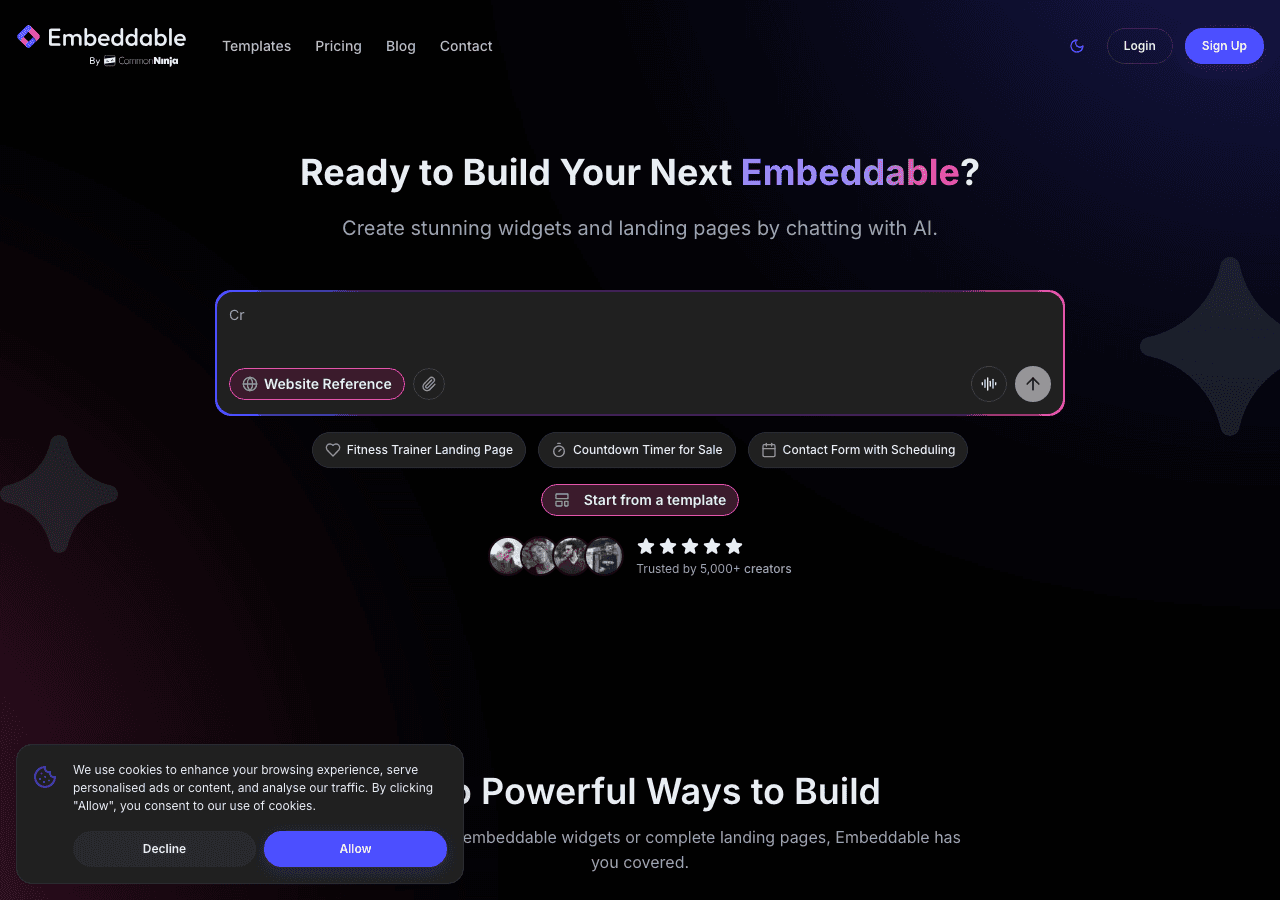
Embeddable is the standout choice for anyone who wants complete control over both their form and their popup, without writing a line of code. Unlike traditional form builders that bolt popup functionality on as an afterthought, Embeddable was designed from the ground up to create interactive, embeddable components, which means popups and forms are equally first-class citizens in the editor.
You can build everything from a simple contact form builder to a multi-step lead generation form with conditional logic, then wrap it in a fully customized popup or modal form with the trigger behavior you need. Exit intent, time delay, scroll-based triggers, and click triggers are all supported. The visual editor is fast and intuitive, and the preview updates in real time.
What sets Embeddable apart from other form builders on this list is the depth of customization available at no extra cost. You can control the exact appearance of your popup form, the animation style, the overlay opacity, and the mobile behavior, all within the same editor where you built the form itself. There is no separate popup builder to manage.
Embeddable also connects natively to tools like HubSpot, Mailchimp, Google Sheets, Airtable, Klaviyo, and many more. You can route form submissions directly to your CRM or email list without a third-party automation tool. The platform also supports Stripe for payment collection, making it useful for order forms displayed in a popup context.
For teams that want to go further, Embeddable includes a built-in database, file attachment support, email sending capabilities, and a CMS editor. This makes it more than a contact form builder. It is a full interactive content platform that happens to do forms and popups exceptionally well.
The popup builder and form builder capabilities are available on Embeddable's free plan, with paid plans unlocking additional features and usage limits. There is no forced branding on forms even at lower tiers, which is a meaningful advantage over several competitors.
Key Features:
- Visual drag-and-drop editor for both forms and popups
- Multi-step forms with conditional logic
- Popup triggers: exit intent, scroll, time delay, click
- Native integrations with HubSpot, Mailchimp, Klaviyo, Google Sheets, Airtable, Stripe, and more
- Built-in database and file attachment support
- Fully responsive and mobile-optimized
- No-code AI assistance for building and editing forms
- Works on any website platform including WordPress, Webflow, Squarespace, Shopify, and Framer
Pricing: Free plan available. Paid plans start at competitive rates with no artificial response caps that punish growing businesses.
Verdict: Embeddable is the most complete form builder with popup features available in 2026. It handles everything from a simple contact form builder to complex multi-step lead generation forms displayed in modal overlays, all from a single editor. If you want one tool to replace several, this is it.
2. Common Ninja
Common Ninja is a widget platform with a large library of pre-built components, including form widgets and popup-style embeds. It is a solid choice for businesses that want to deploy forms and interactive widgets quickly across a website without deep configuration.
Common Ninja's no-code editor is approachable for non-technical users, and the platform includes built-in analytics and CRM-friendly features. The design options are reasonably flexible, and widgets can be styled to match a brand without writing CSS. The platform also includes API access and integrations for teams that need to connect form submissions to external tools.
Where Common Ninja falls short compared to Embeddable is in the depth of popup-specific trigger logic. The platform is better suited for embedding forms inline or in standard widget placements than for highly targeted modal form experiences. That said, for businesses that want a reliable form builder with a broad widget ecosystem, Common Ninja is a strong second choice.
Key Features:
- Large widget library including form and contact form templates
- No-code editor with design customization
- Built-in analytics and CRM support
- API access and integrations
- Free plan available across all widgets
Pricing: Free plan available. Premium plans unlock advanced features and remove usage limits.
Verdict: A dependable form builder platform for teams that want variety and ease of use. Best suited for straightforward form deployments rather than highly customized popup form workflows.
3. Maestra
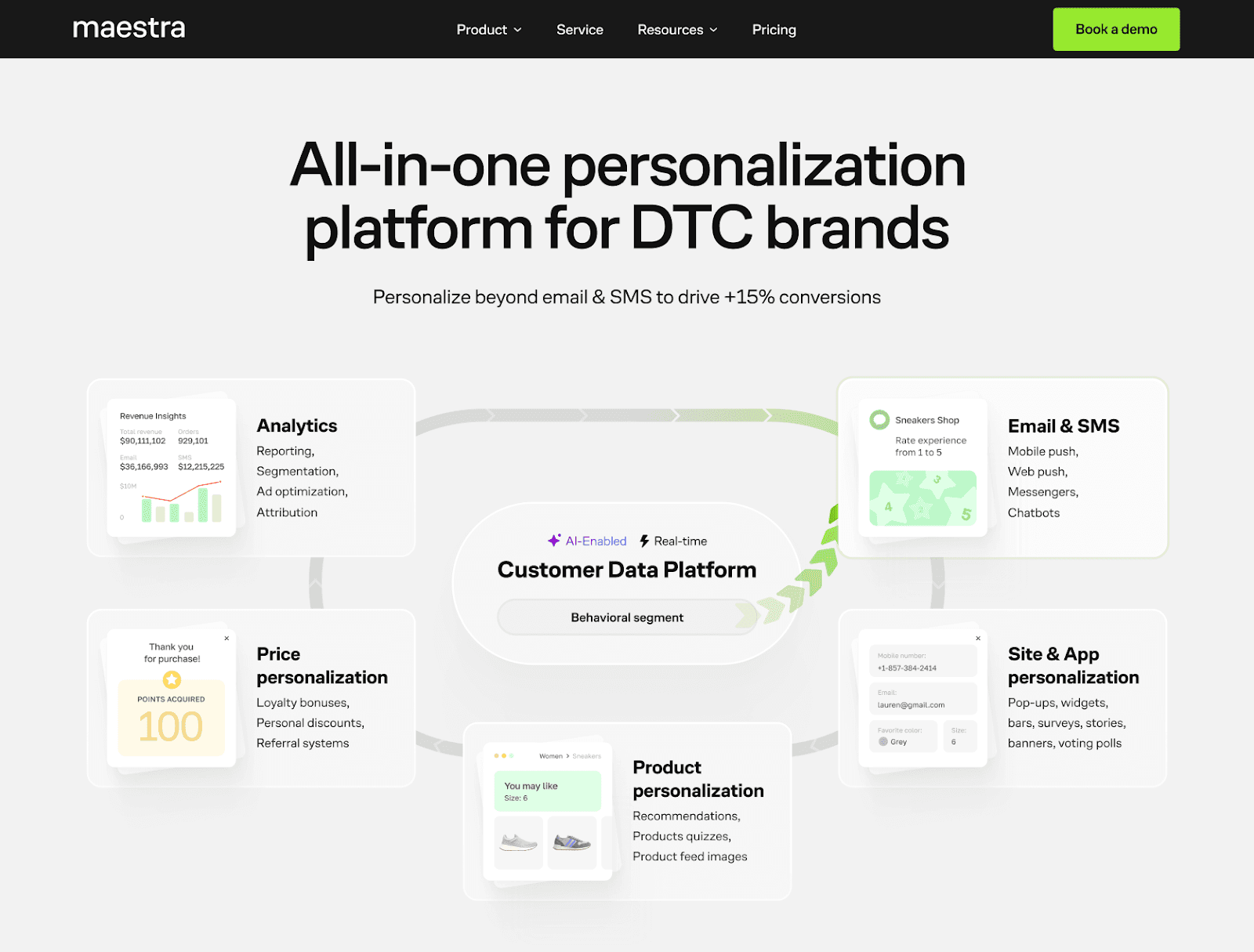
Maestra is an all-in-one personalization platform that helps ecommerce brands build any kind of form — from simple lead capture and exit-intent to multi-step gamified formats like spin-the-wheel, scratch cards, secret gift boxes, and countdown timers. Forms are flexible: you control who sees what, which data fields to collect (email, phone, birthday, preferences, you name it), and which offer to show. Design and placement are fully customizable without code — deploy as a popup, inline embed, embedded block, or any other type of element. For example, Blossom Flower Delivery switched from a standard "10% off" popup to a secret gift box — conversion doubled to 6.72%.
All forms are targeted by a real-time CDP — a first-time visitor sees an email request, a returning subscriber gets a birthday or phone number field instead. A/B testing lets teams find what drives the most signups. Enlightened Equipment tested a standard discount popup against a sweepstakes entry and grew new subscribers 20x in two months, lifting signup conversion from 0.37% to 6.1%.
Beyond popups, Maestra covers broader site and app personalization: quizzes, product recommendations, bundles, bars, social proof widgets, banners, stories, surveys, and polls. The platform also connects on-site experience to omnichannel communications — email, SMS/MMS/RCS, push, messengers, chatbots, paid media, and more. New leads flow into automations instantly — an exit-intent signup can trigger a welcome sequence with personalized product picks. Maestra supports loyalty programs, promotions, and referrals as part of automations as well.
Every account includes a dedicated CSM who configures laser-sharp targeting, helps customize form layouts, runs A/B tests, and optimizes performance. Your CSM is available via a shared Slack channel and weekly Zoom calls at no extra cost.
Key Features:
- Popup forms with multiple triggers: time on page, pages visited, inactivity, cart value, click, API trigger, segment-based
- Gamified and multi-step formats: spin-the-wheel, scratch cards, countdown timers
- Drag-and-drop editor with full design control (colors, fonts, layout) — no code required
- In-session personalization: the site adapts in real time based on visitor behavior
- On-site experience beyond forms: widgets, embedded blocks, banners, bars, stories, quizzes, surveys, AI product recommendations
- Omnichannel flow builder — popup leads feed directly into email, SMS, push, messengers, and more
- 150+ integrations: including Shopify, WooCommerce, BigCommerce, WordPress, and Magento
- Dedicated CSM who configures precise targeting, designs forms, and runs A/B tests
Pricing: Maestra starts at $2,990 per month for up to 150,000 active profiles. All features — real-time CDP, on-site personalization, omnichannel messaging, loyalty engines, AI recommendations, and dedicated CSM support — are included. No add-ons or setup fees. Month-to-month billing starts only after the full migration is complete. No long-term contracts.
Verdict: Maestra is the right choice for mid-sized ecommerce brands and enterprises that want popup forms tightly connected to their entire marketing stack — from on-site personalization to omnichannel flows and loyalty programs powered by the real-time CDP and managed by a dedicated CSM.
4. Jotform

Jotform is one of the most established names in the form builder space, and for good reason. It offers an enormous template library, a powerful drag-and-drop editor, and a feature set that covers virtually every type of form you might need. Autoresponder emails, file uploads, QR code forms, payment collection, and notification routing are all part of the package.
From a popup perspective, Jotform allows forms to be embedded as lightbox popups on any website. You can configure the lightbox to open on page load, on button click, or after a delay. The popup functionality is functional and widely used, though it is not as flexible as a dedicated popup builder when it comes to trigger types. Exit intent, for example, requires workarounds compared to native support.
Jotform also has a solid integration ecosystem, connecting with tools like HubSpot, Salesforce, Mailchimp, and Google Sheets. The platform is particularly strong for businesses that need complex conditional logic, multi-page forms, or payment-enabled forms displayed in a popup context.
Pricing can become a consideration as your usage grows. Jotform limits monthly submissions on lower-tier plans, which can be restrictive for high-traffic lead generation form campaigns.
Key Features:
- Extensive template library for forms of all types
- Lightbox popup embed option for forms
- Drag-and-drop form builder with conditional logic
- File uploads, autoresponder emails, payment collection
- Broad integration ecosystem
Pricing: Free plan available with submission limits. Paid plans unlock higher limits and advanced features.
Verdict: Jotform is a mature contact form builder with reliable popup embed support. Best for teams that need complex forms and are comfortable with a submission-limited pricing model.
5. Involve.me

Involve.me takes a funnel-first approach to forms. Rather than building standalone form fields, the platform encourages you to create multi-step interactive experiences that guide visitors through a sequence of questions, calculators, or content gates before capturing their information. This makes it particularly well suited for lead generation form campaigns where you want to qualify leads before asking for contact details.
The platform includes an AI funnel generator, AI form generator, and AI quiz generator, which means you can create a full interactive popup form experience from a prompt in minutes. A/B testing, lead scoring, and real-time content personalization are available at higher tiers, making Involve.me a strong choice for marketing teams that want to optimize popup form performance over time.
Popup display is supported through an embed option that functions as a modal. You can trigger forms as popups on your website and track results through the built-in analytics dashboard. Integration with email platforms and CRMs is included, and automation triggers let you send follow-up emails when a form is submitted.
Pricing starts at $29 per month, with no free plan beyond a trial period. This makes Involve.me a better fit for established businesses than for individuals or small teams testing popup form strategies for the first time.
Key Features:
- AI-powered funnel, form, and quiz generators
- Multi-step interactive forms with conditional logic
- Popup and modal embed support
- A/B testing and lead scoring
- Real-time personalization and automated email triggers
- Custom calculators without code
Pricing: Free plan available with limitations. Paid plans from $29 per month.
Verdict: Involve.me is a strong lead generation form platform for marketing teams that want multi-step interactive experiences in a popup format. The AI tools are a genuine time-saver.
6. Elfsight
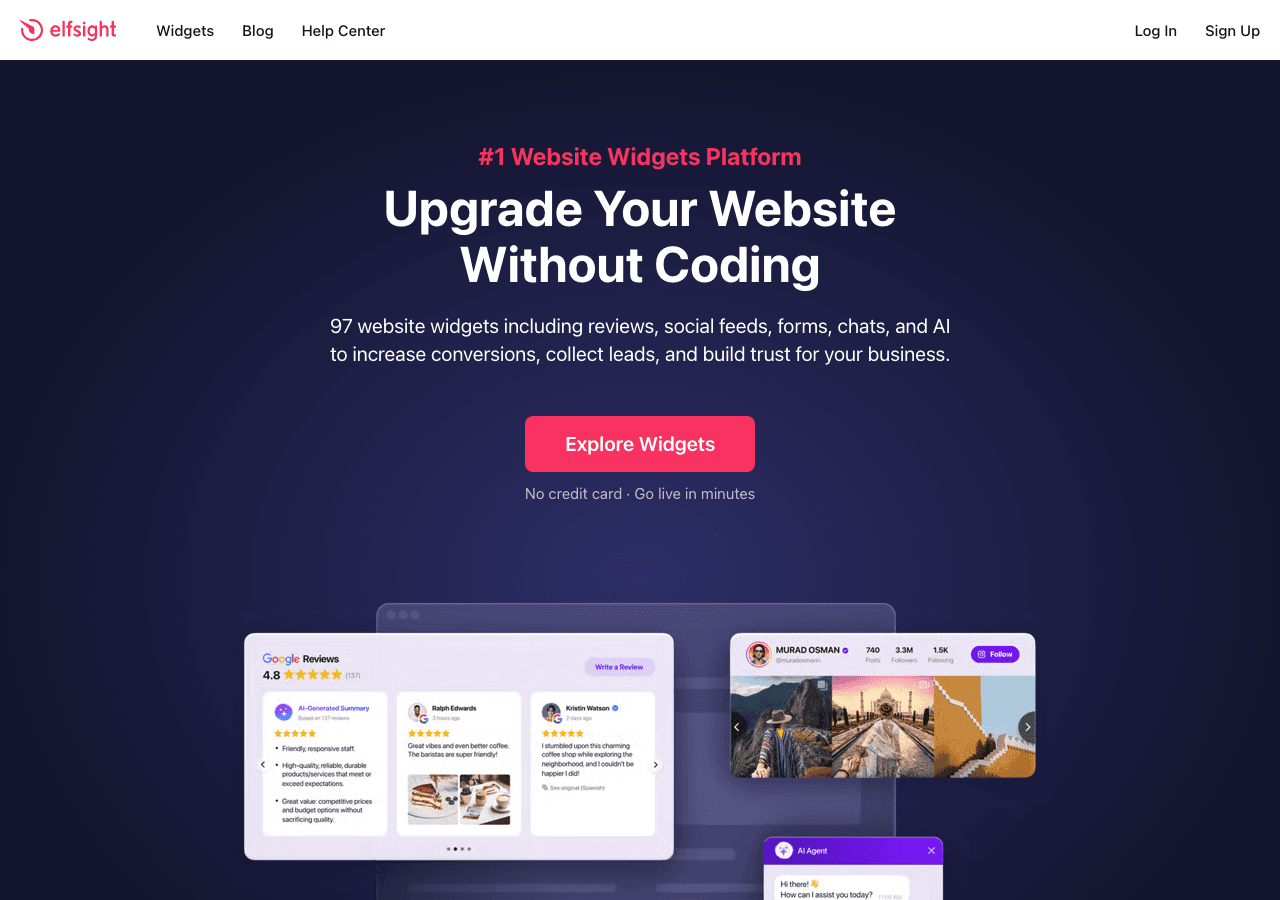
Elfsight is a widget platform with a broad catalog of embeddable components, and it includes both form widgets and popup widgets in its library. The platform is widely used by small businesses and agencies that need to quickly add interactive elements to any website without touching code.
For popup form use cases, Elfsight offers a dedicated popup builder that can contain a contact form, email capture form, or other form type inside a modal. Trigger options include time delay, scroll percentage, and exit intent, which covers the most common use cases for popup forms. The visual editor is straightforward, and the resulting widget is easy to embed with a script tag.
Where Elfsight has limitations is in the depth of form logic. Compared to purpose-built form builders, the form functionality inside an Elfsight popup is relatively basic. If you need multi-step forms, complex conditional logic, or payment collection inside a popup, you will likely find the tool limiting. It is best suited for simpler lead capture and contact form scenarios.
The free plan is available indefinitely, which is a meaningful advantage for small websites. Paid plans start at affordable rates and unlock higher view limits and additional customization.
Key Features:
- Dedicated popup builder with form embed support
- Trigger options: time delay, scroll, exit intent
- Easy embed via script tag on any website
- Broad widget library beyond forms and popups
- Free plan with unlimited time
Pricing: Free plan available. Paid plans starting at low monthly rates.
Verdict: Elfsight is a practical choice for simple popup form deployments on small websites. Not the best fit for teams that need advanced form logic or deep customization.
7. Outgrow
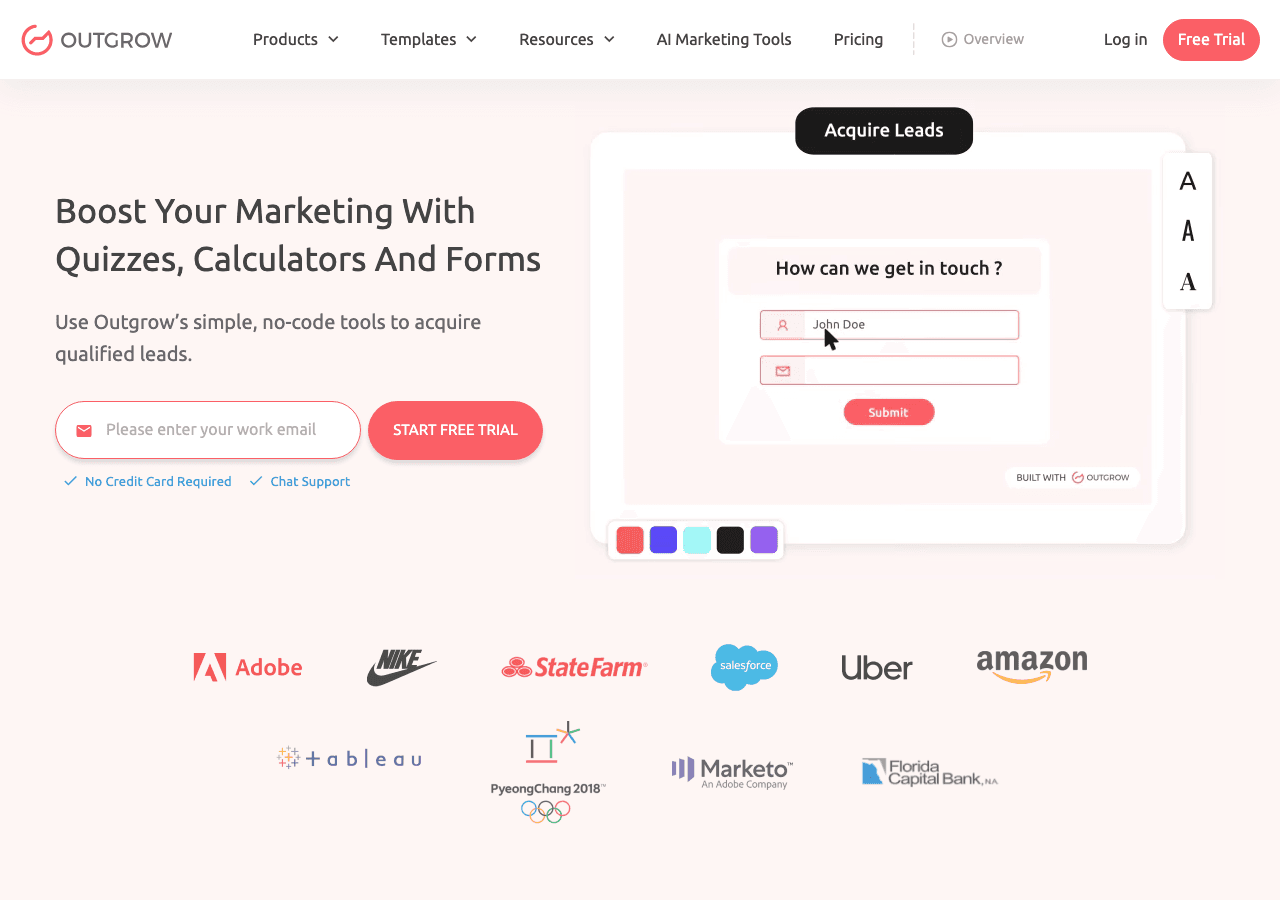
Outgrow is an interactive content platform focused on calculators, quizzes, and assessment-style forms designed to generate leads. The platform is built around the idea that interactive content converts better than static forms, and the data supports this. Outgrow users often report significantly higher engagement rates on their lead generation form campaigns compared to traditional form builders.
The popup and modal form functionality in Outgrow is available as a deployment option for any interactive piece you create. You can embed a calculator or quiz-based lead generation form as a popup on your website and drive qualified leads from visitors who complete it. This is particularly effective for businesses that offer pricing estimates, product recommendations, or assessments as a lead magnet.
Outgrow is not a traditional contact form builder. If you need a simple name-and-email popup form, it is overkill. The platform shines when the form itself is part of a more sophisticated interactive content strategy. Pricing starts at $22 per month on the entry plan, with a free trial available to test the platform before committing.
Key Features:
- Interactive calculators, quizzes, and assessment forms
- Popup and modal embed options for interactive content
- Real-time analytics and lead tracking
- Integration with major CRMs and email platforms
- Strong template library for various industries
Pricing: Free trial available. Paid plans from $22 per month.
Verdict: Outgrow is ideal for businesses that want interactive, quiz-style lead generation forms in a popup format. Not the right tool for simple contact form builder needs.
Quick Comparison Table
| Tool | Free Plan | Popup Triggers | Form Complexity | Best For |
|---|---|---|---|---|
| Embeddable | Yes | Exit intent, scroll, delay, click | High (multi-step, conditional, payments) | All-in-one form and popup builder |
| Common Ninja | Yes | Standard embed options | Moderate | Widget variety, quick deployment |
| Maestra | No | Exit intent, scroll depth, time on page, pages visited, inactivity, cart value, click, API trigger, segment-based | High (multi-step, gamified, quizzes, promo code fields, timers, custom fields, CDP-powered targeting) | All-in-one personalization on site and beyond |
| Jotform | Yes (limited) | Page load, click, delay | High (complex forms, payments) | Complex forms with lightbox popup |
| Involve.me | Trial only | Modal embed | High (AI funnels, lead scoring) | Marketing funnels and lead qualification |
| Elfsight | Yes | Exit intent, scroll, delay | Low to moderate | Simple popup forms on small sites |
| Outgrow | Free trial | Modal embed | High (calculators, quizzes) | Interactive lead generation content |
Which Should You Choose?
The right form builder with popup features depends on what you are trying to accomplish and how much complexity you need.
Choose Embeddable if you want a single platform that handles both form building and popup delivery without compromise. Whether you need a simple contact form builder or an elaborate multi-step lead generation form in a modal, Embeddable covers both without forcing you into a second tool. The native integrations, free plan, and design flexibility make it the strongest all-around choice for businesses of any size. You can explore the free form widgets and free popup widgets to get started without committing to a paid plan.
Choose Common Ninja if you want a broad widget ecosystem and plan to use forms alongside other interactive components like reviews, social feeds, or countdown timers. It is a good fit for teams that value variety and ease of deployment.
Choose Maestra if you run an ecommerce brand and want popup forms that work as part of a larger personalization strategy — targeting visitors with real-time CDP data, feeding leads into omnichannel flows, and connecting popups to loyalty and product recommendations.
Choose Jotform if your primary need is complex forms with deep conditional logic, payment collection, or file uploads, and you are comfortable with the lightbox popup as your delivery mechanism. The template library is second to none for traditional form use cases.
Choose Involve.me if you run a marketing team that needs AI-powered funnel building, lead scoring, and A/B testing in a popup form context. It is a sophisticated tool with a price point to match.
Choose Elfsight if you run a small website and need a simple contact form popup with minimal setup. The free plan is genuinely unlimited in time, which is rare.
Choose Outgrow if your lead generation strategy centers on interactive content like calculators or quizzes rather than traditional forms. The popup embed option makes it easy to deploy this content across your site.
Conclusion
The best form builders with popup features in 2026 are no longer just form tools. They are lead generation platforms that combine form logic, popup delivery, trigger behavior, design control, and integration pipelines into a single workflow. The gap between building a great form and getting that form in front of the right visitor at the right moment has never been smaller.
Embeddable stands out because it treats both the form and the popup as equally important, without compromise on either side. You get the design flexibility you need, the trigger options that work for your audience, and the integrations that keep your data flowing to the right places.
If you are ready to build your first popup form, start with Embeddable's free popup widgets and free form widgets to see how quickly you can go from idea to a live, embedded experience on your website.
For more resources on building interactive website components, you may find these guides useful: learn how to build a custom popup for your website, explore the broader world of embeddable forms, or see how custom form widgets can be used across different types of websites. If lead capture is a priority, the guide on how to increase website engagement with custom widgets is worth a read as well.
Build Any Widget with AI in Seconds
Forms, calculators, quizzes, popups & any custom widget — describe it and AI builds it.
Try It FreeFree tier · No credit card