Best Free Trustpilot Widgets for Your Website (2026)


Displaying customer reviews on your website is one of the most reliable ways to build trust and convert visitors into buyers. According to research from Edelman, 81% of consumers say trust is a deciding factor when making a purchase. Trustpilot is one of the most recognized review platforms in the world, and embedding Trustpilot reviews directly on your site puts that credibility front and center.
The challenge is that a clunky, poorly styled review block can actually hurt your brand rather than help it. You need a Trustpilot widget that looks polished, loads quickly, stays up to date with your latest reviews, and fits seamlessly into your website's design. The good news is that several tools now make this straightforward, and many of them offer a free plan or a free tier that covers basic needs.
This guide covers the best free Trustpilot widgets available in 2026. Whether you run an ecommerce store, a SaaS product, a local service business, or an agency site, there is an option here that will work for you. We have ranked these tools based on design flexibility, ease of use, free plan generosity, embedding options, and overall reliability.
What Makes a Great Trustpilot Widget?
Before diving into specific tools, it helps to know what separates a mediocre review widget from a genuinely useful one. Here are the criteria we used to evaluate each option.
Design flexibility. A good Trustpilot widget should let you control the layout, colors, fonts, and display style so it matches your site rather than clashing with it. Carousel layouts, grid layouts, badge-style displays, and list formats all serve different purposes.
Auto-refresh and live data. Reviews need to stay current. A widget that pulls in your latest Trustpilot reviews automatically is far more useful than one requiring manual updates.
Ease of embedding. The widget should generate a simple embed code that works across major platforms, including WordPress, Webflow, Squarespace, Wix, Shopify, and custom-built sites.
Free plan limits. Some tools offer genuinely useful free tiers, while others gate nearly all features behind paid plans. We flagged which tools are truly free for small and medium sites.
Customization without code. A no-code editor that lets you build and style the widget visually saves a significant amount of time, especially for non-developers.
Social proof features beyond just reviews. Some tools bundle review widgets with other social proof tools, like notification popups, rating badges, and testimonial carousels, which adds more value to a single platform.
1. Embeddable: The Most Flexible Free Trustpilot Widget Builder

Embeddable is the top choice for building a free Trustpilot reviews widget in 2026. Unlike most review widget tools that offer a single rigid template, Embeddable gives you a full no-code editor to design your Trustpilot embed exactly how you want it. You can build anything from a simple star rating badge to a full-width carousel of detailed review cards, all without writing a line of code.
The platform is built for embedding. Every widget you create is output as a clean, lightweight embed code that drops into any website or platform. Embeddable supports WordPress, Webflow, Wix, Squarespace, Shopify, Framer, and dozens of other platforms. You paste one snippet and the widget is live.
What sets Embeddable apart for Trustpilot use cases specifically is how much control you have over what gets displayed. You can filter reviews by star rating, show or hide reviewer details, customize the card design, and match the color scheme to your brand in minutes. The result is a review widget that looks like it was built specifically for your site, not a generic third-party block dropped in.
Embeddable also handles social proof beyond just reviews. If you want to combine a Trustpilot widget with a social proof notification widget or a testimonials section, you can build all of it from within the same platform. This makes it particularly useful for conversion-focused pages and landing pages where you want multiple layers of credibility working together.
The free plan at Embeddable is genuinely generous. You can build and embed fully functional widgets at no cost, making it accessible for solo creators, startups, and small businesses that need professional results without a budget for expensive tools.
Key Features:
- Full no-code visual editor for designing Trustpilot review widgets
- Flexible layout options: carousels, grids, lists, badge displays
- Filter and curate reviews by star rating and content
- Supports all major website platforms through a single embed code
- Combine review widgets with other social proof, popup, and lead generation tools
- Mobile-responsive output by default
- Free plan available with no credit card required
Pricing: Free plan available. Paid plans unlock additional features and higher usage limits.
Verdict: Embeddable is the best overall option for creating a free Trustpilot widget in 2026. The combination of visual design control, clean embed output, and a genuinely useful free tier makes it the clear first choice for any website owner who wants a professional review widget without overpaying or compromising on design. Explore the free Trustpilot reviews widget templates to get started immediately.
2. Common Ninja: Solid Trustpilot Widget with a Free Tier
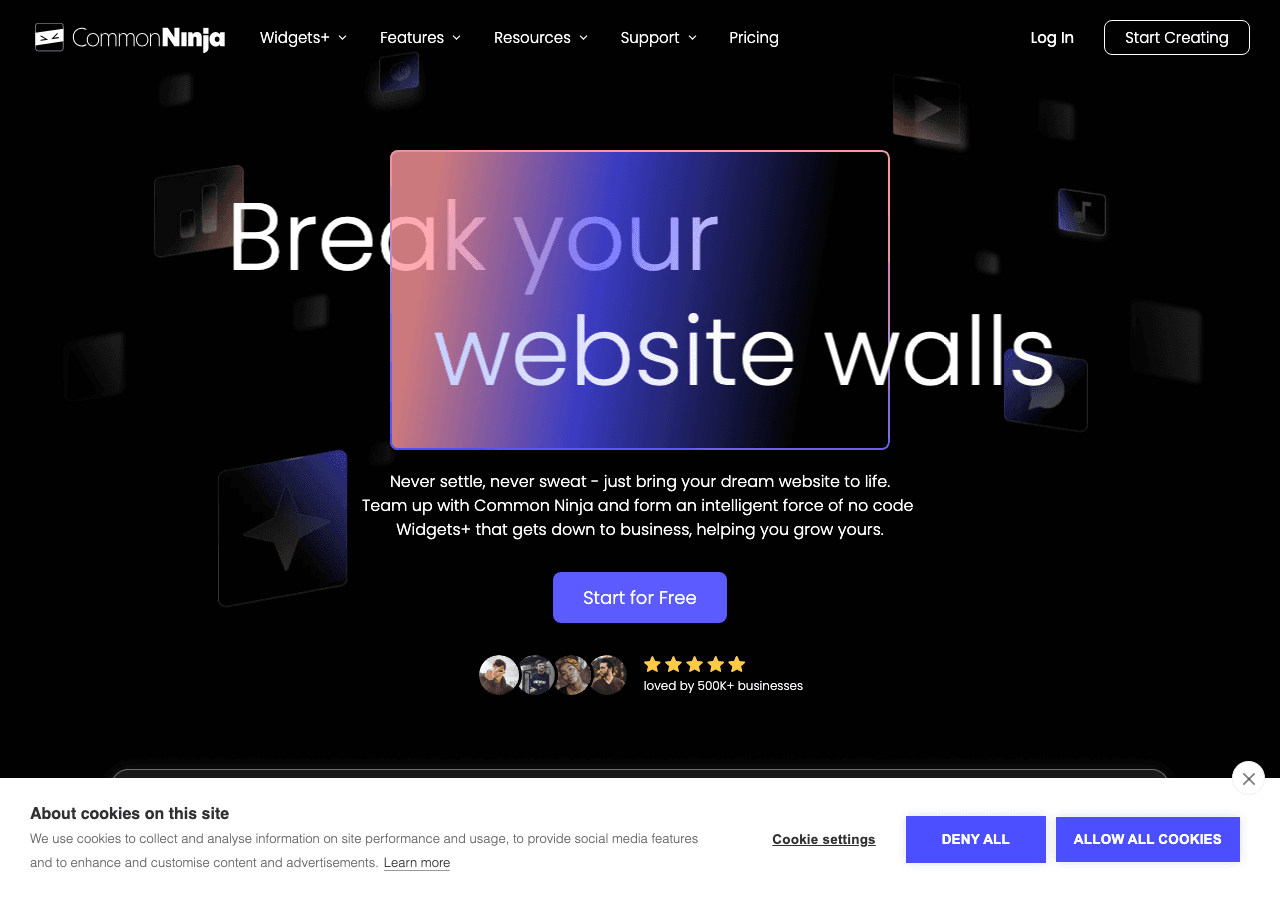
Common Ninja is a widget platform that covers a wide range of embedded content types, and their Trustpilot reviews widget is one of the cleaner options available on a free plan. Common Ninja's editor is straightforward, and the setup process for a Trustpilot embed takes only a few minutes.
The platform is built around a library of widgets for different use cases, including reviews, social feeds, calculators, and more. For review widgets specifically, Common Ninja offers decent layout options and lets you customize the visual appearance through their no-code editor. Their free plan gives you access to the widget, though some premium features like advanced design controls and analytics are reserved for paid plans. If you cancel a paid plan, your widgets revert to free plan functionality.
One strong point for Common Ninja is breadth. If you need several different widget types for your site beyond just a Trustpilot embed, having everything under one platform keeps things manageable. Their built-in analytics and CRM integrations are also useful for teams that want to track widget engagement.
Key Features:
- Trustpilot reviews widget with a no-code setup
- Multiple layout styles
- API access and CRM integrations on paid plans
- Built-in analytics
- Works across major platforms including WordPress, Wix, and Squarespace
- Free plan available
Pricing: Free plan available. Paid plans add advanced features and remove Common Ninja branding.
Verdict: Common Ninja is a solid second choice, especially if you want a broad suite of widgets managed from one place. The free tier is workable for basic needs, though design flexibility is more limited than Embeddable.
3. Elfsight: Popular Trustpilot Embed with a Perpetual Free Plan
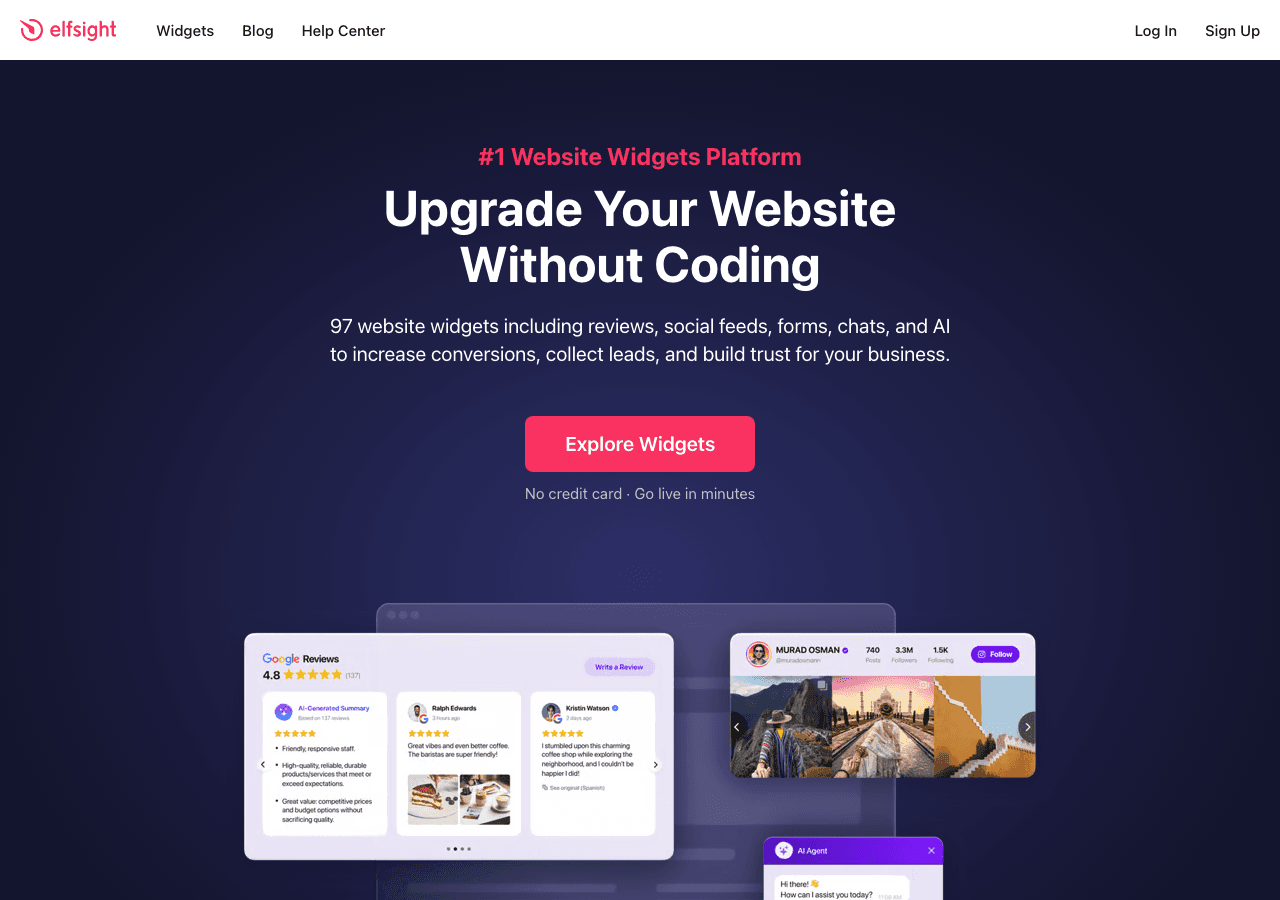
Elfsight is one of the most widely used widget platforms on the market, and their Trustpilot widget is among their most popular products. The appeal is a straightforward setup: connect your Trustpilot business profile, choose a layout, customize the colors, and grab your embed code. Elfsight advertises a free forever plan with no credit card required, which makes it attractive for small websites on a tight budget.
The free plan does come with limitations, however. You are capped on the number of views your widget can receive per month before it stops displaying. For a high-traffic site, this can become a problem quickly. Paid plans scale up the view limits and unlock features like custom CSS, filtering by review score, and removing Elfsight branding.
In terms of layout variety, Elfsight offers several display options for the Trustpilot reviews widget, including sliders, grids, and list formats. The visual editor is functional, and most users can get a review widget live within about ten minutes. The platform also supports a broad range of website builders and CMS platforms.
One limitation to note is that Elfsight widgets are hosted on their own servers, meaning your widget's availability is tied to Elfsight's uptime. The platform also injects its own branding into free plan widgets, which can look unprofessional on polished sites.
Key Features:
- Trustpilot review widget with slider, grid, and list layouts
- No-code editor
- Free forever plan (view-limited)
- Supports WordPress, Wix, Squarespace, Shopify, and more
- Paid plans remove branding and increase monthly views
Pricing: Free forever plan available with monthly view cap. Paid plans start at a low monthly rate with annual discounts available.
Verdict: Elfsight is a well-known option for embedding Trustpilot reviews, and the free forever plan is a genuine offering. The view cap on free accounts and mandatory branding are the main drawbacks. Better suited for low-traffic sites that do not mind the Elfsight badge.
4. Jotform: Trustpilot Integration for Form-Centric Workflows
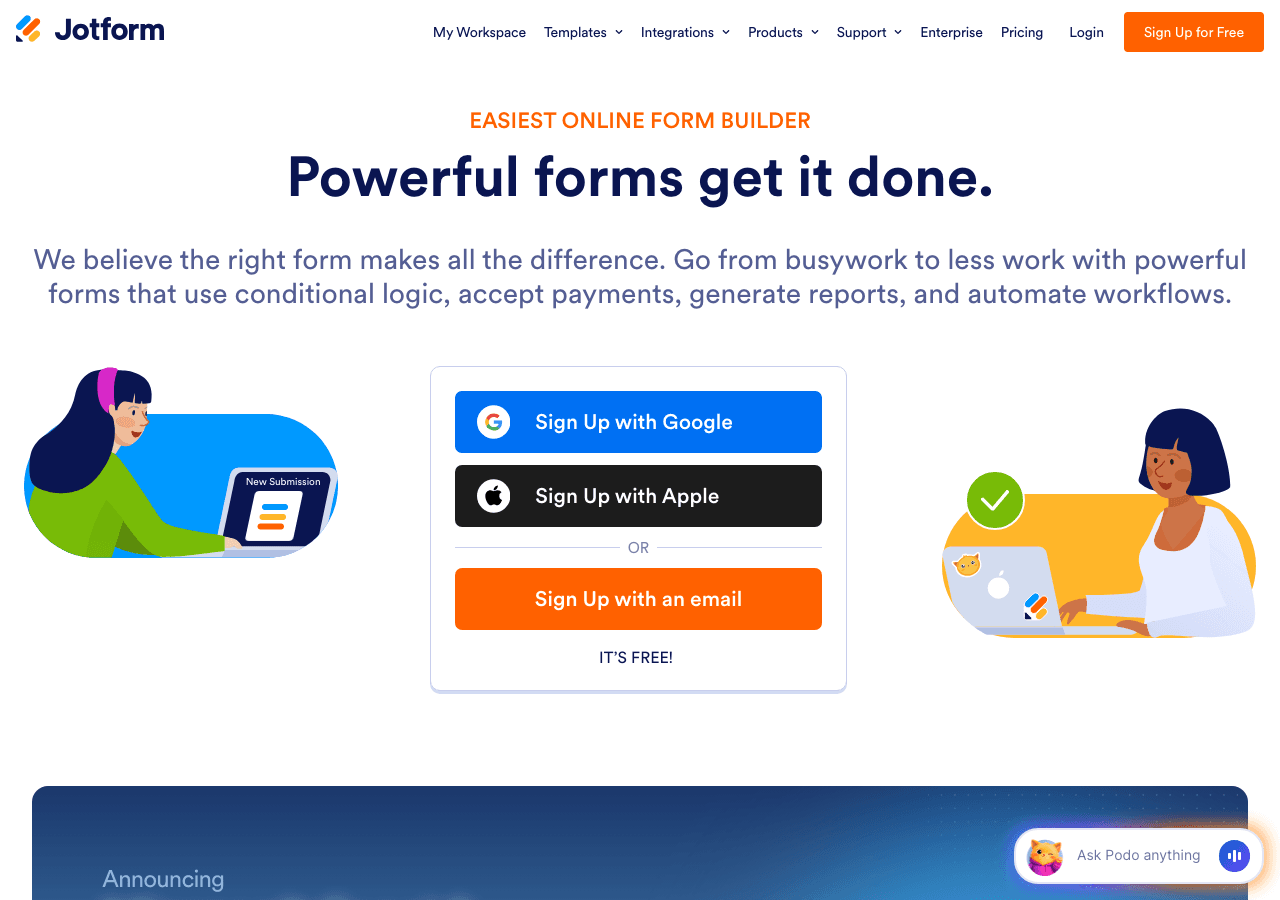
Jotform is primarily known as a drag-and-drop form builder, but the platform has expanded to include widgets and integrations that connect to review platforms including Trustpilot. Jotform's strength is in workflows: if you want to collect a review request, route respondents to Trustpilot, and then display Trustpilot review data back on your site in a form-based or embedded layout, Jotform handles that pipeline reasonably well.
As a pure Trustpilot widget display tool, however, Jotform is not the most direct option. The platform is fundamentally oriented around form submissions and data collection rather than review display. That said, their embed capabilities are solid, their free plan is functional for basic usage, and if you are already using Jotform for contact forms or surveys on your site, adding a Trustpilot-related element through the same platform avoids adding another vendor.
Jotform's template library is extensive, and they support autoresponder emails, file uploads, and notification emails that can tie into review collection campaigns. For teams thinking about the full review lifecycle, from requesting reviews to displaying them, Jotform covers more of that loop than a standalone review widget tool.
Key Features:
- Drag-and-drop form builder with Trustpilot integration options
- Embed forms and widgets across major platforms
- QR code forms and notification emails
- Extensive template library
- Free plan available
Pricing: Free plan available. Paid plans unlock more submissions, storage, and advanced features.
Verdict: Jotform is a strong choice if your goal extends beyond just displaying a Trustpilot widget and into actively managing review collection workflows. As a pure display widget, it is less focused than Embeddable or Elfsight.
5. Outgrow: Interactive Content with Review Integration Capabilities
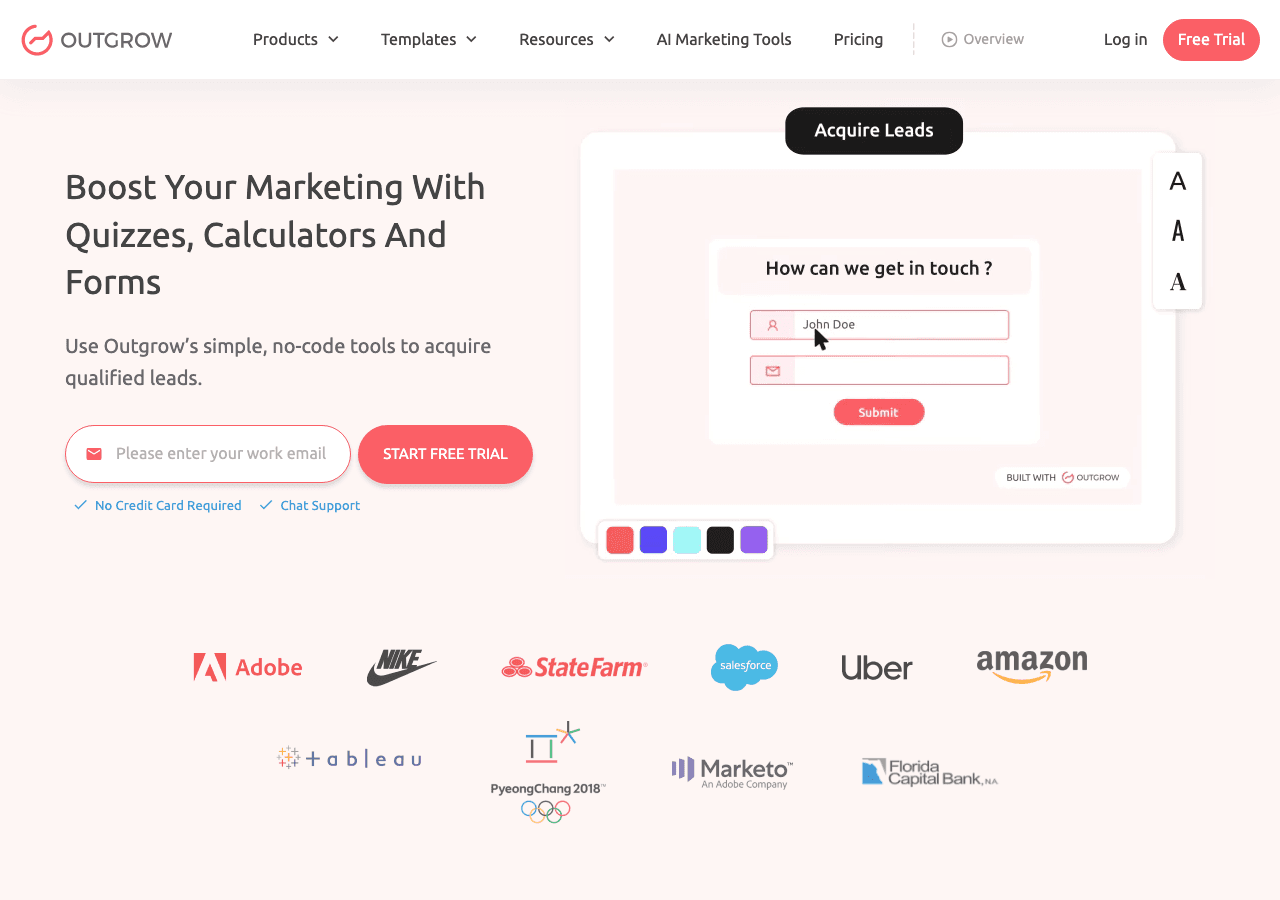
Outgrow is an interactive content platform built around calculators, quizzes, polls, and assessments. It is SOC 2 Type II certified and has received multiple industry awards for its approach to lead acquisition and engagement. While Outgrow is not a dedicated Trustpilot widget tool, it intersects with review use cases through its ability to embed social proof elements within interactive content experiences.
Where Outgrow becomes relevant to Trustpilot is in conversion funnels. You can build an interactive quiz or calculator, embed Trustpilot-style review snippets and ratings within the experience, and then route users to conversion actions. This makes Outgrow most useful for marketing teams building lead generation flows rather than for teams simply wanting to display a Trustpilot review widget on a product page.
Outgrow offers a free trial rather than a perpetual free plan, and paid plans start at a higher price point than the other tools in this list. The $22/month entry tier (billed annually at $14/month) covers basic interactive content types, while more advanced plans go up to $95/month and beyond. This pricing model makes Outgrow better suited for growth-focused teams with a dedicated content marketing budget.
Key Features:
- Interactive calculators, quizzes, and assessments
- Real-time analytics and user trend tracking
- Social proof elements within interactive funnels
- Lead capture and CRM integrations
- SOC 2 Type II certified
Pricing: Free trial available. Paid plans start at $14/month (billed annually).
Verdict: Outgrow is not the right choice if all you need is a Trustpilot embed widget. It is better suited for teams building multi-step conversion funnels where social proof is one component of a larger interactive experience.
6. Involve.me: AI-Powered Funnels with Social Proof Elements

Involve.me is an AI-powered funnel and interactive content builder with capabilities that include forms, quizzes, calculators, and social proof elements. Their AI funnel generator can create full lead generation flows from a simple prompt, and the platform supports A/B testing, lead scoring, and automated email triggers.
Like Outgrow, Involve.me is not a dedicated Trustpilot widget platform. It is more of a full-funnel builder that happens to support social proof display as part of a larger experience. If you want to embed Trustpilot reviews as a standalone widget on a product page or homepage, Involve.me is more tool than you need and may feel cumbersome for that use case specifically.
Where Involve.me shines is in building multi-step experiences: a product recommendation quiz that ends with a display of your Trustpilot rating, for instance, or an onboarding form that reinforces trust by showing customer satisfaction data. The AI content generation features are genuinely useful for teams that lack dedicated design or copy resources.
The free plan is available but limited. Paid plans start at $29/month and scale up to $129/month for advanced features, with enterprise tiers starting at $399/month. Custom domains cost an additional $10/month, and additional seats are $10/user/month.
Key Features:
- AI funnel and form generator
- A/B testing and optimization
- Lead scoring and segmentation
- Automated email integrations
- Social proof and review display within funnels
- Free plan available
Pricing: Free plan available. Paid plans start at $29/month.
Verdict: Involve.me is worth exploring if you are building full conversion funnels and want to incorporate Trustpilot-style social proof within those experiences. As a standalone Trustpilot widget, it is overkill. For pure review display needs, Embeddable or Common Ninja are more direct solutions.
Quick Comparison Table
| Tool | Free Plan | Trustpilot Widget Focus | Design Flexibility | Embed on Any Site | Best For |
|---|---|---|---|---|---|
| Embeddable | Yes, generous | High | Very High | Yes | Any website needing a polished review widget |
| Common Ninja | Yes | Medium | Medium | Yes | Multi-widget sites wanting one platform |
| Elfsight | Yes (view-limited) | High | Medium | Yes | Low-traffic sites on a budget |
| Jotform | Yes | Low to Medium | Medium | Yes | Review collection workflows |
| Outgrow | Trial only | Low | Medium | Yes | Interactive lead gen funnels |
| Involve.me | Yes (limited) | Low | Medium | Yes | AI-powered funnel builders |
Which Should You Choose?
The right tool depends on what you actually need.
If you want the best-looking Trustpilot embed with the most design control and the most generous free plan, Embeddable is the answer. It is purpose-built for embedding custom widgets on any website, the no-code editor gives you full visual control, and you can get started for free without a credit card. Visit embeddable.co/free-trustpilot-reviews-widgets to explore the template options.
If you want a broad library of widget types managed from one platform, Common Ninja is a strong second option. It handles Trustpilot reviews alongside other widget needs and offers a free tier that covers basic usage.
If your site is low-traffic and you want the quickest possible setup with a perpetual free plan, Elfsight covers the basics, though you will have to live with their branding on the free tier and the monthly view cap.
If your priority is managing the review collection process, not just displaying reviews, Jotform adds form-based workflows that can support the entire pipeline from requesting reviews to displaying them.
If you are building interactive marketing funnels where Trustpilot social proof is one element among many, Outgrow and Involve.me both bring AI-assisted funnel building to the table. Involve.me's free plan makes it the lower-risk entry point between the two.
For most websites, the decision comes down to Embeddable first and Common Ninja second. Embeddable gives you more design flexibility, a cleaner embed output, and a broader set of tools for building social proof across your site.
Conclusion
Adding a Trustpilot widget to your website is one of the highest-return things you can do for conversion optimization. Real reviews from real customers answer objections, build credibility, and keep visitors moving through your funnel. The tools in this list make it straightforward to embed Trustpilot reviews without needing a developer or a large budget.
Embeddable stands out as the best overall option for 2026. The no-code editor, the clean embed output, the generous free plan, and the ability to combine your Trustpilot reviews widget with other social proof tools make it the most complete solution for any website owner serious about building trust.
Ready to add a Trustpilot reviews widget to your site? Start for free at embeddable.co/free-trustpilot-reviews-widgets and have your review widget live in minutes.
If you found this guide useful, you might also want to explore related resources on Embeddable. Learn how to build a Trustpilot reviews widget step by step, or browse the full library of free review widgets that cover platforms beyond Trustpilot. For teams focused on social proof more broadly, the best social proof widgets and notification tools guide covers the full landscape. You can also explore free testimonials widgets for displaying customer quotes and case study highlights alongside your review data.
Build Any Widget with AI in Seconds
Forms, calculators, quizzes, popups & any custom widget — describe it and AI builds it.
Try It FreeFree tier · No credit card