Best Podcast Player Widgets for Websites 2026


Podcasting has continued its explosive growth trajectory. By 2026, there are more than 4 million active podcasts worldwide, and listeners increasingly expect to consume audio content directly on brand websites rather than bouncing to third-party apps. If someone lands on your site and has to click away to Spotify or Apple Podcasts just to hear your latest episode, you are losing them. A well-designed podcast player widget keeps visitors on your page, boosts time on site, and gives your show a professional home.
The challenge is finding the right podcast widget for your specific needs. Some tools are built primarily for forms or calculators and happen to include audio components. Others are purpose-built audio players with limited customization. And some, like Embeddable, let you build an embeddable podcast player from scratch with no coding required, combining full design control with interactive features that passive audio players simply cannot match.
This guide covers the six best podcast player widgets for websites in 2026, including honest assessments of pricing, features, and the right use case for each.
What Makes a Great Podcast Player Widget?
Before diving into the tools, it helps to know what separates a mediocre podcast embed from one that actually serves your audience and your business goals.
Ease of embedding. The best podcast player for a website should generate a simple embed code that works on any platform, whether that is WordPress, Webflow, Squarespace, Shopify, or a custom-built site.
Design flexibility. A podcast widget that cannot match your brand colors, typography, or layout will look like an afterthought. The best tools give you real visual control without requiring a developer.
Mobile responsiveness. More than half of podcast listening happens on mobile devices. Any audio podcast widget you embed needs to render cleanly at every screen size.
Playback features. Listeners expect episode lists, playback speed controls, progress tracking, and ideally show notes alongside the player. A bare-bones audio embed is rarely enough.
Performance. Heavy widgets slow down page load times and hurt SEO. Your podcast embed should load quickly and not bloat your Core Web Vitals scores.
Integration options. If you want to capture emails from listeners, connect to your CRM, or fire analytics events when someone plays an episode, integration support matters a great deal.
Free tier availability. Not every podcaster has a budget for premium tools. A solid free podcast player tier lets you get started without commitment.
With those criteria in mind, here are the six best options for 2026.
1. Embeddable (Best Overall)
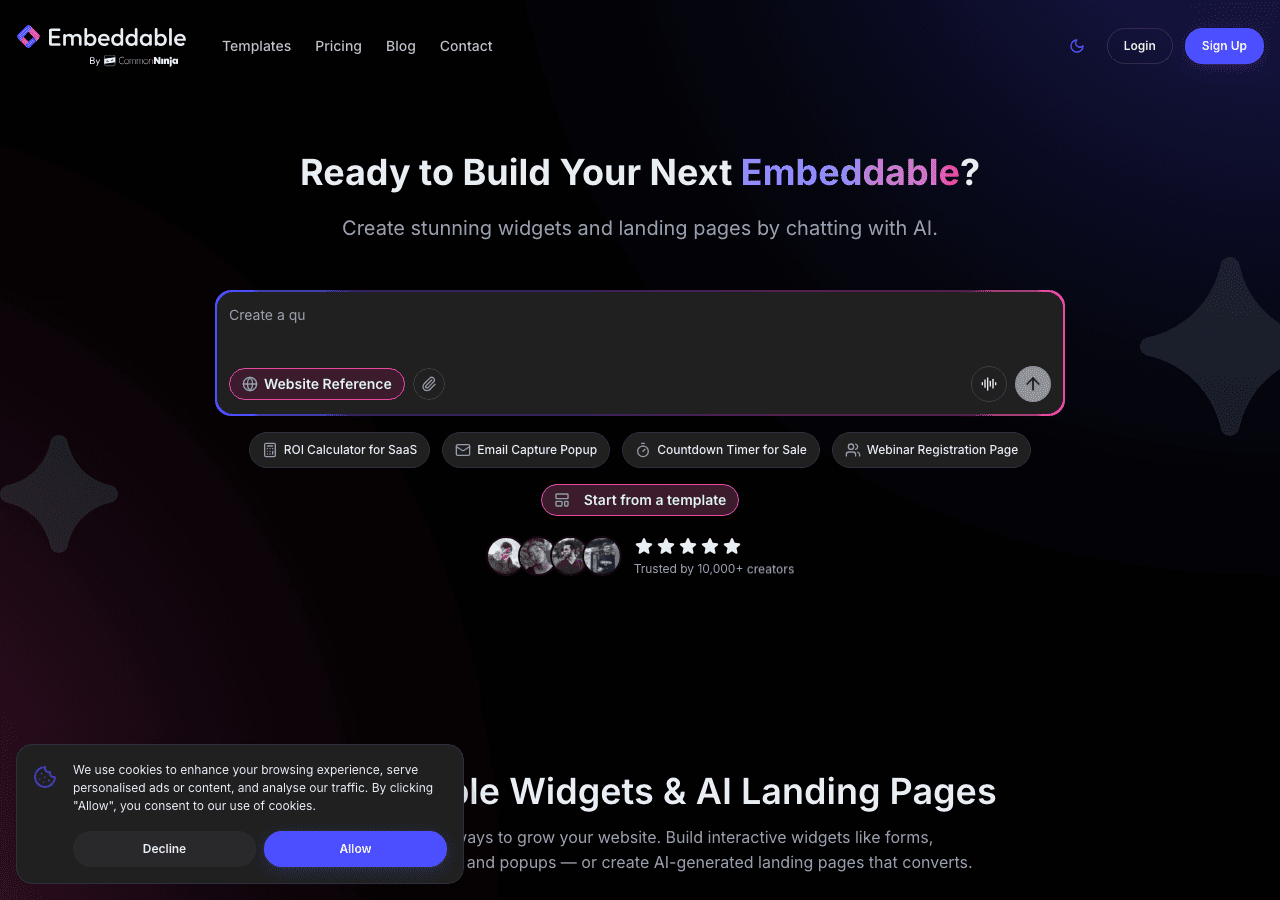
Embeddable is the top choice for anyone who wants to build a custom, interactive podcast player widget without writing a single line of code. Unlike dedicated podcast hosting platforms that offer a basic audio embed, Embeddable lets you design a full-featured podcast player for your website that can include episode lists, show notes, subscribe buttons, newsletter signup forms, and anything else you want to pair with the audio experience.
The builder uses a drag-and-drop interface that gives you complete layout control. You can configure your podcast widget with branded colors, custom fonts, episodic artwork, and interactive components all in one place. Because Embeddable is designed around the concept of interactive content rather than static embeds, you can add real logic to your player. For example, you could show a lead capture popup after a listener plays 60 seconds of an episode, or display a different call to action depending on which episode they are playing.
The embed code generated by Embeddable works across virtually every major website platform. Guides are available for WordPress, Webflow, Squarespace, Shopify, and dozens more. The widget loads asynchronously so it does not block page rendering, which protects your page speed scores.
On the integrations side, Embeddable connects natively with Mailchimp, HubSpot, Google Sheets, Airtable, Klaviyo, Slack, and many other tools your team already uses. If a listener fills out a form inside your podcast widget, that data flows directly into your marketing stack without any extra configuration.
The free audio player widget from Embeddable is genuinely functional, not a stripped-down demo. The paid plans scale based on the features and widget volume you need, making it accessible for solo podcasters and enterprise publishers alike.
Key Features
- Drag-and-drop podcast player builder with full visual customization
- Interactive components including forms, CTAs, and conditional logic built into the widget
- Responsive design that works on any screen size
- Native integrations with major CRMs, email platforms, and analytics tools
- Clean embed code compatible with all major website builders
- Free tier with usable functionality
Pricing: Free plan available. Paid plans start at competitive rates for growing teams.
Verdict: Embeddable is the best podcast widget for website owners who want more than a passive audio player. If you want brand consistency, interactive features, and integration with your marketing tools all without a developer, this is the clear choice. Start building your free podcast player today.
2. Common Ninja
Common Ninja is a widget marketplace that includes a dedicated podcast player widget among dozens of other embeddable components. It is a solid choice for site owners who want a straightforward audio podcast widget without a steep learning curve.
The Common Ninja podcast embed offers a clean default design with episode list support, playback controls, and basic customization for colors and layout. The no-code editor is approachable for non-technical users, and the platform supports embedding on most major site builders.
Where Common Ninja stands out is breadth. If you need not just a podcast player widget but also reviews, social feeds, countdown timers, or other site components, you can manage all of them under one account. The built-in analytics give you basic engagement data without needing to hook up external tools.
The free plan is available and will let you use your widgets indefinitely, though premium features require a paid subscription. If you cancel a paid plan, your widgets revert to free-tier functionality rather than disappearing entirely, which is a reasonable approach for budget-conscious users.
Key Features
- Dedicated podcast player widget with episode list support
- No-code editor with design customization options
- Built-in analytics dashboard
- Wide library of other widget types for comprehensive site enhancement
- Free plan with no time limit
Pricing: Free plan available. Paid plans unlock advanced design controls and premium features.
Verdict: Common Ninja is a good second choice, especially if you want to manage multiple widget types under one platform. The podcast widget covers the basics well, and the free plan is genuinely usable.
3. Elfsight
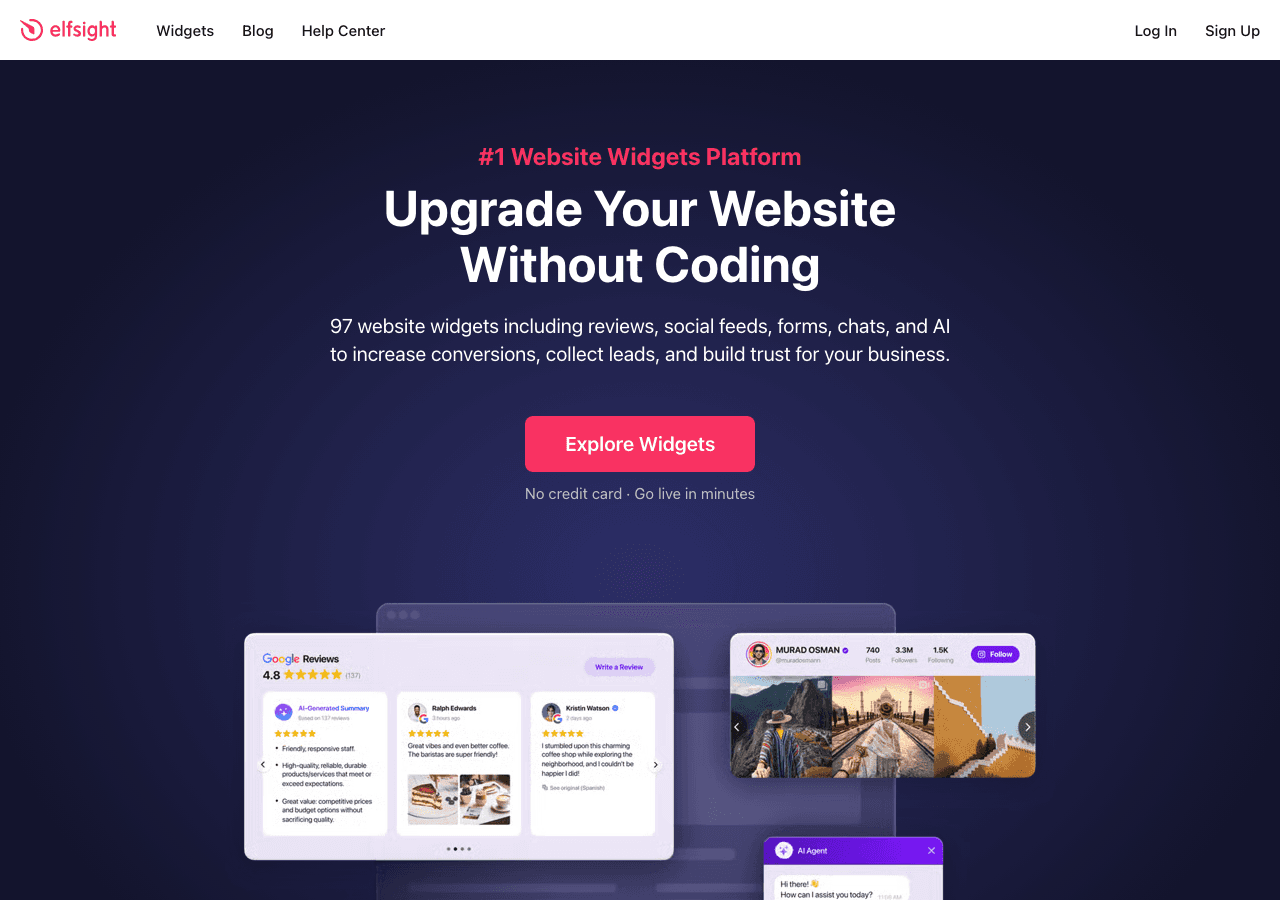
Elfsight is one of the more well-known widget platforms in the market, and it includes a podcast player among its catalog of 80-plus widgets. The setup process is fast. You connect your podcast RSS feed, configure the visual layout, and grab the embed code. The whole process can take under ten minutes for a basic setup.
The Elfsight podcast widget supports episode artwork, descriptions, playback speed, and mobile-responsive design. The visual editor is point-and-click, and the prebuilt layouts look polished right out of the box. For podcasters who just want something functional and professional-looking with minimal configuration, Elfsight delivers.
The free plan is unlimited in time, meaning you can use it indefinitely without a credit card. However, the free tier is restricted in widget views per month, so if your site gets meaningful traffic, you will need a paid plan relatively quickly. Paid plans are priced affordably by widget category, starting at around a few dollars per month per widget type.
The main limitation of Elfsight compared to Embeddable is depth. The podcast embed is a passive player. It plays audio and lists episodes, but there is no native way to add interactive forms, conditional logic, or post-episode CTAs without combining it with other tools.
Key Features
- Fast RSS-based podcast embed setup
- Clean, polished default designs
- Mobile responsive out of the box
- Free plan with no time limit (monthly view caps apply)
- Large library of complementary widgets
Pricing: Free forever plan. Paid plans start around a few dollars per month per widget.
Verdict: Elfsight is a strong pick for podcasters who want a visually clean audio podcast widget with minimal setup. The fast onboarding and polished defaults make it easy to recommend for simple use cases.
4. Jotform
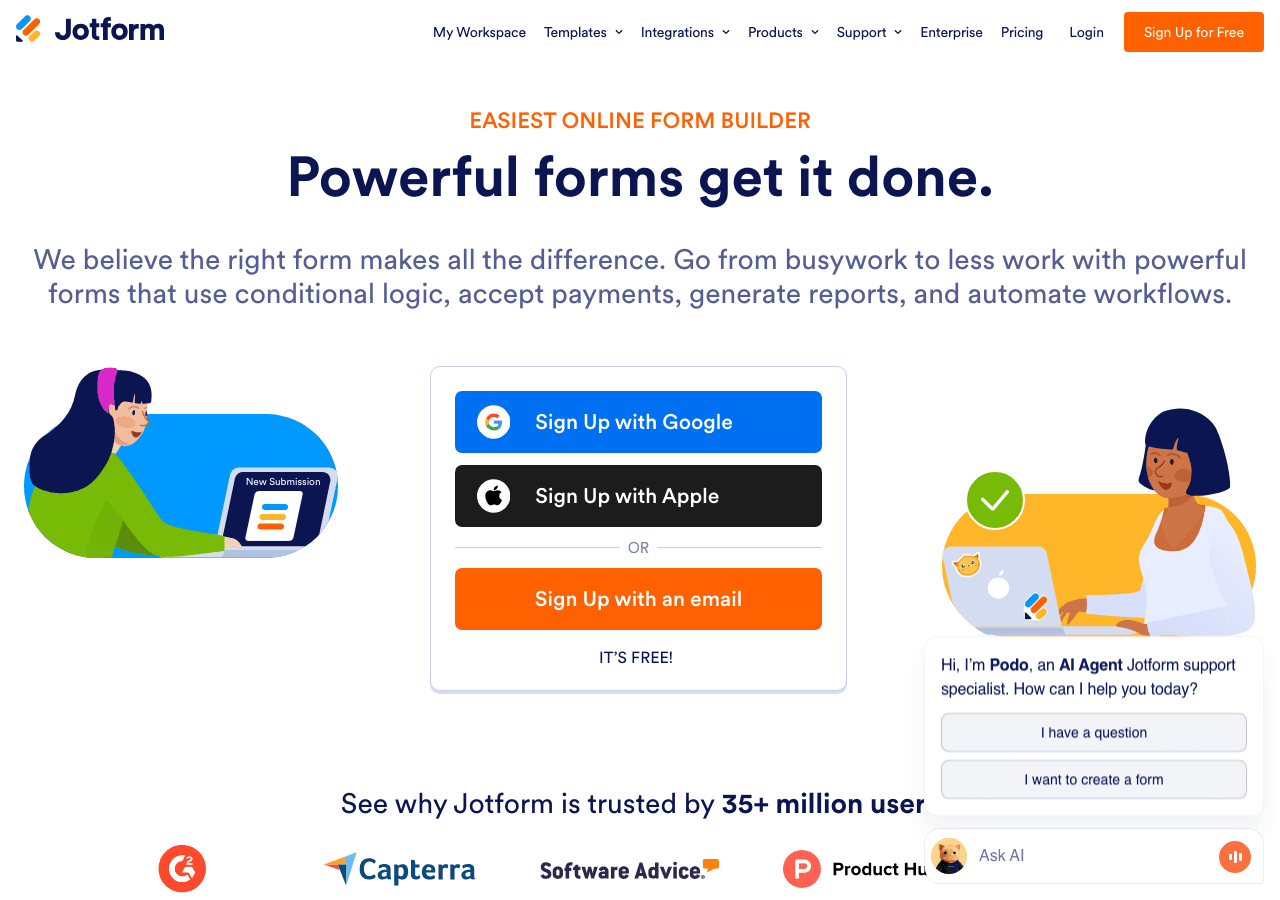
Jotform is primarily known as a form builder, but it has expanded its capabilities significantly over recent years and now supports audio file embedding within its form and app ecosystem. For podcasters who want to combine audio content with data collection, such as listener surveys, subscription signups, or feedback forms, Jotform offers an interesting hybrid approach.
A podcast widget built in Jotform typically involves embedding an audio player element within a broader form or app page, then pairing it with form fields. This makes it less ideal as a standalone embeddable podcast player and more suited to specific use cases where audio and form submission go hand in hand.
The drag-and-drop editor is mature and easy to use. The template library is large, and the embed functionality is well-tested across platforms. Jotform also has strong notification and autoresponder email support, which helps if you want to follow up with listeners who submit information.
Pricing for Jotform runs from a free plan with limited submissions up to paid plans billed annually, with options at roughly $24 and $29 per month (billed annually) for growing teams, and higher tiers for large organizations.
Key Features
- Audio elements embeddable within form and app contexts
- Large library of form templates and app templates
- Strong email automation and notification features
- Drag-and-drop editor with many field types
- Free plan available
Pricing: Free plan available. Paid plans from approximately $24 per month billed annually.
Verdict: Jotform is not the right choice if you need a pure podcast player widget, but if your goal is combining audio content with lead capture or listener feedback collection, it handles that hybrid scenario reasonably well.
5. Involve.me
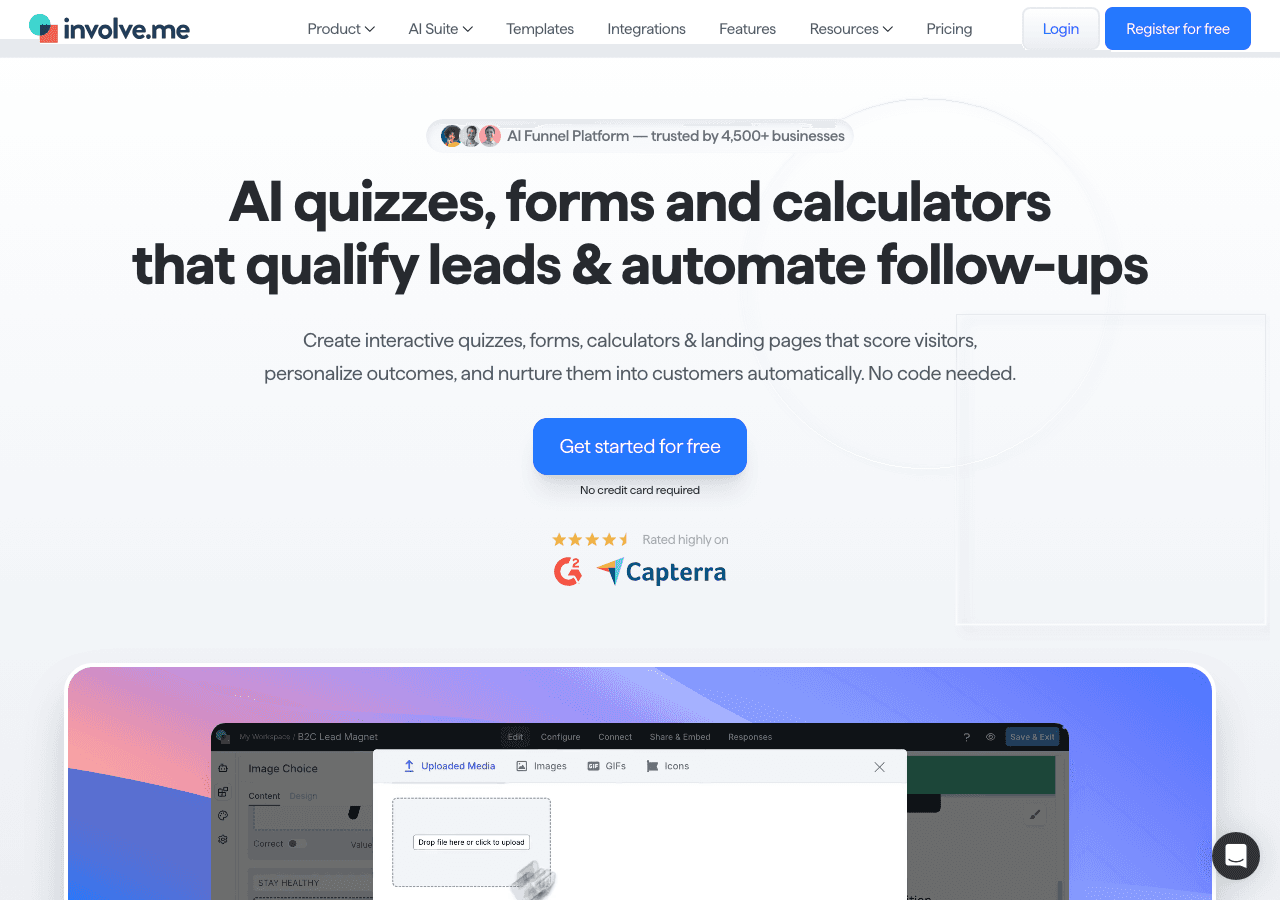
Involve.me takes an interactive funnel approach to embedded content, and that philosophy extends to how you can present podcast content on your website. Rather than a static audio podcast widget, Involve.me allows you to build content experiences that might start with a quiz or personality test, lead into audio content, and then flow toward a conversion action.
For podcasters who want to build interactive listener experiences rather than just embed a player, Involve.me offers real creative flexibility. You can use its AI funnel generator to build out a branded experience relatively quickly, and the conditional logic system lets you personalize content based on what visitors tell you about themselves.
The trade-off is complexity. Involve.me is overkill if you simply want to drop a podcast embed on your homepage. The platform is designed for full interactive funnels, and the learning curve reflects that ambition.
Pricing starts at $29 per month for the entry tier, with plans at $59 and $129 per month for more advanced features. A free plan is available to get started.
Key Features
- Interactive funnel builder with audio content support
- AI-assisted funnel and form generation
- A/B testing and conversion optimization tools
- Lead scoring and segmentation
- Conditional logic for personalized listener paths
Pricing: Free plan available. Paid plans start at $29 per month.
Verdict: Involve.me is best for podcasters who want to build full interactive experiences around their content rather than a standalone embeddable podcast player. If audience engagement and lead generation are your primary goals alongside audio, it is worth exploring.
6. Calconic
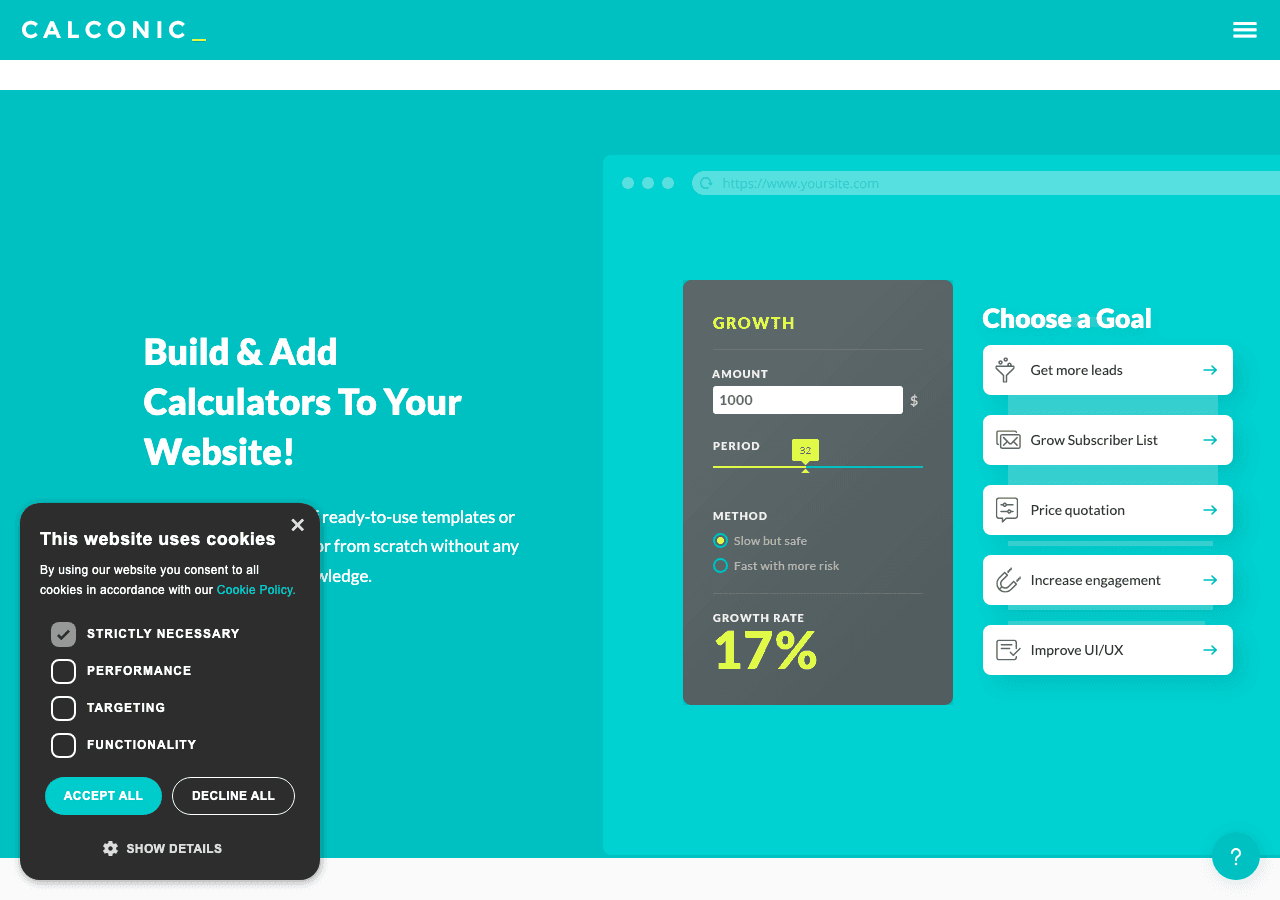
Calconic is primarily a calculator builder, and it sits at the edge of relevance for podcast player widgets. However, it earns a place on this list for a specific reason: podcasters who run shows with educational or financial themes sometimes want to embed a calculator alongside their audio content, letting listeners interact with the concepts being discussed in real time.
Calconic builds those interactive calculators well. The formula editor is beginner-friendly, conditional visibility lets elements appear or disappear based on user input, and the multi-step format keeps things organized. Embedding a Calconic widget on the same page as your podcast player creates a genuinely more valuable listener experience for certain niches.
That said, Calconic does not offer a native audio podcast widget or podcast embed feature. You would need to pair it with another tool for the actual audio player. Think of it less as a podcast widget solution and more as a powerful companion tool for podcast pages that deal in data or calculations.
The free plan lets you build your first calculator. Paid plans unlock more calculators and advanced features, with a 14-day free trial available for testing premium functionality.
Key Features
- Powerful no-code calculator builder
- Friendly formula editor with conditional logic
- Multi-step layouts and value lookup support
- Order forms with payment collection
- Email results functionality
Pricing: Free plan available. Paid plans unlock advanced features with a 14-day free trial.
Verdict: Calconic is a specialized tool that pairs well with podcast pages in specific niches but is not a podcast player widget in its own right. Use it as a companion to enhance listener value on pages where calculations matter.
Quick Comparison Table
| Tool | Free Plan | Podcast Player | Interactive Features | Embed Everywhere | Best For |
|---|---|---|---|---|---|
| Embeddable | Yes | Yes, fully custom | Yes, forms, CTAs, logic | Yes | Full-featured custom podcast widget |
| Common Ninja | Yes | Yes, dedicated widget | Limited | Yes | Multi-widget site management |
| Elfsight | Yes (view limits) | Yes, RSS-based | Limited | Yes | Fast, polished basic player |
| Jotform | Yes | Audio in forms only | Yes, form logic | Yes | Audio combined with data collection |
| Involve.me | Yes | Within funnels | Yes, extensive | Yes | Interactive audio experiences |
| Calconic | Yes | No | Yes, calculators | Yes | Companion tool for data-heavy shows |
Which Should You Choose?
Choose Embeddable if you want the most control over your podcast player widget and need it to do more than just play audio. Whether you want to capture emails mid-episode, display show notes in a branded layout, or connect listener data to your CRM, Embeddable handles all of it in a single tool. It is the right choice for professional podcasters, media brands, and businesses that use audio content as part of a broader content marketing strategy. The free podcast player tier is a great way to start.
Choose Common Ninja if you want a quick, reliable podcast embed and plan to use other widgets on your site too. The bundled approach keeps things tidy, and the free plan is genuinely useful.
Choose Elfsight if you want a no-fuss RSS-based podcast embed with a polished default design. It is the fastest path from zero to a live audio podcast widget on your site, and the free plan removes any barrier to getting started.
Choose Jotform if your podcast strategy involves collecting listener data alongside the audio experience. Surveys, feedback forms, and subscription flows all work well within Jotform's ecosystem, even if the pure audio player functionality is limited.
Choose Involve.me if you are building interactive content experiences that use audio as one component among many. The funnel-building approach rewards investment but is more than most podcasters need for a simple embed.
Choose Calconic as a secondary tool to accompany your podcast page when your show covers finance, health, real estate, or other topics where interactive calculations add real value for listeners.
Conclusion
Podcast listenership is not going anywhere, and having your audio content living natively on your website gives you a significant advantage over directing people offsite. A well-designed podcast widget for your website keeps listeners engaged, supports lead generation, and presents your show in its best light.
Of all the tools reviewed here, Embeddable offers the most comprehensive solution for creating a custom, interactive podcast player widget without any coding. The combination of design flexibility, interactive features, integration options, and a genuinely usable free tier makes it the strongest choice for most podcasters and content brands in 2026.
Ready to build your own embeddable podcast player? Start for free at embeddable.co/free-podcast-player-widgets and have a branded, interactive podcast widget live on your site today.
If you found this guide helpful, you might also want to explore how to build a custom music player for your website, review the best audio player widgets for 2025, or learn more about embeddable interactive players and embeddable media players for building richer on-site content experiences.
Build Any Widget with AI in Seconds
Forms, calculators, quizzes, popups & any custom widget — describe it and AI builds it.
Try It FreeFree tier · No credit card