Best Progress Bar Widgets for Websites 2026

Progress bar widgets are one of those small additions that make a surprisingly large difference. Whether you are showing a fundraising goal, guiding users through a multi-step form, displaying a reading progress indicator, or building a habit tracker, a well-designed progress tracker communicates momentum and keeps visitors engaged. Studies consistently show that visual progress cues increase completion rates for forms and checkout flows by significant margins, with some research pointing to completion rate improvements of 20 percent or more when users can see where they are in a process.
In 2026, the bar for these widgets has risen considerably. Modern sites expect progress bar widgets that are fully customizable, mobile-responsive, and easy to embed without touching a single line of code. They should match your brand, load fast, and ideally connect to your existing tools like Google Sheets, Airtable, or a CRM.
This guide covers the six best options available right now, with a focus on ease of use, design flexibility, pricing, and how well each tool actually serves real website owners.
What Makes a Great Progress Bar Widget?
Before diving into specific tools, it helps to know what to look for. Here are the criteria we used to evaluate each option.
Visual customization. A status bar widget that you cannot brand is a widget you probably will not use for long. Look for control over colors, labels, fonts, animation, and bar shape.
Embed flexibility. The widget needs to drop into any website builder, from WordPress to Webflow to Squarespace, without friction. A simple embed code is the gold standard.
Data integration. For goal-tracking use cases, the ability to pull live data from a spreadsheet or database makes the widget genuinely useful rather than a static decoration.
Animation and interactivity. A loading bar widget that animates on scroll or updates dynamically feels professional. Static bars feel dated.
Free tier availability. Many site owners just need one or two widgets. A reasonable free plan matters.
Support and documentation. When something breaks or a layout does not look right, good documentation and responsive support saves real time.
With those criteria in mind, here are the six best progress bar widgets for 2026.
1. Embeddable (Best Overall)
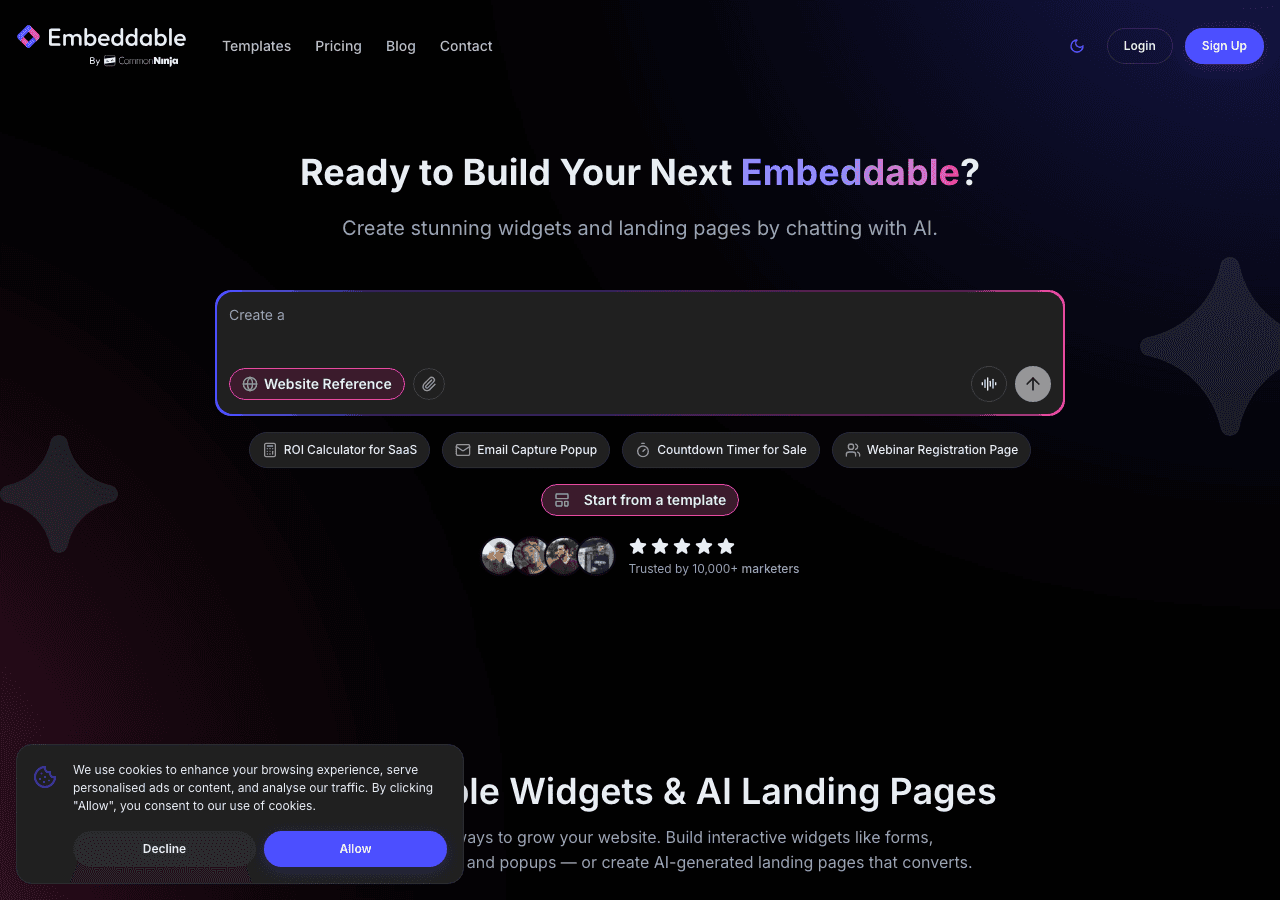
Embeddable is a no-code widget builder designed to let you create almost any interactive component for a website, and its progress bar and progress tracker capabilities are among the most flexible available. Unlike tools that give you a single rigid widget template, Embeddable lets you build a progress bar widget exactly how you need it, with full control over every visual detail and the ability to connect live data sources.
The builder uses an AI-assisted editor that generates a working widget from a plain-language prompt. You describe what you want, and the tool produces a starting design you can then refine visually. This approach is genuinely faster than wrestling with configuration panels, and it handles everything from simple loading bar widgets to multi-step progress trackers with conditional logic.
What separates Embeddable from everything else on this list is the combination of depth and accessibility. You can build a fundraising thermometer that pulls its current value from Google Sheets, a multi-step form with a live status bar widget at the top, a reading progress indicator that follows the user down the page, or a habit completion tracker with animated fills. All of this is achievable without writing code.
Key features include:
- AI-powered widget editor that generates and iterates on designs from natural language prompts
- Full visual customization, including colors, fonts, labels, animation styles, and bar shape
- Live data connections to Google Sheets, Airtable, Notion, and more
- Integrations with HubSpot, Mailchimp, Klaviyo, Google Analytics, and Stripe
- Embed on any platform, including WordPress, Webflow, Squarespace, Framer, Shopify, and more
- Built-in database for storing widget state and user responses
- CMS editor for managing content directly within the widget
The progress tracker use case is particularly strong for fitness, nonprofit, and SaaS sites where goal progress is central to user motivation. Embeddable also handles more complex scenarios well, such as showing progress across different segments of users or updating a status bar widget based on form submissions.
Pricing starts with a free plan that is genuinely usable, not a time-limited trial. Paid plans scale based on widget views and features, making it appropriate for small personal sites through to high-traffic business sites.
Verdict: Embeddable is the strongest overall choice for progress bar widgets in 2026. The combination of AI-assisted design, real data integrations, and broad embed compatibility makes it the most capable and flexible option available without requiring a developer.
Get started free at Embeddable
2. Common Ninja
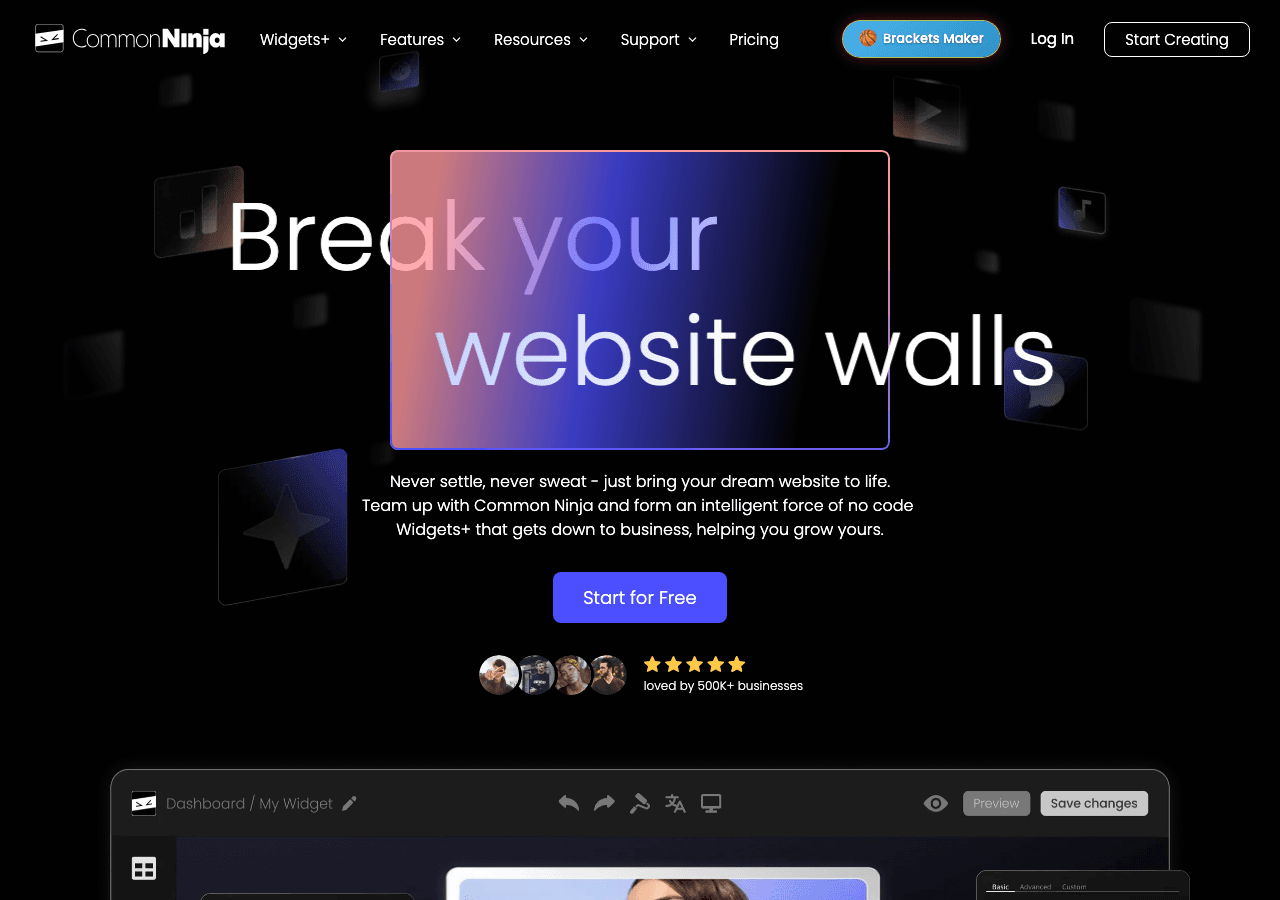
Common Ninja is a widget platform with a dedicated Progress Bar widget among its extensive library of over 100 embeddable components. It is a solid choice for users who want a straightforward, ready-to-use widget that requires minimal setup.
The Common Ninja progress bar widget covers the basics well. You can set a label, a maximum value, a current value, and choose from a handful of visual styles. The editor is clean and the embed process is simple, making it accessible for users who are not technical.
Key features include:
- Pre-built progress bar widget template with quick setup
- Customizable colors, labels, and bar fill styles
- Responsive design that works on mobile and desktop
- Free plan available with widget branding
- Embeds on most major website builders
The platform's strength is breadth. If you need a progress bar widget alongside several other widgets, Common Ninja consolidates those into a single subscription. The no-code editor is intuitive, and the built-in analytics give you a basic sense of how often the widget is viewed.
Where Common Ninja falls short is depth. The progress tracker options are limited to fairly static configurations. There is no native live data connection, so updating the progress value requires going back into the editor and manually changing the number. For campaigns or goals that change frequently, this becomes tedious.
Pricing includes a free plan that keeps the widget functional but adds branding. Premium plans remove branding and unlock additional customization features.
Verdict: Common Ninja is a good option for users who want a quick, clean progress bar widget without complex setup. It works best for static displays where the value does not change often.
3. Elfsight
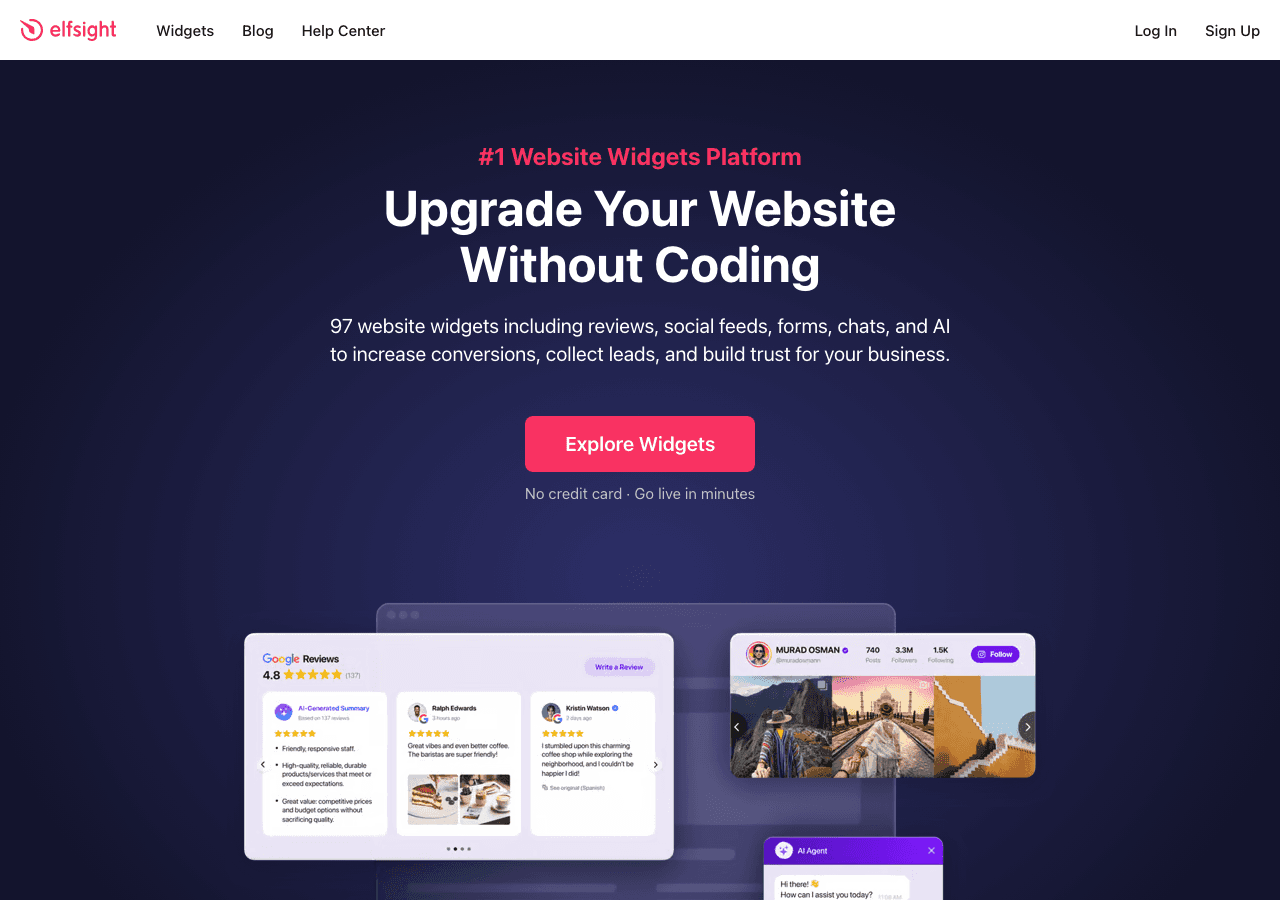
Elfsight is a widget marketplace with a dedicated Progress Bar app that has been popular with WordPress and Wix users for several years. The widget is polished and covers visual customization reasonably well.
The Elfsight progress bar widget allows you to configure multiple bars in a single widget, which is useful for skills sections on portfolio sites or showing multiple campaign metrics at once. Each bar can have its own label, color, and fill percentage. Animation on load is included and looks smooth.
Key features include:
- Multi-bar support within a single widget instance
- Customizable colors, labels, animation speed, and bar shapes (linear and circular options)
- Embed code that works across most major platforms
- Free forever plan with Elfsight branding
- Paid plans starting at a low monthly rate with branding removal
The main limitation of Elfsight is that, like Common Ninja, the values are static. You set a percentage in the editor and it stays there until you change it manually. There is no connection to a live data source, which limits the use cases significantly. For a skills section on a personal portfolio, this is fine. For a fundraising progress tracker or a sales goal display, it is a meaningful gap.
Elfsight also does not offer the kind of AI-assisted design that tools like Embeddable provide. You work within a set of predefined options rather than building something from scratch.
Pricing: Free plan available with branding. Paid plans start at a few dollars per month and scale with pageviews.
Verdict: Elfsight is a dependable choice for straightforward, multi-bar progress displays, particularly for portfolio and skills sections. It is not well suited for dynamic, data-driven progress tracking.
4. Outgrow
Outgrow is primarily an interactive content platform built around calculators, quizzes, and assessments, but it includes progress bar functionality as part of its multi-step experience builder. Progress indicators in Outgrow appear as status bar widgets at the top of multi-step calculators and quizzes, showing users how far through a flow they are.
This makes Outgrow a reasonable choice if your goal is to add a progress tracker to a lead generation quiz or an interactive calculator. The progress bar is not a standalone widget you can drop anywhere; it is tied to the interactive content experience.
Key features include:
- Built-in progress indicator for multi-step calculators and quizzes
- Percentage or step-count display options
- Customizable colors to match brand
- Strong analytics and lead capture built into the platform
- Integrations with major CRMs and email marketing tools
Where Outgrow excels is in turning a progress bar into part of a broader conversion funnel. Users who can see that they are 60 percent through a quiz are more likely to complete it, and Outgrow's data-backed approach to interactive content leverages this well.
The downside is cost and scope. Outgrow is significantly more expensive than other tools on this list, with plans starting at $22 per month on annual billing. If you only need a status bar widget or a simple progress tracker, Outgrow is overkill. If you need a full interactive content suite, the progress bar becomes a nice included feature.
Verdict: Outgrow is a good fit if you are already investing in interactive content and want progress bars as part of that system. It is not the right choice if a standalone progress bar widget is all you need.
5. Involve.me

Involve.me is an interactive funnel and form builder that, like Outgrow, includes progress bar functionality as part of its multi-step experiences. When you build a form, survey, or quiz in Involve.me, you can add a visible progress tracker at the top so respondents know how far along they are.
The platform has invested heavily in AI tooling, including an AI funnel generator that can produce a multi-step experience from a prompt. The progress indicator is included automatically in these flows and can be styled to match your brand.
Key features include:
- Automatic progress bar in multi-step forms and quizzes
- AI-generated funnels with built-in progress indicators
- Customizable bar color and label
- A/B testing for funnel optimization
- Integrations with email tools and CRMs
- Lead scoring and segmentation
Involve.me is stronger than Outgrow on the AI-assisted design side and generally more accessible to smaller teams. The progress tracker in multi-step forms is clean and effective. However, like Outgrow, it does not offer a standalone progress bar widget you can embed as a standalone element on a page.
Pricing is moderate, with plans available that suit small businesses through to agencies.
Verdict: Involve.me is a solid choice for users who want progress indicators as part of a broader form or quiz funnel. If you need a standalone loading bar widget or a goal tracker, look elsewhere.
6. Jotform
Jotform is one of the most widely used form builders in the world, and its multi-step forms include a built-in progress bar widget that shows users how far through a form they have progressed. It is not a standalone widget, but within the context of a form, it is well-implemented and highly customizable.
Key features include:
- Built-in progress bar for multi-step forms
- Control over bar color, style, and position
- Option to show percentage complete or step number
- Thousands of form templates, many of which include progress indicators
- HIPAA-compliant forms available on higher tiers
- Integrations with hundreds of apps via native connectors and Zapier
Jotform's progress bar is practical and reliable. If you are already using Jotform for forms, adding a progress indicator to your multi-step workflow is straightforward. The form builder itself is one of the most feature-rich available, and the status bar widget that comes with multi-step forms is polished.
The limitation is the same as with the other form-focused tools: the progress bar only works inside a Jotform form. You cannot take it and embed it as a standalone progress tracker on a page, for example to show a fundraising goal or a product development milestone.
Pricing: Jotform offers a free plan with limited submissions. Paid plans start at approximately $34 per month on annual billing and scale up with submission volume and features.
Verdict: Jotform is the right choice for teams already using it as a form builder who want to add a progress indicator to their existing forms. It is not designed for standalone progress bar use cases.
Quick Comparison Table
| Tool | Standalone Widget | Live Data | Free Plan | AI Design | Best For |
|---|---|---|---|---|---|
| Embeddable | Yes | Yes | Yes | Yes | All-around progress tracking |
| Common Ninja | Yes | No | Yes | No | Simple static progress bars |
| Elfsight | Yes | No | Yes | No | Portfolio skill bars |
| Outgrow | No (in-funnel only) | No | Free trial only | No | Interactive content funnels |
| Involve.me | No (in-funnel only) | No | Limited | Yes | Multi-step form funnels |
| Jotform | No (in-form only) | No | Yes | No | Form-embedded progress bars |
Which Should You Choose?
The right progress bar widget depends almost entirely on what you are trying to accomplish.
Choose Embeddable if you want maximum flexibility. Whether you need a loading bar widget for a landing page, a goal tracker that pulls from a live spreadsheet, a fundraising thermometer, a multi-step form with a status bar widget, or a fitness progress tracker for members, Embeddable handles all of it without requiring code. The free progress bar widgets on Embeddable are a good starting point, and the AI editor makes customization fast.
Choose Common Ninja if you need a simple, static progress bar quickly and you are already using their platform for other widgets. The setup is fast and the embed is clean.
Choose Elfsight if your primary use case is a multi-bar skills or stats display, such as a portfolio section showing proficiency levels. It is well-suited to that specific visual pattern.
Choose Outgrow if you are building a full interactive content strategy with calculators and quizzes, and you want the progress indicator as part of that ecosystem.
Choose Involve.me if you are creating multi-step lead generation funnels and want a progress tracker built into the form experience, with AI assistance to build the funnel quickly.
Choose Jotform if you are already a Jotform user and your progress bar need is specifically within a multi-step form context.
For the majority of website owners, the answer will be Embeddable. It is the only tool on this list that works as a true standalone progress bar widget, connects to live data, and offers AI-assisted design, all on a free plan.
Conclusion
Progress bar widgets may seem like a small detail, but they play a meaningful role in how users experience your site. A well-placed loading bar widget reduces perceived wait times. A clear status bar widget in a multi-step form reduces abandonment. A live progress tracker tied to a fundraising goal creates urgency and social motivation. These are real conversion and engagement levers, and picking the right tool makes them easy to implement.
In 2026, Embeddable stands out as the most capable and flexible option for building progress bar widgets without code. The combination of AI-assisted design, live data integrations, and broad platform compatibility makes it suitable for nearly any use case, from simple static bars to dynamic goal trackers.
Build your progress bar widget for free at Embeddable and see how quickly you can have something embedded and live on your site.
If you found this guide useful, you may also want to explore related resources on Embeddable. The guide to building a countdown timer for your website covers another high-impact engagement widget. The best number counter widgets for 2026 is worth reading if you want to pair a progress bar with animated statistics. You can also browse the full free widgets library to see the range of interactive components available, or check out the interactive calculators use case page if your progress tracker is part of a broader calculator or tool experience. For teams using Embeddable in a fitness or wellness context, the fitness tracking widgets use case has specific examples and inspiration.
Build Any Widget with AI in Seconds
Forms, calculators, quizzes, popups & any custom widget — describe it and AI builds it.
Try It FreeFree tier · No credit card