Best Age Verification Widgets for Websites 2026


If you run a website that sells alcohol, cannabis products, tobacco, adult content, or anything else restricted to users above a certain age, you already know the legal and reputational risks that come with ignoring age verification. Regulators in the United States, the European Union, the United Kingdom, and dozens of other jurisdictions have tightened their expectations around age gating in recent years. In 2025 alone, several high-profile fines were issued to online retailers who lacked proper age gates on their product pages. The message is clear: an age gate widget is no longer optional for age-restricted industries, it is a baseline requirement.
Beyond compliance, a well-designed age verification widget also sets the right tone for visitors. A clunky, slow, or ugly age gate popup drives people away before they even see your product. A smooth, branded age check widget, on the other hand, builds credibility instantly. The difference between the two is almost entirely about which tool you choose to build with.
This guide covers the six best age verification widgets for websites in 2026. Each tool has been evaluated on customization depth, ease of implementation, mobile responsiveness, design quality, integration options, and pricing. Whether you need a simple 21+ verification widget for a craft brewery or a fully custom age restriction widget for a large e-commerce store, there is an option here for you.
What Makes a Great Age Verification Widget?
Before diving into specific tools, it is worth being clear about what separates a good age gate widget from a mediocre one.
Customization. Your age verification popup needs to match your brand. Generic-looking gates undermine trust. Look for tools that let you control fonts, colors, backgrounds, button styles, and copy.
Display control. A good age restriction widget should let you decide exactly where and when it appears. That means support for page-level targeting, cookie persistence so returning visitors are not asked repeatedly, and the ability to set it as a full-screen overlay or inline element.
Mobile responsiveness. A large share of web traffic comes from mobile devices. Any age gate popup that breaks on a phone is both a user experience failure and a potential compliance gap.
Cookie and session management. After a user confirms their age, the widget should remember that decision for a configurable period. Forcing users to verify every single visit is bad UX and unnecessary.
Integration with your platform. Whether you run your site on WordPress, Webflow, Shopify, or a custom build, the age check widget needs to embed cleanly without breaking your layout or slowing your page load.
Pricing transparency. Free tiers are useful for getting started, but you need to understand what paid plans include before you commit.
With those criteria in mind, here are the six best options available right now.
1. Embeddable (Best Overall)

Embeddable is a no-code widget builder that stands apart from every other tool in this list because of how much creative control it hands to the person building the widget. Rather than giving you a fixed age gate template with a handful of color swatches to adjust, Embeddable lets you construct your age verification popup from scratch using a visual editor, then embed the result anywhere with a single code snippet.
This matters enormously for age gate use cases. Legal requirements vary by jurisdiction and product type. A cannabis dispensary in California might need a full date-of-birth form, while a beer e-commerce site in the UK might only need a simple "Are you 18 or older?" confirmation. With Embeddable, you build exactly what your situation requires rather than working around what a template allows.
The widget editor supports multi-step flows, which is particularly useful for 21+ verification widget scenarios where you want to collect a date of birth, validate it against the required age threshold, and then either grant access or display a rejection message. You can add custom background images, branded logos, and full custom copy. The age verification popup can be configured to appear as a full-screen overlay with a blurred or darkened background so that page content is not visible until the user confirms their age.
Cookie persistence is built in, so returning visitors who have already confirmed their age are not interrupted again. You can configure the session duration to whatever your legal requirements dictate. The widget is fully mobile responsive by default, and it works across all major website platforms including Shopify, WordPress, Webflow, Squarespace, Wix, and more. Embeddable also offers integrations with tools like Google Analytics, HubSpot, Mailchimp, and Airtable, which is useful if you want to log age verification attempts or capture email addresses during the gate flow.
For teams that want to go further, Embeddable supports conditional logic, meaning you can route users to different outcomes based on their inputs. If someone enters a date of birth that indicates they are under the legal age, you can automatically redirect them to an appropriate message or page rather than just showing an error.
The free age verification widget templates available on Embeddable give you a strong starting point. You can be live with a fully functional, branded age gate widget in under an hour without writing a single line of code.
Key Features:
- Full visual editor with no-code customization
- Multi-step flow support for date-of-birth entry and validation
- Cookie and session management
- Full-screen overlay support with custom backgrounds
- Mobile responsive by default
- Integrations with Google Analytics, HubSpot, Mailchimp, Airtable, and more
- Conditional logic for routing users based on their inputs
- Works on all major website platforms
Pricing: Free plan available. Paid plans start at affordable monthly rates and scale with usage. No credit card required to get started.
Verdict: Embeddable is the best age verification widget builder for websites in 2026. The combination of total design freedom, multi-step logic, platform compatibility, and a strong free tier makes it the obvious first choice for any site that needs a compliant, branded age gate popup.
2. Common Ninja
Common Ninja is a widget platform that offers a dedicated age verification widget among its catalog of over 100 embeddable components. It is a solid choice for users who want a straightforward, ready-made age gate widget without heavy customization requirements.
The age restriction widget from Common Ninja supports basic branding options including background color, text color, and button styling. The widget can be embedded on any website using a simple code snippet and works across most major platforms. It includes cookie support so returning users are not prompted again after their first confirmation.
Where Common Ninja falls short compared to Embeddable is depth of customization and logic. There is no multi-step flow for date-of-birth collection built natively into the widget. For businesses that only need a simple "I confirm I am 21 or older" button gate, this is fine. For businesses that need to actually capture and validate a date of birth, Common Ninja requires workarounds or combining multiple widgets.
Key Features:
- Ready-made age verification widget
- Basic branding customization
- Cookie persistence for returning visitors
- Embeds on most major platforms
- Part of a larger widget catalog for cross-widget convenience
Pricing: Free plan available. Premium plans unlock additional features and remove branding.
Verdict: A good option for simple use cases. Not the right fit if you need complex validation logic or deep brand customization.
3. Elfsight

Elfsight is a widget marketplace with a dedicated age verification popup widget that has been popular among small business owners for several years. The widget offers a clean design out of the box, and the setup process is fast, typically taking under ten minutes from account creation to embedding.
The Elfsight age gate widget supports both a simple yes/no confirmation style and a date-of-birth input style, which gives it more versatility than Common Ninja for verification use cases. Customization options include background images, button colors, logo uploads, and text customization. The widget is mobile responsive and supports cookie persistence.
One limitation worth noting is that Elfsight widgets run through their own CDN, which means your widget depends on Elfsight's infrastructure. For most small to mid-sized sites, this is not a meaningful concern. For high-traffic or enterprise sites that want full control over performance, it is worth factoring in.
The free plan from Elfsight is genuinely usable, with no credit card required and no time limit. Paid plans start at a low monthly rate and scale based on page views.
Key Features:
- Dedicated age verification popup widget
- Yes/no and date-of-birth input modes
- Background image and logo upload support
- Mobile responsive
- Cookie persistence
- Fast setup
Pricing: Free plan available with no time limit. Paid plans start at around $5-7/month depending on current promotions.
Verdict: A reliable, low-effort option for sites that need a clean age gate popup quickly. Less flexible than Embeddable for complex flows, but easier to deploy for simple requirements.
4. Jotform
Jotform is best known as a form builder, but its capabilities extend naturally to age verification scenarios. You can build an age check widget using Jotform's drag-and-drop form editor, incorporating a date picker field and a conditional logic rule that validates the user's entered age against your threshold. The form can then be embedded as a full-page overlay popup using Jotform's popup embed option.
The advantage of using Jotform for age verification is the depth of its form logic and submission handling. If your age gate needs to collect and store date-of-birth records for compliance documentation, Jotform gives you a clean database of submissions that you can export or connect to your CRM. This is particularly useful for regulated industries where you may need to demonstrate that you had a verification process in place.
The downside is that Jotform is not purpose-built for age gating. Getting it to behave like a true full-screen age gate popup that blocks access to the rest of the page requires some configuration effort and often some custom CSS. Cookie persistence to prevent repeat verification prompts is not a built-in feature and requires additional workarounds.
Jotform's free plan allows up to 5 forms with limited submissions per month. Paid plans start at around $34/month billed annually, which is on the higher end for a use case that is just age verification.
Key Features:
- Drag-and-drop form builder
- Date picker with conditional logic for age validation
- Popup embed mode
- Submission database for compliance documentation
- Wide range of integrations
Pricing: Free plan with limited submissions. Paid plans from approximately $34/month billed annually.
Verdict: Best suited for businesses that need to log age verification submissions for compliance records. Not ideal as a standalone age gate widget builder due to the configuration effort required.
5. Involve.me

Involve.me is an interactive funnel and form builder that can be used to create multi-step age verification flows. Like Jotform, it is not purpose-built for age gating, but its multi-step form capabilities and conditional logic make it a reasonable option for businesses that want to combine age verification with a lead capture or onboarding flow.
The platform's AI funnel generator can help you scaffold an age gate flow quickly. You can add a date of birth step, apply a conditional logic rule to validate the age, and then route users to different follow-up pages depending on the outcome. The design editor is solid, with good control over fonts, colors, and layout.
Where Involve.me falls short for pure age verification use cases is similar to Jotform: it is not designed specifically to function as a blocking overlay that prevents access to page content until verification is complete. Getting it to behave that way requires embedding tricks and potentially custom code. For businesses that want a native age gate popup behavior, this adds friction to the setup process.
Pricing starts at $29/month, which is reasonable for a full interactive funnel platform but feels expensive if age verification is your only use case.
Key Features:
- Multi-step form builder
- Conditional logic for age routing
- AI funnel generator
- A/B testing
- Lead scoring and segmentation
- Integrations with CRM and email tools
Pricing: Free plan available. Paid plans from $29/month.
Verdict: A good option if you want to combine age verification with a broader onboarding or lead capture funnel. Not the most efficient choice if you only need a standalone age gate widget.
6. Calconic
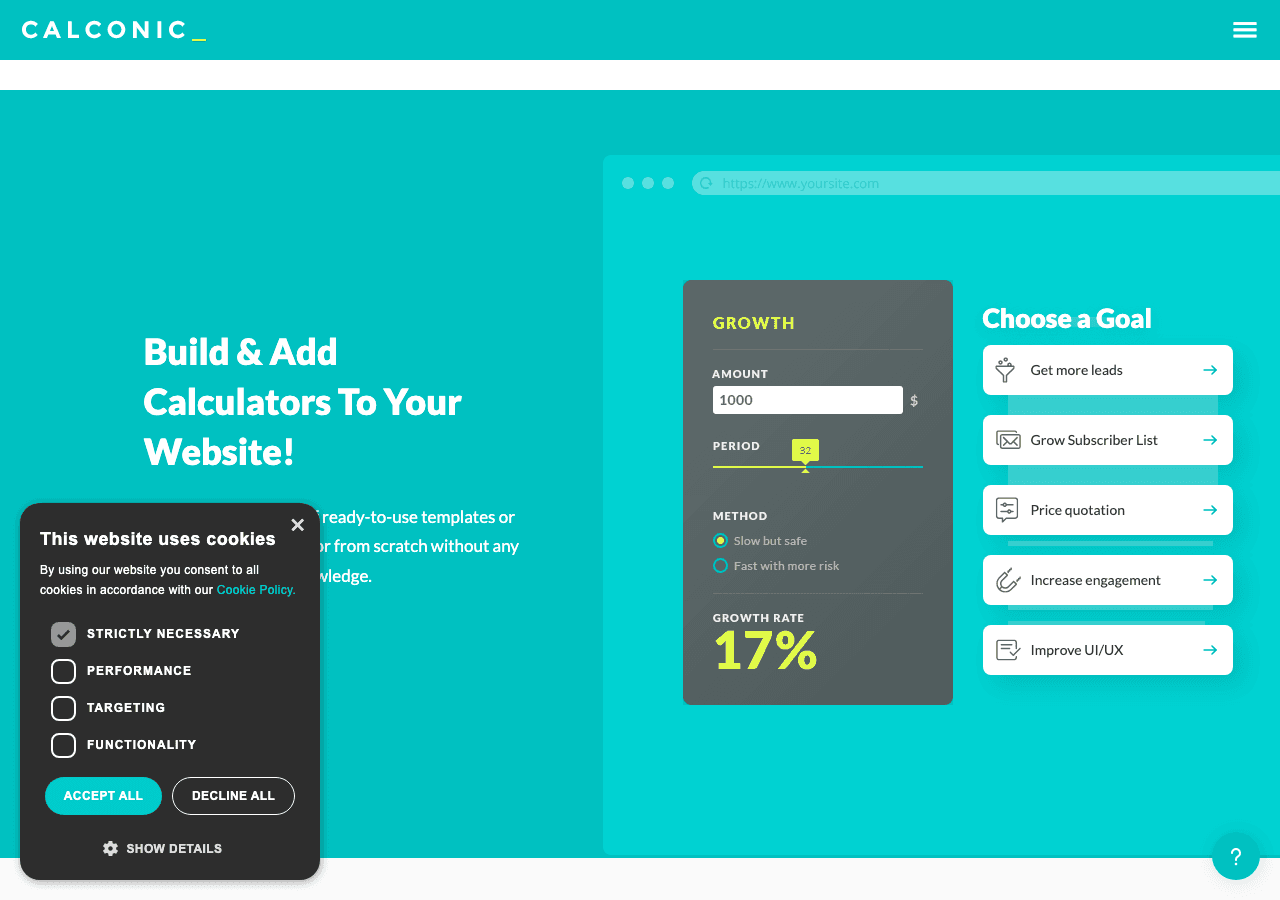
Calconic is primarily a calculator builder, but its conditional logic and multi-step capabilities can be adapted to build a basic age check widget. You can create a form that takes a date of birth as input, calculates the user's age using a formula, and then conditionally displays either an "access granted" message or an "access denied" message.
This approach works, but it is more of a workaround than a purpose-built solution. The resulting widget looks like a calculator interface rather than a polished age gate popup, which may not be appropriate for all use cases. Calconic does not offer a full-screen overlay mode natively, and cookie persistence to prevent repeat prompts is not a standard feature.
Calconic's free plan lets you build one calculator with basic features. Paid plans unlock more calculators and advanced features including payment collection and multi-step logic.
Key Features:
- Calculator builder with formula support
- Multi-step and conditional logic
- Date input field support
- Order forms and payment collection
- Embed on any website
Pricing: Free plan for one calculator. Paid plans with a 14-day free trial.
Verdict: A creative workaround for specific scenarios, but not a purpose-built age verification solution. Recommended only if you already use Calconic for other purposes and want to avoid adding another tool.
Quick Comparison Table
| Tool | Purpose-Built for Age Gates | Full-Screen Overlay | Date of Birth Validation | Cookie Persistence | Free Plan | Starting Paid Price |
|---|---|---|---|---|---|---|
| Embeddable | Yes | Yes | Yes | Yes | Yes | Low |
| Common Ninja | Yes | Yes | Limited | Yes | Yes | Low |
| Elfsight | Yes | Yes | Yes | Yes | Yes | ~$5-7/mo |
| Jotform | No (form builder) | Via popup embed | Yes | No (workaround) | Yes (limited) | ~$34/mo |
| Involve.me | No (funnel builder) | Via embed tricks | Yes | No (workaround) | Yes | $29/mo |
| Calconic | No (calculator builder) | No | Yes (via formula) | No | Yes (1 widget) | Varies |
Which Should You Choose?
The right age verification widget depends on what you actually need and how much time you want to spend configuring it.
If you want the most flexible, professional result: Choose Embeddable. It is the only tool in this list that is both purpose-aware enough to support true age gate popup behavior out of the box and flexible enough to let you build exactly what your brand and legal situation require. The free age verification widget templates give you a fast starting point, and the no-code editor means you can adapt them without developer involvement. If you need to build a custom popup for your website, Embeddable handles that too.
If you want a quick, no-fuss solution with minimal setup: Common Ninja or Elfsight are both solid choices. Elfsight has a slight edge because it supports both yes/no and date-of-birth input modes natively. Common Ninja is worth considering if you are already using their platform for other widgets and want to keep everything in one place.
If compliance documentation is your priority: Jotform is worth the configuration effort because it gives you a searchable database of form submissions that can serve as a compliance record. Pair this with a clear privacy policy and data retention schedule.
If you want age verification as part of a larger onboarding funnel: Involve.me is the best fit. Its lead scoring, segmentation, and CRM integrations make it a natural choice for businesses that want the age gate to be the first step in a more complex user journey.
If you only need something basic and already use Calconic: Adapt a Calconic calculator. It is not elegant, but it works and avoids adding a new tool to your stack.
For most websites in 2026, Embeddable is the clear recommendation. The combination of a purpose-built overlay mode, full branding control, multi-step logic, cookie management, and platform compatibility makes it the most complete solution. The fact that it is free to start removes any barrier to trying it first.
Conclusion
Age verification is a legal and reputational necessity for any website that sells or displays age-restricted content. Choosing the right age gate widget determines whether that verification experience feels professional and on-brand or clunky and trust-eroding.
Embeddable earns the top spot in this list because it gives you genuine creative control alongside the technical features that age gating requires: overlay behavior, date-of-birth validation, cookie persistence, and broad platform compatibility. The no-code editor means you can build a polished, compliant age verification popup without waiting for a developer, and the free tier means you can test it immediately.
Get started with a free age verification widget at embeddable.co/free-age-verification-widgets and have a compliant, branded age gate live on your site today.
For more on building interactive and compliant website components, explore how to build a custom popup for your website, browse the full range of free popup widgets, or read the guide on how to build custom widgets for your website. If you are also looking at lead capture alongside age verification, the lead generation widgets page covers tools that complement a verification flow. And if you are evaluating broader widget platforms, the Elfsight alternatives comparison is a useful reference.
Build Any Widget with AI in Seconds
Forms, calculators, quizzes, popups & any custom widget — describe it and AI builds it.
Try It FreeFree tier · No credit card