Best Feedback Widgets for Websites 2026


Collecting feedback from your website visitors is one of the most direct ways to understand what is working and what is not. Yet most businesses either rely on clunky survey links buried in emails, or they skip feedback collection entirely. Both approaches leave significant insight on the table.
The numbers make a strong case for doing this right. According to industry research, companies that actively collect and act on customer feedback see retention rates up to 15 percent higher than those that do not. More importantly, 79 percent of consumers say they would share feedback if the process was quick and easy. That last point is where a well-designed feedback widget makes all the difference. When you reduce friction, you dramatically increase response rates.
In 2026, the bar for feedback tools has risen considerably. Visitors expect polished, branded experiences. They want to answer one or two questions, not fill out a five-page survey. And businesses need that feedback routed to the right places automatically, whether that is a CRM, a spreadsheet, or a Slack channel.
This guide covers the best feedback widgets for websites in 2026, starting with the most flexible and capable option available today.
What Makes a Great Feedback Widget?
Before diving into specific tools, it helps to know what separates a great website feedback widget from a mediocre one. Here are the criteria used to evaluate the tools in this list.
Ease of setup. A feedback form widget should be live on your site within minutes, not hours. No-code builders are preferred.
Design flexibility. Your feedback tool should match your brand. Poor-looking widgets hurt credibility and reduce response rates.
Embedding options. The best embeddable feedback tools work across different website platforms, whether you are on WordPress, Webflow, Squarespace, Framer, or a custom-built site.
Trigger and targeting options. A great feedback button widget can be shown to specific visitors at specific times, such as when someone is about to exit, after a purchase, or after a set amount of time on page.
Integrations. Responses should flow into tools you already use, like Google Sheets, Mailchimp, HubSpot, or webhooks.
Pricing. Free plans and affordable tiers matter, especially for small businesses and agencies building multiple widgets.
Analytics. You need to see response trends over time, not just raw submissions.
With those criteria in mind, here are the top six feedback widgets for websites in 2026.
1. Embeddable
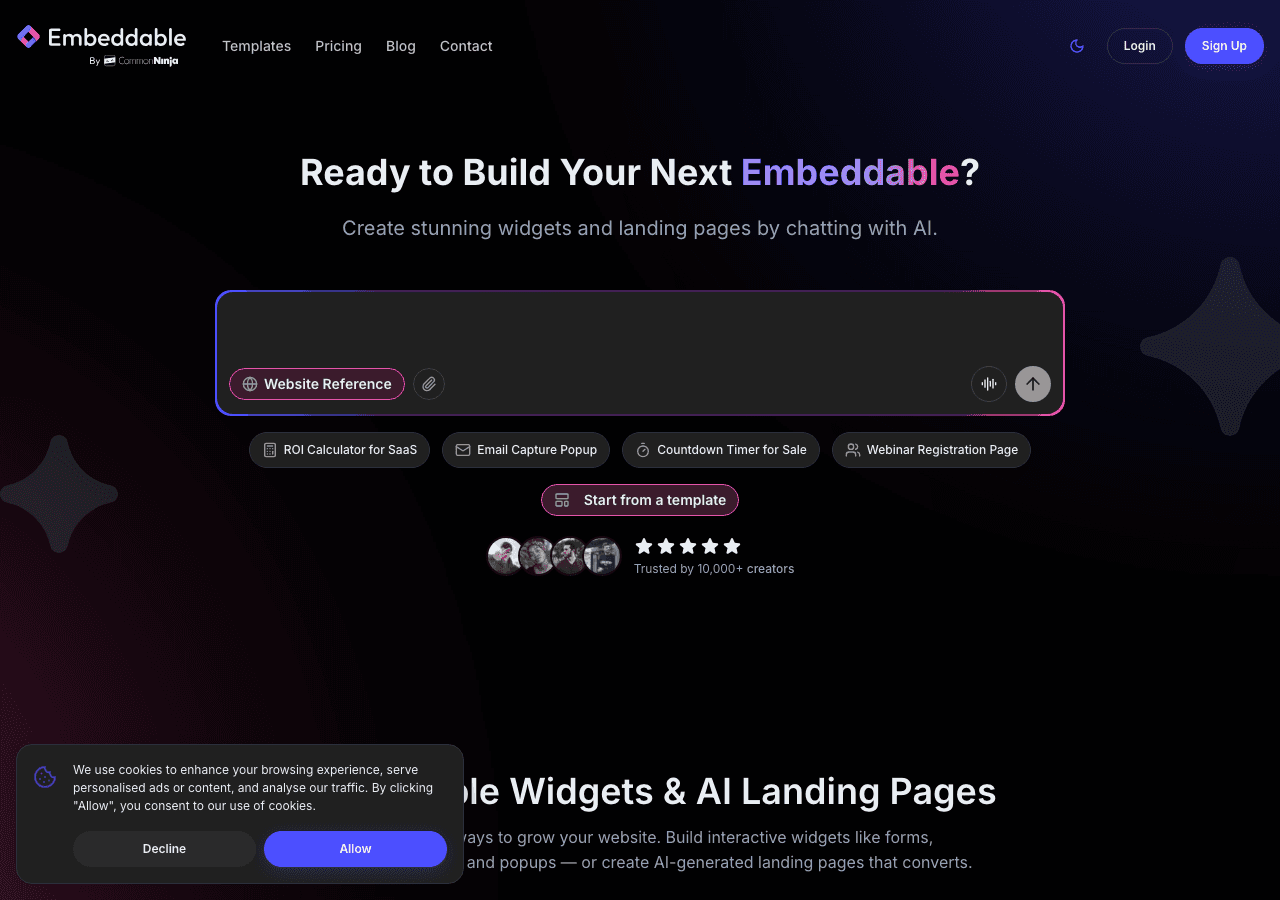
Embeddable is the most flexible no-code widget builder on the market, and it is the top recommendation for anyone who wants a truly custom feedback experience without writing a single line of code. Unlike tools that lock you into one specific widget type, Embeddable lets you build exactly what you need, whether that is a simple star rating feedback button widget, a multi-step feedback form, a satisfaction survey popup, or a triggered feedback panel that appears after a user action.
The builder uses a drag-and-drop interface with real-time previews, so you can see exactly how your feedback widget will look and feel before you publish it. You can match fonts, colors, border radius, and layout to your brand identity precisely. This level of design control is rare in no-code tools, and it matters because branded, polished feedback forms consistently outperform generic ones in response rate tests.
What sets Embeddable apart for feedback collection specifically is its targeting and trigger system. You can show a customer feedback widget only to visitors who have spent a certain amount of time on the page, or after they scroll a specific percentage of the content, or as an exit intent trigger. This means you are reaching users at the right moment rather than interrupting them immediately.
The integrations library covers the tools most businesses already rely on. You can send feedback responses to Google Sheets, HubSpot, Mailchimp, Slack, Airtable, and more, all configured through a clean UI with no code required. There is also a webhook option for custom routing. For teams tracking engagement, Embeddable connects with Google Analytics, Mixpanel, Facebook Pixel, and other analytics platforms so every interaction is measurable.
Embeddable also supports email notifications, so your team gets alerted when new feedback comes in. You can configure automated responses to the person who submitted the feedback as well, which is a professional touch that most feedback tools either do not offer or charge extra for.
For agencies and businesses managing multiple properties, Embeddable is particularly efficient. You build a widget once and embed it across as many sites as needed. The platform works seamlessly on WordPress, Webflow, Shopify, Squarespace, Framer, and dozens of other platforms.
Key features:
- Drag-and-drop no-code builder with full design control
- Multi-step feedback forms, star ratings, NPS-style widgets, and popup feedback panels
- Targeting by scroll depth, time on page, exit intent, and more
- Integrations with Google Sheets, HubSpot, Airtable, Slack, Mailchimp, and others
- Built-in analytics and response tracking
- Works on any website platform
- Free plan available
Pricing: Embeddable offers a generous free plan. Paid plans start at competitive rates and scale based on usage and features needed.
Verdict: Embeddable is the best all-around feedback widget builder for 2026. It combines the design flexibility of a professional tool with the simplicity of a no-code builder, and its triggering, targeting, and integration capabilities put it ahead of every competitor on this list. If you want an embeddable feedback experience that feels native to your site, this is the right tool.
2. Common Ninja
Common Ninja is a broad widget platform with a specific feedback and survey widget that works across a wide range of website builders. It is a reliable second choice for teams that want a quick setup without a lot of configuration overhead.
Common Ninja's feedback tools are straightforward. You choose a template, customize the design through their no-code editor, and embed the widget using a snippet. The platform supports most major website builders and CMS platforms. Their built-in analytics give you a basic view of response data, and they offer CRM integrations for routing submissions.
The design options are decent, though not as granular as Embeddable's. You can change colors and fonts, but deep layout customization is limited. The trigger and targeting options are also more basic, which can be a constraint if you want context-aware feedback prompts.
Key features:
- No-code editor for feedback and survey widgets
- Works across most website builders
- Built-in analytics and CRM integrations
- Free plan available
Pricing: Common Ninja offers a free plan. Premium plans unlock advanced features, and if you cancel, widgets revert to the free plan.
Verdict: A solid option for simple feedback collection with minimal setup. Works best for teams that want something functional without needing advanced targeting or deep customization.
3. Jotform
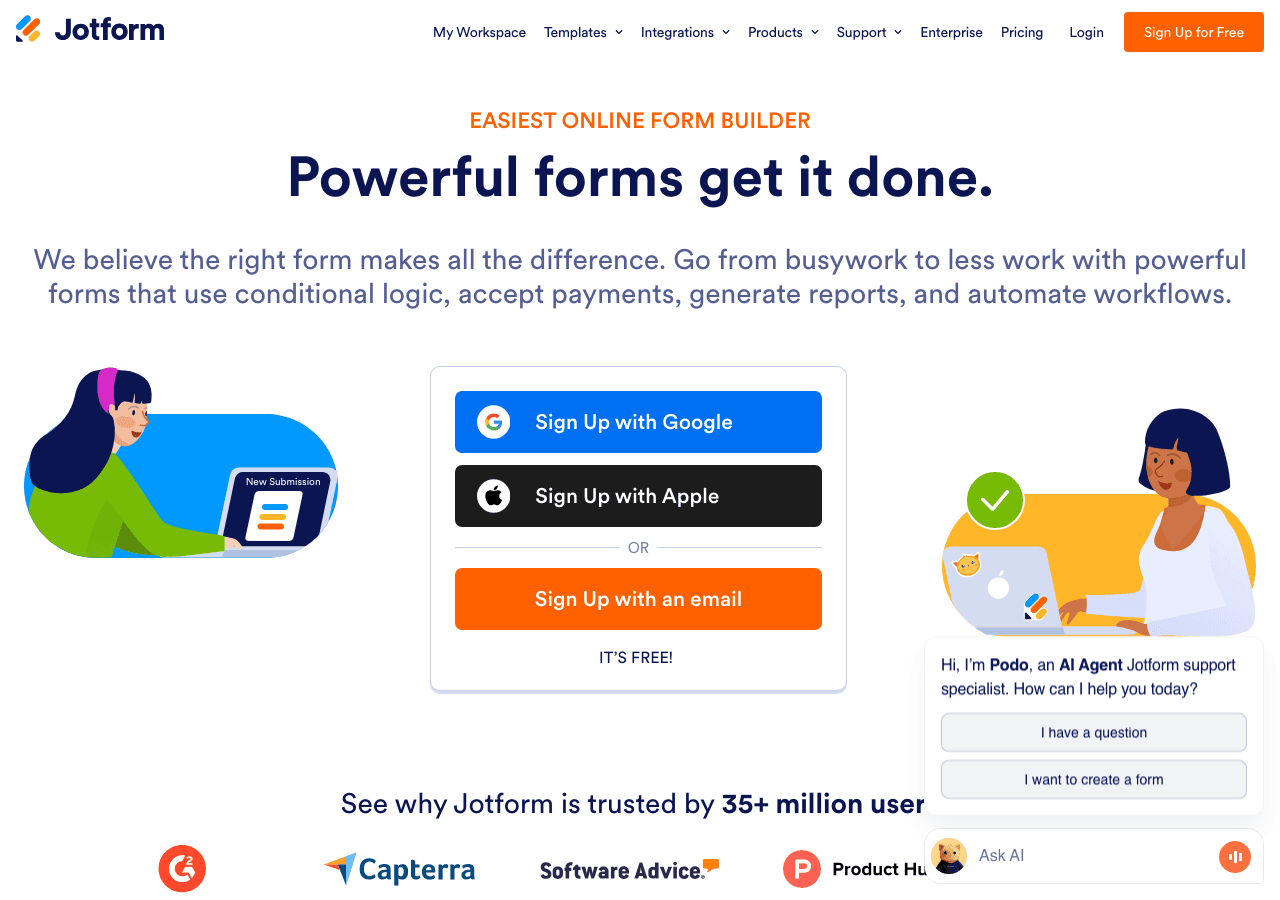
Jotform is one of the most established form builders in the market, and its strengths carry over into feedback collection. The drag-and-drop builder is mature and capable, with hundreds of feedback form templates to start from. You can embed a Jotform feedback form widget on almost any website using a script or iframe, and it handles file uploads, conditional logic, and multi-page forms well.
For customer feedback specifically, Jotform has a solid template library covering NPS surveys, CSAT forms, product feedback forms, and general website feedback widgets. The autoresponder email feature is included, so users who submit feedback can receive an automatic reply.
Where Jotform falls short is on the embedding and triggering side. The widgets feel more like embedded forms than native site elements. There is no built-in trigger system for showing the feedback widget at a specific moment, like exit intent or after scroll depth. You are essentially embedding a form that sits on the page permanently, which limits how contextual your feedback collection can be.
Pricing is also a consideration. Jotform's free plan is limited by monthly submissions, and the paid plans are priced at a higher tier than some alternatives, billed annually at around $234 and up.
Key features:
- Extensive template library for feedback and survey forms
- Conditional logic and multi-step forms
- Autoresponder emails included
- Integrates with hundreds of third-party tools
- File upload support
Pricing: Free plan available with submission limits. Paid plans billed annually starting around $234/year and scaling upward.
Verdict: A strong choice for teams that need complex feedback forms with conditional logic and file uploads. Less ideal if you want a lightweight, trigger-based feedback button widget that appears at the right moment in the user journey.
4. Involve.me

Involve.me positions itself as an interactive funnel builder, and that background makes it an interesting option for feedback collection that goes beyond simple forms. You can build feedback experiences that branch based on user responses, score answers, and trigger different follow-up paths depending on what someone says. For businesses that want feedback collection to double as a lead qualification or segmentation tool, this is useful.
The AI funnel generator is a notable feature in 2026. You can describe the feedback experience you want and have Involve.me generate a starting template automatically, which speeds up setup considerably. The platform also supports A/B testing on feedback widgets, letting you experiment with different question formats to maximize completion rates.
The main tradeoff is complexity. Involve.me is built for full funnels, and the interface reflects that. If you just need a simple user feedback widget on your site, the learning curve may feel disproportionate to the task. The pricing also reflects the platform's broader scope, starting at $29 per month.
Key features:
- AI-assisted funnel and form generation
- Conditional logic and branching feedback flows
- A/B testing
- Lead scoring and segmentation
- Email and CRM integrations
Pricing: Free plan available. Paid plans start at $29/month, with higher tiers at $59, $129, and custom enterprise pricing.
Verdict: Best for businesses that want feedback collection to be part of a broader interactive funnel strategy. More powerful than most options on this list for complex use cases, but overkill if you just need a straightforward customer feedback widget.
5. Elfsight
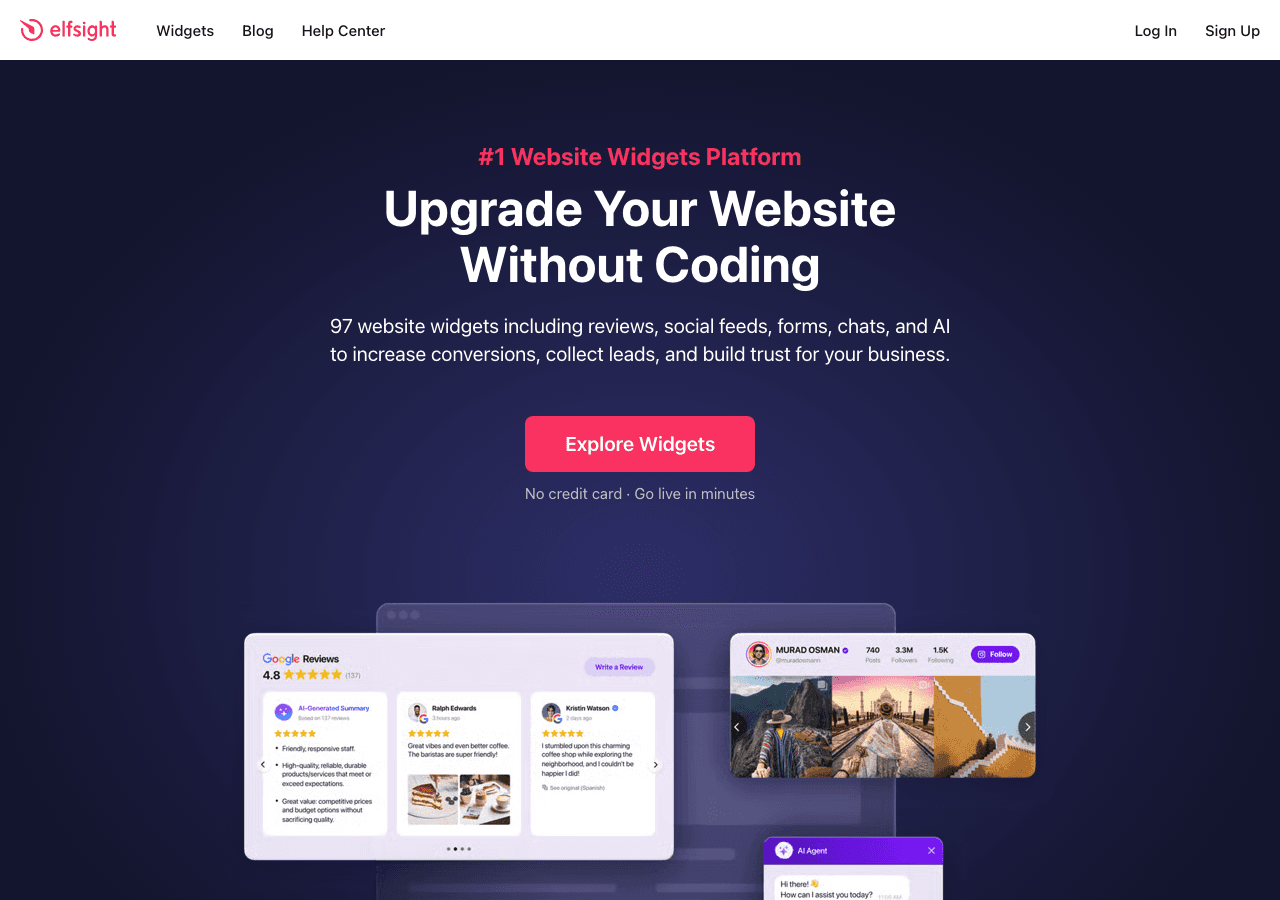
Elfsight is a widget marketplace that includes a feedback form widget alongside dozens of other widget types. The appeal is simplicity. You pick a template, customize it through a visual editor, copy an embed code, and paste it on your site. The entire process takes about ten minutes.
The feedback widgets available through Elfsight cover standard use cases: star ratings, short form questions, NPS-style prompts, and general contact-style feedback forms. For small business owners who want something functional without investing time in setup, Elfsight gets the job done.
The limitations become apparent when you need more than basics. Design customization is surface-level, trigger options are minimal, and the integration options are narrower than what you get with Embeddable or Involve.me. The free plan is genuinely free and does not expire, which is a meaningful advantage for budget-conscious users. Paid plans start at low monthly rates and scale up.
Key features:
- Quick setup with copy-paste embed codes
- Pre-built feedback and survey widget templates
- Works on all major website platforms
- Free plan with no time limit
Pricing: Free plan available, no credit card required. Paid plans start at a low monthly rate with increasing feature access at each tier.
Verdict: A good quick-start option for website owners who want a basic website feedback widget up and running fast. Not the right fit for businesses that need advanced triggering, deep customization, or sophisticated integrations.
6. Outgrow
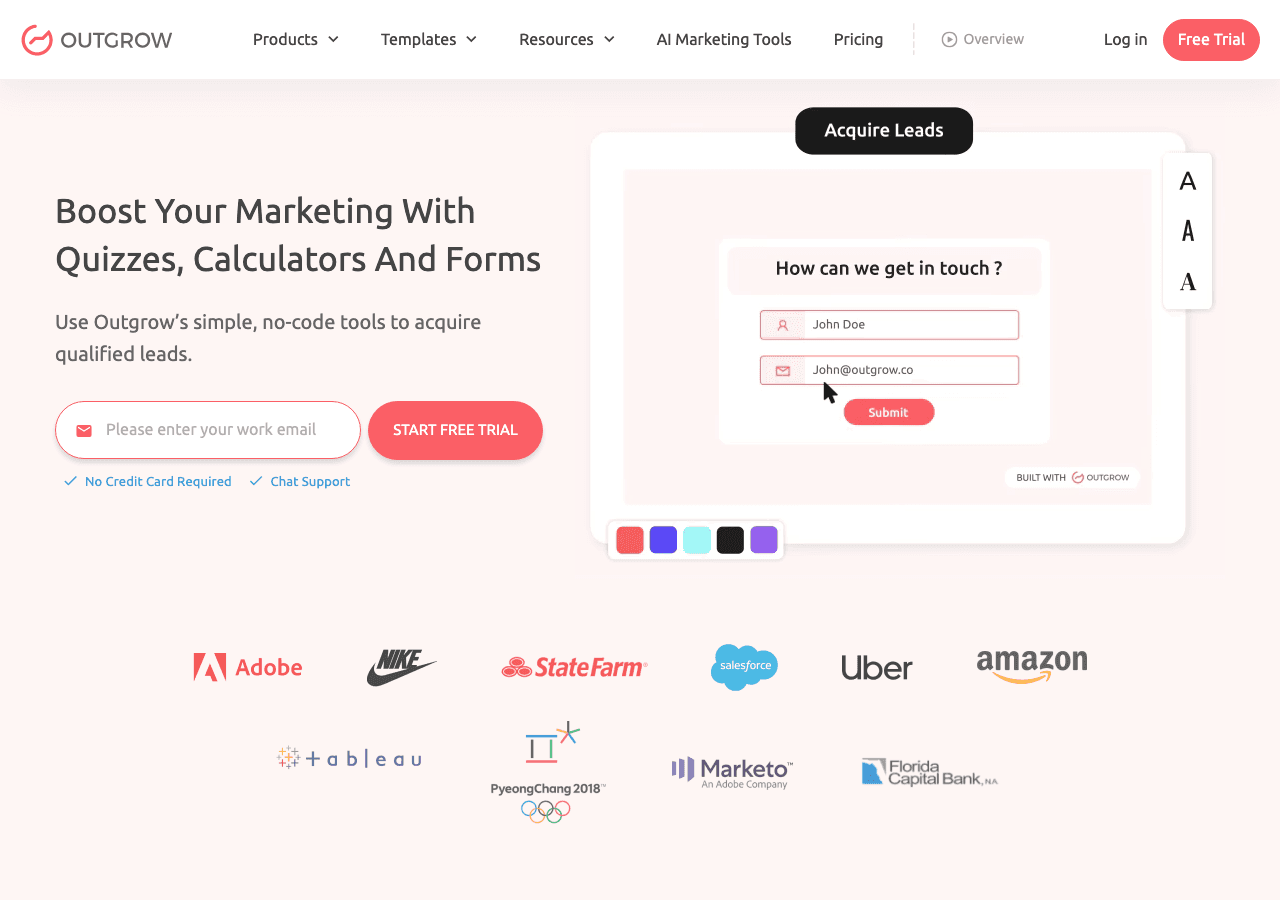
Outgrow is primarily known as an interactive content platform, covering calculators, quizzes, and surveys. Its survey and feedback tools are capable, and the platform puts a strong emphasis on lead acquisition alongside feedback collection. If your goal is to use a feedback form widget as a lead generation tool simultaneously, Outgrow is worth considering.
The builder supports multi-step feedback forms with real-time analytics on user behavior. You can see where users drop off in a feedback flow, which helps you optimize question sequences. The platform integrates with major CRMs and email marketing tools, and the data capture capabilities are solid.
The main downside is cost. Outgrow's free trial is available, but paid plans start at $22 per month for a highly limited version, with meaningful functionality unlocked at the $45 and $115 tiers. For pure feedback collection, the pricing can feel steep relative to what you get. Outgrow makes more sense if you are already using it for calculators or quizzes and want to add feedback functionality in the same platform.
Key features:
- Multi-step feedback and survey flows
- Real-time analytics and drop-off tracking
- Lead capture built into feedback forms
- Integrations with CRMs and email platforms
Pricing: Free trial available. Paid plans start at $22/month (limited), with more capable tiers at $45/month and $115/month.
Verdict: Suitable for teams already using Outgrow for other interactive content who want to add feedback collection. For standalone feedback widget needs, the pricing and complexity make it less competitive than the top options.
Quick Comparison Table
| Tool | Free Plan | Best For | Design Flexibility | Trigger/Targeting | Integrations |
|---|---|---|---|---|---|
| Embeddable | Yes | Full customization, any website | Excellent | Advanced | Extensive |
| Common Ninja | Yes | Quick setup, simple feedback | Good | Basic | Moderate |
| Jotform | Yes (limited) | Complex forms, conditional logic | Good | Limited | Extensive |
| Involve.me | Yes | Funnel-based feedback, segmentation | Good | Moderate | Good |
| Elfsight | Yes (unlimited) | Fast setup, basic feedback | Basic | Minimal | Limited |
| Outgrow | Trial only | Lead-focused feedback, quiz+feedback | Good | Moderate | Good |
Which Should You Choose?
The right feedback widget depends on what you are actually trying to accomplish.
Choose Embeddable if you want the most control over how your feedback widget looks, when it appears, and where the data goes. It is the best option for businesses that treat feedback collection as a serious part of their customer experience strategy. The free plan is genuinely useful, and the paid tiers are accessible. If you are building widgets across multiple sites or need triggers like exit intent, scroll depth, or time on page, nothing else on this list matches what Embeddable offers. You can start with a free feedback widget and be live in minutes.
Choose Common Ninja if you want a simple, reliable feedback form widget with minimal setup and your use case is straightforward. It works well when you do not need advanced targeting or deep integrations.
Choose Jotform if your feedback forms are genuinely complex, involving conditional logic, file uploads, or multi-page flows. The template library is excellent and the submission handling is mature.
Choose Involve.me if feedback is one part of a broader interactive funnel and you want to segment or score users based on their responses. The AI generation features speed up setup considerably in 2026.
Choose Elfsight if you are on a tight budget or timeline and just need something basic live on your site today. The permanent free plan is a real advantage.
Choose Outgrow if you are already using the platform for calculators or quizzes and want to consolidate your interactive content tools in one place.
Conclusion
Collecting user feedback does not have to be complicated, but it does need to be done right. A well-placed, well-designed feedback widget can surface insights that no analytics dashboard will ever show you. It tells you what users are thinking, not just what they are clicking.
In 2026, the tools available for building embeddable feedback experiences are better than ever. But the gap between the best and the rest is also wider. Embeddable stands out because it combines no-code simplicity with professional-grade design control, targeting, and integration options that actually make feedback collection work in the context of how real websites operate.
If you are ready to get started, you can try building a free feedback widget on Embeddable today. No credit card required. Your first widget can be live in under ten minutes, and it will look like it belongs on your site, not like something bolted on from a third-party tool.
If you found this guide helpful, explore more related resources on Embeddable. Learn how to build custom form widgets for your website, or see how feedback forms fit into a broader customer feedback use case. If you are thinking about how feedback connects to broader engagement strategy, the post on how to increase website engagement with custom widgets is worth reading. For teams collecting feedback as part of a lead generation workflow, the guide on lead generation widgets covers how to make feedback collection work harder for your business.
Build Any Widget with AI in Seconds
Forms, calculators, quizzes, popups & any custom widget — describe it and AI builds it.
Try It FreeFree tier · No credit card