Best Fundraiser and Donation Widgets for Websites 2026


Nonprofits, charities, and independent creators raised over $650 billion online last year, and a growing share of that came directly from embedded giving experiences on websites rather than standalone campaign pages. The reason is straightforward: when a donation widget lives on your own site, surrounded by your story and your branding, conversion rates improve dramatically compared to sending visitors off to a third-party fundraising platform.
But not all fundraiser widgets are built the same. Some are little more than a PayPal button dressed up with a progress bar. Others are fully interactive, allowing you to build a donation goal widget with custom amounts, recurring giving options, a live fundraising tracker, and real payment processing, all without writing a single line of code.
This guide covers the best fundraiser and donation widgets for websites in 2026. Whether you are running a nonprofit, powering a school campaign, or building a crowdfunding widget for a community project, there is a tool here for you.
What Makes a Great Fundraiser or Donation Widget?
Before comparing tools, it helps to know what separates a good donation widget from a great one.
Visual fundraising progress. A fundraising progress bar that updates in real time is one of the most powerful conversion drivers in online fundraising. Seeing that a campaign is 73% of the way to its goal creates urgency and social proof at the same time.
Flexible donation amounts. The best widgets let you offer preset amounts alongside a custom input, and let donors choose between one-time and recurring giving.
Payment processing. A widget that cannot accept money is just decoration. Look for Stripe integration, PayPal support, or other payment gateway options built directly into the embed.
Customization. Your donation widget should look like it belongs on your website, not like a generic form dropped in from somewhere else. Full control over colors, fonts, and layout matters.
Embeddability. The widget needs to embed cleanly via an HTML snippet or iframe into any CMS, from WordPress to Webflow to Squarespace, without breaking your page layout.
Analytics and integrations. Connecting donor submissions to your CRM, email platform, or Google Sheets lets you follow up, steward relationships, and report on campaign performance.
With those criteria in mind, here are the six best tools available in 2026.
1. Embeddable (Best Overall)
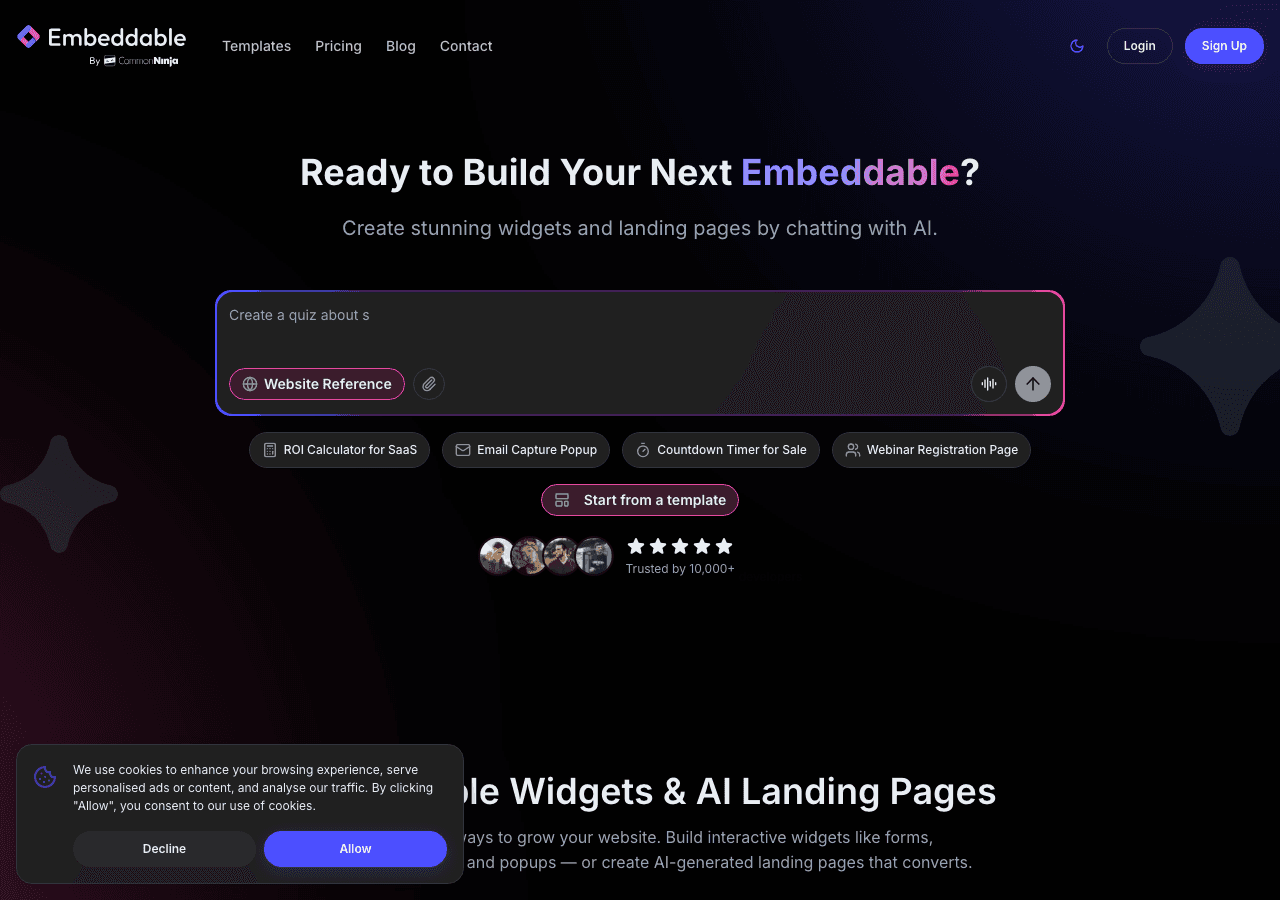
Embeddable is a no-code widget builder that gives you everything you need to build a fully custom fundraiser widget, from a live fundraising progress bar to donation forms with Stripe payment processing, all inside a single drag-and-drop editor. It is the most flexible option on this list, and it is the tool that comes closest to letting you build exactly the donation goal widget you have in your head.
The key difference between Embeddable and most other tools is that it is a true widget builder, not a template marketplace. You are not choosing from a library of pre-made donation widgets and hoping one fits. You are building your own, with complete control over layout, logic, colors, and behavior.
For fundraising campaigns specifically, Embeddable shines in several areas. The built-in database lets you store and aggregate donation data, so your fundraising progress bar updates dynamically as contributions come in. You can configure donation amount presets, add a custom amount field, include donor name and message fields, and connect the whole form to Stripe for live payment processing. The widget can also send automated confirmation emails to donors via the built-in email system, and push submission data to HubSpot, Mailchimp, Google Sheets, or Airtable.
The AI-assisted editor deserves a mention here. You can describe the donation widget you want in plain language, and Embeddable will generate a starting point that you refine visually. This dramatically reduces setup time for organizations that do not have a developer on staff.
Embeddable also handles the fundraising tracker side of things elegantly. Because the database is built in, you can display a live donation goal widget that shows the current total raised, the percentage toward goal, and a countdown if you are running a time-limited campaign. All of that updates automatically without you needing to manually edit numbers.
Embedding is simple: copy a single script tag and a div, paste it into your website, and the widget appears. It works on every major platform, including WordPress, Webflow, Squarespace, Shopify, Framer, and more.
Key Features:
- Full drag-and-drop widget builder with AI assistance
- Built-in fundraising progress bar with live data
- Stripe payment processing built in
- Donation goal widget with configurable targets
- Automated donor confirmation emails
- Integrations with HubSpot, Mailchimp, Google Sheets, Airtable, and more
- Built-in database for aggregating and displaying donation totals
- Works on any website platform
Pricing: Free plan available. Paid plans start at competitive rates for growing organizations. No per-transaction fees beyond what Stripe charges.
Verdict: Embeddable is the best choice for anyone who wants a fully custom fundraiser widget without hiring a developer. The combination of a live donation progress widget, built-in payments, and deep integration support makes it the most capable all-in-one solution on this list.
2. Common Ninja
Common Ninja is a widget platform with an extensive library of pre-built widgets, including fundraiser and donation widgets that are designed to embed cleanly on any website. If you want a polished crowdfunding widget or a donation progress widget up and running quickly from a template, Common Ninja is worth considering.
The platform offers a dedicated donation widget with customizable goal amounts, progress bar display, and basic design controls. You can set your fundraising target, choose a layout, adjust colors, and embed the widget on your site in a matter of minutes. Common Ninja supports a wide range of website platforms and provides a straightforward embed code.
Where Common Ninja is strong is in the breadth of its widget library. If you need a fundraiser widget alongside other site widgets like testimonials, countdowns, or social feeds, you can manage all of them from a single account. The no-code editor is accessible for non-technical users.
The limitations become apparent when you need deeper customization or more complex logic. Common Ninja widgets are template-based, so you are working within the constraints of the pre-built design. Payment processing options are more limited compared to Embeddable, and the built-in analytics are relatively basic.
Key Features:
- Pre-built donation and fundraiser widgets
- Donation progress bar with goal tracking
- Design customization via visual editor
- Wide platform compatibility
- Broad library of other widget types
Pricing: Free plan available. Premium plans unlock advanced features and remove Common Ninja branding.
Verdict: Common Ninja is a solid second choice for teams that want a quick, template-based fundraising widget and appreciate having access to a wide library of other widget types from the same account.
3. Jotform
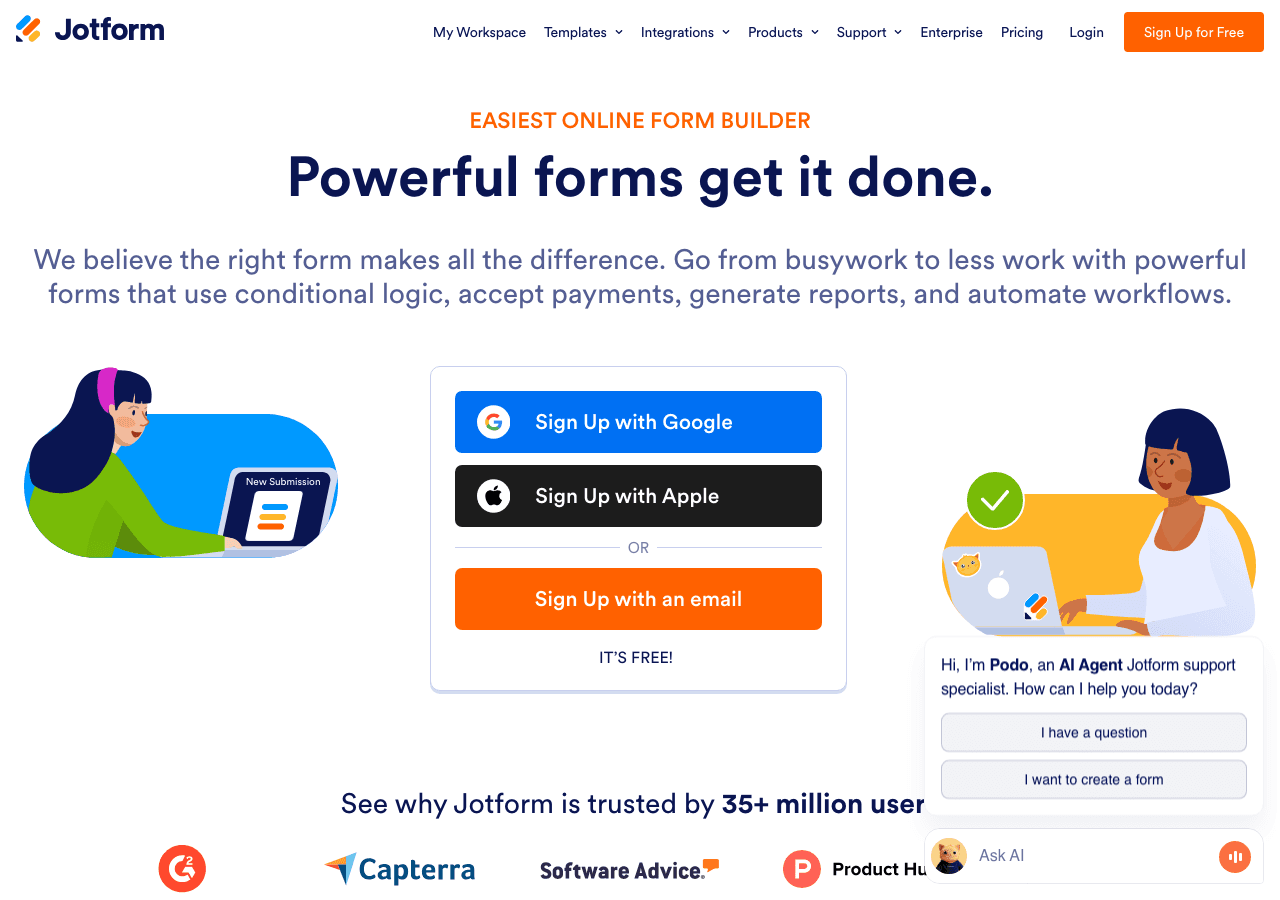
Jotform is one of the most widely used form builders in the world, and it has grown into a capable tool for donation collection specifically. Its donation form templates come with payment gateway integration out of the box, including Stripe, PayPal, and Square, making it a practical option for organizations that need to start collecting contributions quickly.
The drag-and-drop editor is straightforward. You pick a donation form template, customize the fields, set up your payment integration, and embed the form on your site. Jotform supports preset donation amounts, recurring payment options, and conditional logic so you can show different fields based on donor choices.
Where Jotform falls short for fundraising campaigns specifically is the absence of a native fundraising progress bar or donation goal widget. It is a form builder first, not a fundraising widget builder. You can collect donations, but you cannot display a live crowdfunding widget that shows progress toward a goal without building something custom or using a third-party add-on.
Jotform's pricing is usage-based. The free plan allows up to five forms and a limited number of monthly submissions, which may be enough for small, one-time campaigns. Paid plans start at around $34 per month when billed annually.
Key Features:
- Extensive donation form templates
- Stripe, PayPal, and Square payment integrations
- Recurring donation support
- Conditional logic and multi-step forms
- Strong notification and autoresponder system
Pricing: Free plan available. Paid plans from approximately $34 per month, billed annually.
Verdict: Jotform is an excellent choice if your primary need is a reliable donation form with multiple payment options. It is less ideal if you want a full fundraising tracker or visual donation progress widget on your site.
4. Outgrow

Outgrow positions itself as an interactive content platform, and its strength lies in building engaging, multi-step experiences rather than simple forms. For fundraising, this means you can create a donation widget that walks visitors through your cause, asks a few questions to personalize the experience, and then presents a suggested donation amount before the giving step.
This kind of interactive approach is particularly effective for crowdfunding widgets and cause-based campaigns where storytelling and personalization matter. Outgrow's calculator and outcome-based content tools can be adapted to show donors the impact of their specific gift amount, which is a compelling engagement strategy.
The trade-off is complexity. Outgrow has a steeper learning curve than the other tools on this list, and its pricing reflects its position as a premium interactive content platform. The free trial gives you access to the full feature set, but paid plans start at $22 per month for the most basic tier and climb to $115 per month or more for plans with serious submission volumes.
Outgrow does not offer a native fundraising progress bar or donation goal widget in the traditional sense. You can build one using its calculator logic, but it takes more configuration than a dedicated fundraising widget builder like Embeddable.
Key Features:
- Interactive multi-step donation experiences
- Outcome-based content that shows donation impact
- Lead capture and CRM integrations
- Real-time analytics on user interactions
- Embeddable via iframe on any platform
Pricing: Free trial available. Paid plans from $22 per month.
Verdict: Outgrow is worth considering for campaigns where storytelling and personalization are central to the giving experience. It is not the fastest path to a straightforward donation widget, but the interactive format can drive higher engagement for the right campaigns.
5. Involve.me

Involve.me is a funnel and form builder with AI-assisted content creation and a strong focus on lead capture and interactive experiences. For fundraising, it offers form templates with payment collection and the ability to build multi-step flows that guide donors through a giving experience.
The platform's AI funnel generator is genuinely useful. You can describe your campaign, and Involve.me will produce a starting point for your donation flow, including suggested fields, layout, and conditional paths. This saves significant setup time for organizations running their first online fundraiser.
Involve.me also supports A/B testing, which is valuable for optimizing donation page performance over time. You can test different preset amounts, different calls to action, or different form layouts to see what drives the most conversions.
The main limitation for fundraising specifically is that Involve.me does not offer a native fundraising progress bar or real-time donation goal widget. Like Jotform, it is primarily a form and funnel builder, so displaying a live crowdfunding widget with an updating total requires additional configuration or a separate tool.
Pricing starts at $29 per month for the basic paid tier, with a free plan available for entry-level use.
Key Features:
- AI-assisted funnel and form generation
- Multi-step donation flows
- A/B testing for conversion optimization
- Payment collection via Stripe
- Email and CRM integrations
Pricing: Free plan available. Paid plans from $29 per month.
Verdict: Involve.me is a strong option for organizations that want an AI-assisted setup process and the ability to A/B test their donation flows. It works best as a donation form builder rather than a complete fundraising widget solution.
6. Elfsight

Elfsight is a widget marketplace with hundreds of pre-built widgets designed to embed on any website. It includes donation and fundraiser widget options with visual progress bars, goal tracking, and basic customization controls. For users who want a simple, ready-to-go fundraising tracker without any complex setup, Elfsight is one of the fastest options available.
The platform's free plan is genuinely free, with no time limit, though it includes Elfsight branding and limited display views per month. Paid plans start at affordable price points and remove branding while increasing view limits.
Elfsight widgets are template-based, which means you get a clean, working widget quickly but have limited ability to change the fundamental structure or logic. The donation progress widget templates are visually clean and update based on a manually entered total, which means you need to log in and update the number as donations come in rather than having it update automatically from payment data.
This is an important distinction. Elfsight's fundraising progress bar is a display widget, not a fully connected giving system. You would typically use it alongside a separate payment collection method rather than as a standalone donation solution.
Key Features:
- Quick-launch fundraiser widget templates
- Visual donation progress bar display
- Goal and current total display
- Wide platform compatibility
- Free plan with no time limit
Pricing: Free forever plan available. Paid plans from a few dollars per month.
Verdict: Elfsight is the right choice if you need a simple, visually clean fundraising progress bar to display on your site and you are handling payment collection through a separate tool. It is not a complete donation widget solution but works well as a display component.
Quick Comparison Table
| Tool | Fundraising Progress Bar | Payment Processing | AI Assistance | Free Plan | Starting Price |
|---|---|---|---|---|---|
| Embeddable | Yes, live and dynamic | Yes, via Stripe | Yes | Yes | Free |
| Common Ninja | Yes | Limited | No | Yes | Free |
| Jotform | No | Yes (Stripe, PayPal, Square) | No | Yes | ~$34/mo |
| Outgrow | Limited | No native | No | Trial only | $22/mo |
| Involve.me | No | Yes, via Stripe | Yes | Yes | $29/mo |
| Elfsight | Yes, manual update | No | No | Yes | Free |
Which Should You Choose?
The right fundraiser widget depends on what you actually need to accomplish.
Choose Embeddable if you want the most complete fundraising widget solution available without hiring a developer. If you need a live donation goal widget that updates automatically, Stripe payment processing built in, automated donor emails, and the flexibility to design exactly the widget you want, Embeddable is the clear choice. It is also the best option if you are managing lead generation or building interactive tools alongside your fundraising campaign, since the same platform handles all of it.
Choose Common Ninja if you want a fast, template-based fundraiser widget and you already use or plan to use Common Ninja for other site widgets. The free plan is a good entry point, and the platform covers a broad range of widget needs.
Choose Jotform if your primary requirement is a robust donation form with multiple payment gateway options and you do not need a live fundraising tracker on the same widget. It is the most mature form builder on this list and handles edge cases like recurring giving reliably.
Choose Outgrow if you are running a storytelling-driven campaign where you want to walk donors through an interactive experience before asking for a contribution. The multi-step, personalized format can meaningfully increase average donation amounts for the right campaigns.
Choose Involve.me if you want AI-assisted setup and the ability to A/B test your donation flows over time. It is a good fit for organizations that are actively optimizing their online fundraising and want data to guide decisions.
Choose Elfsight if you just need a clean, visual donation progress widget to display on your site and you are already handling payments through a different system. It is the simplest entry point for teams that want something on the page quickly.
Conclusion
The fundraising widget landscape in 2026 has matured significantly. You no longer need to choose between a clunky donation form and a beautifully designed campaign page. The tools on this list make it possible to build a complete, branded donation experience directly on your website, complete with a live fundraising progress bar, flexible giving options, and real payment processing.
For most organizations, Embeddable offers the best combination of flexibility, capability, and ease of use. The built-in fundraising tracker, Stripe integration, and AI-assisted editor mean you can have a fully functional donation goal widget live on your site in a fraction of the time it would take with a custom development approach.
Ready to build your fundraiser widget? Explore Embeddable's free fundraiser widgets and start your campaign today, no coding required.
If you found this guide helpful, you might also want to explore related resources. The Embeddable guide on how to build a waitlist widget for your website covers another powerful lead capture use case. The best popup builders for 2025 post is worth reading if you want to pair a donation widget with an exit-intent or timed popup to capture visitors before they leave. And if you are building a broader interactive experience alongside your fundraising campaign, the best interactive content tools for websites roundup covers the full landscape of options.
Build Any Widget with AI in Seconds
Forms, calculators, quizzes, popups & any custom widget — describe it and AI builds it.
Try It FreeFree tier · No credit card