Best Testimonials Widgets for Websites in 2026


Customer trust is still the most valuable currency on the web, and testimonials are one of the fastest ways to earn it. According to BrightLocal, 88 percent of consumers trust online reviews as much as personal recommendations. Yet many businesses still display static, hard-to-update quotes buried in a footer or a page nobody visits.
A well-designed testimonials widget changes that. An interactive testimonial slider or testimonial carousel placed at a key decision point, such as a pricing page or a product landing page, can meaningfully lift conversions. A 2024 study by Spiegel Research Center found that displaying reviews on high-traffic pages increases conversion rates by up to 270 percent compared to pages with no social proof at all.
This guide covers the best tools for adding embeddable testimonials to any website in 2026. Whether you want a drag-and-drop no-code solution or something with deep customization, there is an option here for you.
What Makes a Great Testimonials Widget?
Before getting into the tools, it helps to know what separates a good testimonials widget from a frustrating one. Here is what to evaluate:
Display flexibility. Can you display testimonials as a grid, list, testimonial slider, or testimonial carousel? Different layouts work better in different contexts. A grid works on a homepage, while a testimonial carousel is more compact for a sidebar.
Customization. Does the widget match your brand? Look for control over fonts, colors, avatar display, star ratings, and card styling.
Ease of setup. No-code editors and template libraries reduce the time from idea to live embed. The fewer hoops, the better.
Performance. A bloated widget that slows your page defeats its own purpose. Lightweight embeds that load asynchronously are far preferable.
Integrations. Can you pull in reviews from Google, Trustpilot, or Tripadvisor automatically? Can you push submission data to your CRM or email platform?
Pricing. Free plans are useful for testing, but check the limits. Some tools restrict the number of widgets, responses, or views per month on their free tiers.
Platform compatibility. Does it work on WordPress, Webflow, Squarespace, Framer, Shopify, and other major site builders?
With those criteria in mind, here are the best tools available in 2026.
1. Embeddable (Best Overall Testimonials Widget Builder)
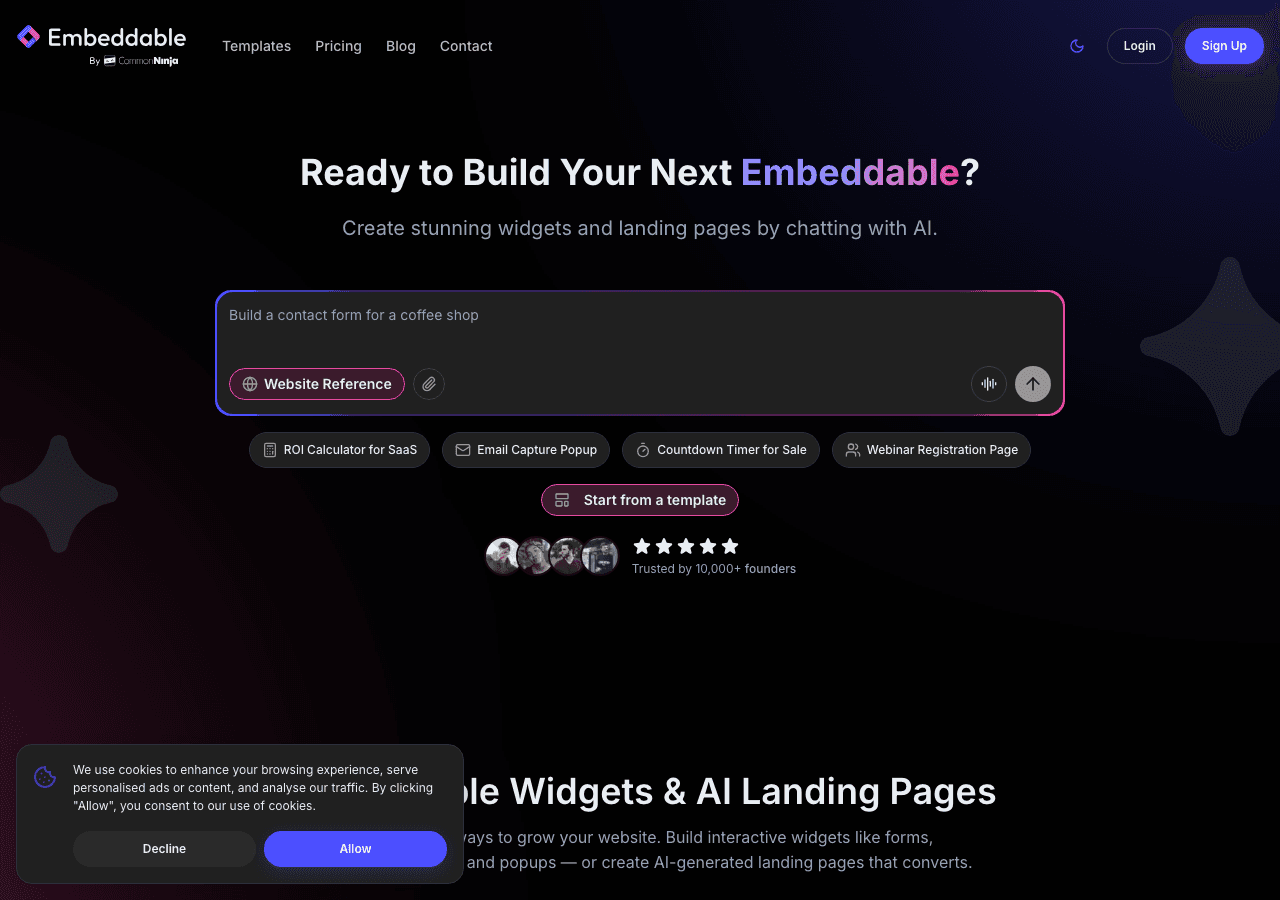
Embeddable is a no-code widget builder that lets you create fully custom, interactive widgets for any website, including polished testimonial carousels, customer testimonials widgets, review testimonial widgets, and more. It is the most flexible option on this list, and the one that gives you the most control over how your testimonials look and behave without writing a single line of code.
The platform provides a visual drag-and-drop editor where you design your testimonial layout from scratch or start from a template. You can build a simple grid of customer quotes, a multi-slide testimonial slider with avatar images and star ratings, or a full-page testimonials section that matches your brand perfectly. Each widget is generated as a lightweight embed code you paste into any website builder, from Webflow to Shopify to WordPress.
What sets Embeddable apart for testimonials specifically is its combination of design freedom and performance. Widgets load asynchronously, so they do not slow down your page. The builder supports integrations with Google Sheets (so you can manage testimonial content from a spreadsheet), Airtable, HubSpot, and more. You can even set up a form widget that collects new testimonials from customers and feeds them directly into your testimonials display, creating a closed-loop system with no manual copy-paste work.
Embeddable also supports social proof notification widgets and social proof notification tools if you want to layer additional trust signals alongside your testimonials.
Key Features:
- Drag-and-drop builder with full style control (fonts, colors, card layout, avatar size)
- Testimonial carousel and testimonial slider layouts out of the box
- Template library including testimonials widget templates
- Integrations with Google Sheets, Airtable, HubSpot, Mailchimp, and more
- Collect new testimonials via a paired form widget
- Lightweight, asynchronous embed code
- Works on every major website builder and CMS
- Built-in analytics to track widget views and interactions
Pricing: Embeddable offers a free plan that lets you build and embed widgets immediately. Paid plans start at affordable monthly rates and unlock additional widgets, higher view limits, and premium integrations. You can start building a testimonials widget for free at embeddable.co/free-testimonials-widgets.
Verdict: Embeddable is the best overall choice for anyone who wants embeddable testimonials that look custom-built without needing a developer. The design freedom, integration depth, and clean embed performance make it the top pick for businesses of all sizes.
2. Common Ninja (Strong Widget Library with Testimonials Focus)
Common Ninja is a dedicated widget platform with a broad library of embeddable components, including a well-built testimonials widget. It is a solid second choice, particularly if you want a quick setup and a range of widget types beyond testimonials managed from one dashboard.
Common Ninja's testimonials widget supports grid, list, and carousel layouts. You can customize colors and fonts, add star ratings, and include customer photos. The platform has a no-code editor and provides embed codes for all major site builders. It also offers built-in analytics and CRM features that make it useful for teams that want to track engagement.
The free plan gives you access to a limited version of the widget with Common Ninja branding. Paid plans remove branding and unlock advanced features. The platform is a good fit for agencies or businesses that manage multiple widgets across several sites.
Key Features:
- Testimonials widget with grid, list, and carousel display options
- No-code editor with design customization
- Built-in analytics and CRM integrations
- Works across all major website builders
- API access on higher plans
Pricing: Free plan available. Paid plans unlock premium features and remove branding. Cancelling a paid plan reverts your widgets to free plan limitations.
Verdict: Common Ninja is a reliable option with a good testimonials widget and a clean editor. It works best for users who want an all-in-one widget platform rather than a dedicated testimonials tool.
3. Elfsight (Ready-Made Testimonial Carousel Templates)
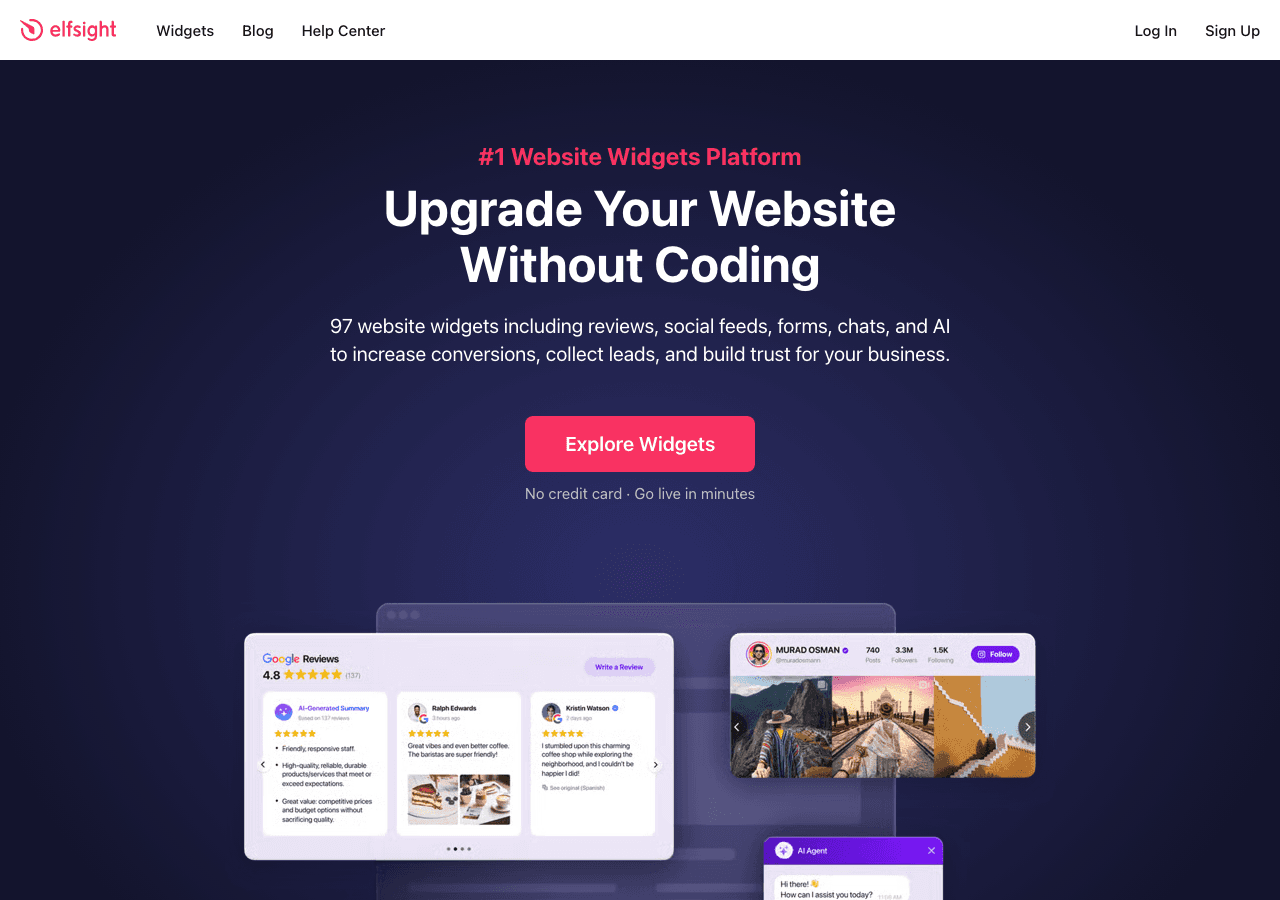
Elfsight is one of the most widely used widget platforms on the market, with a large library of prebuilt components including several testimonials-specific widgets. Its testimonials widget is beginner-friendly and can be set up in minutes using one of many ready-made templates.
The editor lets you configure a testimonial carousel or grid layout, add customer photos and star ratings, adjust colors, and set autoplay speed for sliders. Elfsight also offers a Google Reviews widget separately, so if you want to pull in reviews from your Google Business Profile automatically, you can combine both widgets or use their review-focused product.
The free plan is permanent but places Elfsight branding on your widget and limits views per month. Paid plans start at low monthly rates and scale up based on view volume. The platform works on WordPress, Squarespace, Wix, Webflow, Shopify, and most other builders.
Key Features:
- Multiple testimonial carousel and slider templates
- Star ratings, avatars, name and role fields
- Autoplay and manual navigation controls
- Separate Google Reviews widget available
- Works across all major website builders
Pricing: Free forever plan available (with branding). Paid plans from a few dollars per month with view-based scaling.
Verdict: Elfsight is a good choice if you want a fast, template-driven setup with no design work involved. The free plan is genuinely useful for low-traffic sites. It is less flexible than Embeddable for custom designs but faster to deploy for standard layouts.
4. Involve.me (Testimonial Collection with Funnel Logic)

Involve.me takes a different approach. Rather than focusing purely on displaying testimonials, it is primarily an interactive funnel and form builder. Its strength for testimonials lies in the collection side: you can build multi-step forms that guide customers through leaving a testimonial, then use conditional logic, lead scoring, and integrations to route that data where you need it.
If your main challenge is getting more customers to submit testimonials in the first place, Involve.me's AI-assisted funnel builder is worth considering. The platform includes an AI Form Generator and AI Quiz Generator that can help you build a testimonial collection flow from a simple text prompt. It also supports A/B testing so you can optimize your testimonial request forms over time.
On the display side, Involve.me is more limited. It is not primarily designed to show a customer testimonials widget on your homepage in a carousel format. For that, you would still want to pair it with a display-focused tool. But as a collection and qualification tool, it adds real value.
Key Features:
- AI-powered funnel and form builder for testimonial collection
- Multi-step forms with conditional logic
- A/B testing for form optimization
- Lead scoring and segmentation
- Integrations with CRMs and email platforms
- Automated email triggers after submission
Pricing: Free plan available. Paid plans start at $29 per month, scaling to $59, $129, and custom enterprise tiers.
Verdict: Involve.me is best for teams who struggle to collect testimonials consistently. It is not a display widget in the traditional sense, but it is a powerful collection tool. Pair it with Embeddable to handle both collection and display.
5. Jotform (Form-Based Testimonial Collection)
Jotform is best known as a form builder, but it has enough flexibility to serve as a testimonial collection and rudimentary display tool. You can build a testimonial submission form with star rating fields, text areas, and file uploads for customer photos. Jotform's drag-and-drop editor makes this straightforward, and you can embed the form on any website with a standard embed code.
Where Jotform falls short is on the display side. There is no built-in testimonial carousel or testimonial slider that renders submitted responses in a styled format. You would need to export responses and use another tool, or connect Jotform to Google Sheets and then use Embeddable to display the results as a live customer testimonials widget.
Jotform does offer a broad template library, autoresponder emails, notification emails, and QR code forms. The free plan allows up to five forms and is genuinely functional for small projects.
Key Features:
- Drag-and-drop form builder with testimonial-specific fields
- Star rating, file upload, and text area components
- Autoresponder and notification emails
- Broad integrations with CRMs, Google Sheets, and payment processors
- Large template library
Pricing: Free plan available. Paid plans from around $34 per month billed annually, scaling based on submission volume and feature access.
Verdict: Jotform is a solid testimonial collection tool but not a display solution. It works well as a data-gathering layer when paired with a display tool like Embeddable or Elfsight.
6. Outgrow (Interactive Content with Review Features)
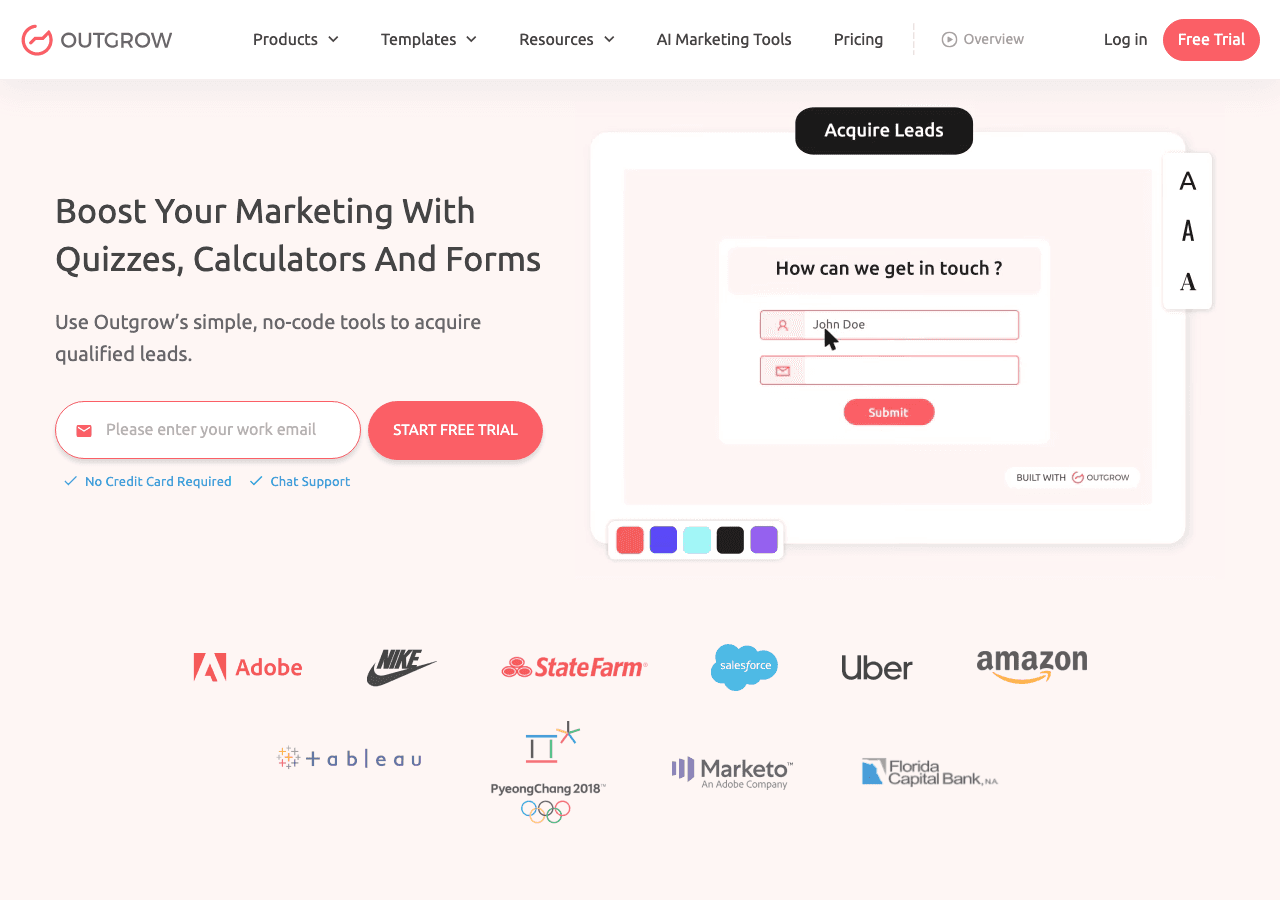
Outgrow is an interactive content platform focused on calculators, quizzes, and assessments that generate leads. It is not a dedicated testimonials widget tool, but it appears here because some businesses use it to collect feedback and social proof through interactive surveys and NPS-style assessments.
Outgrow's strength is engagement. Its interactive content types have higher completion rates than static forms, which can translate into more testimonial submissions if you build a feedback-gathering experience with it. The platform includes real-time analytics and lead acquisition features that make collected data actionable immediately.
That said, Outgrow does not provide a review testimonial widget for display purposes. Like Involve.me and Jotform, it sits on the collection side of the equation. The pricing is also on the higher end, starting at $22 per month for the Freelancer plan and scaling significantly from there.
Key Features:
- Interactive quizzes, surveys, and assessments for testimonial collection
- Real-time analytics and lead capture
- Conditional logic and personalized outcomes
- Integrations with major CRMs and email platforms
- High-engagement formats with above-average completion rates
Pricing: Free trial available. Paid plans start at $22 per month and scale to $45, $115, and $720 per month depending on features and volume.
Verdict: Outgrow is relevant for teams already using interactive content for lead generation who want to add a testimonial or feedback collection step. It is overkill as a standalone testimonials solution and carries a high price tag for that use case alone.
Quick Comparison Table
| Tool | Best For | Display Widget | Collection Tool | Free Plan | Starting Price |
|---|---|---|---|---|---|
| Embeddable | Full design control + display | Yes (carousel, slider, grid) | Yes (via form widget) | Yes | Free |
| Common Ninja | All-in-one widget library | Yes | Limited | Yes | Free tier available |
| Elfsight | Fast template-driven setup | Yes (carousel, grid) | No | Yes (with branding) | Low monthly rate |
| Involve.me | Testimonial collection funnels | No | Yes (AI-powered) | Yes | $29/month |
| Jotform | Form-based collection | No | Yes | Yes | ~$34/month |
| Outgrow | Interactive feedback collection | No | Yes | Trial only | $22/month |
Which Should You Choose?
The right tool depends on where your testimonials challenge actually sits.
If you need a polished display widget that matches your brand, Embeddable is the clear choice. Its drag-and-drop editor, template library, and integration options let you build a custom testimonial carousel or testimonial slider that looks purpose-built, not off-the-shelf. The free plan makes it easy to get started without any upfront commitment.
If you want an all-in-one widget platform with testimonials included, Common Ninja is a strong runner-up. It offers a decent testimonials widget alongside many other widget types, all managed from one dashboard.
If you want the fastest possible setup with no design decisions, Elfsight is the pragmatic choice. Pick a template, configure the basics, paste the embed code, and you are done in under ten minutes.
If your problem is not displaying testimonials but collecting them, Involve.me or Jotform will serve you better. Involve.me is the stronger pick if you want AI-assisted funnel building and A/B testing. Jotform is better if you already use it for other forms and want to keep your toolstack consolidated.
If you are already using interactive content for lead generation, Outgrow can add a testimonial collection step into your existing flows. Just be aware you will need a separate tool to display the results.
For most businesses, the best approach is a combination: use a form (built in Embeddable, Jotform, or Involve.me) to collect testimonials, then display them using an Embeddable testimonials widget that automatically pulls in the latest submissions. This creates a system that stays current with minimal manual effort.
Conclusion
Testimonials are not a nice-to-have. They are a core part of how customers decide whether to trust you. A well-placed customer testimonials widget, a smooth testimonial carousel on your pricing page, or a testimonial slider on your homepage can make a measurable difference in how many visitors convert to customers.
The tools in this list cover the full spectrum, from pure display widgets to collection platforms to interactive content tools. Embeddable sits at the top because it handles both sides of the problem with the most design flexibility, the cleanest embed performance, and the broadest integration options.
Ready to build your own testimonials widget? Start for free at embeddable.co/free-testimonials-widgets and have something live on your site today.
If you found this guide useful, you might also be interested in related topics covered on Embeddable. Learn how to build social proof notification widgets to complement your testimonials, explore the best social proof widgets and notification tools available right now, or read the guide on how to increase website engagement with custom widgets. If you are looking beyond testimonials, the best Google Reviews widgets guide covers tools that pull in live review data automatically, and the best interactive content tools for websites is worth reading if you want to build a broader engagement strategy around social proof.
Build Any Widget with AI in Seconds
Forms, calculators, quizzes, popups & any custom widget — describe it and AI builds it.
Try It FreeFree tier · No credit card