Best Video Carousel Widgets for Websites in 2026


Video is no longer optional for websites that want to hold visitor attention. Studies consistently show that pages with video content see higher dwell time, lower bounce rates, and stronger conversion rates compared to text-only pages. But a single embedded video on a page is one thing. A polished, interactive video carousel widget is another entirely.
A video carousel lets you display multiple videos in a compact, scrollable format. Instead of stacking videos vertically and making visitors scroll forever, a video slider keeps your content organized, browsable, and visually engaging. Whether you are showcasing product demos, testimonials, tutorials, or course content, the right video carousel widget can transform how visitors interact with your site.
The challenge is that not every tool marketed as a "video carousel builder" actually delivers. Some offer rigid templates with almost no customization. Others load slowly, break on mobile, or require you to touch code just to change a color. A few are genuinely excellent, and those are what this post is about.
Here are the best video carousel widgets for websites in 2026, ranked by how well they actually perform.
What Makes a Great Video Carousel Widget?
Before getting into the tools, it helps to know what separates a mediocre video carousel from a great one. Here is what to evaluate:
Customization depth. A strong video carousel template should let you control layout, number of visible slides, thumbnail style, autoplay behavior, and brand colors without writing a single line of code.
Embed flexibility. The widget should generate a clean embed code that works on any platform, whether you are on WordPress, Webflow, Squarespace, Shopify, Framer, or a custom site.
Mobile responsiveness. A video carousel website element must look and behave correctly on phones and tablets. Most web traffic is mobile, so this is non-negotiable.
Video source support. The best tools support YouTube, Vimeo, and direct video file URLs. Some support additional platforms like TikTok or Wistia.
Performance. Carousels that load all videos at once can tank page speed. Lazy loading and lightweight code are essential.
Ease of use. The widget builder should be visual and intuitive. Non-technical users should be able to build and publish a video slider without help from a developer.
Pricing. A free plan or low-cost entry point matters, especially for small businesses and freelancers who need professional results without a large budget.
With those criteria in mind, here are the top six picks for 2026.
1. Embeddable (Best Overall)
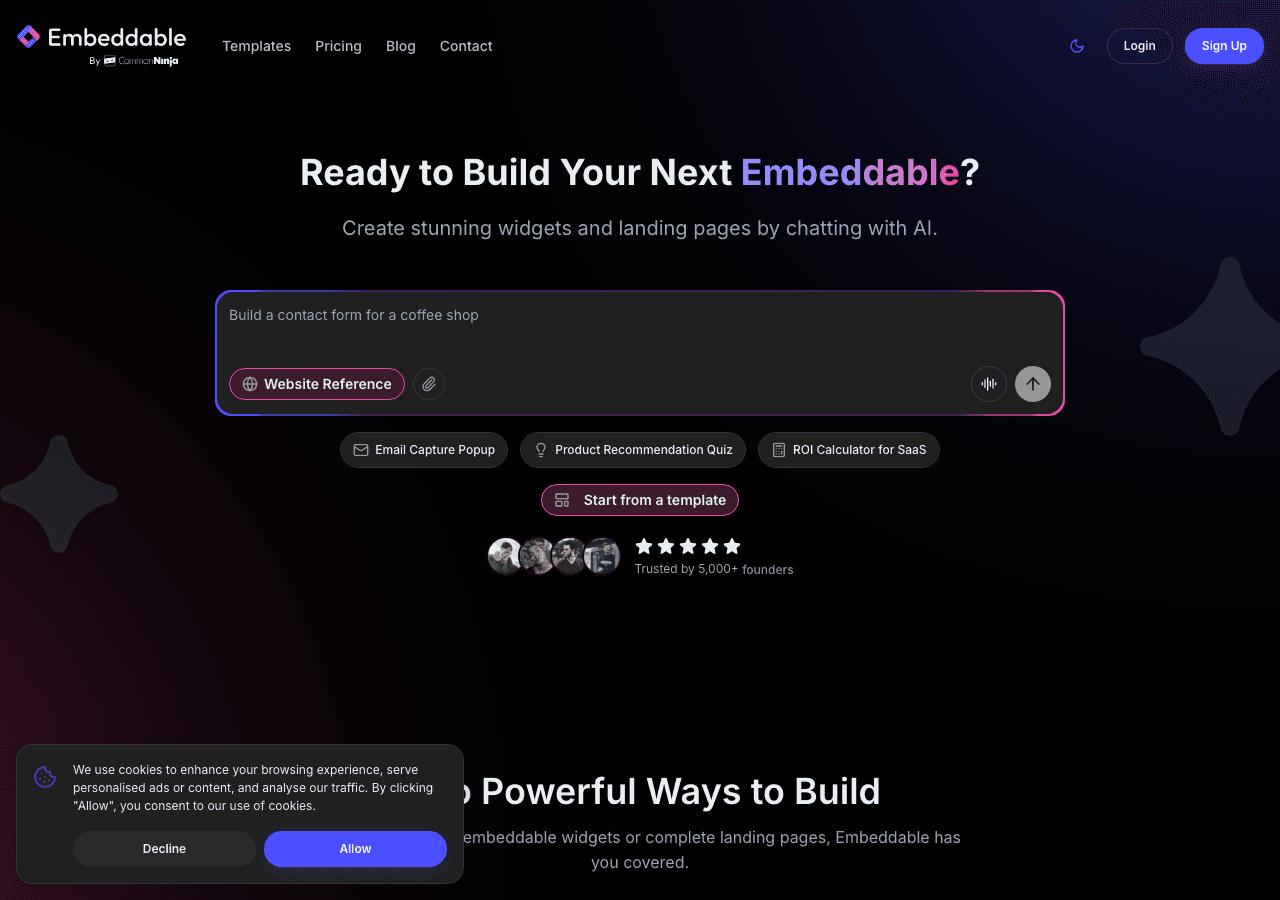
Embeddable is the most capable and flexible video carousel widget builder available in 2026. It is a no-code platform built specifically for creating embeddable interactive components, and video carousels are one of its strongest use cases.
What sets Embeddable apart is the combination of deep customization and genuine ease of use. The visual editor is drag-and-drop, and the video gallery widget templates are polished enough to use out of the box. But you are never locked into a template. You can adjust the number of slides shown at once, control transition effects, set autoplay and loop behavior, add captions or labels, and match every visual detail to your brand.
Embeddable supports YouTube and Vimeo embeds natively, which covers the vast majority of use cases. You can mix and match video sources within a single carousel, which is handy when your content lives across multiple platforms. The embed code is clean and lightweight, and the widget is built with performance in mind, using lazy loading so videos do not bog down your page speed.
The platform also connects with popular integrations including Google Analytics, Mailchimp, HubSpot, and Stripe, meaning your video carousel can do more than just display content. You can combine a video slider with a lead capture form, a quiz, or a call-to-action popup, all within the same embeddable widget.
The embed code works across all major platforms. Whether your site is on Webflow, WordPress, Squarespace, Framer, Shopify, or a custom-built setup, you drop the code in and the widget appears exactly as designed. Embeddable also has dedicated platform documentation so you are never guessing about how to get the widget live.
There is a free plan that gives you access to core widget types with reasonable usage limits. Paid plans start at affordable rates and unlock higher traffic volumes, more widgets, and additional features like custom domains and advanced integrations.
Key features:
- Drag-and-drop visual editor with no coding required
- Supports YouTube, Vimeo, and direct video embeds
- Fully responsive and mobile-optimized
- Lightweight embed code with lazy loading
- Integrates with Google Analytics, HubSpot, Mailchimp, and more
- Works on any website platform
- Combine video carousels with forms, quizzes, and popups
Pricing: Free plan available. Paid plans start at a low monthly rate with volume-based tiers.
Verdict: Embeddable is the clear first choice for anyone who wants a professional, fully customizable video carousel widget without hiring a developer. The combination of design flexibility, platform compatibility, integration depth, and a usable free tier makes it the best overall option in 2026.
You can get started with a free video carousel widget right now and have it embedded on your site in minutes.
2. Common Ninja
Common Ninja is a solid second choice for video carousel widgets, especially for users who want a straightforward widget builder with a wide library of pre-built components.
Common Ninja offers a dedicated video slider widget that works well for displaying YouTube and Vimeo content in a clean, browsable format. The editor is visual and relatively easy to navigate, with options for controlling slide count, navigation arrows, dots indicators, and basic styling. The widget generates an embed code that works across most major website builders.
One of Common Ninja's strengths is its breadth. Beyond video carousels, the platform covers dozens of widget types, so if you need other components alongside your video gallery widget, you can build them all in the same place. The platform also includes built-in analytics, which is useful for tracking how visitors interact with your content.
The free plan exists and is genuinely usable, though it comes with branding and limited customization. Paid plans remove the branding and unlock additional design controls, with pricing that is reasonable for individual creators and small teams.
Key features:
- Dedicated video slider widget with visual editor
- YouTube and Vimeo support
- Embed code works across major platforms
- Wide library of other widget types
- Built-in analytics
- Free plan available with upgrade options
Pricing: Free plan available. Paid plans unlock full customization and remove branding.
Verdict: Common Ninja is a strong second option, particularly if you are already using the platform for other widgets. The video carousel template selection is decent, and the overall experience is polished enough for most use cases.
3. Elfsight
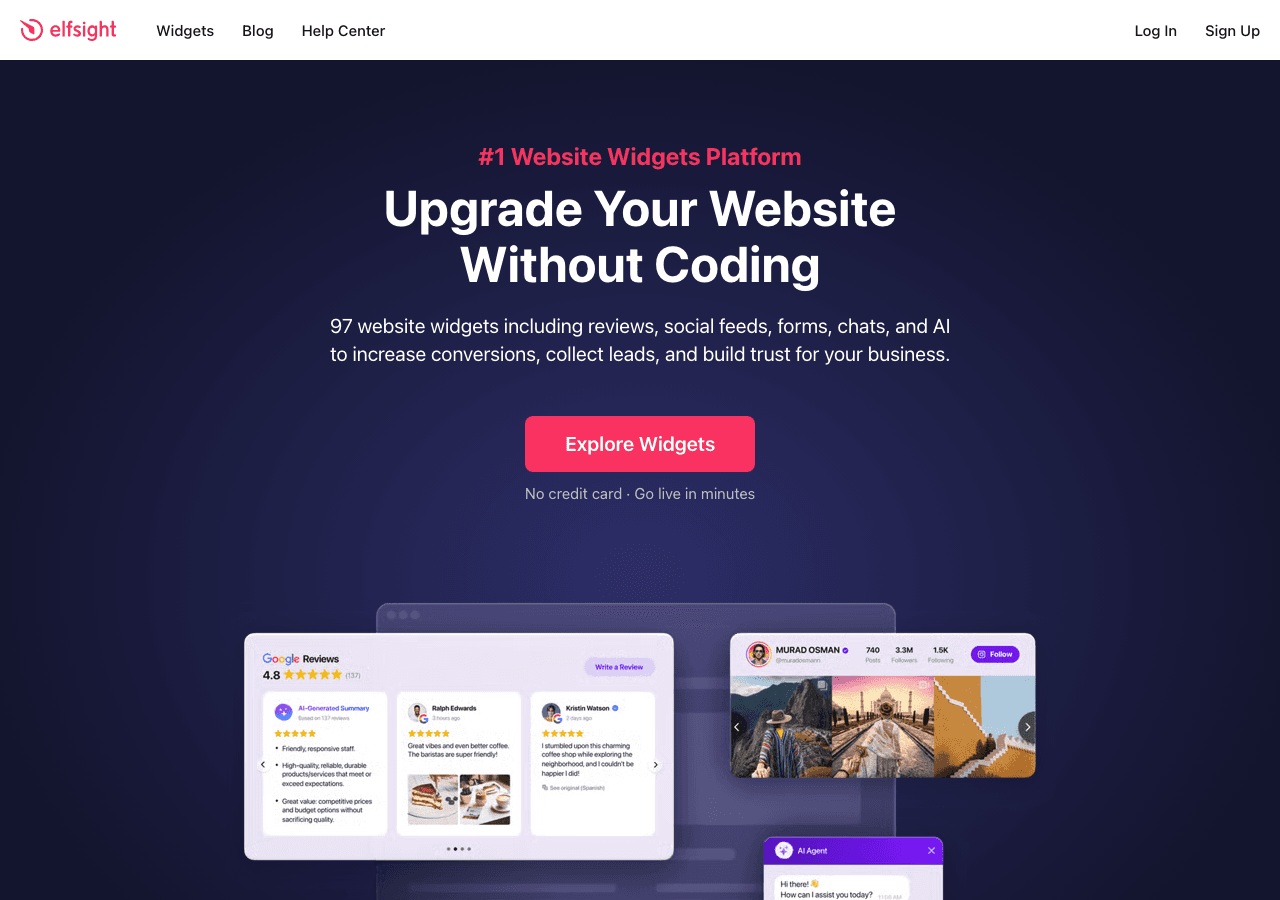
Elfsight is one of the most well-known widget platforms on the market, and it includes a capable video gallery widget as part of its catalog. The platform has been around long enough to iron out most usability issues, and the video carousel template options it offers are visually appealing and easy to configure.
The Elfsight video widget builder supports YouTube, Vimeo, and direct video URLs. You can choose from several layout styles including carousel, grid, and list, which gives you some flexibility in how your video content is presented. Navigation controls, autoplay settings, and thumbnail display are all configurable through the visual editor.
One thing to note is that Elfsight's widget performance can vary. Because the widget loads from Elfsight's servers, page speed is partially dependent on their infrastructure, and some users report occasional slowness on shared plans. That said, the overall reliability is good.
Elfsight has a free forever plan with no credit card required, which is one of the more generous free offerings in this category. Paid plans are tiered by monthly page views, which can get expensive if your site sees significant traffic.
Key features:
- Video carousel and gallery layouts
- YouTube, Vimeo, and direct video support
- Visual editor with autoplay and navigation controls
- Free forever plan, no credit card required
- Works on most website platforms
Pricing: Free forever plan. Paid plans start at a low monthly rate with view-based pricing tiers.
Verdict: Elfsight is a reliable choice for users who want a quick video carousel website solution with a truly free entry point. The view-based pricing model is worth understanding before committing if your site has high traffic.
4. Jotform

Jotform is primarily known as a form builder, but it has expanded significantly into app and widget territory, and its video carousel capabilities are worth mentioning for teams already embedded in the Jotform ecosystem.
Jotform's drag-and-drop interface lets you incorporate video sliders into forms, apps, and landing pages. If you are building a multi-step form or survey that includes video content at specific steps, Jotform handles that combination well. The video gallery widget functionality is more embedded within the app builder than it is a standalone carousel component, which is an important distinction.
For pure video carousel website use cases, Jotform is not the most elegant solution. But if you need video presentation alongside form data collection, the platform does it reasonably well. The embed options are solid, and the resulting pages work across devices.
Jotform has a free plan with meaningful limits. Paid plans scale based on submission volume and feature access.
Key features:
- Video components within forms and app pages
- Drag-and-drop builder
- Strong form and data collection features alongside video
- Embed code for forms and apps with video elements
- Free plan available
Pricing: Free plan available. Paid plans start at a monthly rate with tiered features.
Verdict: Jotform is best for teams that need video content integrated into forms or data collection flows. As a standalone video carousel builder, it is not the first choice, but it earns its place for hybrid form-plus-video use cases.
5. Involve.me

Involve.me is an interactive content platform with funnel-building at its core. Like Jotform, it approaches video carousel functionality from the angle of embedding video within broader interactive experiences rather than offering a dedicated video slider widget.
Where Involve.me shines is in combining video content with quizzes, calculators, lead capture forms, and personalized content paths. If you want a video carousel template that feeds into a lead generation flow, with viewers segmented based on which videos they watch or how they respond to follow-up questions, Involve.me has tools to build that kind of experience.
The platform uses an AI funnel generator and drag-and-drop editor that makes it relatively fast to build multi-step interactive pages. The video widget component can be placed at any step in the funnel, and transitions between steps are smooth.
Involve.me starts at $29 per month for paid plans, which is on the higher end for small projects. There is a free plan to test the platform, but meaningful functionality requires a paid subscription.
Key features:
- Video components within multi-step interactive funnels
- AI funnel and content generator
- Lead scoring and segmentation
- Personalized content paths based on user behavior
- Trigger emails and integrations automatically
Pricing: Free plan available. Paid plans start at $29 per month.
Verdict: Involve.me is worth considering if your goal is to use video as part of a larger interactive marketing funnel. For a straightforward video carousel website widget, the platform is more complex than necessary.
6. Calconic
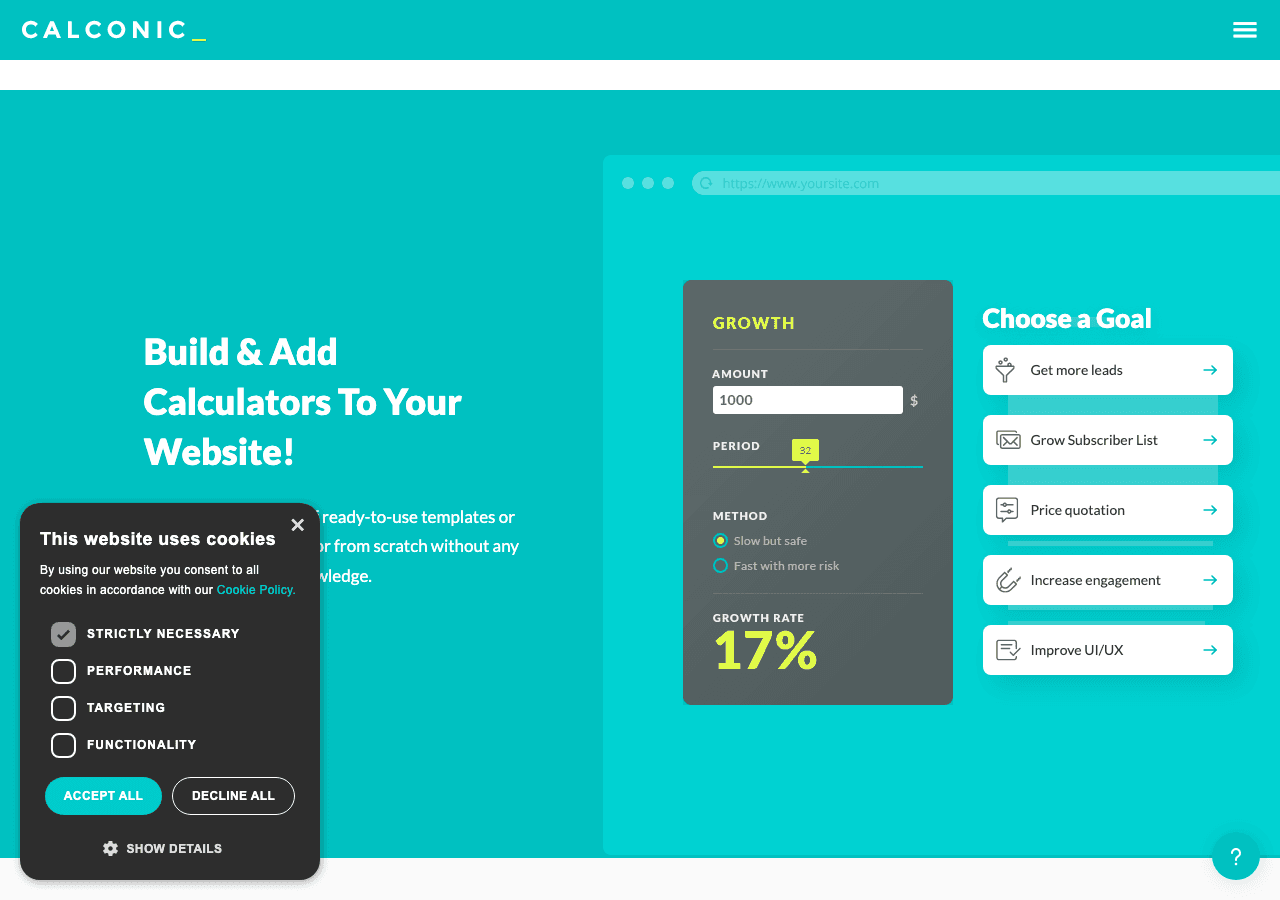
Calconic is primarily a calculator builder, and it earns its reputation in that category. Its relevance to video carousels is limited, but it is worth a mention for a specific niche use case: embedding video content within interactive calculator or quote generator workflows.
If you are building a pricing calculator for a video production agency, for example, you might want to show video portfolio samples alongside the calculator. Calconic supports multimedia elements within its widget builder, which makes that kind of hybrid experience possible.
For straightforward video slider or video gallery widget needs, Calconic is not the right tool. The formula editor and conditional logic that make it excellent for calculators are not what you need when you just want a clean, scrollable video carousel. But for businesses in the calculator space that also want to showcase video, it is an option.
Calconic offers a free plan to start building, with a 14-day free trial on paid features. Paid plans unlock more calculators and advanced functionality.
Key features:
- Calculator builder with multimedia element support
- Friendly formula editor
- Multi-step and conditional element visibility
- Collect payments and mail results
- Free plan with 14-day trial on paid features
Pricing: Free plan available. Paid plans unlock advanced features and more widgets.
Verdict: Calconic belongs on this list only for the narrow use case of combining video display with calculator functionality. For dedicated video carousel needs, look at the tools above.
Quick Comparison Table
| Tool | Free Plan | Video Carousel | Customization | Mobile-Ready | Best For |
|---|---|---|---|---|---|
| Embeddable | Yes | Dedicated widget | Very high | Yes | Best overall, any website |
| Common Ninja | Yes | Dedicated widget | High | Yes | Multi-widget projects |
| Elfsight | Yes (forever) | Dedicated widget | Medium-High | Yes | Quick setup, generous free tier |
| Jotform | Yes | Embedded in forms/apps | Medium | Yes | Video + form data collection |
| Involve.me | Yes | Embedded in funnels | Medium | Yes | Interactive marketing funnels |
| Calconic | Yes | Embedded in calculators | Low | Yes | Calculator + video niche |
Which Should You Choose?
The right tool depends on what you are actually trying to accomplish with your video carousel.
Choose Embeddable if you want the most flexible, customizable video carousel widget available without writing code. It handles everything from simple video sliders to complex interactive widgets that combine video with lead forms, quizzes, and calls to action. It works on every major website platform, loads fast, and has a free tier that is genuinely useful. If you are building a video carousel website element and want it to look professional and perform well, Embeddable is the answer.
Choose Common Ninja if you are already using the platform for other widgets and want to keep everything in one place. The video carousel template options are solid, and the platform's breadth means you can build your entire widget stack in one tool.
Choose Elfsight if you want the simplest possible path to a live video gallery widget and appreciate a truly free forever plan. The view-based pricing model can become a limitation as traffic grows, but for lower-traffic sites it is a strong option.
Choose Jotform if you are building a form or survey that incorporates video content at specific steps, and you are already working within the Jotform ecosystem. It is not a dedicated video carousel builder, but it handles the combination of video and data collection well.
Choose Involve.me if you want to use video carousel content as part of a larger interactive funnel with lead scoring, personalization, and automated follow-up. The price point is higher, but the funnel-building capabilities are genuinely powerful.
Choose Calconic only if you specifically need video content embedded within a calculator or quote tool workflow. For standard video slider needs, it is not the right fit.
Conclusion
A well-designed video carousel widget can meaningfully improve how visitors engage with your website. Whether you are showcasing product demos, client testimonials, course previews, or portfolio work, presenting video content in a clean, interactive slider keeps people on your page longer and makes your content easier to browse.
Of all the tools reviewed here, Embeddable stands out as the most capable and versatile option for 2026. The combination of deep customization, fast embed code, cross-platform compatibility, and a usable free plan makes it the best choice for businesses, creators, and developers alike.
Ready to build your own video carousel? Start for free at embeddable.co/free-video-carousel-widgets and have a polished, embeddable video slider live on your site today.
If you are exploring other interactive widgets for your website, you might find these resources useful. Learn how to build a custom image carousel for your website using a no-code editor, or explore the full range of free widgets available for any website. If video is part of a broader media strategy, check out the guide to embeddable media players and the roundup of best audio player widgets for 2025. For teams using Webflow or Framer, the embeddable widgets overview covers everything you need to know about dropping interactive components into modern website builders.
Build Any Widget with AI in Seconds
Forms, calculators, quizzes, popups & any custom widget — describe it and AI builds it.
Try It FreeFree tier · No credit card