Best Free Widgets for Websites in 2026 (Tested & Ranked)


Your website has about 8 seconds to grab a visitor's attention before they bounce. Plain text and static images just don't cut it anymore — interactive widgets are what keep people engaged, convert visitors into leads, and turn one-time visitors into repeat customers.
The good news? You don't have to spend a fortune to add powerful, interactive elements to your site. There's a growing ecosystem of tools offering free widgets for websites that can help you add calculators, quizzes, forms, popups, booking calendars, and much more — all without hiring a developer.
According to recent UX research, websites with interactive elements see 2x higher engagement rates compared to static pages. Meanwhile, marketers who use interactive content report generating twice as many conversions as those using passive content. The ROI is clear.
But with dozens of widget builders out there, which ones actually deliver on the "free" promise without crippling limitations? We tested the top platforms so you don't have to. Here's everything you need to know.
What Makes a Great Free Website Widget?
Before we dive into the rankings, let's set the evaluation criteria. Not all free plans are created equal — some are genuinely useful, while others are little more than glorified demos designed to force an upgrade. Here's what we looked for:
- True free tier: Does the free plan actually let you build and deploy a working widget, or is it just a trial?
- Widget variety: Can you build multiple types of widgets (forms, calculators, quizzes, popups, etc.) from one platform?
- Ease of use: How fast can a non-developer go from idea to embedded widget?
- Embed flexibility: Does the widget work on any website — Webflow, WordPress, Shopify, Squarespace, and beyond?
- Customization: Can you match the widget to your brand without upgrading?
- Performance: Does the widget load fast and look good on mobile?
- Integrations: Does it connect to tools you already use (Google Analytics, HubSpot, Mailchimp, etc.)?
With those criteria in mind, let's look at the best options available today.
1. Embeddable.co — Best Overall Free Widget Builder for Websites

Embeddable.co is the most versatile and beginner-friendly widget builder available in 2026. What sets it apart from every other tool on this list is the sheer breadth of widget types you can create from a single platform — all with a no-code drag-and-drop editor and a genuinely usable free plan.
Whether you need a popup to capture leads, a quiz to engage visitors, a calculator to help customers make decisions, a booking widget to fill your calendar, or a form to collect data — Embeddable handles all of it. This isn't a one-trick pony. It's a full widget ecosystem.
Key Features
- Massive widget library: Build calculators, quizzes, forms, popups, countdown timers, chatbots, maps, testimonials, image carousels, social proof notifications, pricing tables, and dozens more — all from one platform.
- AI-powered building: Embeddable's AI assistant helps you generate widget layouts, suggest content, and speed up your workflow significantly.
- Platform-agnostic embedding: Works on WordPress, Shopify, Webflow, Squarespace, Framer, Wix, Elementor, and many more platforms.
- Rich integrations: Connect to Google Analytics, HubSpot, Mailchimp, Stripe, Airtable, Google Sheets, Klaviyo, Slack, OpenAI, and more.
- Templates for every use case: From lead generation to ecommerce calculators, there's a ready-made starting point for nearly every business need.
- Mobile-first design: Every widget is responsive out of the box.
- Landing pages: Beyond widgets, Embeddable also lets you build full landing pages and link-in-bio pages.
Pricing
Embeddable offers a free plan that lets you start building and embedding widgets immediately — no credit card required. Paid plans unlock higher usage limits, advanced integrations, custom domains, and priority support. Check the pricing page for current details.
Verdict
If you could only pick one widget builder for your website, Embeddable.co would be the clear choice. It covers more ground than any competitor, requires zero coding knowledge, and gives you a genuinely functional free tier. Whether you're a solopreneur, marketer, agency, or developer, there's something here for you. Start exploring the free widget gallery to see just how many possibilities exist.
Best for: Anyone who wants a single tool that handles all their website widget needs.
2. Jotform — Best Free Form-Focused Widget Builder
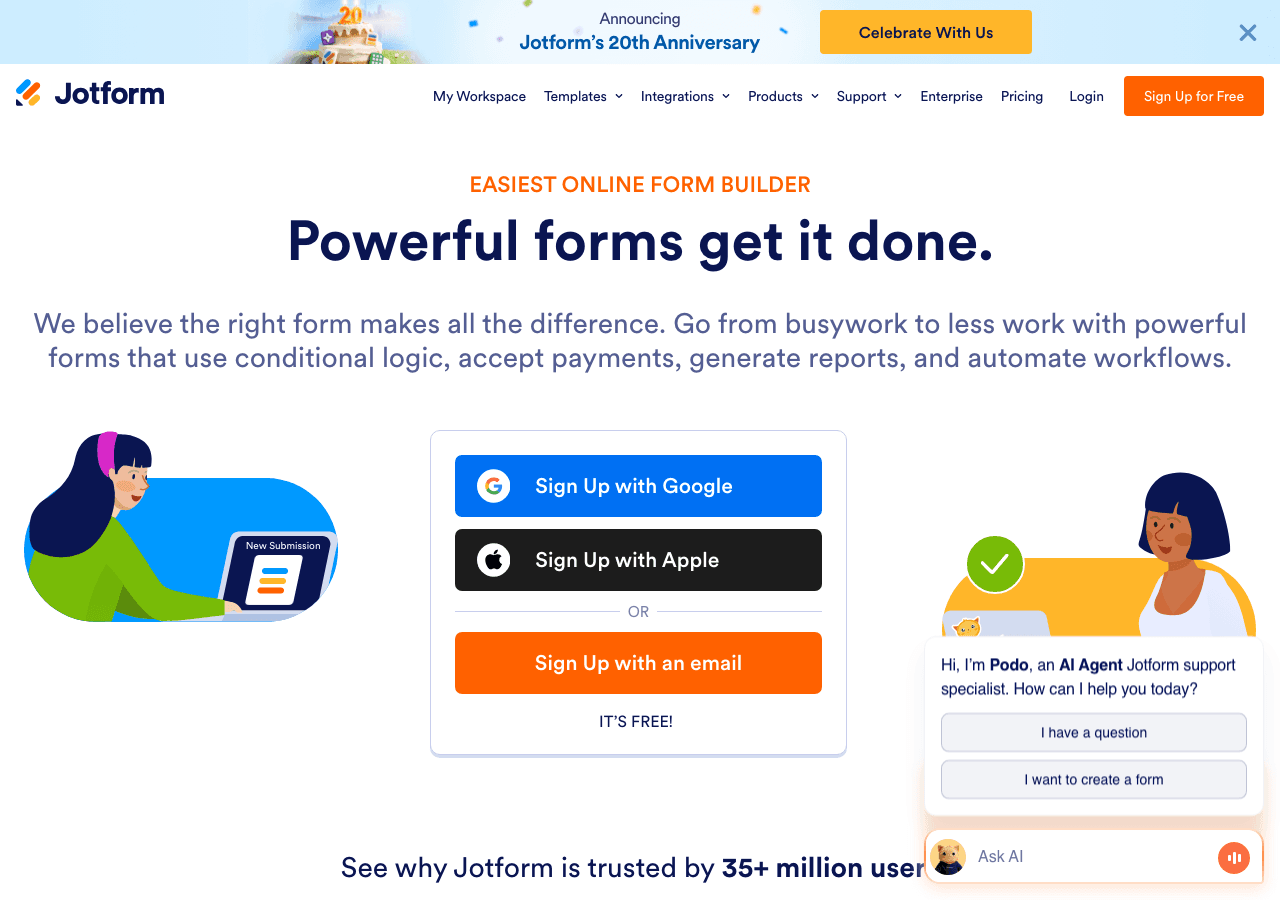
Jotform is one of the most popular form builders in the world, and for good reason. It offers a powerful drag-and-drop interface, thousands of templates, and a free plan that covers basic use cases reasonably well.
Key Features
- Drag-and-drop form builder with hundreds of field types
- Thousands of pre-built form templates (contact forms, surveys, job applications, consent forms, etc.)
- File upload support, e-signature fields, and payment collection via Stripe and PayPal
- Autoresponder emails and notification settings
- Conditional logic for multi-step forms
- Embed code for virtually any website platform
Pricing
Jotform offers a free plan with up to 5 forms, 100 monthly submissions, and 100MB of storage. Paid plans start at a few dollars per month and scale based on submission volume and storage needs.
Verdict
Jotform is excellent if your primary need is forms — contact forms, surveys, registration forms, or application forms. It's less ideal if you want to build interactive calculators, quizzes, or popups, where Embeddable.co offers significantly more flexibility. The free plan's 100-submission cap can also become limiting quickly for growing websites.
Best for: Businesses whose primary widget need is standard web forms.
3. Wix — Best Free Widget Option for Wix-Hosted Websites
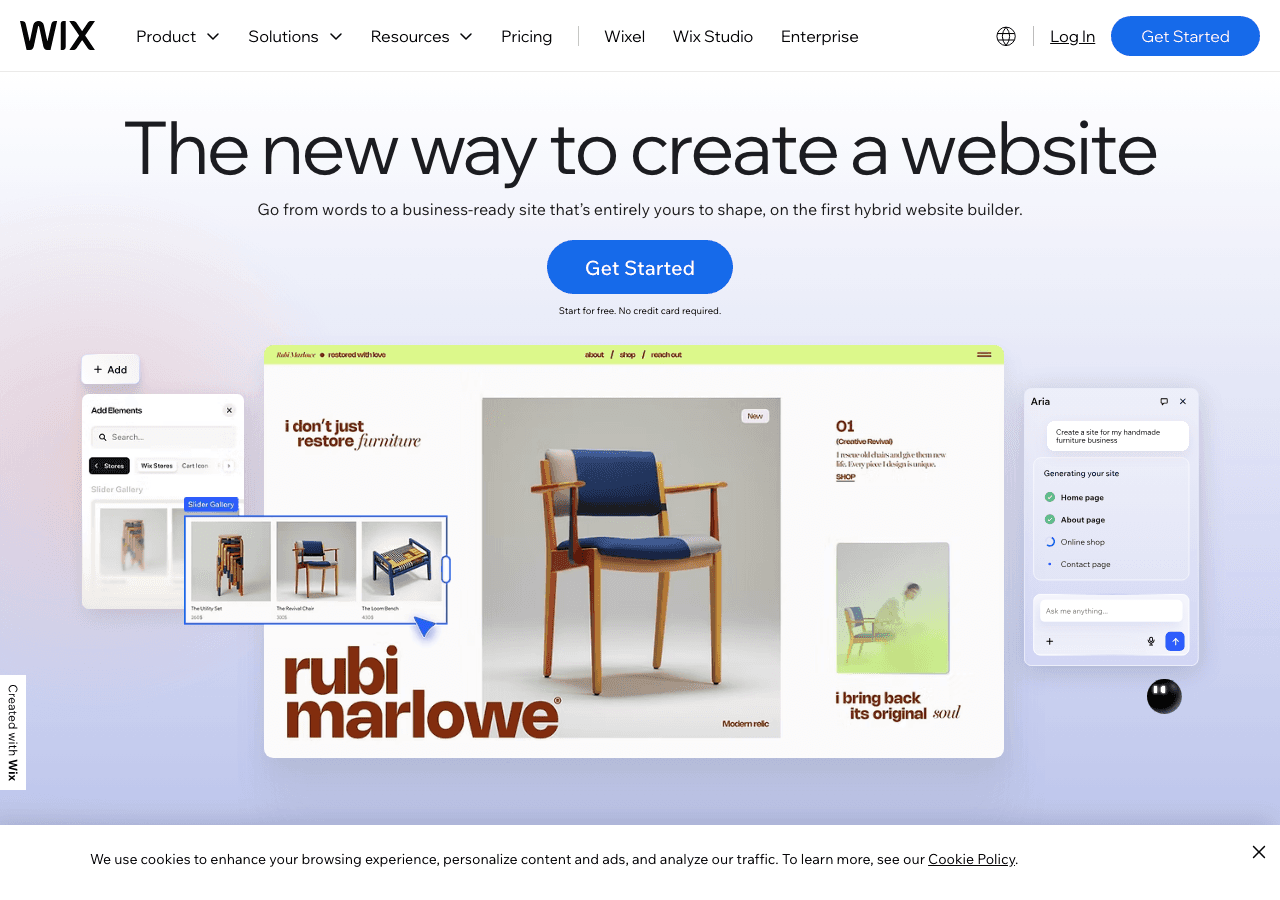
Wix is primarily a website builder, but its app marketplace and built-in widget capabilities make it worth mentioning. If you already host your site on Wix, you have access to a range of free widgets through their App Market, including forms, chat, social feeds, countdown timers, and more.
Key Features
- Built-in drag-and-drop widget placement within the Wix editor
- Access to the Wix App Market for third-party widget integrations
- Native widgets include forms, galleries, video players, maps, social buttons, and countdown timers
- Wix Chat for basic live chat functionality
- Event management widgets for bookings and RSVPs
Pricing
Wix is free to use with their branded domain and Wix branding. Paid plans start around $16/month and remove ads, provide a custom domain, and unlock more storage and bandwidth. App Market widgets may have their own separate pricing.
Verdict
Wix widgets work well if you're already a Wix user — but they're locked into the Wix ecosystem. You can't take a Wix widget and embed it on a Shopify, WordPress, or Webflow site. This makes it a poor choice for anyone with a non-Wix website. For platform-agnostic widget building, Embeddable.co remains the stronger pick.
Best for: Wix website owners who want basic built-in widgets without leaving their platform.
4. Outgrow — Best Free Trial for Interactive Content Marketing
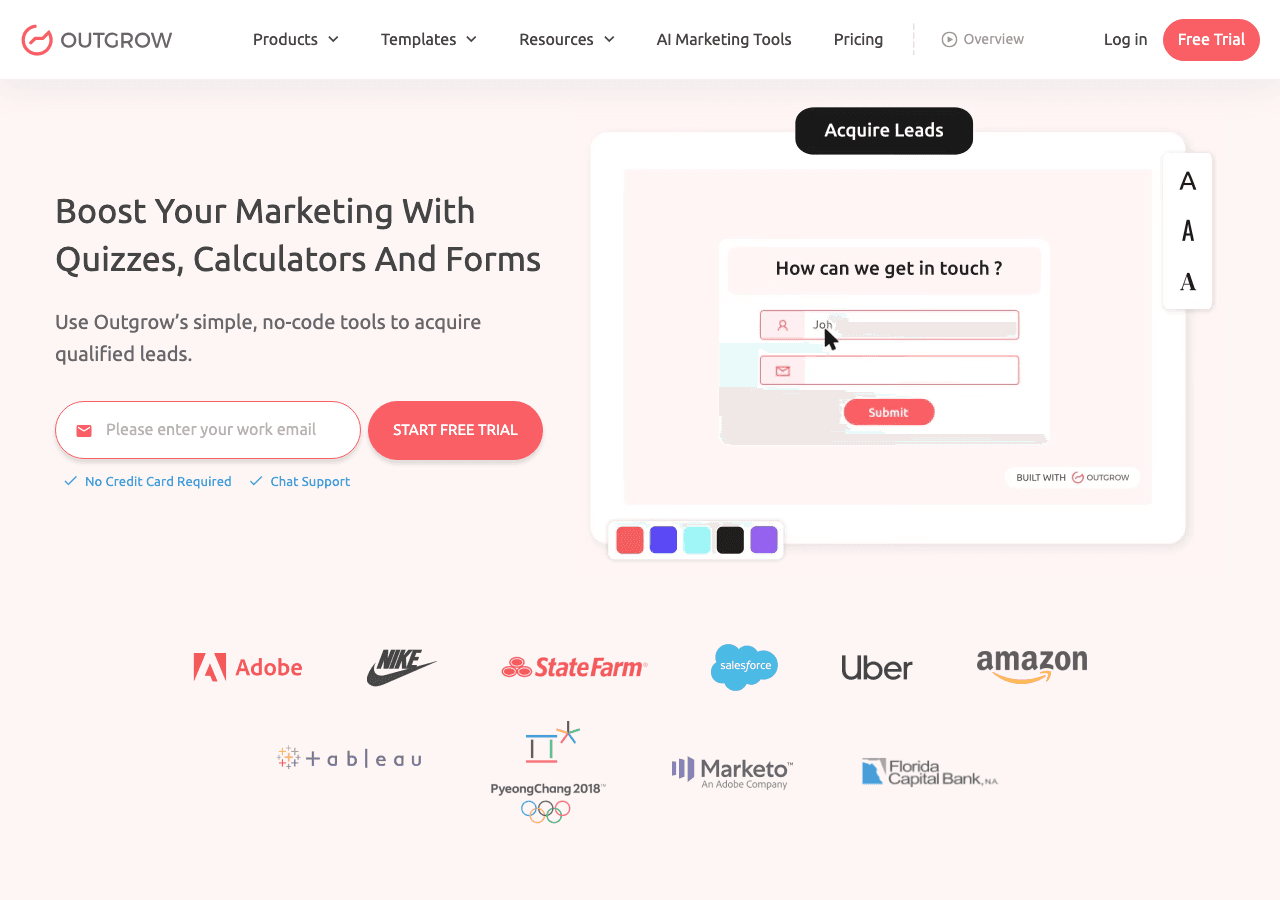
Outgrow is a specialized interactive content platform focused on calculators, quizzes, polls, surveys, and chatbots for lead generation and content marketing. It's particularly popular among B2B marketers who want to use interactive content to move prospects through a funnel.
Key Features
- Interactive calculators, quizzes, assessments, surveys, and polls
- Outcome-based quiz logic and product recommendation flows
- Real-time analytics showing user interaction trends and conversion data
- CRM and email marketing integrations (HubSpot, Salesforce, Mailchimp, etc.)
- Lead capture forms embedded within interactive experiences
- A/B testing for optimization
Pricing
Outgrow offers a free trial (not a permanent free plan). After the trial, paid plans start at approximately $22/month (billed annually). There's no ongoing free tier, which is a significant limitation compared to other tools on this list.
Verdict
Outgrow is powerful for content marketers focused on lead acquisition and interactive campaigns, but the lack of a permanent free plan is a real drawback for small businesses and bootstrapped projects. The pricing can also add up quickly. If you need similar interactive quiz and calculator functionality without the recurring cost, Embeddable.co's free quiz widgets and free calculator widgets are a compelling free alternative.
Best for: Mid-market B2B marketers with a dedicated budget for interactive content.
5. Involve.me — Best Free Funnel-Focused Widget Builder
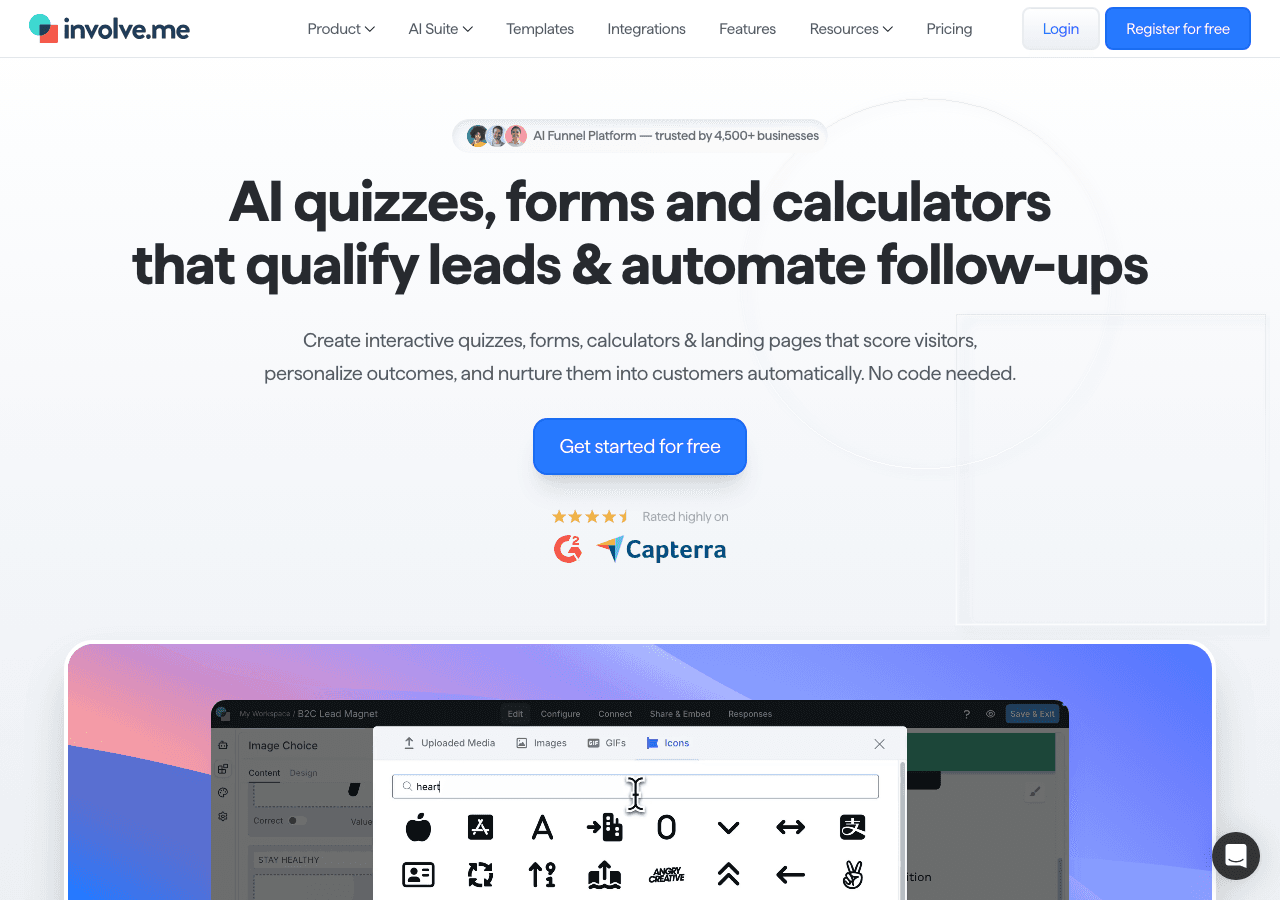
Involve.me positions itself as a funnel builder that combines forms, quizzes, calculators, surveys, and payment collection into multi-step interactive experiences. It's a solid tool for businesses wanting to guide visitors through a defined conversion path.
Key Features
- AI-powered funnel generator for quick setup
- Drag-and-drop builder for forms, quizzes, assessments, and calculators
- A/B testing to optimize conversion rates
- Lead scoring and segmentation based on quiz/form answers
- Email trigger automation and webhook integrations
- Conditional logic for personalized content paths
- Custom branding and domain options (paid tiers)
Pricing
Involve.me has a free plan that allows basic publishing with limited responses per month. Paid plans start at $29/month, scaling to $59/month, $129/month, and custom enterprise pricing from $399/month. Additional seats are $10/user/month.
Verdict
Involve.me is a thoughtful funnel builder with genuinely useful AI features, but the free plan is fairly restricted and the paid tiers can become expensive fast — especially when you add extra seats or custom domains. Businesses wanting a more affordable path to interactive widgets with similar multi-step logic will find Embeddable.co's lead generation widgets and form widgets highly competitive.
Best for: Marketing teams focused on building guided conversion funnels with A/B testing.
6. Calconic — Best Free Calculator Widget Builder
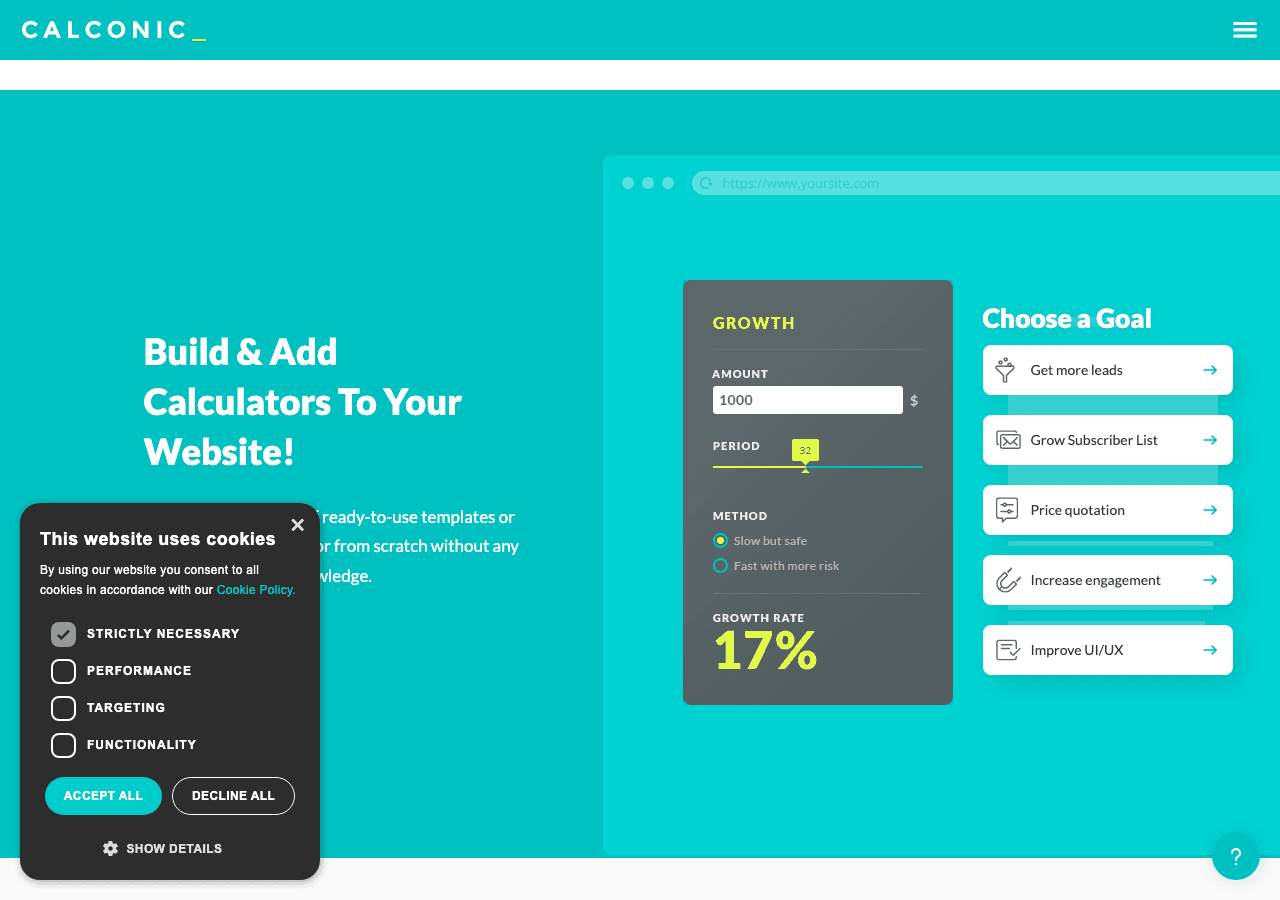
Calconic is a focused calculator builder designed specifically for businesses that need embeddable calculators. Think mortgage calculators, ROI calculators, pricing estimators, BMI calculators, and other numerical tools that help visitors make decisions.
Key Features
- Drag-and-drop formula editor for building custom calculators
- Order forms with payment collection support
- Email results functionality (send calculator outputs to users)
- Value lookup tables for complex conditional calculations
- Multi-step calculator flows
- Conditional element visibility based on user inputs
- Embed code for use on any website
Pricing
Calconic offers a free plan to build your first custom calculator, though it has significant limitations. Advanced features and additional calculators require upgrading to a paid plan. A 14-day free trial is available for paid tiers.
Verdict
If calculators are your sole focus, Calconic does the job. It handles formulas and conditional logic well and has a clean interface for calculator-specific builds. However, it's a narrow tool — you can't build quizzes, popups, forms (beyond calculator-adjacent order forms), or other widget types. Embeddable.co's free calculator widgets cover most of the same ground while also giving you access to dozens of other widget categories. For a mortgage calculator specifically, see Embeddable's mortgage calculator widgets.
Best for: Businesses that exclusively need embeddable calculators and nothing else.
Quick Comparison Table
| Tool | Free Plan | Widget Types | Embed Anywhere | Integrations | Best For |
|---|---|---|---|---|---|
| Embeddable.co | ✅ Yes (permanent) | 50+ types | ✅ Yes | 20+ | All-in-one widget building |
| Jotform | ✅ Yes (limited) | Forms only | ✅ Yes | Many | Standard web forms |
| Wix | ✅ Yes (platform-locked) | Basic widgets | ❌ Wix only | Limited | Wix website owners |
| Outgrow | ⚠️ Trial only | Calculators, quizzes, polls | ✅ Yes | Many | B2B content marketing |
| Involve.me | ✅ Yes (limited) | Funnels, quizzes, forms | ✅ Yes | Many | Conversion funnel building |
| Calconic | ✅ Yes (1 calculator) | Calculators only | ✅ Yes | Limited | Embeddable calculators |
Which Should You Choose?
Here's a quick decision guide based on your specific situation:
"I want one tool that handles everything." → Go with Embeddable.co. Nothing else comes close to the widget variety, free plan generosity, and ease of use you get from a single platform.
"I just need a contact form or survey." → Jotform is a solid option for basic form needs, though Embeddable's free form widgets are equally capable and give you room to grow into other widget types later.
"I'm building my site on Wix." → Start with built-in Wix widgets for the basics, but consider using Embeddable.co for more advanced interactive elements like quizzes or calculators, which can be embedded into Wix pages via code block.
"I'm a B2B marketer with a dedicated content budget." → Outgrow is worth trialing if you're specifically focused on interactive content marketing campaigns. But check whether the pricing makes sense for your volume.
"I need multi-step quizzes and funnels." → Involve.me and Embeddable.co both handle this well. Embeddable's product recommendation quiz widgets and lead generation quiz widgets are excellent free starting points.
"I just need one good calculator widget." → Calconic works, but if you think you might want other widget types in the future, build your calculator with Embeddable.co's calculator builder and keep your options open.
Tips for Getting the Most Out of Free Widgets
Before we wrap up, here are a few practical tips to maximize the impact of the free widgets you add to your website:
-
Match your brand: Always customize widget colors, fonts, and language to match your website's visual identity. A jarring widget design destroys trust.
-
Place strategically: High-intent pages (pricing pages, product pages, blog posts) tend to get the most widget engagement. Don't just stick a widget on your homepage and forget it.
-
Use exit-intent popups wisely: An exit-intent popup can recover abandoning visitors — but only if the offer is genuinely compelling. Pair it with a lead magnet, discount, or quiz.
-
Connect to your CRM: Widget submissions are only as valuable as what you do with them. Connect to HubSpot, Mailchimp, or your email tool so leads flow directly into your nurture sequence.
-
A/B test your widgets: Even small changes (button text, color, headline) can significantly impact conversion rates. Use platform analytics to identify what's working.
-
Keep it mobile-friendly: More than half of all web traffic is mobile. Always preview your widget on a phone before publishing.
Conclusion
Adding free widgets to your website is one of the highest-leverage things you can do to improve engagement, capture leads, and increase conversions — without spending a dime. The tools above each have their strengths, but if you're looking for the most complete, flexible, and genuinely free solution, Embeddable.co stands head and shoulders above the competition.
With 50+ widget types, platform-agnostic embedding, powerful integrations, and a free plan that lets you actually build real things — it's the widget builder for websites of every size and type.
👉 Ready to start building? Explore the full free widget library at Embeddable.co and launch your first widget today — no credit card, no coding, no hassle.
Related Resources from Embeddable.co
Looking to go deeper? Here are some related guides and resources to help you get more from your website widgets:
- How to Increase Website Engagement with Custom Widgets — Practical strategies for using widgets to keep visitors on your site longer and take action.
- Best Popup Builders in 2025 — A detailed comparison of the top popup widget tools for lead capture and promotions.
- Best Calculator Builders in 2025 — Everything you need to know about building embeddable calculators for any website.
- Best Quiz Makers in 2025 — The top tools for building interactive quizzes that generate leads and engage visitors.
- Free Widgets for Any Website in 2026 — A broader look at the free widget ecosystem and how to make the most of it.
- Use Cases: Lead Generation Widgets — Specific examples of how businesses use widgets to generate leads at scale.
- How to Build a Custom Popup for Your Website — A step-by-step guide to building and embedding your first popup widget.
Build Any Widget with AI in Seconds
Forms, calculators, quizzes, popups & any custom widget — describe it and AI builds it.
Try It FreeFree tier · No credit card