Best Video Player Widgets for Websites in 2026


Video is no longer optional for websites. Studies consistently show that pages with video content see higher time-on-site, lower bounce rates, and stronger conversion numbers than text-only pages. According to Wyzowl's 2025 State of Video Marketing report, 91 percent of businesses use video as a marketing tool, and visitors are more than twice as likely to engage with a page that features embedded video.
But embedding video well is harder than it looks. Drop in a raw YouTube embed and you get YouTube branding, autoplay issues, and outbound links that pull visitors off your site. Use a heavy custom-coded solution and you introduce performance problems and maintenance overhead. The right video player widget sits between those extremes: it looks polished, loads fast, fits your brand, and works on every platform without writing a line of code.
This guide covers the best video player widgets available in 2026. Whether you need a free video player to showcase a single product demo or a fully branded html5 video player widget for a media-rich site, you will find the right fit here.
What Makes a Great Video Player Widget?
Before diving into specific tools, it helps to know what separates a good video embed widget from a frustrating one.
Customization. A great video player for website use lets you control colors, controls, autoplay behavior, thumbnails, and overall look. You should not be stuck with another platform's logo on your content.
Compatibility. The widget needs to work on YouTube, Vimeo, self-hosted files, and ideally multiple sources. An html5 video player widget that only supports one source is a limitation you will run into quickly.
Performance. Lazy loading, lightweight embeds, and clean code matter. A slow video widget will hurt your Core Web Vitals and frustrate visitors.
Responsiveness. In 2026, mobile traffic routinely exceeds desktop on most sites. A custom video player that breaks on smaller screens is not acceptable.
Ease of use. No-code builders allow marketers, designers, and content teams to create and update video widgets without developer help. That agility matters.
Integrations. Connecting your video widget to analytics platforms, email marketing tools, or CRMs adds real business value beyond just playing video.
Pricing. Free plans are useful for small projects, but the right paid tier should offer fair value as your needs grow.
With those criteria in mind, here are the top video player widgets for 2026.
1. Embeddable — Best Overall Video Player Widget
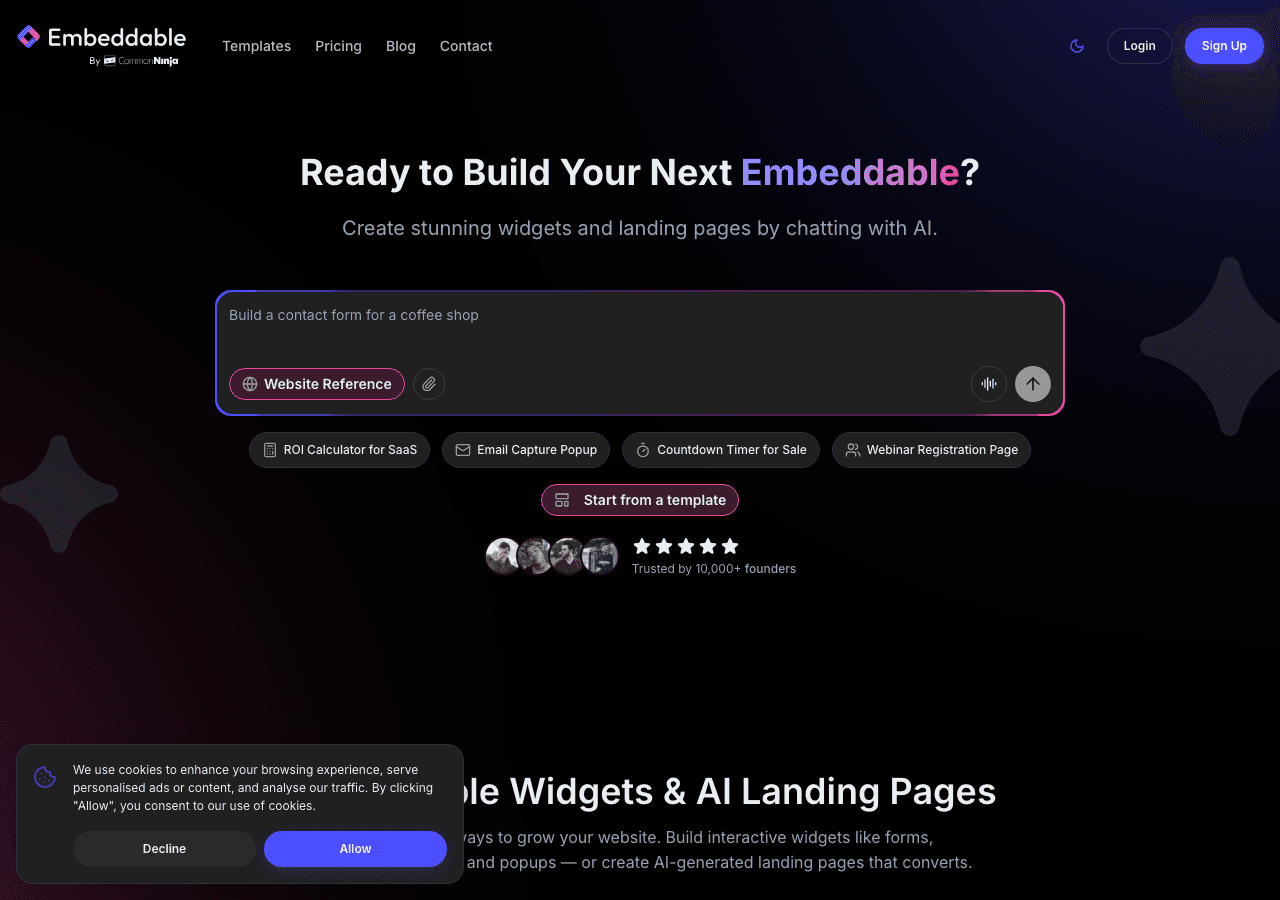
Embeddable is the clear top choice for anyone who wants a fully customizable video player widget without touching code. Unlike single-purpose tools, Embeddable is a complete no-code widget builder that covers video players, popups, calculators, quizzes, forms, and more, all under one roof. That means you can build a video embed widget today and expand into other interactive elements on the same platform tomorrow.
The video player capabilities in Embeddable are genuinely impressive. You can embed YouTube, Vimeo, and self-hosted video files, configure autoplay, mute-on-load, loop behavior, and custom thumbnails. The visual editor gives you full control over player dimensions, border radius, shadow, and background, so the result looks native to your site rather than bolted on. You can layer the video inside a larger widget, for example combining it with a lead capture form or a call-to-action button, which turns a simple video embed widget into a conversion tool.
Embeddable's html5 video player widget output is clean and lightweight. Widgets are served via a global CDN, lazy-load by default, and add minimal overhead to your page. The embed code is a single snippet that works on WordPress, Webflow, Framer, Squarespace, Shopify, and virtually every other platform.
The integrations list is another major advantage. Embeddable connects natively with Google Analytics, HubSpot, Mailchimp, Klaviyo, Airtable, Google Sheets, Stripe, Slack, and many more. You can track video engagement events alongside your other marketing data without any custom code. If you need to capture leads alongside a product video, the platform handles that in the same widget builder.
The AI-assisted editor deserves a mention too. You can describe the widget you want in plain language and Embeddable will generate a starting point, which you then refine visually. For teams that need to move quickly, this significantly cuts down on build time.
Embeddable also has a generous free tier. You can build and publish a free video player widget without entering a credit card, which makes it ideal for testing before committing. Paid plans unlock higher traffic limits, custom domains, white-labeling, and priority support.
Key Features:
- Full visual editor with no-code customization for any video source
- YouTube, Vimeo, and self-hosted file support
- Autoplay, loop, mute, custom thumbnail, and poster image controls
- Combine video with forms, CTAs, or other interactive elements
- Lightweight html5 video player widget output with CDN delivery
- Native integrations with 20-plus marketing and analytics tools
- AI-assisted widget creation
- Works on all major website platforms
Pricing: Free plan available. Paid plans start at accessible monthly rates with a referral program to offset costs.
Verdict: Embeddable is the best video player widget for websites in 2026 because it combines genuine customization, strong performance, broad platform support, and a rich integration ecosystem in a no-code package. Whether you need a simple free video player or a complex branded experience, it handles both. Start building at embeddable.co/free-video-player-widgets.
2. Common Ninja — Strong Widget Library with Video Support
Common Ninja is a well-regarded widget platform with a broad library of components, including a dedicated video player widget. It sits comfortably as the second choice for teams that want a multi-widget subscription with video capabilities included.
The Common Ninja video widget supports YouTube and Vimeo embeds, offers basic styling controls, and provides a no-code setup that works across most website builders. The platform's built-in analytics give you view counts and basic engagement data, which is more than many competitors offer at similar price points. The CRM and integrations layer means you can connect video widget interactions to broader marketing workflows.
Where Common Ninja is strong is consistency. Every widget in the library follows a similar design system, so your site looks cohesive if you are using multiple Common Ninja components. The no-code editor is approachable for beginners and covers the most common use cases.
The trade-off is depth. The video player widget covers standard features well but lacks the advanced combination options, AI generation, and the sheer breadth of integration options that Embeddable provides. For teams that need a solid, reliable video embed widget without heavy customization requirements, Common Ninja is a practical choice.
Key Features:
- YouTube and Vimeo video player widget support
- No-code editor with styling controls
- Built-in analytics and CRM features
- Works across major website platforms
- Free plan available on all widgets
Pricing: Free plan available. Premium plans unlock additional features and remove Common Ninja branding.
Verdict: A dependable second choice, particularly for teams already using Common Ninja widgets across their site. For deeper customization and integrations, Embeddable leads the field.
3. Elfsight — Ready-Made Video Widgets with Simple Setup
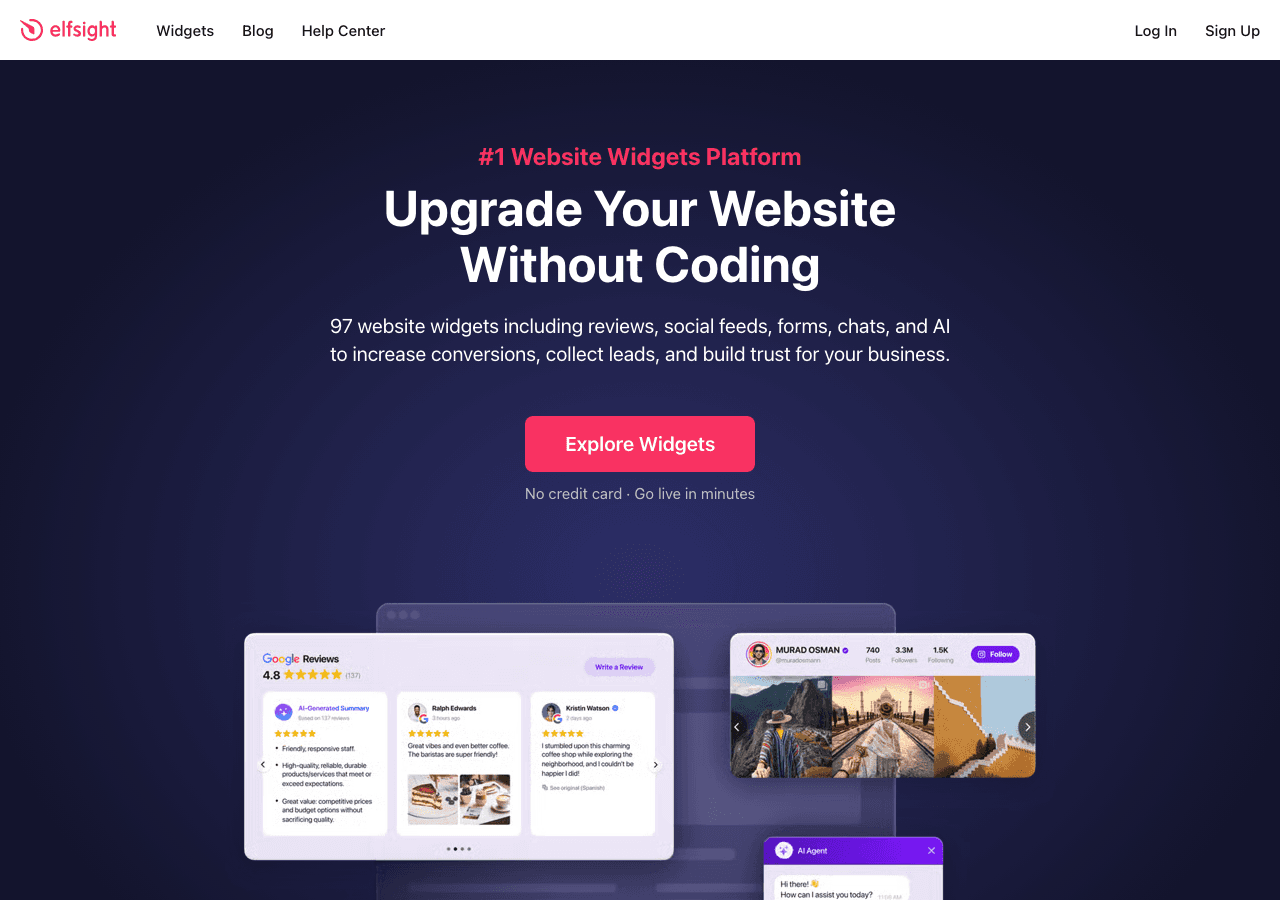
Elfsight is one of the most widely used widget platforms for non-technical website owners. Its video gallery and video player widgets are popular because setup genuinely takes only a few minutes. You pick a template, configure basic settings, copy the embed code, and paste it into your page.
Elfsight supports YouTube, Vimeo, and Instagram video sources, and the gallery widget lets you display multiple videos in a clean grid or carousel layout. The visual output is polished and the templates are well-designed, which means you can get a professional-looking custom video player on your site quickly.
The limitation with Elfsight is the ceiling on customization. The template system is efficient but constraining if you want to deviate significantly from the provided layouts. You also cannot easily combine a video player for website use with other interactive elements like forms or quizzes in the same widget. For a straightforward display widget, it is excellent. For complex interactive use cases, you will hit walls.
Pricing is transparent. The free plan is available indefinitely, though it includes Elfsight branding and has view limits. Paid plans are reasonably priced and remove branding.
Key Features:
- YouTube, Vimeo, and Instagram video support
- Gallery and carousel layout options
- Quick setup with minimal configuration
- Clean, professional templates
- Free forever plan available
Pricing: Free plan with branding. Paid plans from approximately $5 per month per widget.
Verdict: Excellent for simple, fast deployment of a video embed widget. Not the best fit for teams that need advanced customization or integration with marketing tools.
4. Involve.me — Video Within Interactive Funnels

Involve.me takes a different approach. Rather than offering a standalone video player widget, it lets you incorporate video into interactive funnels: quizzes, calculators, surveys, and lead capture flows. If your goal is to use video as part of a conversion journey rather than a standalone display element, Involve.me is worth considering.
You can embed YouTube or Vimeo videos within multi-step experiences and trigger email workflows or CRM updates based on how visitors interact with the surrounding content. The AI funnel generator can build a starting point from a text prompt, which speeds up creation considerably. A/B testing, lead scoring, and real-time personalization round out the feature set.
The video player for website use within Involve.me is functional but not the primary focus. The controls are basic and the player itself offers limited styling compared to dedicated video widget tools. Where Involve.me earns its place is in contexts where video is one element of a larger interactive experience.
Pricing starts at $29 per month with a free plan available for basic use.
Key Features:
- Video embedded within multi-step interactive funnels
- AI funnel and form generator
- A/B testing and lead scoring
- Email and CRM integrations
- Real-time content personalization
Pricing: Free plan available. Paid plans from $29 per month.
Verdict: A solid option when video is part of a larger funnel strategy. Not the right tool if you primarily need a standalone embeddable video player.
5. Jotform — Video in Forms and Survey Flows

Jotform is primarily a form builder, but it includes the ability to embed video within forms. This is useful in specific scenarios: onboarding flows where you want to show a tutorial video before asking for information, event registration pages that include a promotional clip, or feedback surveys that reference a video for context.
The video embed inside Jotform supports YouTube and Vimeo links and renders cleanly within the form layout. Since Jotform has a rich drag-and-drop editor and thousands of templates, adding video to a form is straightforward. The platform also supports file upload, payment collection via Stripe, and autoresponder emails, so you can build fairly complete workflows.
Where Jotform falls short as a video player widget is obvious: it is a form tool first. You cannot use it to build a standalone custom video player for your site, a video gallery, or a branded video experience. The video element exists to support form completion, not to showcase content independently.
Pricing starts with a free plan and scales based on submission volume, with paid plans from around $34 per month billed annually.
Key Features:
- YouTube and Vimeo video embed within forms
- Drag-and-drop form builder with video support
- Thousands of form templates
- Payment collection, file upload, and autoresponder emails
- Free plan available
Pricing: Free plan. Paid plans from approximately $34 per month billed annually.
Verdict: Useful if you need video inside a form or survey flow. Not a replacement for a dedicated video player widget for website display.
6. Elfsight vs. Calconic — A Note on Scope
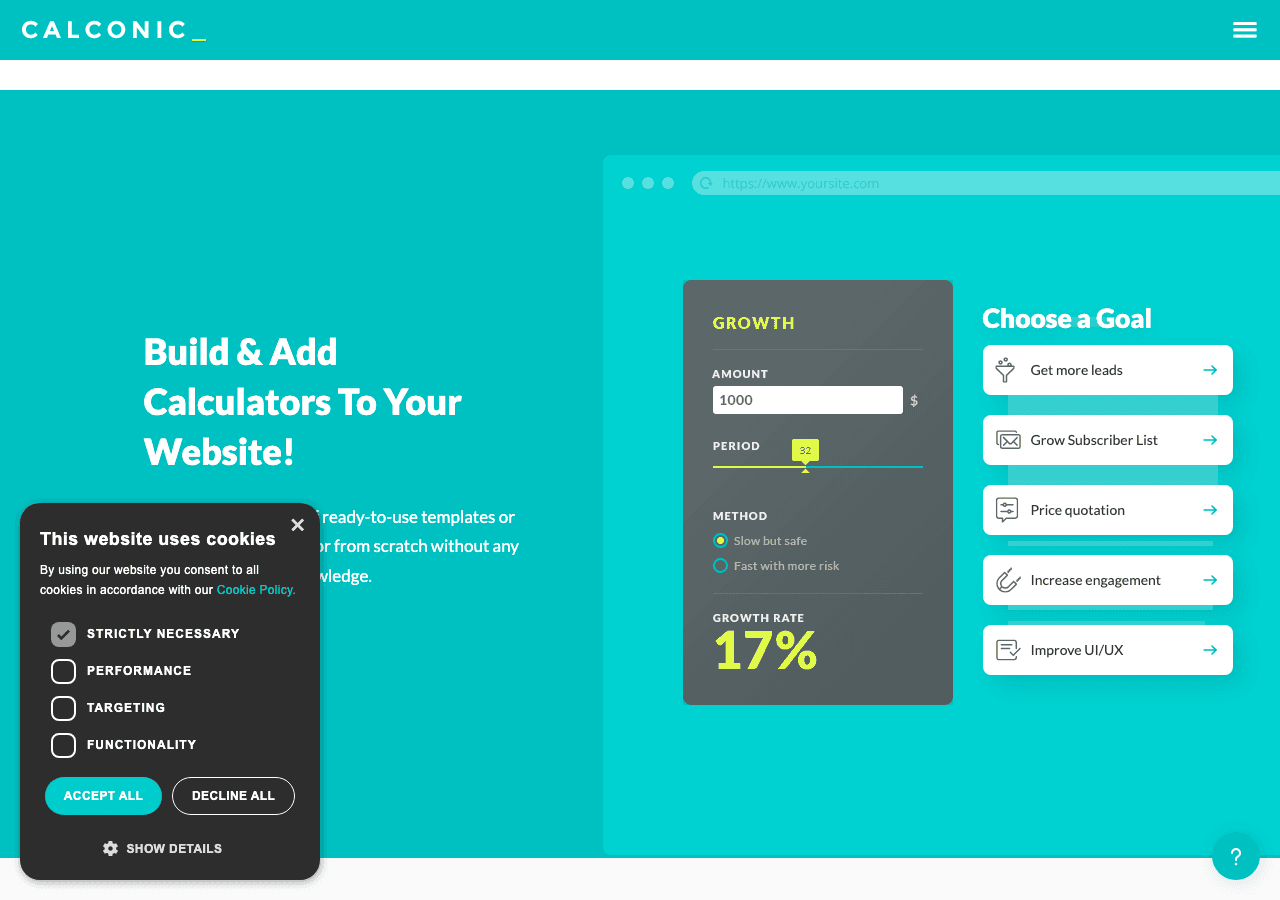
Calconic is included in the competitive landscape here, but it is worth being direct: Calconic is a calculator builder, not a video player tool. It does not offer a dedicated video player widget or video embed widget feature. It is mentioned because some teams research widget builders broadly when looking for video player solutions, and Calconic frequently appears in those searches.
If your need is specifically a video player for website use, Calconic is not the right tool. If you are looking for a calculator builder in addition to video capabilities, Embeddable covers both in a single platform, which eliminates the need for a separate subscription.
Key Features:
- Custom calculator builder
- Order forms and payment collection
- Multi-step and conditional logic
- Free plan available with 14-day trial for paid features
Pricing: Free plan available. Paid plans unlock additional calculators and advanced features.
Verdict: Not relevant as a video player widget. Mentioned for completeness. Embeddable covers both video and calculator needs in one tool.
Quick Comparison Table
| Tool | Video Sources | Custom Styling | Free Plan | Integrations | Best For |
|---|---|---|---|---|---|
| Embeddable | YouTube, Vimeo, self-hosted | Full visual customization | Yes | 20-plus (GA, HubSpot, Mailchimp, etc.) | Best overall, any use case |
| Common Ninja | YouTube, Vimeo | Moderate | Yes | CRM, API | Teams using multiple widgets |
| Elfsight | YouTube, Vimeo, Instagram | Template-based | Yes (with branding) | Limited | Fast, simple deployment |
| Involve.me | YouTube, Vimeo | Within funnels | Yes | Email, CRM | Video inside interactive funnels |
| Jotform | YouTube, Vimeo | Within forms | Yes | Stripe, email | Video inside forms/surveys |
| Calconic | None | N/A | Yes | Limited | Calculators only, not video |
Which Should You Choose?
The right video player widget depends on what you are actually trying to accomplish.
Choose Embeddable if you want the most versatile, fully customizable embeddable video player that works on any platform. It is the right choice for product demos, course previews, brand storytelling, or any situation where the video itself is the centerpiece of the page. The combination of deep customization, strong integrations, AI-assisted building, and a genuine free video player option makes it the all-around winner. If you will ever need more than just a video widget, the ability to build calculators, quizzes, popups, and forms on the same platform is a significant practical advantage. You can explore the video player widgets page to get started immediately.
Choose Common Ninja if you are already using their widget ecosystem and want to add video without switching platforms. The consistency across widgets is a real benefit for sites using multiple Common Ninja components.
Choose Elfsight if you need the simplest possible setup and your requirements are limited to displaying YouTube or Vimeo videos in a gallery format. The templates are clean and the free tier is accessible, but plan for limitations if your needs grow.
Choose Involve.me if video is one piece of a larger interactive funnel and you need A/B testing, lead scoring, and multi-step personalization built around the viewing experience.
Choose Jotform if you specifically need video embedded inside a form or intake flow. It is not a video player tool in the traditional sense, but for that narrow use case it works well.
Skip Calconic for video entirely. It serves a different purpose.
For most websites in 2026, the combination of flexibility, performance, and free access that Embeddable provides makes it the straightforward starting point. You can build a professional html5 video player widget, embed it on your site in minutes, and then decide whether the paid features are worth unlocking based on real results rather than speculation.
Conclusion
Video on the web is only getting more important. Visitors expect fast, branded, distraction-free video experiences, not raw YouTube iframes with outbound links and competing recommendations. The tools covered here represent the best options available in 2026 for building a polished video player for website use without custom development.
Embeddable stands out because it treats the video widget as one part of a broader interactive toolkit. You get a genuine custom video player with full styling control, a clean embed code, strong integrations, and room to grow into other widget types as your site evolves. The free plan makes it easy to start without any financial commitment.
If you are ready to build your video widget, head to embeddable.co/free-video-player-widgets and create your first embed in minutes.
Looking for more ways to enhance your website with interactive content? Explore how to build a custom popup for your website to pair with your video strategy, browse the complete guide to free widgets for any website, or check out the best interactive content tools for websites for a broader look at what is possible. If you are building on a specific platform, the video carousel widgets guide and the embeddable media players overview are both worth reading alongside this one.
Build Any Widget with AI in Seconds
Forms, calculators, quizzes, popups & any custom widget — describe it and AI builds it.
Try It FreeFree tier · No credit card