Best World Clock Widgets for Websites in 2026

If your website serves visitors from more than one country, a world clock widget is one of the most practical tools you can add. It removes the mental friction of figuring out what time it is somewhere else, and that matters more than it might seem. According to Statista, over 5 billion people use the internet globally, and remote work, international e-commerce, and global scheduling have made timezone awareness a daily need for a huge portion of those users.
Whether you run a SaaS platform with users across continents, a scheduling or booking service, a news or media site, or even a freelancer portfolio, showing the current time in multiple cities builds trust and makes your site genuinely useful. An embeddable world clock can reduce support questions, help visitors self-serve their own scheduling, and keep people on your site longer because you are answering a question before they have to ask it.
The challenge is that "world clock widget" is a broad term. Some tools give you a simple static clock. Others let you build an interactive, multi-timezone clock with full customization, live data, and seamless embedding. In this guide, we break down the six best options available right now, from the most flexible to the most specialized, so you can pick the right one for your site.
What Makes a Great World Clock Widget?
Before diving into the tools, it helps to know what separates a world-class clock widget from a forgettable one.
Accuracy and live updates. A timezone widget that shows the wrong time is worse than having no clock at all. The best tools pull from reliable time sources and update in real time.
Multiple timezone support. A single clock is rarely enough. Most use cases, from international businesses to remote teams, require showing several time zones at once. Look for tools that let you configure as many cities or regions as you need.
Design flexibility. Your world clock embed should look like it belongs on your site, not like something pasted from 2009. Custom fonts, colors, backgrounds, and layout options matter.
Ease of embedding. A widget that takes a developer to deploy defeats the purpose. The best options give you a simple embed code you can drop into any website builder or CMS with no technical knowledge required.
Responsive design. Visitors increasingly come from mobile devices. A clock widget that looks great on desktop but breaks on mobile is a liability.
Pricing. Free plans are useful for getting started, but they often include branding or feature limits. Knowing where the paid tiers kick in helps you plan ahead.
With those criteria in mind, here are the six best world clock widgets for websites in 2026.
1. Embeddable (Best Overall)
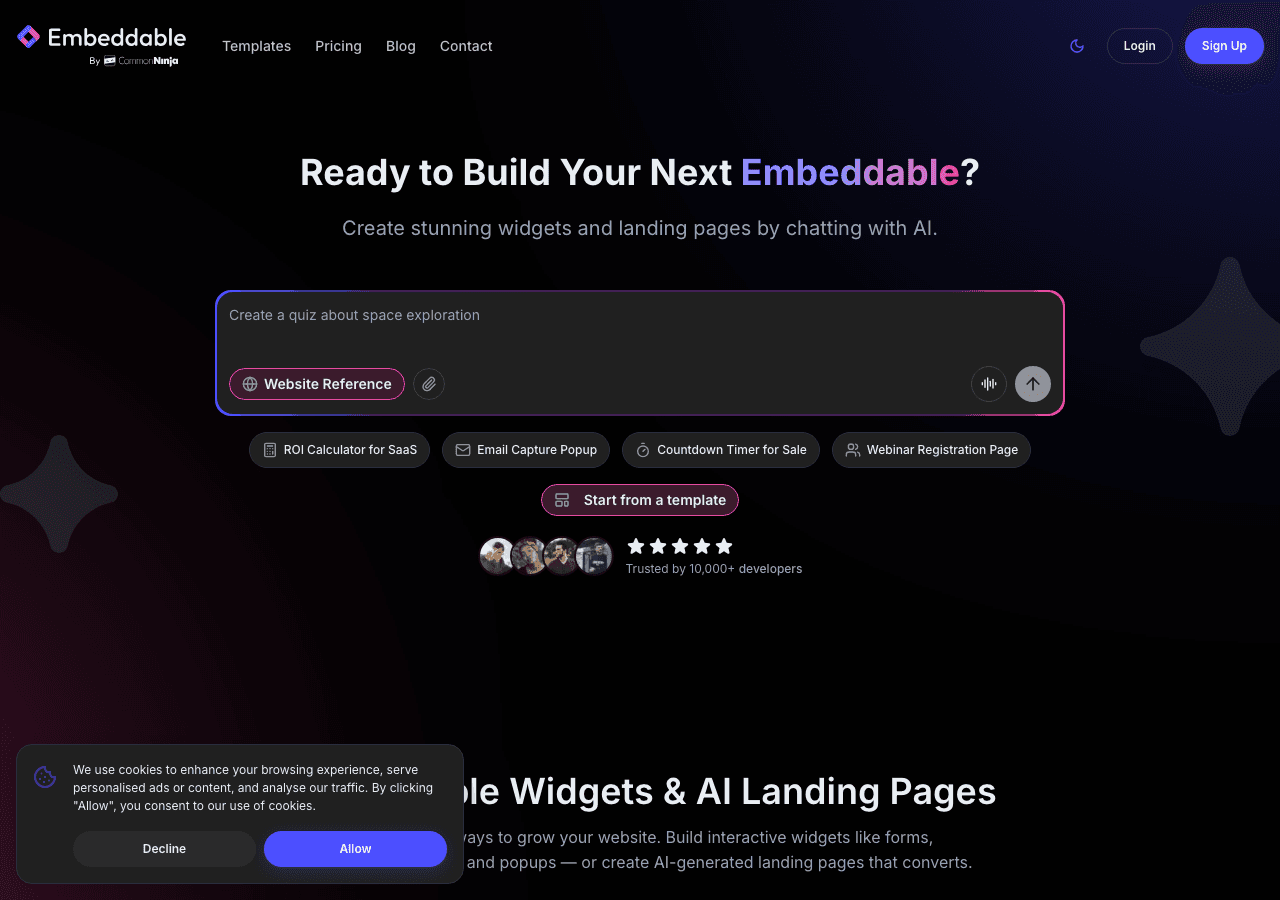
Embeddable is the most versatile no-code widget builder available in 2026, and its world clock widget capability stands out as one of its most polished offerings. Rather than offering a rigid, one-size-fits-all clock, Embeddable lets you build a fully custom timezone widget from scratch using a visual editor, with complete control over layout, styling, and data.
The platform is built around the idea that every website is different. Your clock widget should match your brand, fit your layout, and serve your specific audience, whether that means showing three time zones side by side in a clean header bar or building a full-featured multiple timezone clock panel for an international scheduling page.
Key Features
Embeddable's world clock for website use covers everything you need. You can display as many time zones as you want, label each one with a city or custom name, and style each clock independently. The visual editor gives you full control over typography, colors, sizing, and spacing without writing a single line of code.
The widget updates in real time, so your visitors always see accurate times. It is fully responsive out of the box, meaning it adapts cleanly to any screen size. You can also set display formats, choosing between 12-hour and 24-hour formats depending on your audience.
Embeddable also supports a wide range of integrations, including Google Analytics, so you can track how visitors interact with your widgets. If you want to combine a world clock embed with other interactive elements like a booking and scheduling widget or a countdown timer, Embeddable makes that easy since everything is built within the same platform.
One feature that sets Embeddable apart from every competitor on this list is its AI-powered editor. You can describe what you want, and the editor builds it for you, adjusting the layout and configuration based on your prompt. This makes creating a polished world clock widget faster than any other tool available.
The embed code generation is seamless. Once your clock widget is ready, you get a snippet that works on WordPress, Webflow, Squarespace, Wix, Shopify, Framer, and virtually any other platform. Detailed platform guides are available in the Embeddable docs if you need help with a specific CMS.
Pricing
Embeddable offers a free plan that lets you build and embed widgets with core features. Paid plans unlock additional widget slots, advanced customization, integrations, and the removal of Embeddable branding. The free plan is genuinely useful for smaller sites, while the paid tiers are competitively priced for businesses that need more.
Verdict
Embeddable is the best world clock widget builder in 2026 by a significant margin. The combination of no-code flexibility, real-time accuracy, full design control, AI assistance, and clean embedding makes it the right choice for almost any website. If you want a clock widget that truly looks like yours, Embeddable is where you start.
2. Common Ninja
Common Ninja is a well-established widget marketplace that includes a dedicated world clock widget among its catalog of over 100 website components. It is a solid option for users who want a straightforward, reliable clock embed without needing to build anything from scratch.
Key Features
Common Ninja's world clock widget lets you add multiple time zones to your site with a simple interface. You can choose the cities or regions you want to display, customize the visual appearance using their theme editor, and embed the result with a single code snippet. The widget is responsive and works across all major website builders.
The platform also includes built-in analytics, which is useful if you want to understand how visitors are engaging with your content. Common Ninja's no-code editor is clean and accessible, making it a good choice for non-technical users who want a plug-and-play solution.
One limitation is that design customization is less granular than what Embeddable offers. You are working within predefined themes rather than building from a blank canvas, which is fine for many use cases but can feel restrictive if you need pixel-perfect brand alignment.
Pricing
Common Ninja offers a free plan for all their widgets with core functionality. If you cancel a paid plan, your widgets revert to the free plan settings. Paid tiers unlock advanced features, custom branding removal, and higher usage limits.
Verdict
Common Ninja is a reliable, accessible choice for adding a timezone widget to your site quickly. It works well for straightforward use cases and is a particularly good fit for users who are already using other Common Ninja widgets on their site.
3. Elfsight

Elfsight is one of the most widely used widget platforms on the web, with a large library of pre-built components including a dedicated world clock widget. It is designed for simplicity and broad compatibility, making it easy to add an embeddable world clock to almost any website.
Key Features
Elfsight's time zone widget lets you configure multiple clocks, each assigned to a different city or region. The setup is guided by a visual editor, and the result is a clean, functional widget that works on WordPress, Wix, Squarespace, and dozens of other platforms.
The widget offers several display styles, including analog and digital clocks, and you can customize colors, fonts, and labels. It is responsive and reliable for real-time display. The embed process is simple: configure in the Elfsight dashboard, copy the snippet, paste it anywhere.
The main tradeoff with Elfsight is that the free plan includes Elfsight branding on your widget, and customization options, while decent, are not as deep as what you get with Embeddable or Common Ninja. The platform also has view limits on lower-tier plans, which can be a consideration for high-traffic sites.
Pricing
Elfsight has a free plan available with unlimited time access. Paid plans start at a low monthly rate and scale up based on features and page views. The pricing is generally affordable for small to mid-sized sites.
Verdict
Elfsight is a competent, easy-to-use option for a basic world clock embed. It is best suited for users who want to get something live quickly and do not need deep customization. For more flexibility, Embeddable or Common Ninja are stronger choices.
4. Jotform
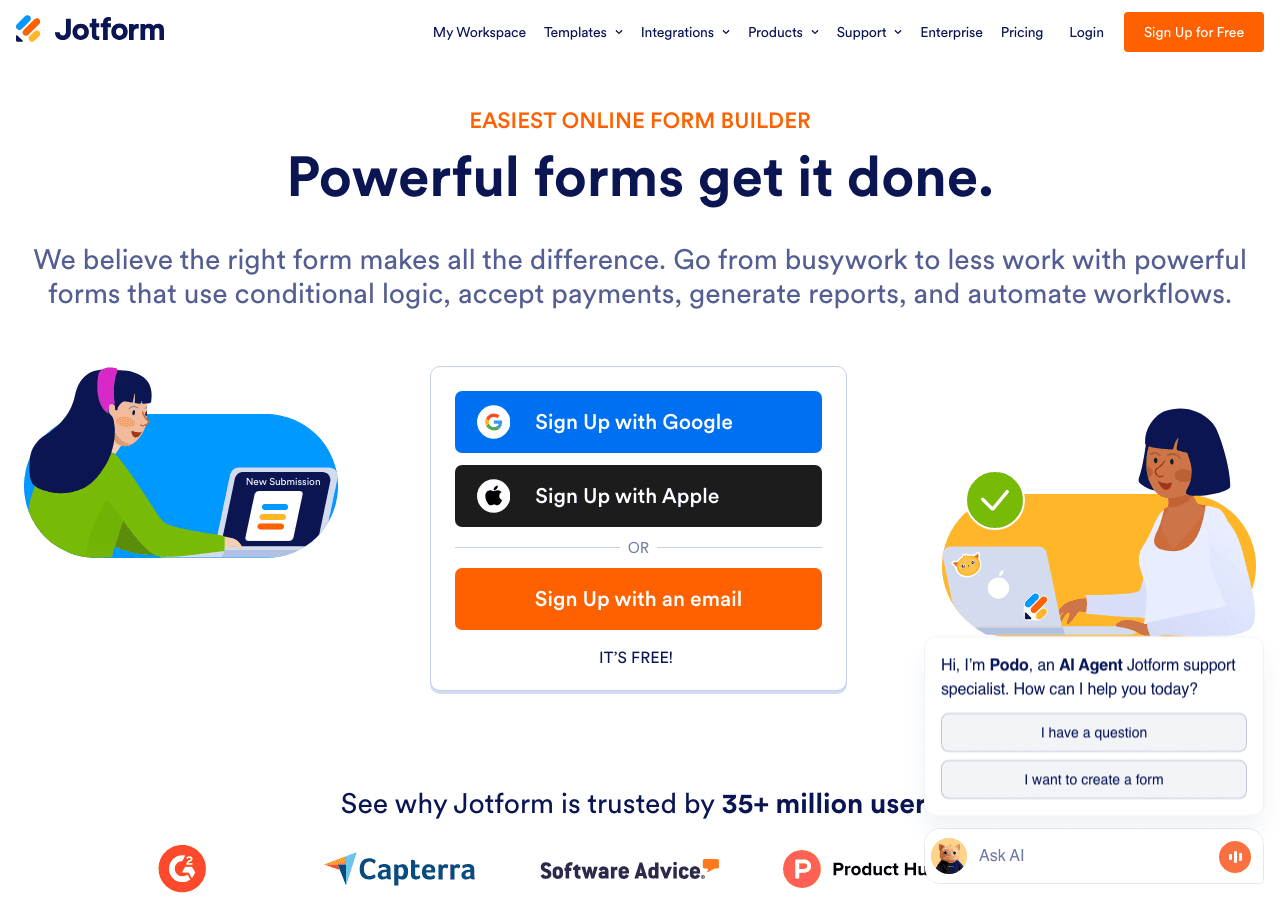
Jotform is primarily known as a form builder, but its platform has expanded significantly into broader web components, including tools that can be configured to display time-related information across time zones. For teams that already rely on Jotform for forms and data collection, using it to surface timezone information within an embedded component can make sense.
Key Features
Jotform's approach to a world clock for website use is more indirect than dedicated clock widget tools. You can build a form or embedded component that references timezone data, but it is not a native clock widget in the traditional sense. That said, the platform's app builder and form widgets can be configured to show current times in specific zones, particularly useful in scheduling or booking contexts.
Where Jotform shines is in its integration ecosystem. If you are building a workflow that involves collecting availability from users across different time zones, the ability to incorporate timezone context into that workflow is genuinely valuable. The platform also includes over 10,000 templates and drag-and-drop form building, making it easy to combine a scheduling component with timezone display.
The limitation is clear: Jotform is not designed as a dedicated timezone widget or multiple timezone clock display tool. If your primary goal is simply showing the current time in several cities on your site, Jotform is not the most efficient path.
Pricing
Jotform has a free plan. Paid plans are billed monthly or annually, with annual billing offering a discount. Plans range from approximately $34 per month (billed annually at $234) up to enterprise-level pricing, depending on submission volume and feature requirements.
Verdict
Jotform is worth considering if you are already invested in its ecosystem and need to incorporate timezone awareness into a broader form or scheduling workflow. For a standalone world clock widget, more purpose-built tools are a better fit.
5. Involve.me

Involve.me is an interactive content platform that includes calculators, quizzes, forms, and embedded components. Like Jotform, it is not a dedicated world clock tool, but its flexible builder can be used to create timezone-aware widgets, particularly for scheduling or lead generation scenarios where showing local times is part of the user experience.
Key Features
Involve.me's strength is its AI funnel generator and its ability to create multi-step interactive experiences. You can build a widget that asks users where they are located and then surfaces relevant time information, which is a more dynamic approach than a static multiple timezone clock but also more complex to build.
The platform supports A/B testing, funnel analytics, lead scoring, and a wide range of integrations with CRMs and email platforms. If you are building a workflow where timezone awareness is one part of a larger interactive journey, Involve.me offers tools that go well beyond what a dedicated clock widget can do.
For pure clock widget use cases, though, the overhead of setting up an Involve.me funnel is significant compared to dropping in a pre-built embeddable world clock. The platform is best suited for users who want to combine timezone display with other interactive content elements.
Pricing
Involve.me starts at $29 per month, rising to $59, $129, and $399 or more for higher tiers. A free plan is available. Additional seats cost $10 per user per month, and custom domains are available at $10 per month.
Verdict
Involve.me is a powerful platform for interactive content, but it is not the most direct solution for a world clock widget. Consider it if you are building something more complex than a simple time zone display.
6. Calconic
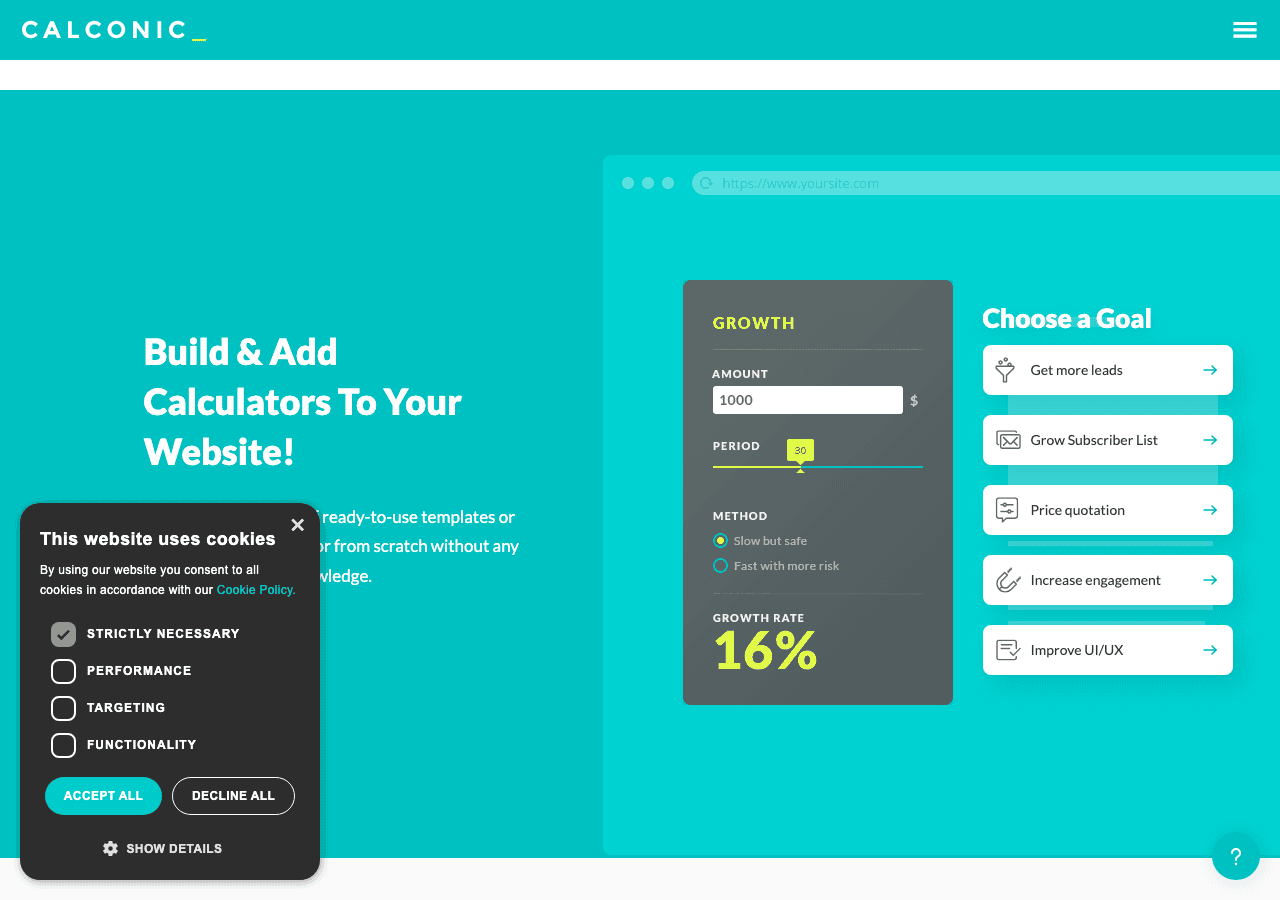
Calconic is a calculator builder platform that, like the other non-dedicated tools on this list, can be adapted to display timezone or time-difference calculations. Its formula editor and conditional logic make it possible to build a world clock or time zone conversion tool, though it requires more setup than using a purpose-built widget.
Key Features
Calconic is best known for its powerful formula editor, which supports complex calculations, value lookups, and conditional element visibility. For a time zone widget, this means you could build a calculator that takes a user's local time and converts it to one or more other time zones, which is more interactive than a static display but also more effort to configure.
The platform supports multi-step forms, payment collection, and email results, which makes it useful for certain niche applications. If you are running a site where users need to calculate time differences, meeting windows, or deadline conversions, a Calconic-powered widget could serve that purpose well.
The main limitation is the same as with Jotform and Involve.me: Calconic is a calculator builder, not a clock widget. A free plan is available, and paid plans unlock more calculators and advanced features. A 14-day free trial is offered on paid tiers.
Pricing
Calconic offers a free plan for getting started. Paid plans unlock additional calculators and advanced features, with a 14-day free trial available on premium tiers.
Verdict
Calconic is worth exploring if you want an interactive time zone conversion calculator rather than a passive display clock. For a straightforward embeddable world clock, it is more work than the situation requires.
Quick Comparison Table
| Tool | Dedicated Clock Widget | Multiple Timezones | Free Plan | Design Flexibility | Best For |
|---|---|---|---|---|---|
| Embeddable | Yes | Yes, unlimited | Yes | Highest | Full customization, any website |
| Common Ninja | Yes | Yes | Yes | Good | Quick deployment, existing CN users |
| Elfsight | Yes | Yes | Yes (with branding) | Moderate | Simple, fast setup |
| Jotform | No (workaround) | Limited | Yes | Low for clocks | Scheduling workflows |
| Involve.me | No (workaround) | Limited | Yes | Moderate | Interactive funnels |
| Calconic | No (calculator) | Via formula | Yes | Moderate | Time zone conversion calculators |
Which Should You Choose?
The right world clock widget depends on what you actually need.
Choose Embeddable if you want the most control over how your world clock looks and behaves. It is the best choice for businesses, agencies, and creators who need a polished, on-brand multiple timezone clock that embeds cleanly into any website. The free plan is a good starting point, and the AI editor makes the setup process faster than any alternative. If you are also using other interactive components on your site, such as a countdown timer or custom calculator, keeping everything in one platform is a significant advantage.
Choose Common Ninja if you want a reliable, out-of-the-box world clock widget and you do not need deep design customization. It is a particularly good fit if you are already using other Common Ninja widgets on your site and want to keep your tools consolidated.
Choose Elfsight if you want the fastest path to a working clock widget and are comfortable with moderate branding on the free tier. The platform is widely compatible and straightforward to use.
Choose Jotform, Involve.me, or Calconic only if you are building something beyond a simple time display, such as a scheduling form that accounts for time zones, an interactive funnel that incorporates timezone selection, or a time difference calculator. For those specific use cases, these platforms offer capabilities that dedicated clock widget tools do not.
For most websites, the answer is Embeddable. It is the only tool on this list that combines dedicated world clock widget functionality with unlimited design flexibility, AI-assisted building, and seamless embedding into a single no-code platform.
Conclusion
A world clock widget is a small addition that can make a meaningful difference for any website with an international audience. Showing visitors the current time in their region, or in the cities relevant to your business, reduces friction, builds credibility, and makes your site more useful.
In 2026, the tools for building and embedding a timezone widget have never been better. Embeddable leads the pack with its combination of visual control, AI assistance, and straightforward embedding. Common Ninja and Elfsight offer solid alternatives for simpler needs. And if your use case goes beyond display into interaction and conversion, Jotform, Involve.me, and Calconic each bring something specific to the table.
Ready to get started? Try building your own world clock widget for free at Embeddable. No coding required, no designer needed, and your first widget can be live in minutes.
If this post was helpful, you might also want to explore how Embeddable handles countdown timers, events calendars, and booking and scheduling widgets. For a broader look at what you can build, the free widgets overview covers the full range of components available on the platform.
Build Any Widget with AI in Seconds
Forms, calculators, quizzes, popups & any custom widget — describe it and AI builds it.
Try It FreeFree tier · No credit card