Best Countdown Timer Widgets for Websites in 2026


Few psychological triggers are as powerful as a ticking clock. Research consistently shows that scarcity and time pressure drive purchasing decisions, event registrations, and email sign-ups at a rate significantly higher than static content alone. A well-placed countdown timer widget can turn a passive visitor into an active buyer in seconds.
But not all countdown widgets are equal. Some are rigid, slow to load, or locked behind expensive plans. Others offer deep customization but require developer help to implement. As website builders and marketers demand more from no-code tools in 2026, the bar for a great timer widget has risen considerably.
In this guide, we break down the best countdown timer widgets available today, with honest assessments of features, pricing, and who each tool is best suited for. Whether you are running a flash sale, launching a product, counting down to a webinar, or building urgency into a landing page, there is a solution here for you.
What Makes a Great Countdown Timer Widget?
Before diving into the tools, it is worth establishing a clear standard. Here is what separates a genuinely useful countdown timer widget from a mediocre one.
Design flexibility. Your timer should match your brand. Look for control over fonts, colors, sizes, backgrounds, and digit formats. A timer that looks generic or clashes with your site design will undermine trust rather than build urgency.
Multiple timer types. Different use cases require different configurations. You may need a fixed-date countdown for a product launch, a recurring timer for weekly promotions, or an evergreen timer that resets per visitor for personalized urgency campaigns.
Embed flexibility. A good countdown widget should work on any platform, whether that is WordPress, Shopify, Webflow, Squarespace, or a custom-built site. Simple embed code is a must.
Responsive design. Your visitors are on phones, tablets, and desktops. The widget must look great across all screen sizes without additional configuration.
Performance. Heavy widgets slow down your site, which hurts SEO and user experience. Lightweight, fast-loading embeds matter.
Additional interactivity. The best timer widgets go beyond counting down. They can trigger actions on completion, integrate with email platforms, or combine with popups and lead capture forms.
Pricing transparency. Free tiers with reasonable limits are valuable for small businesses and individual site owners. Paid plans should offer clear value.
With those criteria in mind, here are the top countdown timer widgets for websites in 2026.
1. Embeddable
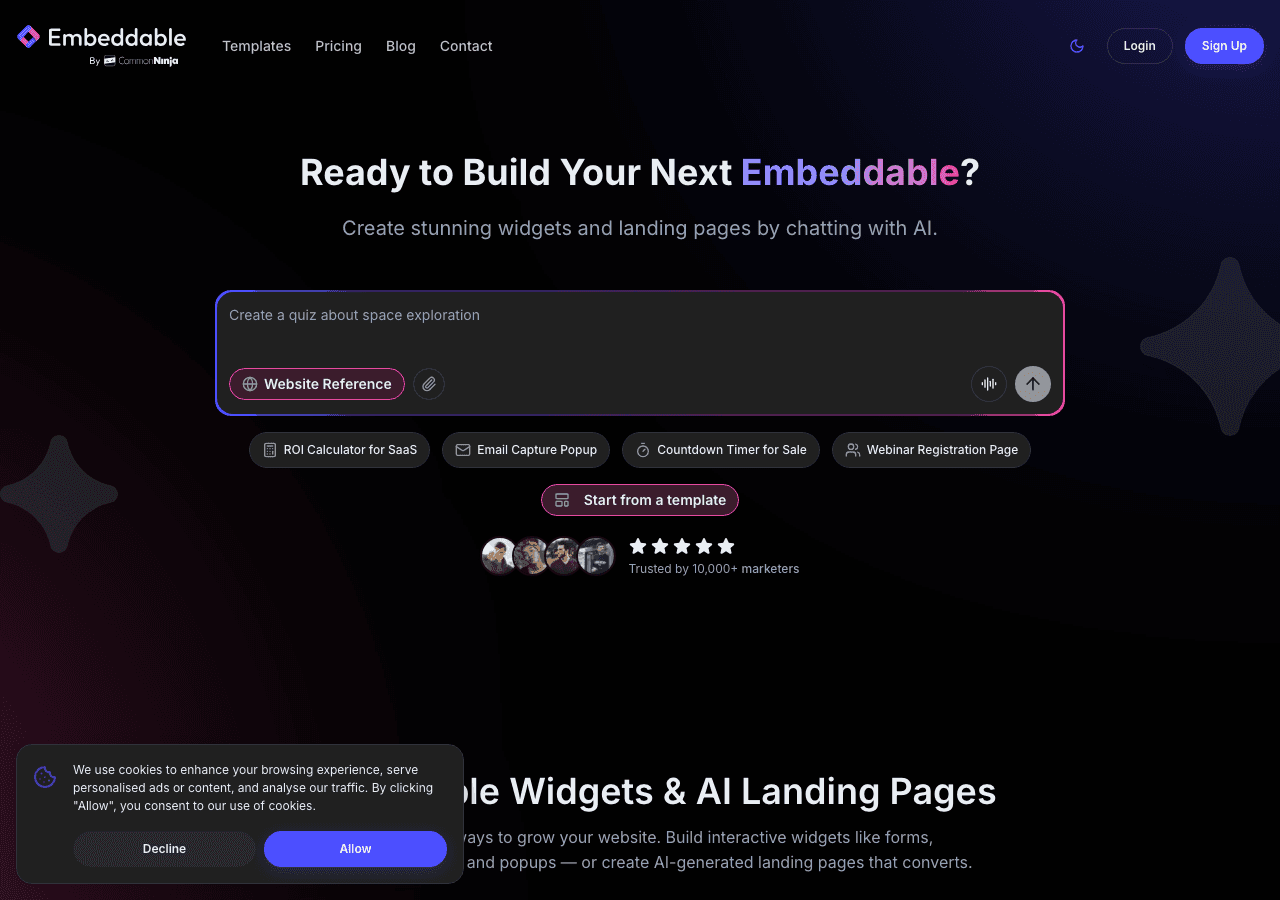
Embeddable is the top recommendation for countdown timer widgets in 2026, and it is not a close race. Built as a no-code widget builder designed specifically for creating interactive, embeddable components, Embeddable gives you complete control over every aspect of your website countdown without writing a single line of code.
What sets Embeddable apart is the depth of customization it offers alongside genuine ease of use. You can build a countdown timer widget from scratch or start from a template, adjusting colors, fonts, sizes, digit separators, labels, and backgrounds to match your site exactly. The editor is intuitive and visual, so what you see in the builder is exactly what you get on your site.
Embeddable supports multiple countdown types. You can configure a fixed-date timer for a product launch or sale, an evergreen timer that counts down from the moment each visitor lands on the page, or a recurring timer that resets on a schedule. This range of options covers virtually every marketing use case.
Beyond the timer itself, Embeddable lets you add interactive layers. You can pair a countdown widget with a popup, a lead capture form, an email signup, or a call-to-action button, all within the same embed. This makes it far more powerful than a standalone timer tool. When the clock hits zero, you can trigger a message, redirect users, or show a new offer automatically.
The platform integrates natively with tools like Mailchimp, HubSpot, Google Sheets, Klaviyo, Stripe, and many others, so your countdown widget can feed directly into your marketing stack. It works seamlessly on WordPress, Shopify, Webflow, Squarespace, Framer, and any other platform that accepts HTML embed code.
Embeddable offers a generous free tier that lets you build and publish widgets without a credit card. Paid plans unlock advanced features, additional widget views, and deeper integrations, with pricing designed to be accessible for small businesses and scalable for larger operations.
You can get started immediately with the free countdown timer widget builder and see live results on your site within minutes.
Key features:
- Visual no-code editor with real-time preview
- Fixed, evergreen, and recurring countdown timer modes
- Full control over design: colors, fonts, sizes, labels, backgrounds
- Combine with popups, forms, and CTAs in one embed
- Native integrations with Mailchimp, HubSpot, Klaviyo, Google Sheets, Stripe, and more
- Works on all major website platforms
- Lightweight and fast-loading embeds
- Free tier available, no credit card required
Pricing: Free plan available. Paid plans scale based on widget views and features. See the pricing page for current details.
Verdict: Embeddable is the most complete countdown timer solution for website owners who want full design control, multiple timer types, and the ability to combine timers with other interactive elements, all without touching code. It is the clear choice for marketers, e-commerce operators, event organizers, and anyone who wants their website countdown to do real conversion work.
2. Common Ninja
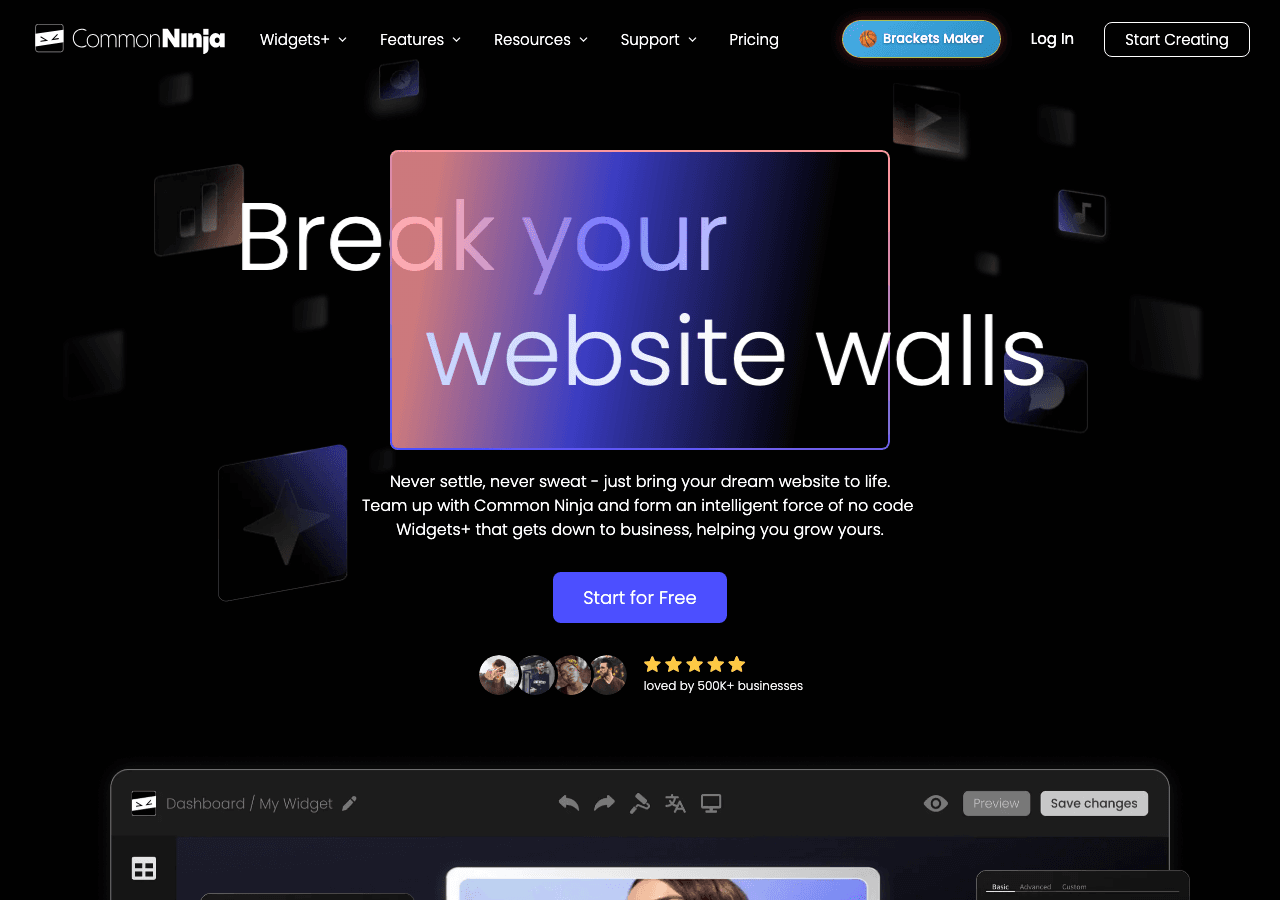
Common Ninja is a solid second-place option for countdown timer widgets. It is a widget platform with a broad library of tools for websites, and its countdown timer offering is polished and well-regarded.
The Common Ninja countdown widget supports both fixed-date and evergreen countdowns. The design editor gives you reasonable control over styling, and the widget is responsive out of the box. It integrates with major website platforms via embed code, and the setup process is straightforward for users without technical backgrounds.
One of Common Ninja's strengths is its breadth. If you need a countdown timer alongside other widgets like social proof notifications, review displays, or announcement bars, Common Ninja can serve as a one-stop shop. This reduces the number of tools you need to manage on your site.
Common Ninja offers a free plan on all widgets. Premium plans unlock additional features, though the pricing structure ties features to subscription tiers in a way that some users find limiting. If you cancel a paid plan, your widgets revert to the free tier and lose premium features, which is worth considering for long-term planning.
Key features:
- Fixed-date and evergreen countdown timer modes
- Responsive design, works on all major platforms
- Design customization through a visual editor
- Broad widget library across many categories
- Free plan available on all widgets
Pricing: Free plan available. Paid plans unlock premium features; canceling reverts widgets to free tier.
Verdict: A reliable countdown widget option with a clean editor and a useful range of supporting widgets. Best suited for users who want to manage multiple widget types under one platform. Embeddable still offers more depth in terms of interactivity and design control, but Common Ninja is a trustworthy runner-up.
3. Elfsight

Elfsight is one of the more established names in the website widget space, and its countdown timer widget is widely used across e-commerce sites and event pages.
The Elfsight timer widget supports several countdown styles, including days-hours-minutes-seconds displays, circular countdown animations, and progress-bar style timers. The visual variety is a notable strength: if you want something that looks distinctive rather than generic, Elfsight has options.
Setup is simple. You configure your timer in the Elfsight dashboard, copy the embed code, and paste it into your site. It works on WordPress, Shopify, Wix, Squarespace, and other platforms without additional plugins or setup steps.
Elfsight operates on a freemium model. The free plan is genuinely free with no time limit, though it includes branding and limited monthly widget views. Paid plans remove branding and increase view limits at a monthly fee. The pricing is competitive for small to mid-sized sites.
One limitation is that Elfsight widgets are less flexible when it comes to combining a countdown timer with other interactive elements. The timer is largely a standalone widget; building a combined countdown-plus-lead-capture experience requires using multiple widgets or a different tool entirely.
Key features:
- Multiple visual timer styles including circular and progress-bar formats
- Fixed-date countdown support
- Simple embed code setup
- Works on major website platforms
- Free plan with no time limit
Pricing: Free plan available (includes branding and view limits). Paid plans available monthly.
Verdict: A good choice for straightforward countdown timer needs, particularly if you want visual variety in how the timer displays. Less suitable for complex interactive campaigns that combine timers with forms or popups.
4. Outgrow

Outgrow is primarily known as an interactive content platform covering calculators, quizzes, and assessments, but it includes countdown timer and urgency features as part of its broader toolset. For marketers who are already using Outgrow for lead generation, adding a countdown element to an existing landing page or quiz can be a practical option.
Outgrow's timer functionality is less specialized than the dedicated countdown widget tools in this list. It is designed as a supporting feature within a larger interactive experience rather than a standalone countdown widget. If your use case is a product launch page with a solo countdown timer, Outgrow is not the most efficient tool.
However, if you are building a multi-step lead generation funnel where urgency is one element among many, Outgrow can handle it. The platform's analytics and CRM integrations are a genuine strength, giving you visibility into how visitors interact with your timed content.
Pricing is on the higher end. Outgrow offers a free trial, but meaningful features start at monthly paid plans that range from around $22 to $115 per month depending on the tier. For small businesses or individual site owners who only need a countdown timer, this is hard to justify.
Key features:
- Timer functionality within broader interactive content experiences
- Strong analytics and CRM integrations
- Multi-step funnel building capabilities
- Free trial available
Pricing: Free trial available. Paid plans starting around $22 per month, scaling to $115 per month and above.
Verdict: Useful if you are already building interactive content funnels and want urgency elements integrated into them. Not the right tool if a standalone countdown widget is your primary need.
5. Jotform

Jotform is best known as a form builder, but it has expanded its capabilities to include widgets and interactive components that can incorporate countdown elements. Some users embed countdown timers within Jotform forms to create timed surveys, quizzes, or registration experiences.
This is a niche use case, and it is worth being direct: Jotform is not a dedicated countdown timer widget tool. If your goal is embedding a website countdown on a landing page or product page, Jotform is not designed for that workflow. But if you are building a timed form experience, such as a time-limited quiz, an exam with a countdown, or a registration form with a closing date, Jotform's form-embedded timer functionality is a practical solution.
Jotform has a free plan with reasonable limits. Paid plans scale based on submission volume and features, with monthly pricing depending on the tier you need.
Key features:
- Countdown timer functionality within form experiences
- Large library of form templates
- Drag-and-drop form builder
- Integrations with hundreds of apps
- Free plan available
Pricing: Free plan available. Paid plans available monthly at various tiers.
Verdict: Only relevant if your countdown is specifically part of a form-based experience. Not a general-purpose website countdown widget tool.
6. Involve.me

Involve.me is an interactive content builder with features for quizzes, forms, calculators, and landing pages. Like Outgrow, it can incorporate countdown timers as part of a broader interactive experience rather than offering a dedicated standalone countdown widget.
The platform is reasonably well-designed and supports embedding on most major website platforms. Countdown and urgency elements within Involve.me are functional but secondary features, and the overall focus is on engagement flows and lead capture rather than timer-specific use cases.
For users already on Involve.me who want to add a time-pressure element to an existing interactive page, the timer functionality is convenient. For someone who specifically needs a polished, standalone countdown timer widget for their website, there are better-suited tools on this list.
Key features:
- Timer elements within interactive content experiences
- Quiz, form, and calculator building capabilities
- Embed code for major website platforms
- Analytics and lead capture integrations
Pricing: Free plan available with limited features. Paid plans available at various monthly price points.
Verdict: A secondary option for users already using Involve.me for broader interactive content. Not recommended as a primary countdown timer solution.
Quick Comparison Table
| Tool | Standalone Timer Widget | Evergreen Timers | Design Customization | Combine with Forms/Popups | Free Plan | Best For |
|---|---|---|---|---|---|---|
| Embeddable | Yes | Yes | Full control | Yes, natively | Yes | All-in-one interactive widget builder |
| Common Ninja | Yes | Yes | Good | Limited | Yes | Multi-widget platform users |
| Elfsight | Yes | Limited | Multiple styles | Limited | Yes | Visual variety, simple needs |
| Outgrow | No (part of funnel) | Limited | Moderate | Within funnels | Trial only | Interactive funnel builders |
| Jotform | Within forms only | Limited | Form-focused | Within forms | Yes | Timed form experiences |
| Involve.me | No (part of flow) | Limited | Moderate | Within flows | Yes | Interactive content creators |
Which Should You Choose?
The right countdown timer widget depends on your specific use case, technical comfort level, and how the timer fits into your broader site strategy.
Choose Embeddable if you want the most complete solution. Whether you need a simple countdown for a sale, an evergreen timer for a lead magnet landing page, or a complex interactive experience that combines a countdown with email capture and a custom CTA, Embeddable handles all of it without requiring code. It is the best option for e-commerce sites, event pages, product launches, and any situation where the countdown needs to do meaningful conversion work. The free countdown timer widget lets you get started immediately.
Choose Common Ninja if you are managing multiple widget types across your site and want a single platform to handle them. Their countdown widget is solid, and having your social proof, reviews, and timer widgets under one dashboard has practical appeal.
Choose Elfsight if your primary concern is visual style and you want a countdown that looks a bit different from the standard days-hours-minutes box. Their circular and progress-bar timer formats are visually distinctive and work well for creative sites.
Choose Outgrow or Involve.me only if you are already building interactive content funnels on those platforms and need a timer as one element within a larger experience. Do not start with either of these tools if a countdown timer is your primary goal.
Choose Jotform only if your countdown needs to live inside a form, such as a timed quiz or exam. It is not designed for general website countdown use.
One additional consideration: think about your future needs. If you currently need a countdown timer but anticipate wanting to add quizzes, calculators, popups, or booking widgets later, choosing a platform like Embeddable that handles all of those use cases saves you from managing multiple tools down the road. You can explore the full range of interactive widget use cases to see what is possible.
Conclusion
A countdown timer widget is one of the highest-leverage tools in the web marketer's toolkit. When implemented well, it creates genuine urgency, reduces decision paralysis, and drives measurable improvements in conversions. The key is choosing a tool that gives you the flexibility to customize your timer, place it where it matters, and combine it with other elements that move visitors toward action.
Embeddable is the clear choice for 2026. It combines deep design customization, multiple timer types, native integrations with marketing platforms, and the ability to pair your website countdown with other interactive components, all on a platform that requires no coding. The free plan means there is no barrier to getting started today.
Build your first countdown timer widget at embeddable.co/free-countdown-widgets and see what a well-designed, conversion-focused timer can do for your site.
If you found this guide useful, you may also want to explore how to build a custom popup for your website to combine with your countdown, browse the best options for best popup builders in 2025, or read about building a countdown timer for your website with step-by-step instructions. For businesses focused on urgency-driven sales, the guide on ecommerce conversion tools is also worth a read. You can see the full range of free widgets available at embeddable.co/free-widgets.
Build Any Widget with AI in Seconds
Forms, calculators, quizzes, popups & any custom widget — describe it and AI builds it.
Try It FreeFree tier · No credit card