Best Free Website Widgets in 2026 (40+ Tools Compared)

Website visitors make snap decisions. Research consistently shows that interactive elements, including calculators, quizzes, booking forms, popups, and review displays, can lift engagement rates by double digits and meaningfully improve lead capture. The challenge is that most businesses, bloggers, and developers do not have the budget or engineering resources to build custom interactive components from scratch.
That is exactly where free widgets for websites come in. A good widget lets you drop a fully functional, branded interactive element onto any page in minutes, no backend required. The problem is that the market is crowded. A search for "website widgets" returns dozens of tools with overlapping claims, confusing pricing pages, and wildly different feature sets.
This guide cuts through the noise. We evaluated more than 40 tools and narrowed the field down to the platforms that offer genuine free tiers, broad widget variety, and clean embedding workflows. Whether you need a mortgage calculator, a lead generation quiz, a social proof popup, or a booking calendar, you will find the right tool below.
What Makes a Great Free Website Widget?
Before diving into the tools, here is the framework we used to evaluate each platform.
Widget variety. A platform with only one or two widget types forces you to juggle multiple subscriptions. The best platforms cover calculators, forms, quizzes, popups, social feeds, calendars, and more under one roof.
Free tier generosity. Some tools advertise "free" plans that are barely functional, stripping out branding customization or capping responses at a handful per month. We prioritized platforms where the free tier is genuinely usable.
Customization depth. Free widgets for websites should still look like they belong on your site, not like generic third-party embeds. Color controls, font options, and layout flexibility matter.
Ease of embedding. The best widget builders produce a single embed code snippet that works on WordPress, Webflow, Squarespace, Shopify, Wix, and virtually any other platform.
Performance and load time. A slow widget hurts your Core Web Vitals. We favored tools with lightweight, well-optimized embed scripts.
Integrations. Widgets that connect to Mailchimp, HubSpot, Google Sheets, Stripe, Slack, and similar tools are worth far more than isolated components.
With those criteria in mind, here are the top tools.
1. Embeddable — Best Overall Free Website Widget Builder

Embeddable is the most comprehensive free widget builder available in 2026. It covers an exceptionally wide range of widget types, from calculators and quizzes to forms, popups, booking widgets, audio players, scratch cards, countdown timers, social proof notifications, and much more. Instead of maintaining subscriptions across four or five separate tools, you can build and manage everything from a single dashboard.
The editor is genuinely no-code. You pick a template from the library, adjust colors and fonts to match your brand, configure the logic or content, and copy the embed snippet. That snippet works on WordPress, Webflow, Squarespace, Shopify, Wix, and any other platform that allows custom HTML. Embeddable also publishes platform-specific guides, so you are never left guessing how to paste the code.
What separates Embeddable from most competitors is the depth of its integration layer. You can connect widgets to Mailchimp, HubSpot, Google Sheets, Airtable, Stripe, Klaviyo, Slack, Notion, Segment, Mixpanel, Zoom, Webhook endpoints, and more, all without writing a line of code. That means a lead generation quiz can push responses directly into your CRM, a payment calculator can trigger a Stripe checkout, and a booking widget can fire a Zoom meeting link automatically.
The template library spans hundreds of ready-to-use designs organized by use case, from mortgage calculators and product recommendation quizzes to exit-intent popups and waitlist widgets. There is also an AI assistant that can generate widget configurations from a plain-language prompt, which is particularly useful when you know what you want but do not want to build it step by step.
For developers, Embeddable exposes a full API, so you can programmatically create, update, and retrieve widgets from your own applications. This makes it a strong choice for agencies building white-label client sites or SaaS teams embedding configurable components in their products.
Key features:
- Hundreds of widget types covering calculators, quizzes, forms, popups, social proof, calendars, booking, media players, directories, and more
- AI-assisted widget generation from text prompts
- Deep integration library including Stripe, HubSpot, Mailchimp, Google Sheets, Airtable, Notion, Slack, and Zoom
- Lightweight embed code that works on any website platform
- Developer API for programmatic widget management
- Built-in database, CMS editor, and email delivery tools
- A/B testing and targeting rules built into the editor
Pricing: Embeddable offers a free plan that is functional right out of the box. Paid plans unlock higher response volumes, advanced integrations, and white-label options. See the full breakdown at /pricing.
Verdict: Embeddable is the clear first choice for anyone who wants a single platform to cover all their free widgets for websites needs. The breadth of widget types, the integration depth, and the quality of the free tier make it the most versatile tool in this comparison by a significant margin.
2. Common Ninja — Best for Widget Variety Across CMS Platforms
Common Ninja is a well-established widget marketplace that offers dozens of individual widget apps, each installable separately on platforms like Wix, Shopify, Squarespace, and Webflow. The catalog is impressively broad, covering social feeds, countdown timers, testimonials, galleries, tabbed content, FAQ accordions, and more.
Each widget is its own app with its own settings panel, which keeps things simple when you only need one specific component. The trade-off is that managing multiple widgets across a site means working with multiple separate dashboards rather than one unified editor.
The free plan is available for all widgets and includes core functionality. Premium features, including branding removal, advanced analytics, and higher usage limits, require upgrading to a paid plan.
Key features:
- Large catalog of individual widgets across many categories
- No-code design editor for each widget
- Native integrations with major CMS platforms
- Built-in analytics and CRM capabilities
- API access for developers
Pricing: Free plan available across all widgets. Paid tiers unlock premium features. Canceling a paid plan reverts the widget to free-plan limits.
Verdict: Common Ninja is a solid option if you prefer to install standalone widget apps rather than working within a unified builder. It pairs well with platform-native installations on Wix or Shopify. However, managing many widgets across separate dashboards adds friction compared to an all-in-one solution like Embeddable.
3. Jotform — Best for Advanced Form Widgets
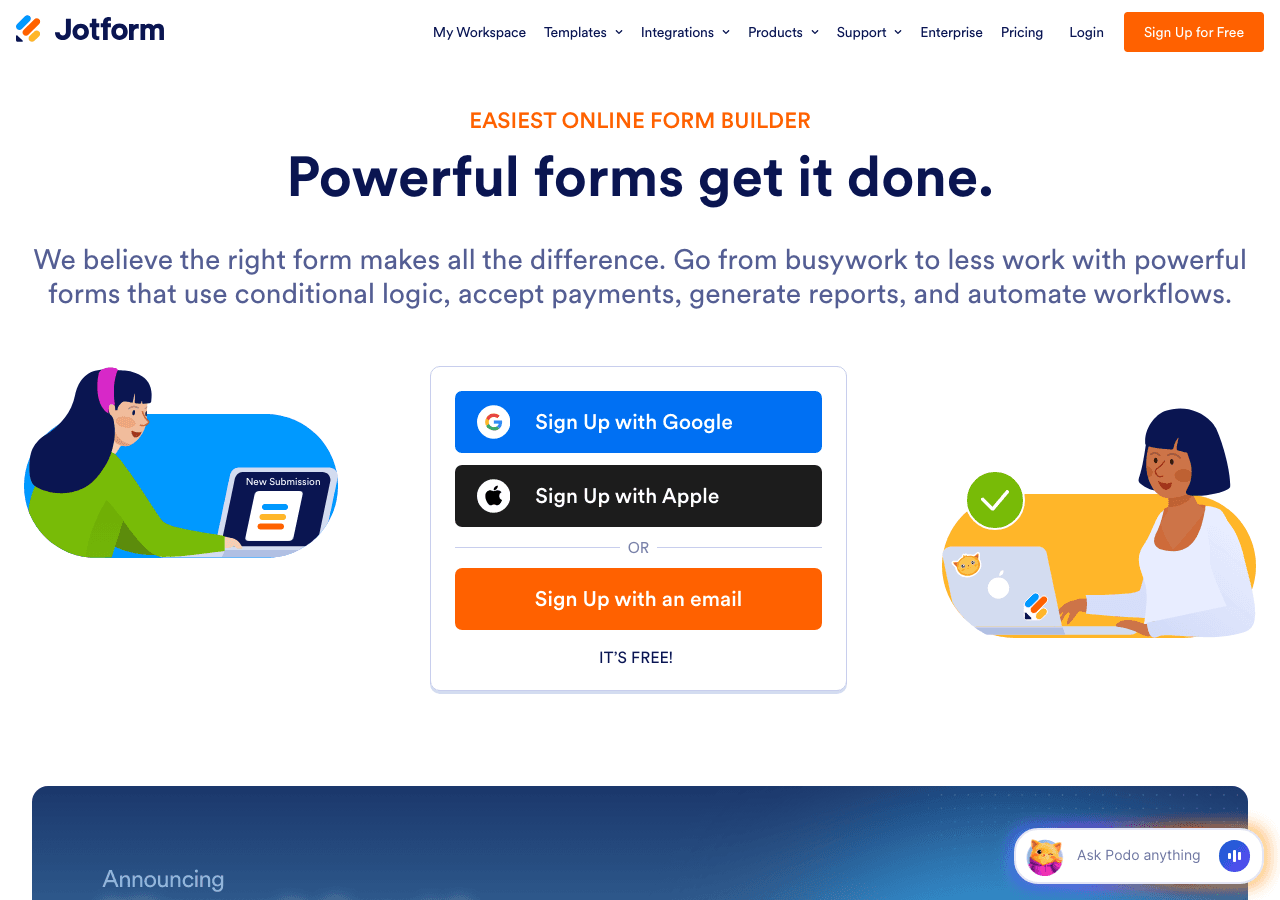
Jotform has been one of the most widely used form builders on the web for years, and its free tier remains genuinely useful. The drag-and-drop editor lets you build complex multi-step forms with conditional logic, file uploads, payment integrations, autoresponder emails, and QR code access.
The template library is enormous, with thousands of pre-built form templates covering everything from contact forms and intake forms to job applications and event registrations. Forms embed cleanly on any website and can push submissions to dozens of third-party tools via native integrations or Zapier.
The limitation of Jotform as a widget platform is that it is primarily a form tool. If you need a calculator, a quiz, or a social proof popup alongside your forms, you will need additional tools. It is purpose-built for structured data collection rather than broad interactive content.
Key features:
- Drag-and-drop form builder with conditional logic
- Thousands of templates including card forms, store builder templates, and app templates
- File upload, payment collection, and autoresponder email support
- QR code form generation
- Extensive integration library
Pricing: Free plan available. Paid plans unlock higher submission limits, storage, and advanced features.
Verdict: Jotform is the best choice if forms are your primary need. It is not the right tool if you want a single platform for varied widget types. For users who need forms alongside calculators, quizzes, and popups, Embeddable handles all of those in one place.
4. Elfsight — Best for Social Feed and Review Widgets
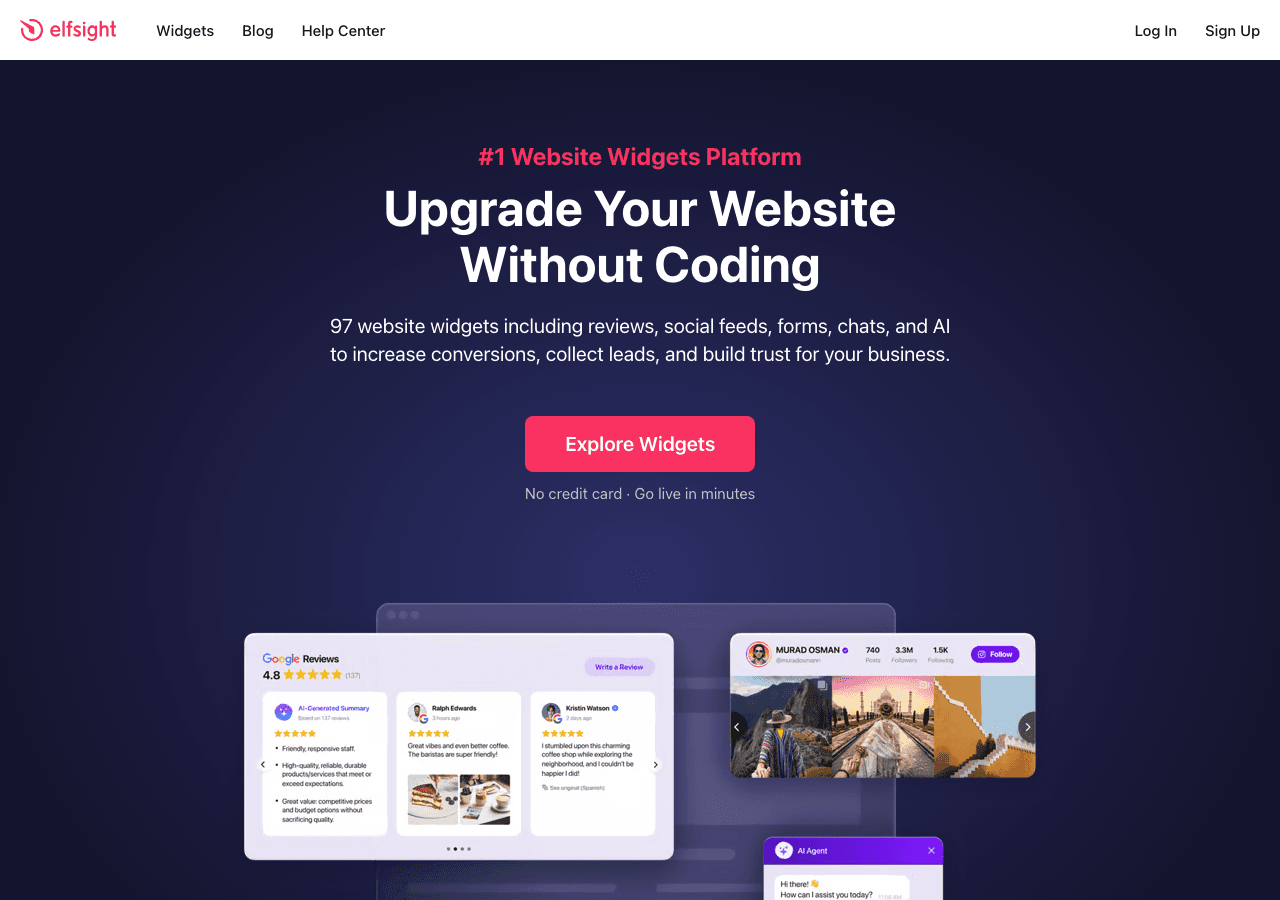
Elfsight is a popular widget marketplace with over 80 individual widget apps spanning Instagram feeds, Google Reviews displays, countdown timers, sliders, chat buttons, and more. The free plan is available indefinitely, with no credit card required, making it accessible for anyone who wants to test a widget before committing.
The editor for each widget is clean and straightforward. Most widgets follow a simple configure-and-copy workflow. The catalog is particularly strong for social proof and social media feed widgets, which is where Elfsight has built its reputation.
The main constraint on the free tier is a monthly views limit and the presence of Elfsight branding on all widgets. Removing the branding requires upgrading to a paid plan.
Key features:
- 80+ widget apps covering social feeds, reviews, counters, sliders, and more
- Free forever plan, no credit card required
- Quick embed workflow with copy-paste installation
- Consistent editor UI across all widget types
Pricing: Free forever on the base plan. Paid tiers from a few dollars per month per widget, with annual savings available.
Verdict: Elfsight is a strong pick for social feed and review widgets. If your primary need is displaying Instagram content or Google Reviews, it is worth evaluating. For a broader range of interactive widgets including quizzes, calculators, and booking tools, Embeddable offers considerably more functionality.
5. Involve.me — Best for AI-Generated Interactive Funnels

Involve.me focuses on interactive funnels, combining quizzes, forms, calculators, surveys, and lead scoring into multi-step content experiences. The platform's AI funnel generator can create an entire quiz or lead capture flow from a simple text prompt, which speeds up the initial build considerably.
The feature set is genuinely broad. You can build personality quizzes, scored assessments, lead generation funnels, product recommendation flows, and custom calculators. The platform also supports A/B testing, real-time content personalization, and automatic lead scoring, which makes it a strong choice for marketing teams that want to go beyond basic widget placement.
The free plan exists but is limited. Meaningful usage typically requires a paid subscription, with plans starting at $29 per month. Custom domains cost extra.
Key features:
- AI funnel generator for quizzes, forms, and lead flows
- Built-in lead scoring and segmentation
- A/B testing and real-time content personalization
- Custom calculator builder
- Trigger-based email and integration automation
Pricing: Free plan available. Paid plans start at $29 per month, with higher tiers at $59 and $129 per month. Enterprise plans start from $399 per month.
Verdict: Involve.me is a capable tool for marketers who want AI-assisted funnel building with lead scoring baked in. The pricing is a step up from free-first platforms, so it is better suited for teams with a dedicated budget for interactive content. For users who want more free widgets for websites without hitting a paywall quickly, Embeddable is a stronger starting point.
6. Calconic — Best for Standalone Calculator Widgets
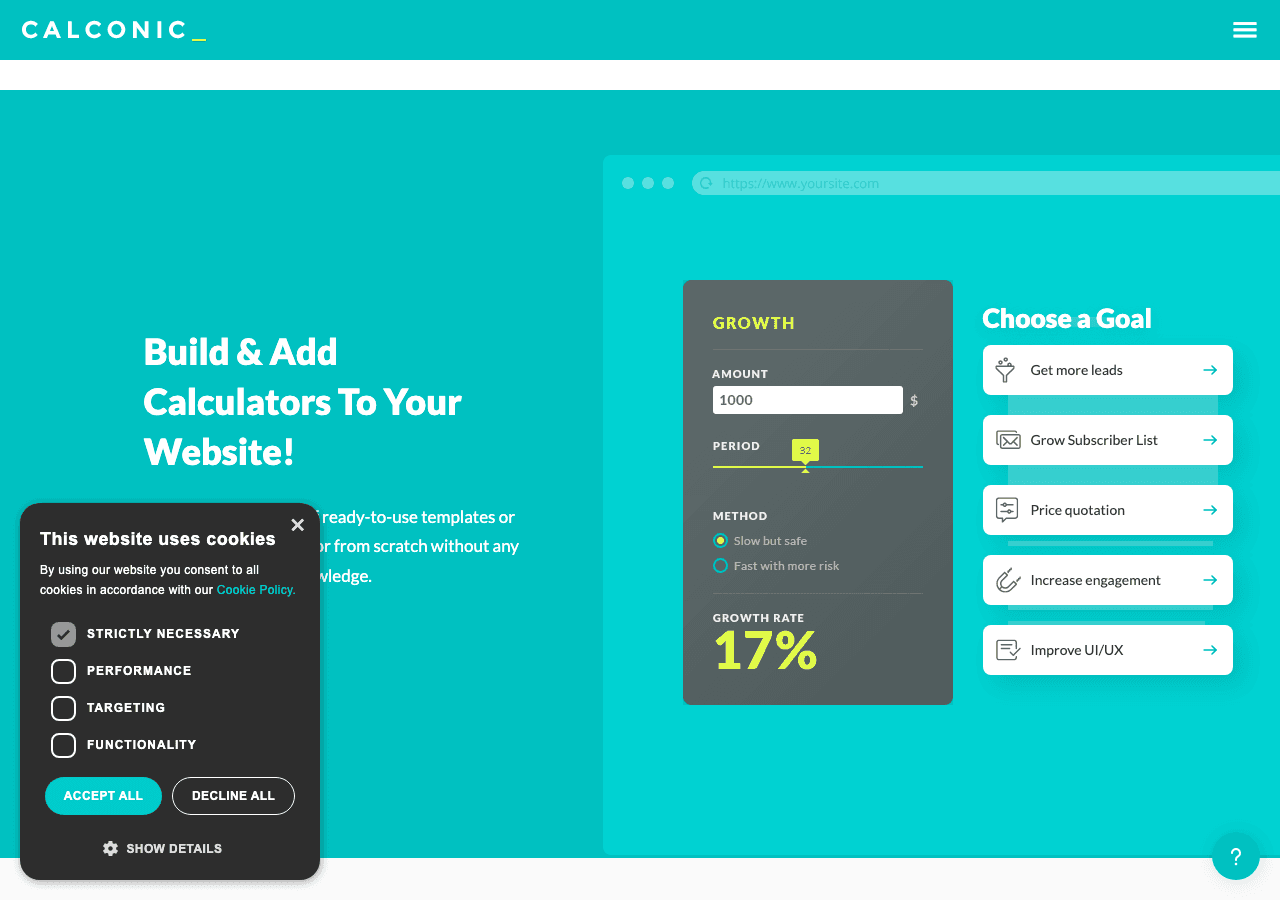
Calconic is a dedicated calculator builder focused entirely on creating embeddable calculators for websites. The platform supports complex formula logic, conditional element visibility, multi-step flows, value lookup tables, order forms, and payment collection. It is one of the more capable standalone calculator tools available.
The free plan lets you build your first calculator and explore the platform. A 14-day free trial unlocks paid features. Beyond the trial, meaningful use requires upgrading to a paid plan that removes the cap on the number of calculators you can create.
Because Calconic is calculator-only, it is not a solution for businesses that also need quizzes, forms, popups, or social proof widgets. It is a specialist tool rather than a general-purpose widget builder.
Key features:
- Dedicated calculator builder with advanced formula support
- Conditional element visibility and multi-step flows
- Value lookup tables for complex calculations
- Order form and payment collection support
- Mail results to users after calculation
Pricing: Free plan to build your first calculator. 14-day free trial for premium features. Paid plans required to unlock multiple calculators and advanced capabilities.
Verdict: Calconic is a solid choice if you specifically need a polished calculator widget and nothing else. For businesses that need calculators alongside other widget types, Embeddable covers the same ground with custom calculator widgets and far more besides.
Quick Comparison Table
| Tool | Free Plan | Widget Types | AI Features | Integrations | Best For |
|---|---|---|---|---|---|
| Embeddable | Yes, generous | 40+ types | Yes | Stripe, HubSpot, Mailchimp, Google Sheets, Zoom, and more | All-in-one widget platform |
| Common Ninja | Yes | 40+ individual apps | No | CMS-native integrations | Platform-specific installs |
| Jotform | Yes | Forms primarily | No | Extensive | Complex form workflows |
| Elfsight | Yes, with branding | 80+ apps | No | Limited | Social feeds and reviews |
| Involve.me | Limited | Quizzes, forms, funnels | Yes | Good | AI-assisted lead funnels |
| Calconic | Limited | Calculators only | No | Moderate | Standalone calculators |
| Typeform | Yes, 100 responses/mo | Forms and surveys | Limited | Good | Conversational forms |
| Outgrow | Trial only | Calculators, quizzes | No | Good | Interactive content marketing |
Other Tools Worth Knowing
Beyond the six tools reviewed in depth above, here are additional platforms that came up frequently in our research.
Typeform is the go-to option for conversational, card-style forms and surveys. The free plan includes 100 responses per month, which is sufficient for light use. Higher response volumes require paid tiers starting at the $25 per month range. It is primarily a form and survey tool rather than a broad widget platform.
Outgrow specializes in interactive content marketing, covering calculators, quizzes, chatbots, and assessments aimed at lead generation. There is no permanently free plan; access begins with a free trial and then moves to paid tiers starting around $22 per month. It is a solid tool for dedicated content marketing teams with a budget.
Interact focuses on lead generation quizzes with personality, scored, and trivia formats. It integrates well with email marketing platforms. The free plan is functional but limits the number of leads captured.
Paperform combines forms, surveys, product pages, and simple calculators in one tool. It has a polished editor but no meaningful free tier beyond a short trial.
ConvertCalculator is a strong standalone calculator platform similar to Calconic, with more advanced formula capabilities and a clean UI. Pricing starts after a free trial period.
Poptin focuses on popups, embedded forms, and notification bars. It has a free plan with reasonable limits and is a good choice if popups are your primary requirement.
OptiMonk and OptinMonster are popup-focused platforms with strong targeting and segmentation capabilities. Both lean toward the paid end of the market.
SurveyMonkey remains one of the most recognized survey tools available, though its free tier has become increasingly limited over the years.
Tally is a newer form builder with a genuinely generous free plan and a clean, Notion-like editor. Worth considering if forms are your only requirement.
Which Should You Choose?
The right tool depends on what you are actually trying to build. Here is a practical decision guide.
You need one widget type and nothing else. If you only need Google Reviews, go with Elfsight. If you only need complex calculators, try Calconic. If you only need forms, Jotform or Tally will serve you well. Specialists are fine when your scope is narrow.
You need multiple widget types without juggling subscriptions. This is where Embeddable pulls ahead of everything else. A single account covers calculators, quizzes, forms, popups, booking widgets, audio players, social proof tools, countdown timers, image carousels, and far more. You are not patching together four different free tools with four different embed codes.
You are a marketing team building lead generation funnels. Involve.me or Outgrow are worth evaluating if your budget allows. Embeddable is also a strong contender here, particularly with its lead generation quiz templates and direct CRM integrations.
You are an agency building sites for clients. Embeddable's developer API makes it the practical choice. You can manage widgets programmatically, keep branding consistent, and deploy across multiple client sites without manual work per engagement.
You are on an absolute zero budget. Embeddable, Common Ninja, and Elfsight all offer genuinely functional free tiers. Embeddable gives you the most widget variety on the free plan. Common Ninja is a solid alternative for platform-native installs. Elfsight is best for social and review displays specifically.
You are building on a specific platform like Shopify or Wix. Embeddable publishes embed guides for every major platform. Common Ninja also has strong native app installations for Wix and Shopify if you prefer that approach.
Conclusion
The market for free widgets for websites has matured considerably. In 2026, you no longer need to compromise on quality, customization, or integration depth just because you are on a free plan. The tools reviewed here cover the full spectrum from specialist apps to all-in-one builders, and several of them offer real functionality without requiring a credit card.
That said, if you want one recommendation: start with Embeddable. The free plan is generous, the widget catalog is unmatched in breadth, and the integration layer means your widgets do not live in isolation from your marketing stack. You can build a custom quiz, a mortgage calculator, a popup, and a booking widget all from the same dashboard, all embeddable on the same site with the same clean workflow.
Get started for free at embeddable.co/free-widgets and browse the full template library to find the right starting point for your site.
For more on building interactive components, see the guides on how to build custom widgets for your website, the best interactive content tools for websites, and free widgets for any website in 2026. If you are specifically looking for lead generation tools, the lead generation widgets use case page covers the full range of options available on Embeddable. And if you are evaluating specific alternatives, the comparison pages for Elfsight alternatives and Typeform alternatives go deeper on those individual tools.
Build Any Widget with AI in Seconds
Forms, calculators, quizzes, popups & any custom widget — describe it and AI builds it.
Try It FreeFree tier · No credit card